
FoMaKo K20UHx3+KC608 Pro
FoMaKo 4K 20X PTZ Camera System (K20UHx3+KC608 Pro) User Manual
Model: K20UHx3+KC608 Pro
1. הקדמה
This manual provides comprehensive instructions for the installation, operation, and maintenance of your FoMaKo 4K 20X PTZ Camera system. This system includes three K20UH 4K PTZ Cameras and one KC608 Pro NDI PTZ Controller. Please read this manual thoroughly before using the product to ensure proper functionality and to prevent damage.
2. המוצר נגמרview
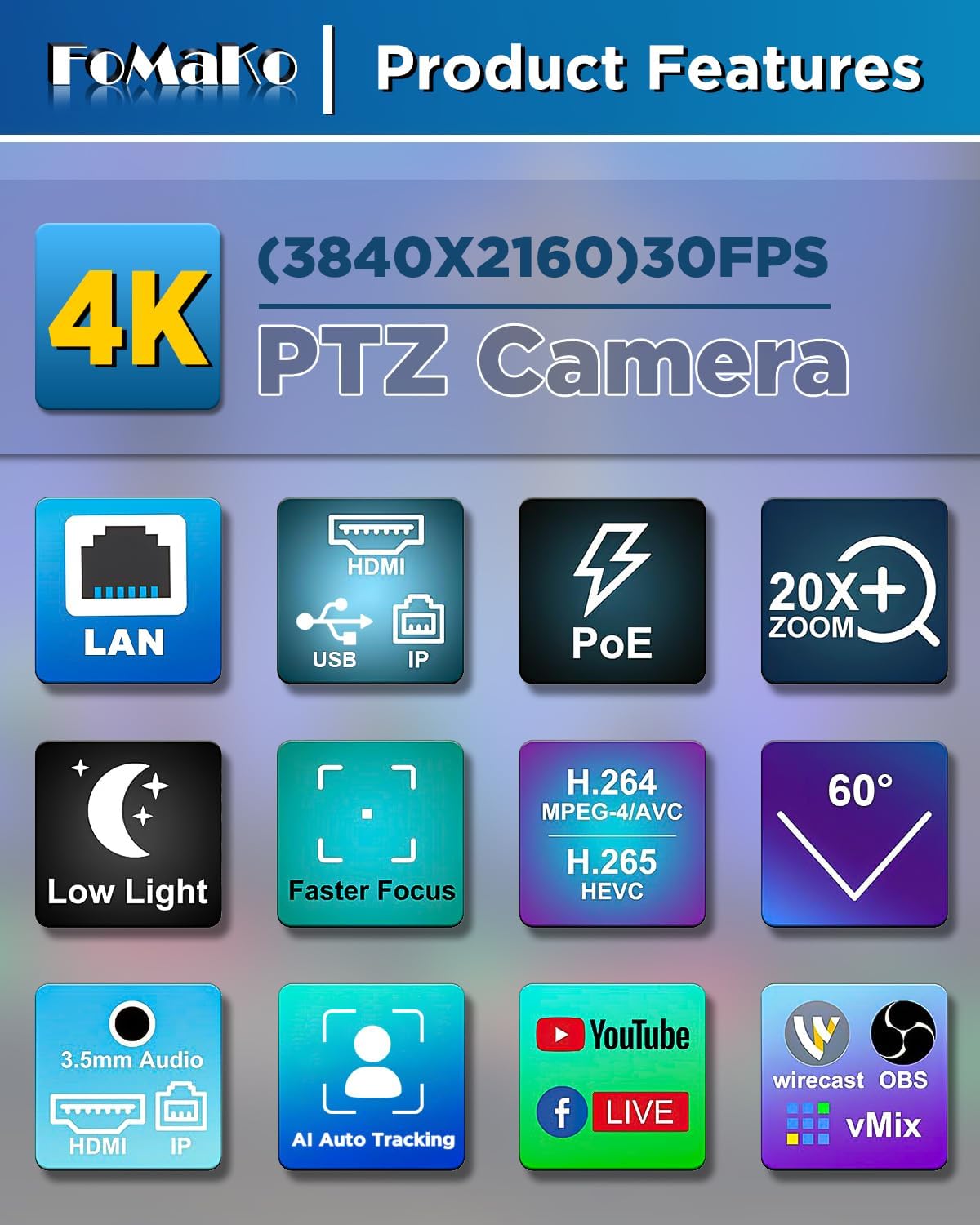
The FoMaKo 4K 20X PTZ Camera system is an all-in-one professional video solution designed for various applications including churches, classrooms, live events, and conferences. It features 4K UHD resolution, 20x optical zoom, AI auto-tracking, and NDI 6 & NDI HX3 certification for seamless multi-camera workflows.
2.1 תכונות עיקריות
- 4K UHD Clarity (3840x2160): Capture crisp, true-to-life 4K video with a high-end 1/2.8" CMOS sensor (8.42MP) and 20x optical zoom.
- AI Auto-Tracking (3rd Generation): Customizable tracking modes, sensitivity, figure size, character position, and lost target action. Supports real-time and regional tracking.
- NDI 6 & NDI HX3 Certified: Seamless integration with NewTek’s NDI ecosystem for ultra-low-latency, high-quality video over standard networks. NDI HX3 ensures stable streaming with limited bandwidth.
- תמיכה ב-PoE: Power over Ethernet simplifies setup with a single cable for both power and data.
- ממשקים מרובים: Supports HDMI 2.0, USB 3.0, LAN, RS232, RS422, RS485.
- KC608 Pro NDI PTZ Controller: PoE PTZ IP Controller Keyboard with 4D Joystick, compatible with VISCA, PELCO-P & D protocols.
2.2 תכולת החבילה
החבילה כוללת את הפריטים הבאים:
- 3 x FoMaKo K20UH 4K PTZ Camera
- 1 x FoMaKo KC608 Pro NDI PTZ Controller
- כבלי חשמל
- כבל USB 3.0
- RS232/RS485 Cable
- תושבת לקיר
- סוגר הרכבה לתקרה
- חומרת הרכבה
- IR Wireless Remote Control
- מדריך למשתמש
הווידאו 1: פתיחת הקופסה ומעלהview of the FoMaKo 4K PTZ Camera and included accessories. This video demonstrates the contents of the package, including the camera, cables, mounting options, and remote control.
3. התקנה
3.1 מיקום והרכבה של המצלמה
The camera can be placed on a flat surface, mounted on a wall, or suspended from the ceiling. Ensure the camera is positioned to capture the desired area without obstruction.
- הרכבה על הקיר: Use the provided metal wall bracket and hardware. Secure the bracket firmly to a sturdy wall surface before attaching the camera.
- הרכבה על התקרה: Use the provided metal ceiling mount and hardware. Ensure the ceiling can support the camera's weight.

תמונה 1: FoMaKo K20UH 4K NDI PTZ Camera mounted on a wall, demonstrating its pan and tilt range in a church environment.
3.2 חיבורים
Connect the camera using the appropriate cables for your setup:
- כּוֹחַ: Connect the power adapter to the DC12V port and plug it into a power outlet. If using PoE, connect an Ethernet cable from a PoE-enabled switch to the LAN port.
- פלט וידאו:
- HDMI: Connect an HDMI cable from the camera's HDMI port to a display or video switcher.
- USB 3.0: Connect the USB 3.0 cable from the camera to a computer for video capture and control.
- רשת מקומית (סטרימינג NDI/IP): Connect an Ethernet cable to the LAN port for NDI streaming and IP control.
- קלט שמע: Connect an audio source to the LINE IN port.
- לִשְׁלוֹט:
- RS232/RS485: Use the provided cable to connect to a PTZ controller or control system.
- LAN (IP Control): Control the camera via its IP address using the KC608 Pro controller or web מִמְשָׁק.

תמונה 2: Rear panel of the FoMaKo K20UH camera, highlighting the various input and output ports for connectivity.

תמונה 3: Example connection diagram for a multi-camera setup using FoMaKo PTZ cameras, illustrating how to integrate with a video mixer, PoE switch, and computer for live streaming.
4. הוראות הפעלה
4.1 הפעלה/כיבוי
After connecting the power supply, toggle the ON/OFF switch on the rear of the camera to power it on. The camera will perform a self-test and initialize.
4.2 Using the KC608 Pro NDI PTZ Controller
The KC608 Pro controller provides comprehensive control over your PTZ cameras. Connect the controller to your network via Ethernet. Ensure the cameras are also connected to the same network.
- בחירת מצלמה: Use the camera selection buttons (CAM 1-7) to choose which camera to control.
- ג'ויסטיק תלת-ממדי: Use the joystick for precise pan, tilt, and zoom control.
- PTZ Speed Adjustment: Adjust the pan/tilt/zoom speed using the dedicated knobs or buttons on the controller.
- ניהול מוגדר מראש: Store and recall camera positions using the preset buttons.
- בקרת מיקוד: Adjust focus manually or use the auto-focus function.
- שליטה בחשיפה: Adjust exposure settings as needed.
הווידאו 2: FoMaKo KC608 Pro web control panel operation workflow. This video demonstrates how to configure and manage camera settings through the controller's web מִמְשָׁק.

תמונה 4: The FoMaKo KC608 Pro PTZ controller in use, displaying its 4D joystick and LCD screen with a camera feed.
4.3 מעקב אוטומטי באמצעות בינה מלאכותית
The 3rd generation AI Auto-Tracking feature allows the camera to automatically follow a presenter or subject. This feature can be activated and configured via the remote control or the web מִמְשָׁק.
- הפעל מעקב: Press F2 on the remote control to turn on automatic tracking.
- Switch Tracking Target: Press F4 on the remote control to switch between tracking targets.
- התאמה אישית: גישה אל web interface to adjust tracking modes (Presenter/Zone), tracking sensitivity, figure size (Close, Half, Full), character position, and action upon lost target.

תמונה 5: The FoMaKo 4K PTZ Camera demonstrating its AI auto-tracking feature, with a speaker highlighted by a green tracking box.

תמונה 6: Web interface settings for AI tracking, illustrating options for adjusting target size (Full, Half, Close) and other advanced tracking parameters.
4.4 פונקציות שלט רחוק
The IR wireless remote control provides quick access to essential camera functions:
- כּוֹחַ: הפעל או כבה את המצלמה.
- בחירת מצלמה: Switch between multiple cameras (Cam 1-4).
- הזזה/הטיה/זום: Adjust camera direction and zoom level.
- מוֹקֵד: Manual and auto-focus controls.
- מוגדר מראש: Set and recall preset positions.
- F1/F2/F3/F4: Customizable function keys, pre-assigned for AI tracking on/off.
תמונה 7: The IR wireless remote control for the FoMaKo PTZ camera, showing its layout and key functions.
5. תחזוקה
- ניקוי: השתמשו במטלית רכה ויבשה לניקוי גוף המצלמה. עבור העדשה, השתמשו במטלית ובתמיסה ייעודיים לניקוי עדשות. הימנעו מכימיקלים חזקים.
- עדכוני קושחה: בדקו באופן קבוע את הוראות היצרן website for firmware updates to ensure optimal performance and access to new features. Firmware can be updated via the web מִמְשָׁק.
- אִחסוּן: When not in use for extended periods, store the camera in a dry, dust-free environment.
6. פתרון תקלות
| בְּעָיָה | סיבה אפשרית | פִּתָרוֹן |
|---|---|---|
| אין פלט וידאו. | Incorrect cable connection, camera not powered on, incorrect input selected on display. | Check all cable connections (HDMI, USB, LAN). Ensure camera is powered on. Select the correct input source on your display/switcher. |
| Camera not responding to controller. | Incorrect network settings, wrong camera selected, remote control batteries low. | Verify IP addresses and network settings for both camera and controller. Ensure the correct camera is selected on the controller. Replace remote control batteries. |
| מעקב בינה מלאכותית לא עובד. | Tracking feature disabled, subject out of range, incorrect tracking settings. | Activate AI tracking using F2 on the remote or via the web interface. Ensure the subject is within the camera's field of view. Adjust tracking sensitivity and mode in the web מִמְשָׁק. |
| איכות וידאו ירודה. | Insufficient lighting, dirty lens, incorrect resolution settings. | Ensure adequate lighting. Clean the camera lens. Check video output resolution settings on the camera and receiving device. |
7. מפרטים
| תכונה | פְּרָט |
|---|---|
| מותג | FoMaKo |
| מספר דגם | K20UHx3+KC608 Pro |
| טכנולוגיית חיישן צילום | CMOS (1/2.8 inch, 8.42MP Effective Pixels) |
| רזולוציית לכידת וידאו | 4K (3840x2160) @ 30fps, 1080P @ 60fps |
| זום אופטי | 20x |
| תכונות מיוחדות | 4K Resolution, AI Auto-Tracking (3rd Gen), PoE Capability, NDI 6 & NDI HX3 Certified |
| טכנולוגיית קישוריות | Ethernet, HDMI 2.0, USB 3.0, RS232, RS422, RS485 |
| פורמט שמע נתמך | PCM, AAC, MP3 |
| Screen Size (Controller) | 3 אינץ' |
8. אחריות ותמיכה
FoMaKo provides the following warranty and support for this product:
- אחריות מוגבלת לשנתיים: מכסה פגמי ייצור ותקלות בשימוש רגיל.
- אחריות להחזר כספי ל-30 יום: Risk-free purchase.
- Free Online Training: Resources available to help you get started.
- 24/7 Expert Assistance: Responses within 24 hours. Please include your Order ID for faster service.
- Lifetime Customer Technical Support: Ongoing support for the product's lifespan. Remote assistance can be provided if necessary.

תמונה 8: FoMaKo customer support information, detailing warranty, money-back guarantee, and technical assistance.
Ask a question about this manual
Ask about setup, troubleshooting, compatibility, parts, safety, or missing instructions. Manuals+ will review the question and use this page’s manual context to help answer it.