
1. מידע בטיחות חשוב
Please read this entire manual before installation and assembly. If you have any questions regarding any of the instructions or warnings, please contact your local distributor for assistance.
- We accept no responsibility for incorrect or faulty installation.
- Follow the enclosed installation instructions carefully.
- Check the condition and completeness of all items before beginning.
- The fastening materials supplied for wall mounting are intended exclusively for fastening to solid masonry or concrete. For other wall types, such as hollow bricks, plasterboard, or lightweight construction, please contact a specialist retailer for information on suitable fastening elements.
- Under no circumstances should you exceed the limit values specified for the product.
2. תכולת החבילה
Verify that all components are present and undamaged before installation. If any parts are missing or damaged, do not attempt to install. Contact customer support for replacement parts.

Figure 2.1: XTRARM TiTon Double TV Wall Mount and included hardware components, including various screws, anchors, washers, and a drilling template.
החבילה כוללת בדרך כלל:
- XTRARM TiTon Double TV Wall Mount assembly
- Standard mounting hardware for TV and wall (various screws, anchors, washers)
- תבנית קידוח
- Small spirit level
- Multiple hook-and-loop straps for cable management
3. מפרטים
| תכונה | מִפרָט |
|---|---|
| סוג הרכבה | מתקן קיר |
| סוג תנועה | Articulated, Swivel, Tilt, Rotate |
| חוֹמֶר | מַתֶכֶת |
| צֶבַע | שָׁחוֹר |
| מרחק קיר | 12.9 ס"מ (מכוסה) עד 120 ס"מ (מורחב) |
| רוֹטַציָה | Up to 90° (portrait/landscape) |
| לְהִסְתוֹבֵב | Up to 180° (90° left/right) |
| לְהַטוֹת | -5° עד +12° |
| גודל טלוויזיה מומלץ | Approximately 52 – 110 inches |
| קיבולת משקל | מקסימום 80 ק"ג |
| תאימות VESA | 100x100mm, 100x200mm, 200x100mm, 200x200mm, 200x300mm, 300x200mm, 300x300mm, 400x200mm, 400x300mm, 400x400mm, 500x300mm, 600x200mm, 600x400mm |

Figure 3.1: VESA compatibility and maximum weight capacity.

Figure 3.2: Key dimensions and movement capabilities of the mount.
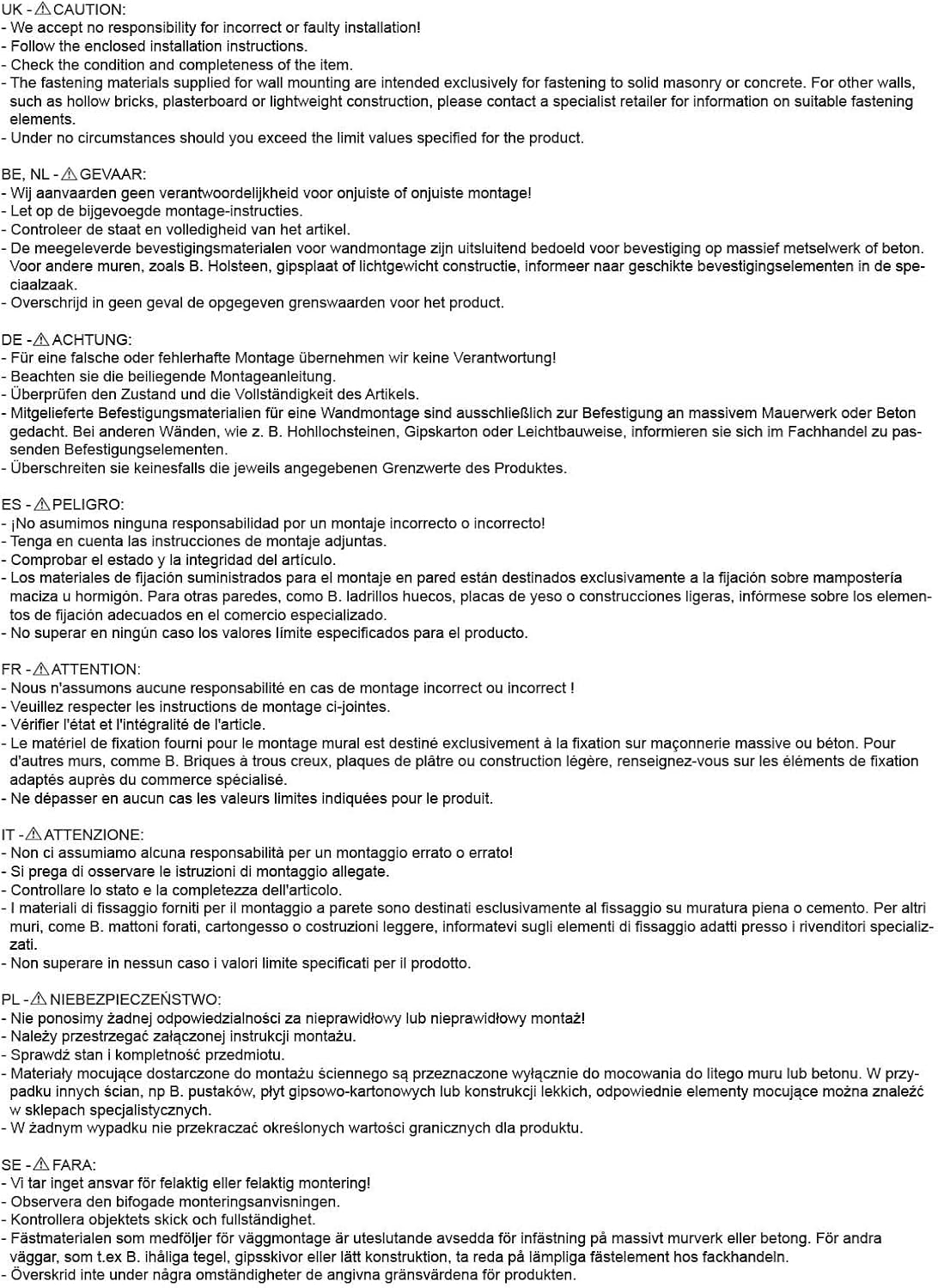
Figure 3.3: Comprehensive technical drawing with detailed dimensions and adjustment ranges.
4. התקנה והתקנה
Proper installation is crucial for the safety and stability of your TV. Ensure you have the necessary tools and assistance before proceeding.
4.1 כלים נדרשים (לא כלולים)
- לִקְדוֹחַ
- מאתר קורות (אם מתקינים על קורות עץ)
- עִפָּרוֹן
- סרט מדידה
- מפתח ברגים או מפתח ברגים מתכוונן
- מברג ראש פיליפס
4.2 בחירת מיקום הרכבה
Select a wall location that can safely support the weight of the mount and your TV. For solid concrete or masonry walls, use the provided anchors. For wood stud walls, ensure the mount is centered on a stud. Avoid mounting to drywall alone.
4.3 Attaching the Wall Plate
- Position the drilling template at the desired height on the wall and mark the drill holes with a pencil. Use the included spirit level to ensure it is perfectly horizontal.
- Drill pilot holes at the marked locations. The drill bit size will depend on your wall type and the chosen anchors/screws.
- הכנס עוגני קיר (אם נדרשים לסוג הקיר שלך) לתוך חורי הפיילוט.
- Align the wall plate with the drilled holes and secure it to the wall using the appropriate screws and washers. Ensure it is firmly attached.
4.4 Attaching TV Brackets to TV
- הנח בזהירות את הטלוויזיה כשפניה כלפי מטה על משטח רך ונקי כדי למנוע נזק למסך.
- זהה את חורי ההרכבה של VESA בגב הטלוויזיה שלך.
- Select the correct size screws and spacers (if needed) from the provided hardware that fit your TV's VESA pattern.
- Attach the two vertical TV brackets to the back of your TV, ensuring they are level and securely fastened. Do not overtighten.
4.5 Mounting TV to Wall Plate
- With assistance, carefully lift the TV and hook the attached TV brackets onto the wall plate.
- ודא שהטלוויזיה ממוקמת היטב על משטח הקיר.
- Engage any safety locking mechanisms on the brackets to prevent accidental dislodgement.

איור 4.1: דוגמהample of the XTRARM TiTon Double TV Wall Mount installed with a television.
5. הוראות הפעלה
The XTRARM TiTon Double mount offers full motion capabilities for optimal viewזוויות.
5.1 Adjusting Wall Distance
Gently pull or push the TV to extend or retract the mount. The mount allows for a wall distance ranging from 12.9 cm to 120 cm.

Figure 5.1: Adjustable wall distance of the mount.
5.2 כוונון סיבוב
The mount can swivel up to 180 degrees (90 degrees left or right) to direct the screen towards different viewאזורים.

Figure 5.2: Swivel capability of the mount.
5.3 התאמת הטיה
Adjust the vertical tilt of your TV from -5 degrees to +12 degrees to reduce glare and optimize viewing comfort. Loosen the tilt adjustment knobs, set the desired angle, and then retighten the knobs.
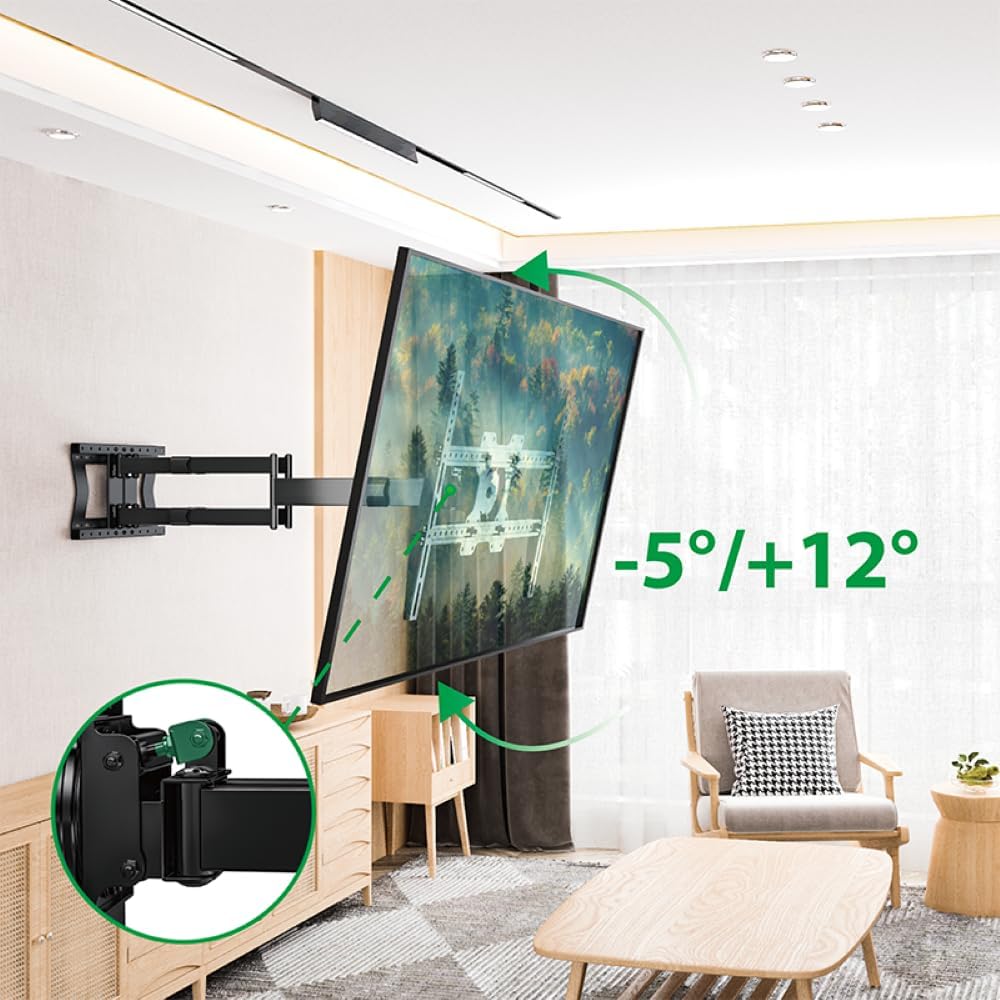
Figure 5.3: Tilt adjustment range and mechanism.
5.4 כוונון סיבוב
The mount allows for a 90-degree rotation, enabling you to switch between landscape and portrait orientation for your TV.

Figure 5.4: 90-degree rotation capability.
5.5 ניהול כבלים
Use the provided hook-and-loop straps to bundle and organize cables along the mount arms for a tidy appearance and to prevent snagging during adjustments.
6. תחזוקה
תחזוקה שוטפת מבטיחה את אורך החיים ואת פעולתו הבטוחה של מתקן הקיר לטלוויזיה.
- ניקוי: נגבו את התושבת בעזרת מטלית רכה ויבשה. הימנעו מחומרי ניקוי שוחקים או ממסים שעלולים לפגוע בגימור.
- בדוק חיבורים: בדקו מעת לעת את כל הברגים והברגים כדי לוודא שהם נשארים מהודקים היטב. הדקו מחדש במידת הצורך, אך אל תחזקו יתר על המידה.
- בדוק לבלאי: Regularly inspect the mount for any signs of wear, damage, or corrosion. If any issues are found, discontinue use and contact customer support.
7. פתרון תקלות
If you encounter any issues with your XTRARM TiTon Double TV Wall Mount, refer to the following common problems and solutions:
| בְּעָיָה | סיבה אפשרית | פִּתָרוֹן |
|---|---|---|
| הטלוויזיה אינה מאוזן | Wall plate or TV brackets not level during installation. | Carefully remove the TV, adjust the wall plate or TV brackets using a spirit level, and re-mount. |
| Difficulty moving the mount | Joints may be too tight or require lubrication. | Check for any overtightened bolts. Apply a small amount of silicone-based lubricant to moving joints if necessary. |
| ההר מרגיש לא יציב | Loose wall plate, incorrect anchors, or exceeding weight capacity. | Immediately remove the TV. Re-check all wall plate fasteners. Ensure correct anchors were used for your wall type. Verify TV weight does not exceed 80 kg. If issues persist, consult a professional installer. |
8. אחריות ותמיכה
For information regarding warranty coverage, technical support, or replacement parts, please refer to the documentation provided at the time of purchase or visit the official XTRARM webאתר. שמור את קבלת הרכישה כהוכחת קנייה.