
1. הקדמה
The Xigmatek Aqua V AIR is a high-performance mid-tower PC case designed for gaming enthusiasts. It features a spacious interior, optimized airflow, and tempered glass panels on the front and side to showcase your components. Equipped with seven 120mm ARGB fans, it supports graphics cards up to 410mm in length and is compatible with motherboards featuring hidden connectors for a clean build.
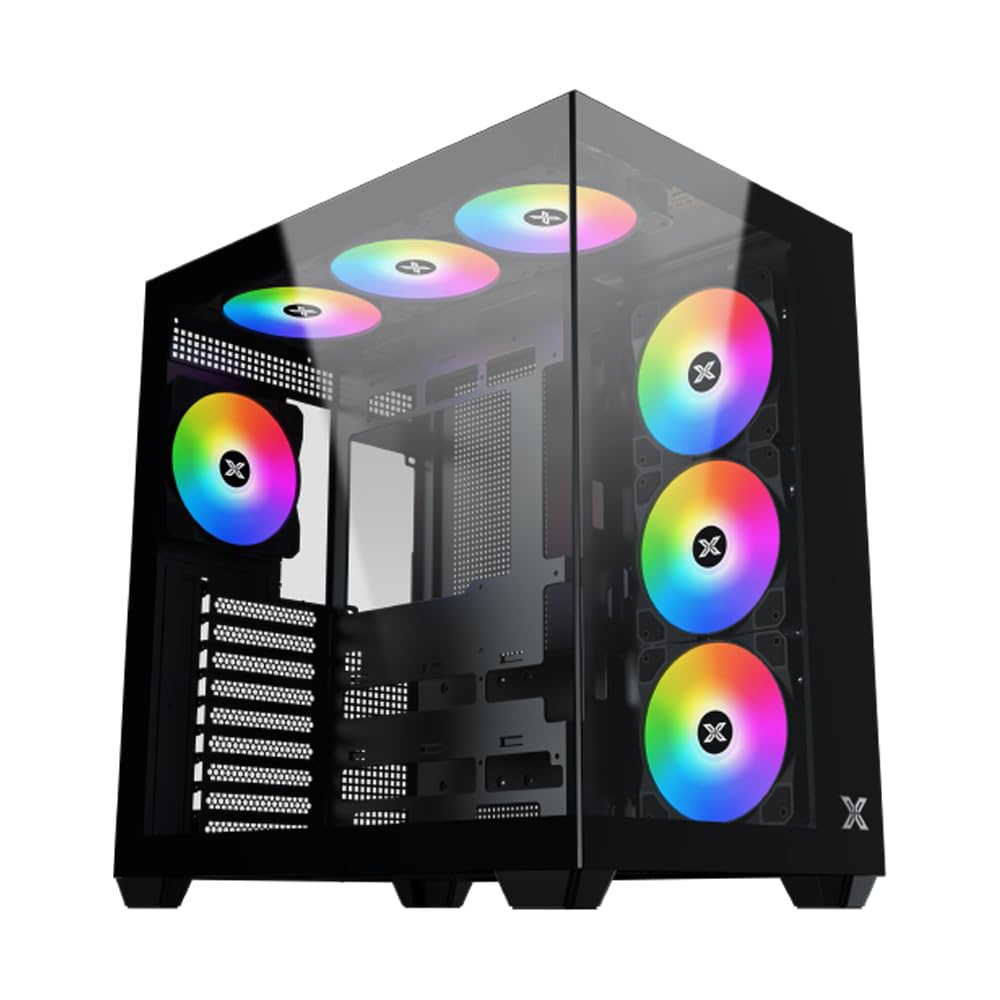
איור 1: בסך הכל view of the Xigmatek Aqua V AIR PC Case.
2. תכונות עיקריות
- חוֹמֶר: Constructed from high-quality steel for durability and reliability.
- מידות: 427 x 285 x 455 mm (L x W x H), offering a spacious interior.
- מערכת קירור: Supports up to three 120mm or two 140mm fans for optimal cooling performance.
- תמיכה ברדיאטור: Compatible with 240/280/360mm radiators on the top, bottom, and rear for versatile cooling options.
- פאנל קלט/פלט: Features 2x USB 3.0 ports, 1x USB-C port, and HD audio for convenient connectivity.
- תאימות לוח אם: Supports ATX, Micro ATX, and Mini ITX motherboards, including those with hidden connectors.
- אורך GPU: Accommodates graphics cards up to 410mm in length.
- תמיכה באחסון: מספק ample space for multiple storage drives.
3. מפרטים
| תכונה | פְּרָט |
|---|---|
| מותג | Xigmatek |
| מספר דגם | EN45820 |
| סִדרָה | Aqua V AIR BLACK |
| צֶבַע | שָׁחוֹר |
| מידות (L x W x H) | 42.7 x 28.5 x 45.5 ס"מ |
| משקל המוצר | 8.8 קילוגרם |
| חוֹמֶר | סגסוגת פלדה, זכוכית מחוסמת |
| תאימות לוח אם | ATX, מיקרו ATX, מיני ITX |
| סוג מקרה | Mid-Tower |
| שימושים מומלצים | Gaming, High-Performance Computing |
| יציאות USB 3.0 | 2 |
| יציאות USB-C | 1 |
| שיטת קירור | Water (Liquid Cooling Support) |
| גודל מאוורר | 120 Millimeters (Pre-installed ARGB fans) |
| סוג הרכבה של ספק כוח | הר תחתון |
4. התקנה והתקנה
This section provides general guidance for installing components into your Xigmatek Aqua V AIR PC case. Always refer to the specific manuals for your motherboard, power supply, and other components for detailed instructions.
4.1 הכנת התיק
- הוצא את מארז המחשב והסר את כל חומרי האריזה.
- Carefully remove the tempered glass side panel(s) and front panel (if applicable) to access the interior. Store them safely to prevent damage.
- Identify the accessory box, which typically contains screws, cable ties, and other small parts.
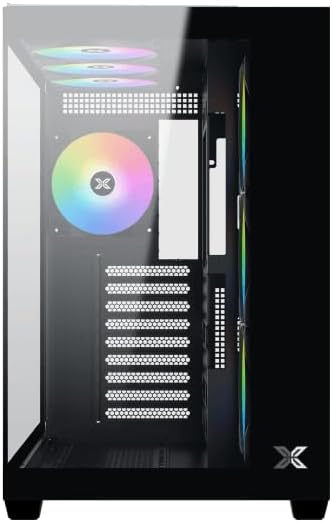
איור 2: פנים view עם לוח צד הוסר.
4.2 התקנת לוח אם
- התקן את מגן ה-I/O (אם אינו מותקן מראש על לוח האם שלך) בפתח האחורי של המארז.
- Align your ATX, Micro ATX, or Mini ITX motherboard with the standoffs inside the case. Ensure all standoffs match the screw holes on your motherboard.
- Secure the motherboard with the appropriate screws provided in the accessory kit.

Figure 3: Motherboard tray and cable management area.
4.3 התקנת יחידת ספק כוח (PSU)
- Locate the PSU mounting area at the bottom rear of the case.
- Slide your PSU into position, ensuring the fan faces downwards (if the case has a bottom vent) or upwards.
- אבטחו את ספק הכוח באמצעות ברגים מחלקו האחורי של המארז.
4.4 התקנת כונן אחסון
The case supports various storage configurations. Refer to the case diagram for specific drive bay locations.
- Install 2.5" SSDs or 3.5" HDDs into the designated drive bays or mounting brackets.
- Secure the drives with screws.
4.5 התקנת כרטיס מסך (GPU)
- הסר את כיסויי חריצי ה-PCIe הדרושים מחלקו האחורי של המארז.
- הכנס את כרטיס המסך שלך לחריץ PCIe המתאים בלוח האם.
- אבטחו את כרטיס המסך בעזרת ברגים.
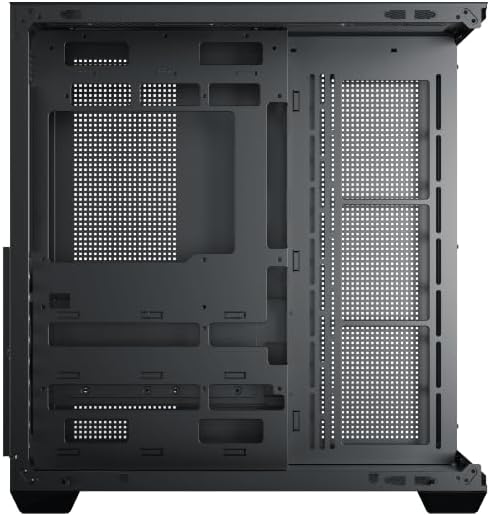
Figure 4: Components installed inside the case.
4.6 ניהול כבלים
Utilize the cable routing cutouts and tie-down points behind the motherboard tray to manage cables for improved airflow and aesthetics.
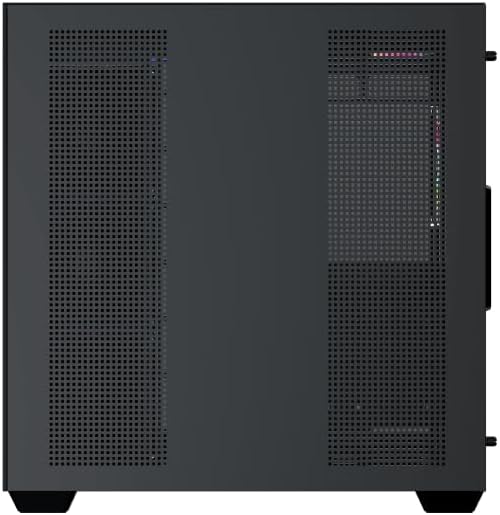
Figure 5: Top panel and I/O ports.
5. הוראות הפעלה
5.1 הפעלה
Once all components are securely installed and connected, close the side panels. Connect your power cable to the PSU and press the power button on the case's front I/O panel.
5.2 בקרת מאוורר ARGB
The Xigmatek Aqua V AIR comes with pre-installed ARGB fans. These fans can typically be controlled via:
- תוכנת לוח אם: If your motherboard supports ARGB synchronization, connect the fan's ARGB cables to the motherboard's 3-pin 5V ARGB header and use the motherboard's software (e.g., ASUS Aura Sync, MSI Mystic Light, Gigabyte RGB Fusion) to customize lighting effects.
- בקר משולב: If your case includes a built-in ARGB controller, use the dedicated button on the I/O panel to cycle through various lighting modes and colors.
6. תחזוקה
תחזוקה שוטפת מסייעת להבטיח ביצועים אופטימליים ואורך חיים של רכיבי המחשב שלך.
6.1 ניקוי מסנן האבק
The Xigmatek Aqua V AIR case is equipped with dust filters to prevent dust buildup. Locate and gently remove the dust filters (typically on the top, front, and bottom). Clean them with compressed air or by rinsing with water. Ensure they are completely dry before reattaching.
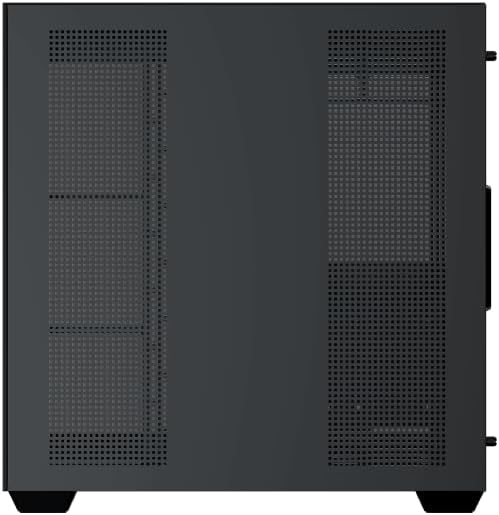
Figure 6: Bottom dust filter.
6.2 ניקיון כללי
Use a soft, dry cloth to wipe down the exterior of the case. For tempered glass panels, use a glass cleaner and a microfiber cloth to avoid streaks. Avoid using abrasive cleaners or solvents.
7. פתרון תקלות
אם נתקלת בבעיות, שקול את השלבים הנפוצים הבאים לפתרון בעיות:
- אין כוח:
- Ensure the PSU is switched on and properly connected to the wall outlet and motherboard.
- Check all power connections to components (motherboard, CPU, GPU, drives).
- Verify the front panel power switch cable is correctly connected to the motherboard.
- מאווררים לא מסתובבים / RGB לא עובד:
- Check if fan power cables are securely connected to the motherboard or fan controller.
- Ensure ARGB cables are connected to the correct 3-pin 5V ARGB header (not 4-pin 12V RGB).
- If using a controller, ensure it has power and is functioning correctly.
- התחממות יתר:
- Ensure all fans are spinning and oriented correctly for optimal airflow (intake/exhaust).
- נקו את מסנני האבק והרכיבים הפנימיים.
- Verify CPU cooler and GPU cooler are properly seated and functioning.
8. אחריות ותמיכה
The Xigmatek Aqua V AIR PC Case comes with a אחריות יצרן לשנה. For technical support, warranty claims, or further assistance, please contact Xigmatek customer service or visit their official webאֲתַר.
אנא שמור את הוכחת הרכישה שלך לצורכי אחריות.