
1. הקדמה
This manual provides detailed instructions for the setup, operation, and maintenance of your TMY Native 1080P Mini Projector. Please read this manual thoroughly before using the projector to ensure proper function and longevity.
2. מה בקופסה
- TMY Native 1080P Mini Projector
- שְׁלַט רָחוֹק
- כבל חשמל
- כבל HDMI
- מדריך למשתמש
- ערכת ניקוי
3. המוצר נגמרview
The TMY Native 1080P Mini Projector is designed for versatile home entertainment, offering native 1080P resolution and various connectivity options in a compact form factor.

3.1 יציאות קישוריות
The projector features multiple ports for connecting various devices:

- יציאת HDMI: For connecting devices such as TV sticks, PCs, gaming consoles, and DVD players.
- יציאת USB: לחיבור כונני USB להפעלת מדיה files.
- שקע שמע 3.5 מ"מ: For connecting external wired speakers or headphones.
- קלט כוח: לחיבור כבל החשמל.
4. התקנה
4.1 מיקום
Position the projector on a stable, flat surface. The projection distance can range from 1.5 meters to 5 meters, producing a screen size from 40 inches to 200 inches. Ensure there are no obstructions between the projector and the projection surface.
4.2 חיבור מתח
- חבר את כבל החשמל לשקע החשמל של המקרן.
- חבר את הקצה השני של כבל החשמל לשקע חשמל.
4.3 הפעלה ראשונית
לחץ על לחצן ההפעלה במקרן או בשלט רחוק כדי להפעיל את המכשיר. נורית החיווי תידלק.
4.4 תיקון מיקוד ותיקון טרפז
To achieve a clear and rectangular image, adjust the focus ring and keystone correction dial located on the projector. The projector supports ±15° vertical keystone correction.

5. הוראות הפעלה
5.1 חיבור התקנים
המקרן מציע מספר דרכים לחבר את המכשירים שלך:

5.1.1 חיבור HDMI
Connect your device (e.g., TV Stick, PC, gaming console) to the projector's HDMI port using an HDMI cable. Select the corresponding HDMI input source from the projector's menu.
5.1.2 חיבור USB
Insert a USB drive into the USB port. Navigate to the media player function in the projector's menu to browse and play files.
חיבור WiFi 5.1.3 (שיקוף מסך)
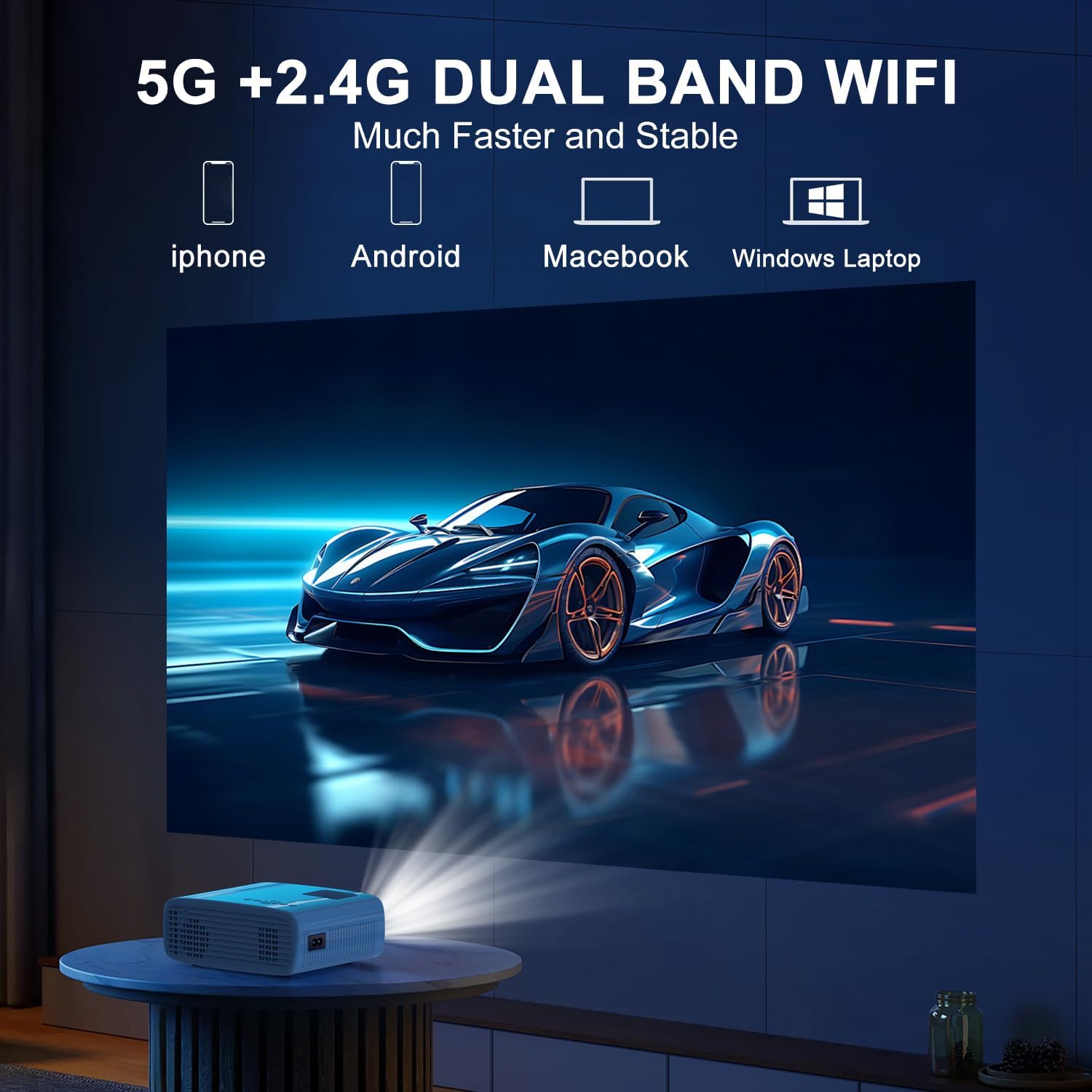
The projector supports 5G/2.4G dual-band WiFi for wireless screen mirroring from compatible smartphones, tablets, and laptops. Access the WiFi settings in the projector's menu to connect to your home network and initiate screen mirroring.

5.1.4 חיבור בלוטות'
The projector features two-way Bluetooth 5.2 technology. It can connect to external Bluetooth speakers or headphones for audio output. Additionally, it can function as a Bluetooth speaker itself, allowing you to connect your smartphone or tablet to play audio through the projector's built-in speakers.
פֶּתֶק:
- Bluetooth does not support screen mirroring with your phone.
- When connecting to external Bluetooth speakers, ensure the speaker is in pairing mode.
5.2 פונקציית זום
The projector includes a 100% to 50% zoom function, allowing you to adjust the screen size digitally without physically moving the projector. This feature is accessible through the projector's menu settings.
5.3 ניווט בתפריט
Use the remote control to navigate through the projector's on-screen menu. The menu allows you to select input sources, adjust picture settings (brightness, contrast, color), sound settings, and other system configurations.
6. תחזוקה
6.1 ניקוי
- עֲדָשָׁה: Use the provided cleaning cloth or a soft, lint-free cloth to gently wipe the projector lens. Avoid abrasive materials.
- חִיצוֹנִי: Wipe the projector's exterior with a soft, dry cloth. Do not use liquid cleaners or solvents.
- פתחי אוורור: Periodically check and clean the air vents to ensure proper airflow and prevent overheating.
6.2 אחסון
כאשר המקרן אינו בשימוש, יש לאחסן אותו במקום קריר ויבש, הרחק מאור שמש ישיר וטמפרטורות קיצוניות. יש להשתמש באריזה המקורית או במארז מגן כדי למנוע הצטברות אבק ונזק.
7. פתרון תקלות
- אין כוח: ודא שכבל החשמל מחובר היטב הן למקרן והן לשקע החשמל. בדוק אם שקע החשמל תקין.
- אין תמונה: Verify that the correct input source is selected in the projector's menu. Check all cable connections (HDMI, USB).
- תמונה מטושטשת: Adjust the focus ring on the projector until the image is clear. Ensure the projection distance is within the recommended range.
- תמונה לא מלבנית: Use the keystone correction dial to adjust the image until it appears rectangular.
- אין צליל: Check the volume settings on both the projector and the connected device. If using external speakers, ensure they are properly connected and powered on.
- Sound/Video Lag: For screen mirroring, ensure a stable WiFi connection. For wired connections, try a different cable or port. Note that Bluetooth does not support screen mirroring and may introduce slight audio delay with external speakers.
- התחממות יתר: Ensure the projector's air vents are not blocked. Operate the projector in a well-ventilated area.
8. מפרטים
| תכונה | מִפרָט |
|---|---|
| מותג | TMY |
| דֶגֶם | B0DMW2G124 |
| רזולוציית תצוגה | רזולוציה מקורית 1920 x 1080 (1080P) |
| טכנולוגיית קישוריות | 3.5mm Jack, Bluetooth 5.2, HDMI, USB, Wi-Fi (5G/2.4G) |
| תכונות מיוחדות | 50%-100% Zoom, Built-In Cooling System, Two-way Bluetooth, Wi-Fi Ready |
| שימושים מומלצים | גיימינג, קולנוע ביתי |
| משקל פריט | 2.51 פאונד |
| מידות חבילה | 9.09 x 8.7 x 4.17 אינץ' |
| צֶבַע | לבן+שחור |
9. אחריות ותמיכה
For warranty information or technical support, please refer to the warranty card included in your product packaging or contact TMY customer service directly. Contact details can typically be found on the official TMY webבאתר או דרך פלטפורמת הרכישה שלך.