
Awei T86
מדריך למשתמש של אוזניות אלחוטיות AWEI T86
דגם: T86
1. הקדמה
Thank you for choosing the AWEI T86 Wireless Earbuds. This manual provides detailed instructions on how to set up, operate, and maintain your earbuds to ensure optimal performance and longevity. Please read this manual carefully before using the product.
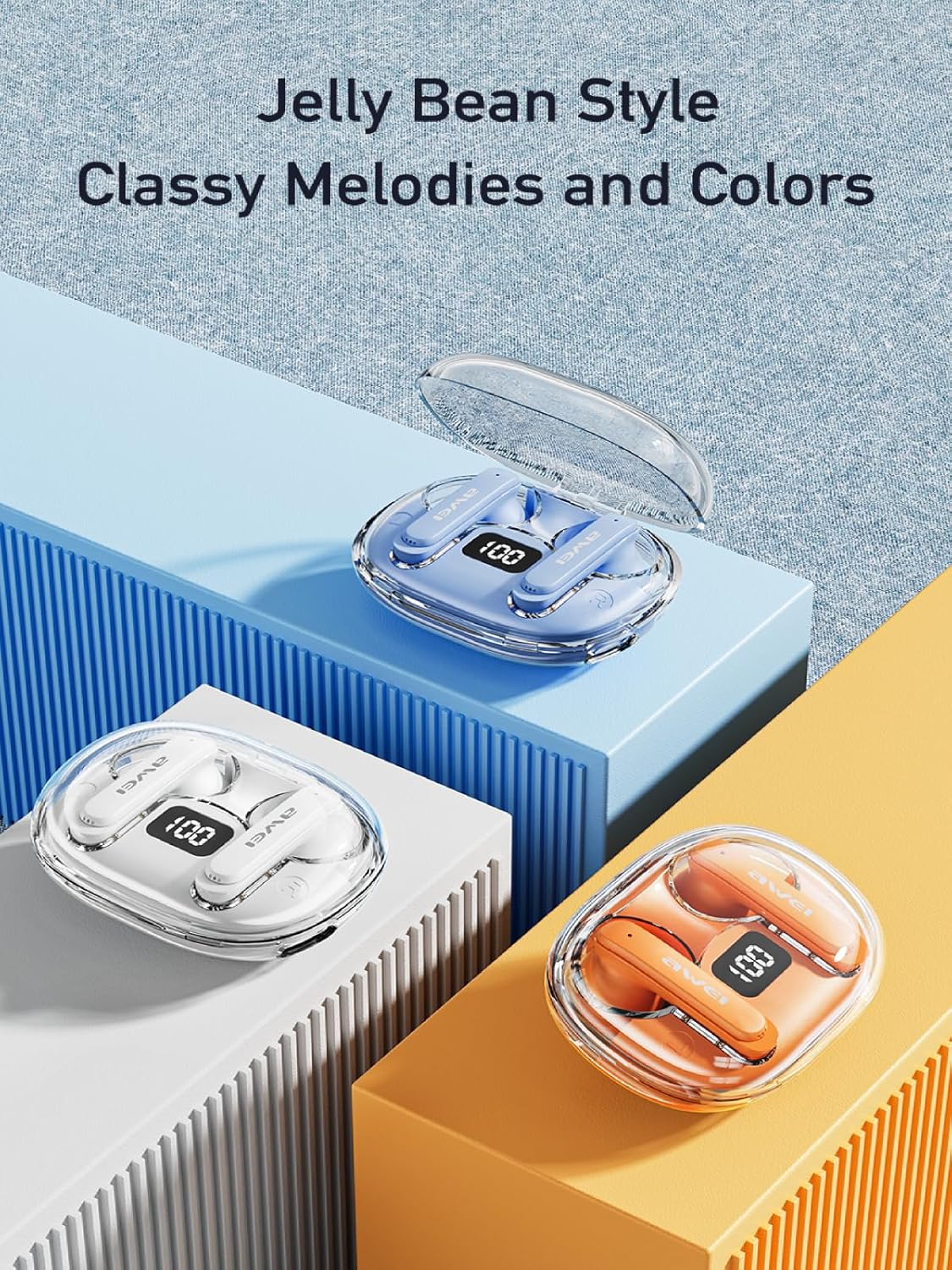
Image: AWEI T86 Wireless Earbuds in their charging case, showcasinהעיצוב החלקלק.
2. תכולת החבילה
ודא שכל הפריטים נמצאים בחבילה:
- AWEI T86 Wireless Bluetooth Headset (Left and Right Earbuds)
- נרתיק טעינה
- כבל טעינה USB-C
- User Instructions (This manual)
3. המוצר נגמרview
The AWEI T86 earbuds feature a compact design with advanced audio technology. Each earbud is equipped with a touch control area and a microphone. The charging case protects the earbuds and provides extended battery life.
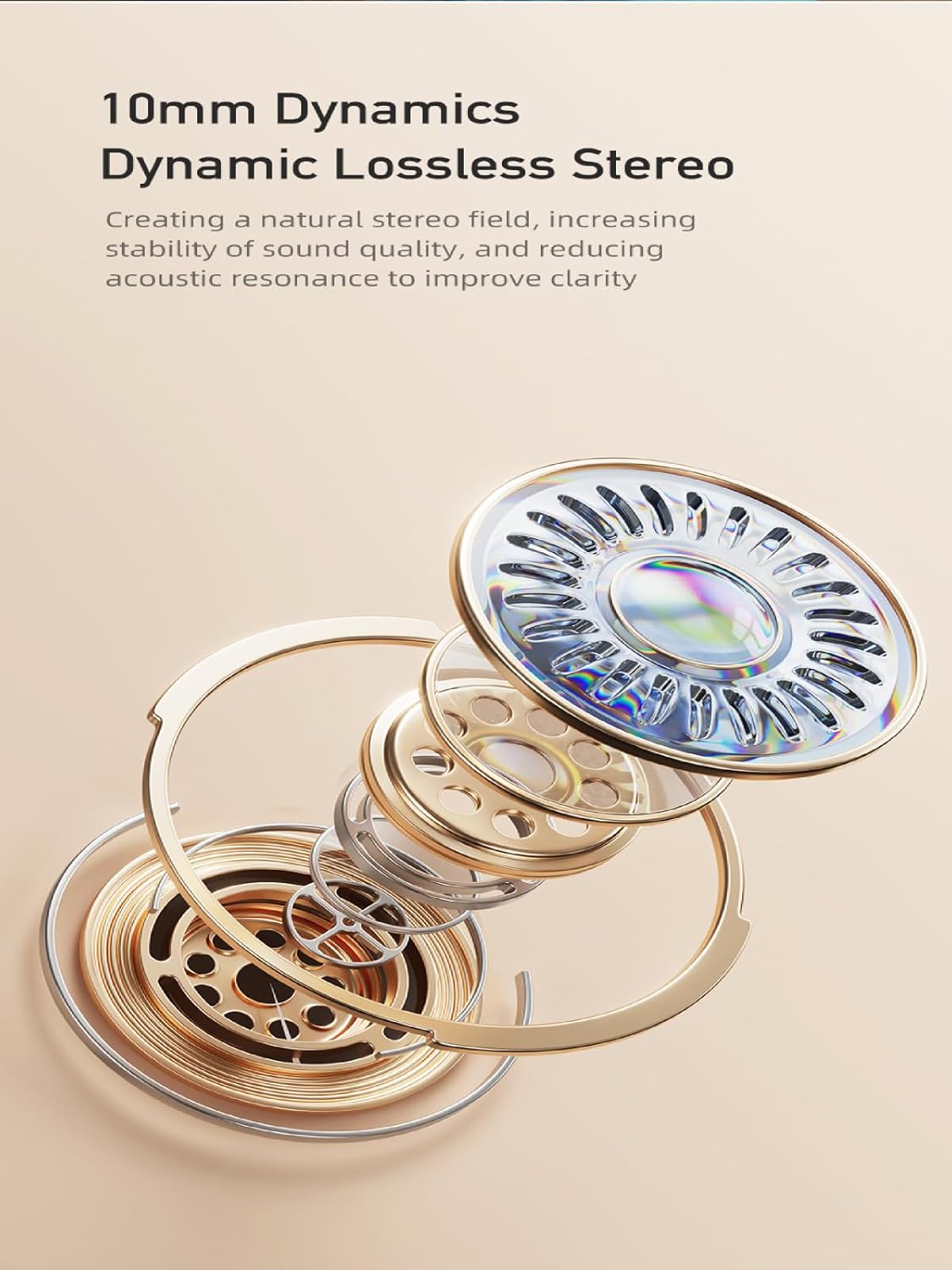
Image: AWEI T86 Wireless Earbuds displayed individually, highlighting their ergonomic shape.
3.1 תכונות עיקריות
- אודיו ברזולוציה גבוהה: 13mm speakers for immersive sound and ENC calling noise cancellation for clear calls.
- טכנולוגיית Bluetooth 5.3: Ensures fast, stable, and low-latency wireless connection up to 10 meters.
- חיי סוללה מורחבים: Up to 7 hours of playback per charge, with the charging case providing up to 35 hours (dual-ear mode) or 70 hours (single-ear mode).
- עיצוב עמיד למים IPX6: Resistant to dust and rain, suitable for various environments.
- בקרת מגע חכמה: Manage music playback, volume, and calls directly from the earbuds.

תמונה: מפורט view of an AWEI T86 earbud, highlighting its ergonomic design and touch control area.
4. התקנה
4.1 טעינת האוזניות והנרתיק
לפני השימוש הראשון, יש לטעון במלואן את האוזניות ואת נרתיק הטעינה.
- Place the earbuds into the charging case. Ensure they are correctly seated; the indicator lights on the earbuds will illuminate to show charging status.
- חברו את כבל הטעינה USB-C ליציאת הטעינה במארז ואת הקצה השני לספק כוח USB (לא כלול) או ליציאת USB של מחשב.
- The charging case will display its charging status. A full charge for the case takes approximately 1.5 hours.

Image: AWEI T86 charging case with earbuds inserted, illustrating the charging process.
4.2 זיווג עם מכשיר
האוזניות משתמשות ב-Bluetooth 5.3 לחיבור יציב.
- התאמה ראשונה:
- פתחו את מארז הטעינה. האוזניות יידלקו אוטומטית ויכנסו למצב צימוד.
- במכשיר שלך (סמארטפון, טאבלט וכו'), הפעל את Bluetooth.
- חפש התקני Bluetooth זמינים ובחר "AWEI T86" מהרשימה.
- Once connected, you will hear a confirmation sound, and the earbuds' indicator lights will change.
- חיבור אוטומטי מחדש: לאחר הצימוד הראשוני, האוזניות יתחברו אוטומטית למכשיר האחרון שקושרו לאחר הוצאתן מהמארז, בתנאי ש-Bluetooth מופעל במכשיר.
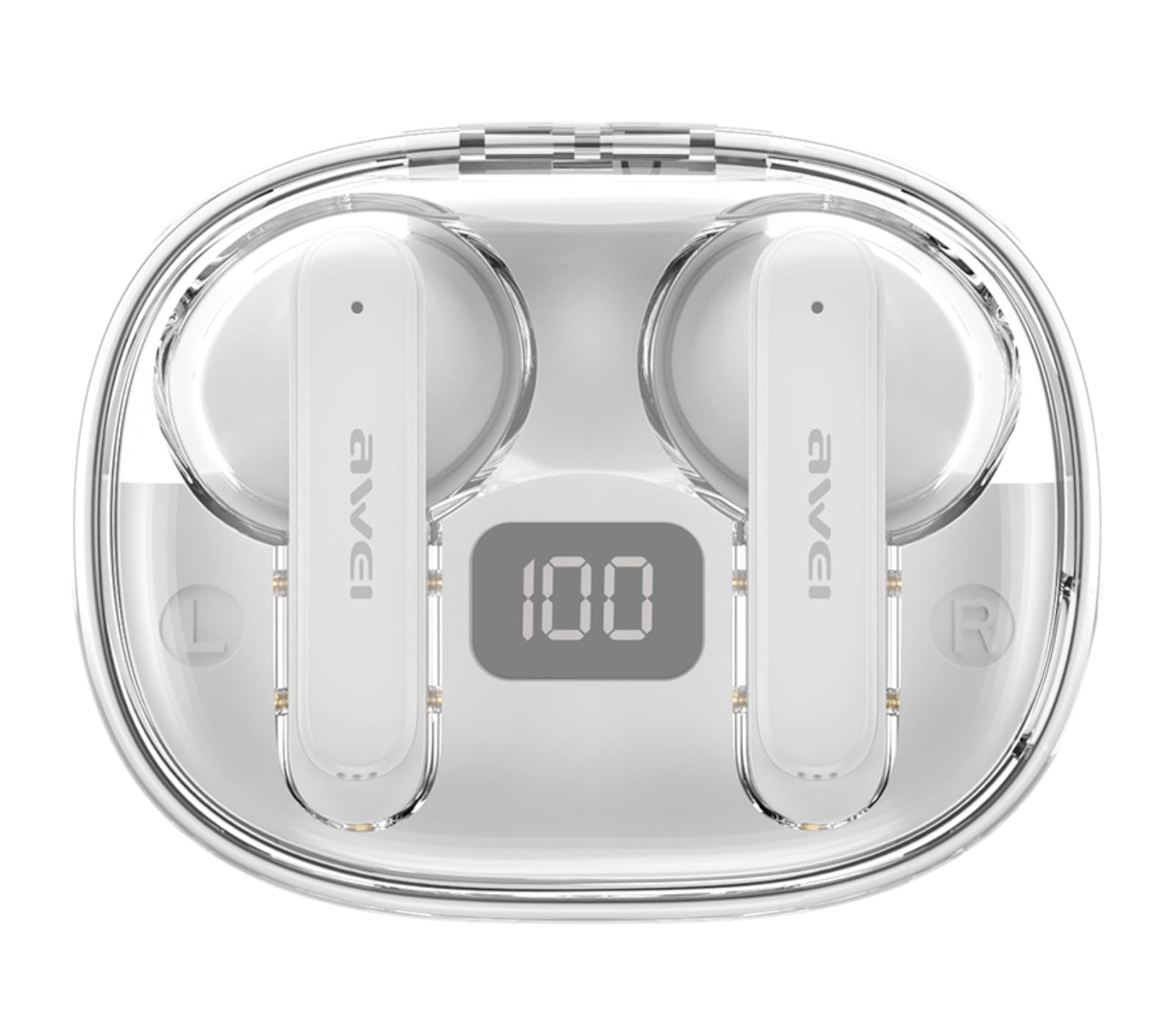
Image: AWEI T86 earbud with an overlay indicating Bluetooth 5.3 technology, representing the pairing process.
5. הפעלת האוזניות
5.1 ענידת האוזניות
לקבלת איכות צליל ונוחות אופטימליים, ודאו שהאוזניות עונדות נכון.
- זהה את האוזניות השמאליות (L) והימניות (R).
- Gently insert each earbud into your ear canal and rotate slightly until it fits snugly and comfortably.

Image: A person wearing the AWEI T86 earbuds, demonstrating proper fit and usage.
5.2 פקדי מגע
The AWEI T86 earbuds feature smart touch controls on each earbud. The functions may vary slightly depending on your device and application.
| פְּעוּלָה | פוּנקצִיָה |
|---|---|
| נגיעה אחת (שמאל/ימין) | השמעה/השהיה של מוזיקה, מענה/סיום שיחה |
| הקש פעמיים (אוזניה ימנית) | השיר הבא |
| הקש פעמיים (אוזניה שמאלית) | השיר הקודם |
| הקשה משולשת (אוזניה ימנית) | הגברת עוצמת הקול |
| הקשה משולשת (אוזניה שמאלית) | הורדת עוצמת הקול |
| לחיצה ארוכה (2 שניות) | דחיית שיחה, הפעלת עוזר קולי |
פֶּתֶק: The ENC (Environmental Noise Cancellation) feature for calls is automatically active during phone calls, enhancing voice clarity by reducing ambient noise.
Image: Close-up of an AWEI T86 earbud, indicating the touch-sensitive control area.
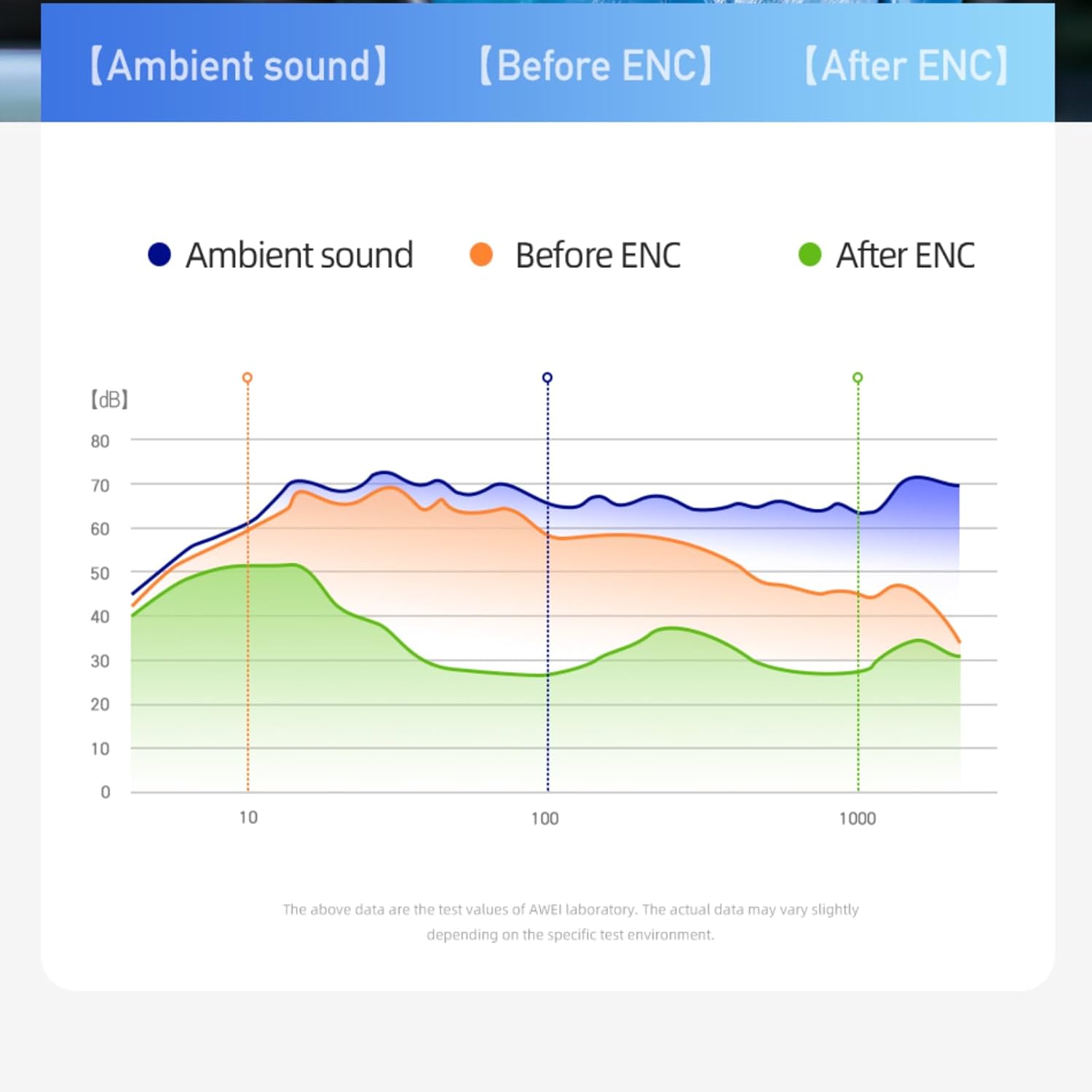
Image: A graph illustrating the effect of ENC (Environmental Noise Cancellation) on ambient sound, showing reduction of noise levels.
5.3 הפעלה/כיבוי
- הפעלה: האוזניות נדלקות אוטומטית עם הוצאתן ממארז הטעינה.
- כיבוי: האוזניות כבות אוטומטית ומתחילות להיטען כאשר הן מוחזרות למארז הטעינה והמכסה סגור.
- כיבוי ידני: If not in the case, long-press the touch area on either earbud for approximately 5 seconds until you hear a power-off prompt.
6. תחזוקה
6.1 ניקוי
ניקוי קבוע מסייע לשמור על איכות הצליל והיגיינה.
- השתמשו במטלית רכה, יבשה ונטולת סיבים כדי לנגב את האוזניות ואת מארז הטעינה.
- אין להשתמש בחומרי ניקוי שוחקים, ממסים או תרסיסים.
- Gently clean the ear tips and speaker mesh with a cotton swab or a small, soft brush to remove earwax or debris.
6.2 אחסון
כאשר אינן בשימוש, אחסנו את האוזניות בנרתיק הטעינה שלהן כדי להגן עליהן ולשמור עליהן טעונות.
- יש לאחסן במקום קריר ויבש, הרחק מטמפרטורות קיצוניות ואור שמש ישיר.
- הימנעו מאחסון בקרבת שדות מגנטיים.
6.3 עמידות למים (IPX6)
The AWEI T86 earbuds are rated IPX6, meaning they are protected against powerful water jets. This makes them suitable for use during workouts or in light rain.
- אין לטבול את האוזניות במים.
- מארז הטעינה אינו עמיד למים. יש לשמור עליו יבש.
- If the earbuds get wet, wipe them dry completely before placing them back in the charging case to prevent damage.
7. פתרון תקלות
If you encounter issues with your AWEI T86 earbuds, try the following solutions:
| בְּעָיָה | פתרון אפשרי |
|---|---|
| אוזניות לא מתאימות |
|
| רק אוזניה אחת עובדת |
|
| עוצמת קול נמוכה או איכות צליל ירודה |
|
| אוזניות לא נטענות |
|
8. מפרטים
| תכונה | פְּרָט |
|---|---|
| דֶגֶם | T86 |
| גרסת בלוטות' | 5.3 |
| גודל רמקול | 13 מ"מ |
| עמידות במים | IPX6 (אוזניות בלבד) |
| זמן משחק של אוזניות | עד 7 שעות |
| זמן משחק כולל (עם כיסוי) | Up to 35 hours (dual-ear), 70 hours (single-ear) |
| סוללת מארז טעינה | 300mAh |
| זמן טעינה (מארז) | כשעתיים (דרך USB-C) |
| טווח אלחוטי | עד 10 מטר (33 רגל) |
| מִשׁקָל | 0.15 קילוגרם (משקל כולל של החבילה) |
| סוג בקרה | בקרת מגע |
| רכיבים כלולים | Earbuds, Charging Case, USB-C Cable, User Manual |
Image: AWEI T86 Wireless Earbuds, representing the product's technical specifications.
9. מידע בטיחות
- אין לפרק או לשנות את המוצר.
- Keep away from extreme temperatures, humidity, and corrosive substances.
- הימנעו מהפלת האוזניות או מחשיפתן למכות חזקות.
- Do not expose the charging case to water or moisture.
- חשיפה ממושכת לצלילים חזקים עלולה לגרום נזק לשמיעה. כוונן את עוצמת הקול לרמה בינונית.
- השתמשו רק בכבל הטעינה המצורף או המאושר.
10. אחריות ותמיכה
For warranty information and technical support, please refer to the warranty card included with your purchase or visit the official AWEI webאתר. שמור את הוכחת הרכישה שלך לצורך תביעות אחריות.
Ask a question about this manual
Ask about setup, troubleshooting, compatibility, parts, safety, or missing instructions. Manuals+ will review the question and use this page’s manual context to help answer it.