
מָבוֹא
The ASUS ROG Strix XG27UCDMG is a 27-inch 4K QD-OLED gaming monitor designed for high-performance visual experiences. It features a 240Hz refresh rate and 0.03ms response time, utilizing fourth-generation QD-OLED technology for sharp visuals and crisp text. Advanced features like OLED Anti-Flicker 2.0 and OLED Care Pro with Neo Proximity Sensor enhance viewing comfort and panel longevity.
מה כלול
The following items are included with your ASUS ROG Strix XG27UCDMG monitor:
- XG27UCDMG gaming monitor
- כבל DisplayPort
- כבל HDMI במהירות גבוהה במיוחד
- בד מיקרופייבר
- כבל חשמל
- מדריך להתחלה מהירה
- נרתיק ROG
- מדבקת ROG
- כבל USB 3.2
- כבל USB-C
- ערכת התקנה של VESA
- תעודת אחריות

An image showing all the components included in the monitor's packaging, such as the monitor itself, various cables (DisplayPort, HDMI, USB-C, USB 3.2), a microfiber cloth, VESA mount kit, ROG pouch, ROG sticker, power cord, quick start guide, and warranty card.
הגדרה
הרכבת מוניטור
Attach the stand base to the stand column, then secure the column to the monitor. Ensure all connections are firm.

A visual guide demonstrating the assembly of the monitor stand, showing how the base connects to the column and then to the monitor panel.
מתחבר למכשיר
Connect your computer or gaming console to the monitor using the appropriate cable (DisplayPort, HDMI, or USB-C).
For optimal performance, use the included DisplayPort 1.4 or HDMI 2.1 cables.
The USB-C port supports DisplayPort Alt Mode and 90W Power Delivery for compatible devices.
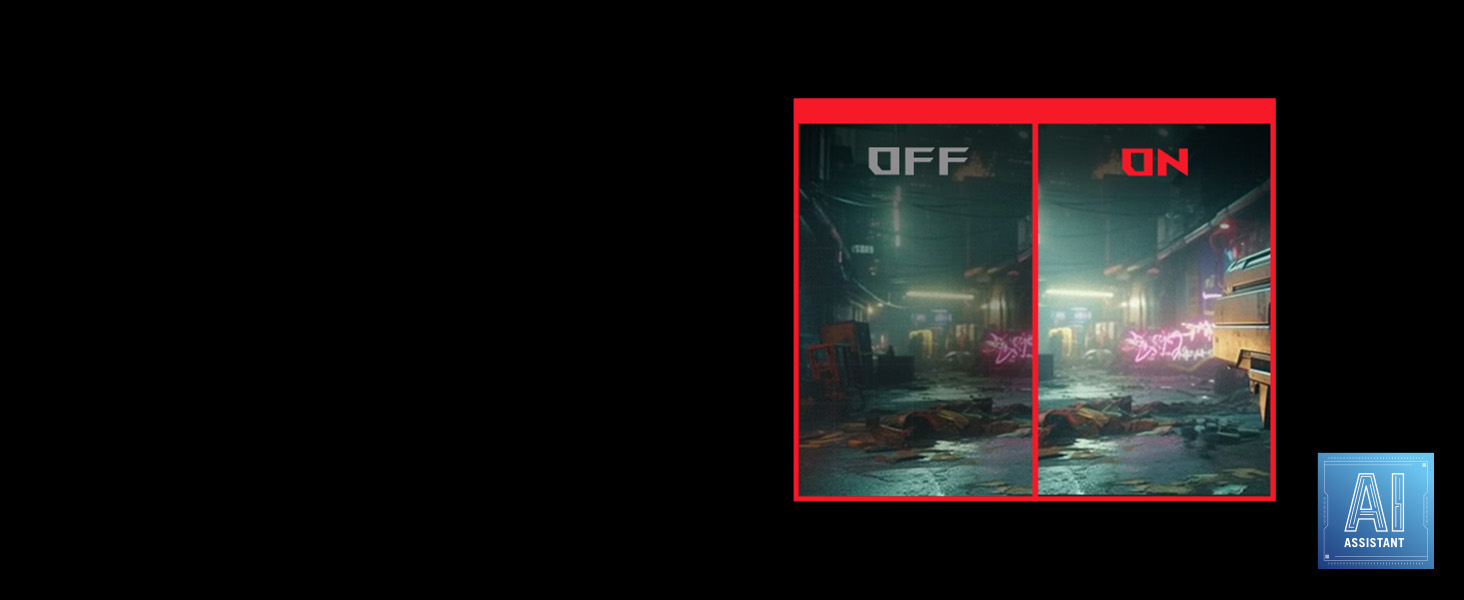
An image illustrating the various input ports on the back of the monitor, including DisplayPort 1.4, HDMI 2.1, USB-C (with PD), and USB hub ports.
חיבור חשמל
Connect the power cord to the monitor and then to a power outlet.
התאמת מיקום הצג
The monitor stand allows for height, tilt, swivel, and pivot adjustments for ergonomic viewing.

A series of diagrams showing the monitor's adjustable stand features, including height adjustment, swivel, pivot, and tilt capabilities.
הפעלת הצג
הפעלה/כיבוי
לחץ על לחצן ההפעלה הממוקם על הצג כדי להפעיל או לכבות אותו.
תפריט תצוגה על המסך (OSD).
Use the joystick and buttons on the monitor to navigate and adjust settings in the OSD menu.
תכונות מפתח
4K QD-OLED Technology
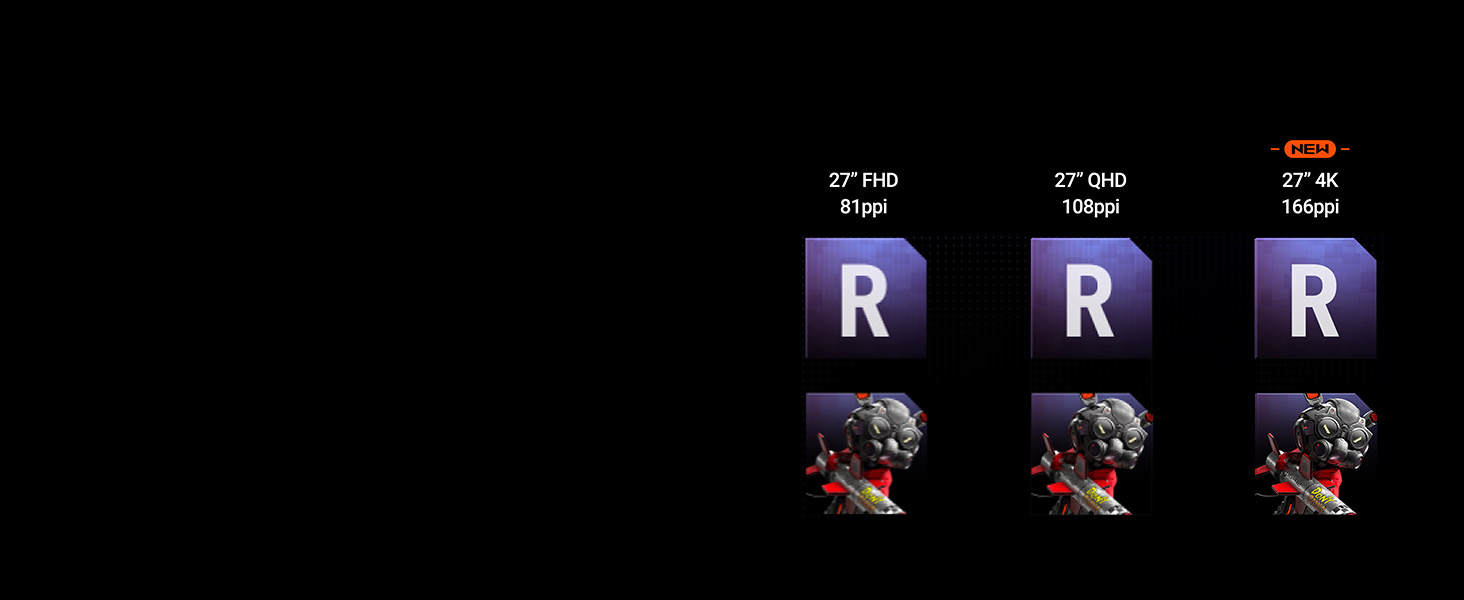
Experience supersharp images and crisp text with the latest 4th-generation QD-OLED panel, offering enhanced clarity and a longer lifespan.

A comparison image demonstrating the improved sharpness and pixel density of 4th-generation 4K QD-OLED technology compared to lower resolutions.
קצב רענון גבוה וזמן תגובה
Enjoy fluid motion with a 240Hz refresh rate and an ultra-fast 0.03ms response time, crucial for competitive gaming.
OLED Anti-Flicker 2.0
This technology reduces screen flicker by 20% compared to previous-generation panels, ensuring a more comfortable viewing experience, especially during extended use.
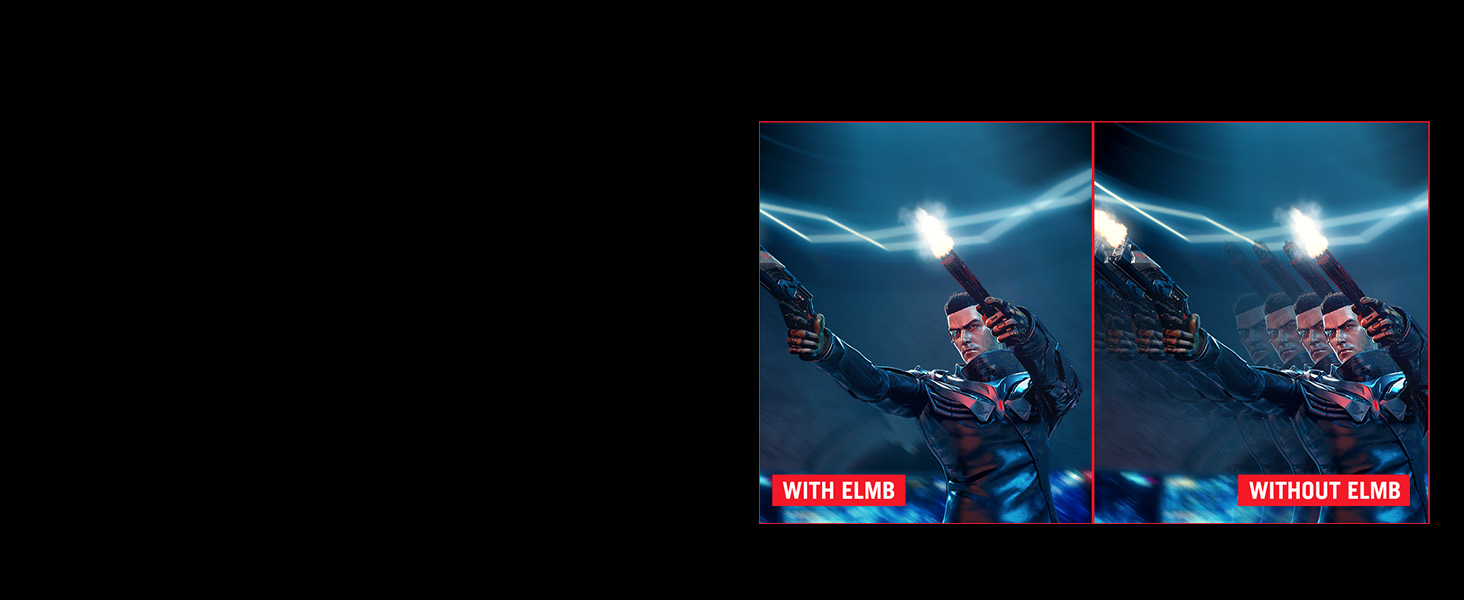
A side-by-side comparison showing screen flicker with and without OLED Anti-Flicker 2.0 technology, highlighting reduced flicker with the feature enabled.
ASUS DisplayWidget Center
The exclusive ASUS DisplayWidget Center application provides an intuitive interface for adjusting monitor settings and accessing OLED Care Pro functions using a mouse.

A screenshot of the ASUS DisplayWidget Center software interface, showing options for customizable monitor settings, auto firmware updates, multiscreen control, and OLED protection.
VESA DisplayHDR 400 שחור אמיתי
The monitor is VESA DisplayHDR 400 True Black compliant, offering deep blacks, high contrast, and vibrant colors with 99% DCI-P3 gamut and true 10-bit color.
תַחזוּקָה
ניקוי המסך
Use the provided microfiber cloth to gently wipe the screen. Avoid harsh chemicals or abrasive materials.
OLED Care Pro
The OLED Care Pro suite includes features designed to prevent OLED burn-in and extend the panel's lifespan.
- Neo Proximity Sensor: Automatically switches to a black screen when no user is detected, reducing burn-in risk.
- Pixel Cleaning: A maintenance function that refreshes pixels.
- שמירת מסך: Activates a screen saver to prevent static image retention.
- Pixel Move: Shifts pixels slightly to prevent static image burn-in.
- Logo Brightness Adjustment: Reduces the brightness of static logos.
- זיהוי שורת המשימות: Dims the taskbar area to prevent burn-in.
- Outer Dimming Detection: Dims static elements at the screen edges.
- Global Dimming Detection: Adjusts overall brightness for static content.
An image detailing the various features of OLED Care Pro, including Neo Proximity Sensor, Pixel Cleaning, Screen Save, Pixel Move, Logo Brightness Adjustment, Taskbar Detection, Outer Dimming Detection, and Global Dimming Detection.
פתרון בעיות
אין כוח
ודא שכבל החשמל מחובר היטב הן לצג והן לשקע החשמל. בדוק אם שקע החשמל תקין.
אין אות
Verify that the video cable (DisplayPort, HDMI, or USB-C) is correctly connected to both the monitor and the source device. Select the correct input source via the OSD menu.
הבהוב תמונה
Ensure OLED Anti-Flicker 2.0 is enabled in the OSD menu. Check for updated graphics drivers on your connected device.
Image Retention/Burn-in Concerns
Utilize the OLED Care Pro features, especially Pixel Cleaning and Neo Proximity Sensor, to mitigate burn-in risks. Avoid displaying static images for extended periods.
מפרטים
מפרט טכני
| גודל תצוגת מסך עומד | 26.5 אינץ' |
| רזולוציית מסך | 3840x2160 |
| רזולוציית מסך מקסימלית | 3840 x 2160 פיקסלים |
| מספר יציאות USB 3.0 | 2 |
| מותג | ASUS |
| סִדרָה | XG27UCDMG |
| מספר דגם פריט | XG27UCDMG |
| משקל פריט | 16.4 פאונד |
| מידות המוצר | 6.6 x 24.1 x 20.1 אינץ' |
| מידות פריט LxWxH | 6.6 x 24.1 x 20.1 אינץ' |
| צֶבַע | שָׁחוֹר |
| יַצרָן | ASUS |
| ASIN | B0DM6RWRQC |
| תאריך ראשון זמין | 31 במאי 2025 |
| גודל מסך | 26.5 אינץ' |
| הַחְלָטָה | 4K UHD 2160p |
| יחס גובה-רוחב | 16:9 |
| תיאור משטח המסך | דָהוּי |
אחריות ותמיכה
מידע על אחריות
The ASUS ROG Strix XG27UCDMG monitor comes with a 3-year warranty. Please refer to the included Warranty Card for detailed terms and conditions.
תמיכת לקוחות
For technical assistance or further inquiries, please visit the official ASUS support webלאתר או לפנות לשירות הלקוחות שלהם.
סרטוני מוצר רשמיים
The following videos provide additional information and demonstrations of the ASUS ROG Strix XG27UCDMG monitor.
סרטון רשמי של מוצרasing the features and design of the ASUS ROG Strix XG27UCDMG monitor.
A video highlighting the gaming capabilities and visual quality of the ASUS ROG Strix 27-inch 4K Gaming Monitor.