
GGSTOPWATER JM13
מדריך למשתמש אוזניות אלחוטיות עם אוזניים פתוחות Bluetooth 5.4
Model: JM13 | Brand: GGSTOPWATER
1. הקדמה
Thank you for choosing the GGSTOPWATER Open Ear Headphones. These wireless earbuds are designed to provide a comfortable listening experience while maintaining awareness of your surroundings. Featuring advanced Bluetooth 5.4 technology and an IPX5 waterproof rating, they are ideal for various activities including sports, running, workouts, and driving.

The open-ear design ensures comfort and awareness of your environment.

Key features of the GGSTOPWATER Open Ear Headphones.
2. מה בקופסה
אנא בדקו את תוכן החבילה כדי לוודא שכל הפריטים נמצאים:
- True Wireless Bluetooth Headphones (2 units)
- Headset Charging Compartment (1 unit)
- כבל טעינה מסוג C (יחידה אחת)
- מדריך למשתמש (יחידה אחת)
- Silicone Lanyard (1 unit)
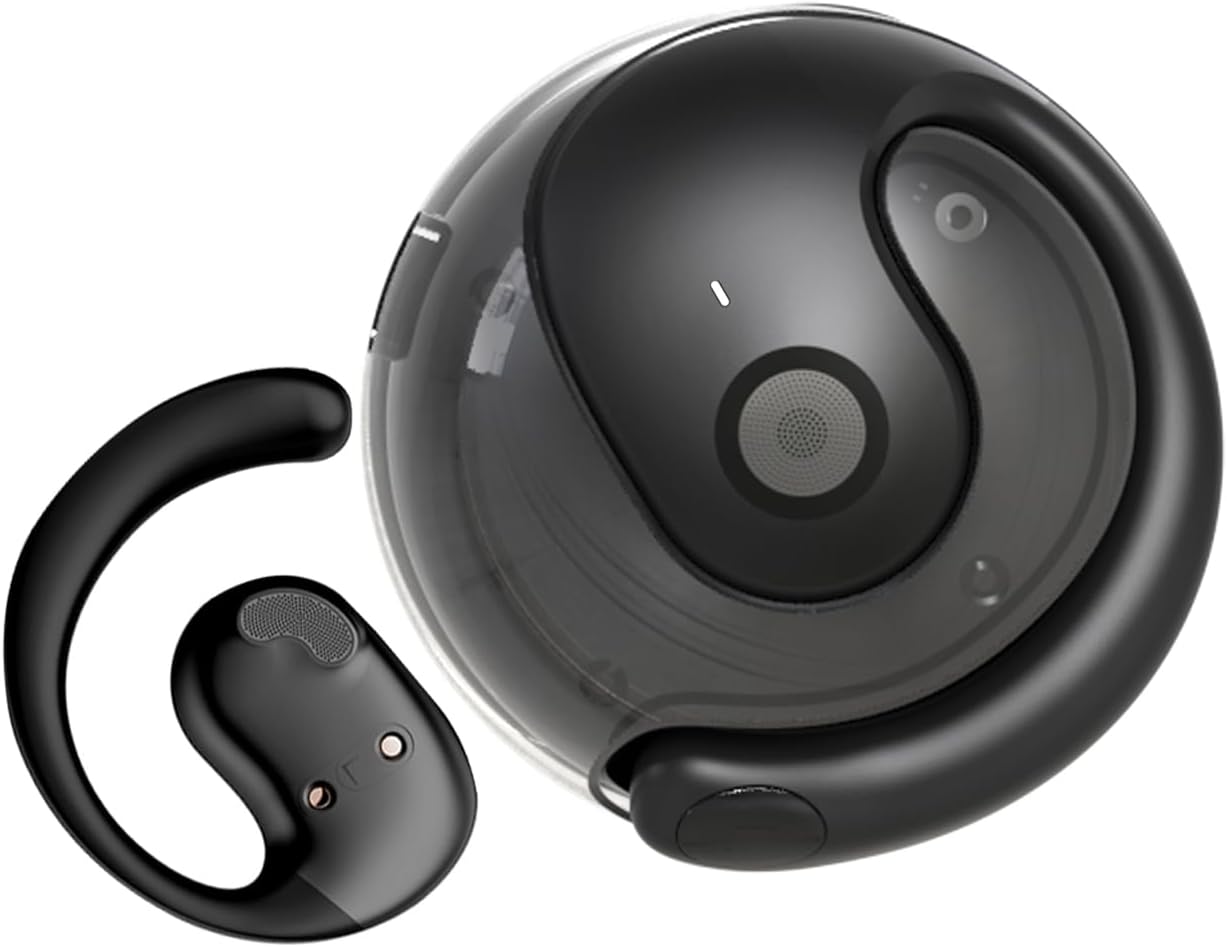
The GGSTOPWATER Open Ear Headphones and their compact charging case.
צפו בסרטון זה לסיוםview של המוצר ומרכיביו.
3. הגדרה וצימוד
3.1 צימוד ראשוני
- Ensure the headphones are charged (refer to Section 4).
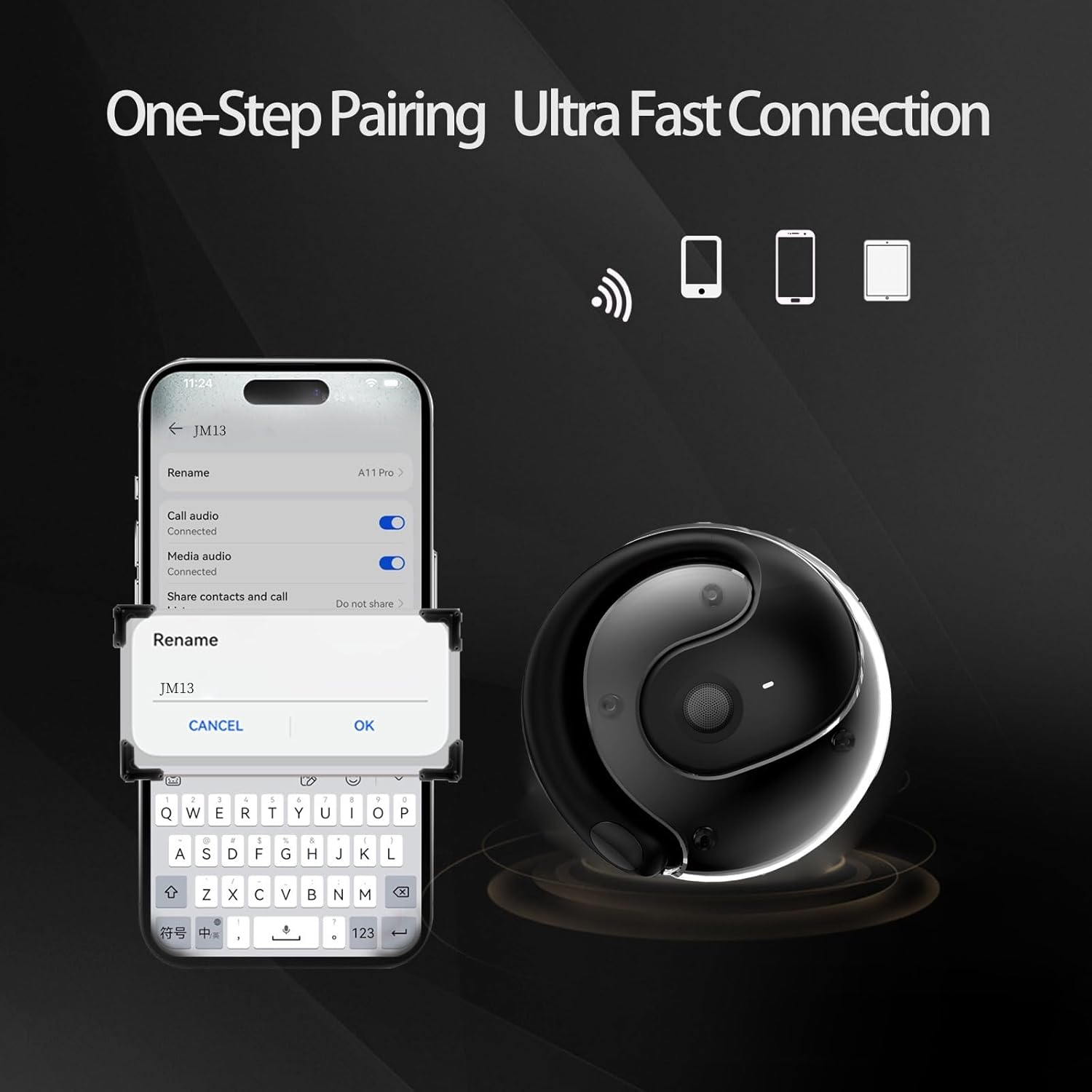
- פתחו את מארז הטעינה. האוזניות יידלקו אוטומטית ויכנסו למצב צימוד.
- במכשיר שלך (סמארטפון, טאבלט, מחשב נייד), הפעל את Bluetooth.
- חפש "JM13" in the list of available Bluetooth devices.
- Select "JM13" to connect. A voice prompt will confirm successful pairing.
3.2 חבשת האוזניות
For optimal comfort and sound, follow these steps to wear your headphones:

Ergonomic design for easy and comfortable wear.
4. הוראות הפעלה
The GGSTOPWATER Open Ear Headphones feature intuitive touch controls on each earbud. Refer to the diagram and descriptions below for common functions:

Detailed touch control commands for your headphones.
This video demonstrates the touch controls for music playback and call management.
4.1 Telephone Mode
- דחה שיחה: לחץ לחיצה ארוכה למשך 2 שניות.
- Incoming Call (Answer): Single click to answer.
- Incoming Call (Hang Up): Single click to hang up.
4.2 מצב מוזיקה
- הפעל/השהה: מגע בודד.
- השיר הקודם: Double touch (Left earbud).
- השיר הבא: Double touch (Right earbud).
4.3 Binaural Mode (General Controls)
- הפעלה: לחץ לחיצה ארוכה למשך 3 שניות.
- כיבוי: לחץ לחיצה ארוכה למשך 5 שניות.
- להנמיך קול: Three touches (Left earbud).
- הגבר קול: Three touches (Right earbud).
5. סוללה וטעינה
The headphones and charging case are equipped with high-capacity batteries for extended use. The charging case has a 300mAh capacity.
- Headset Usage Time: בערך 4 שעות.
- זמן טעינה: Approximately 1.5 hours for the case.
- זמן המתנה: עד 120 שעות.
To charge the case, connect the provided Type-C charging cable to the charging port on the case and a compatible USB power source.
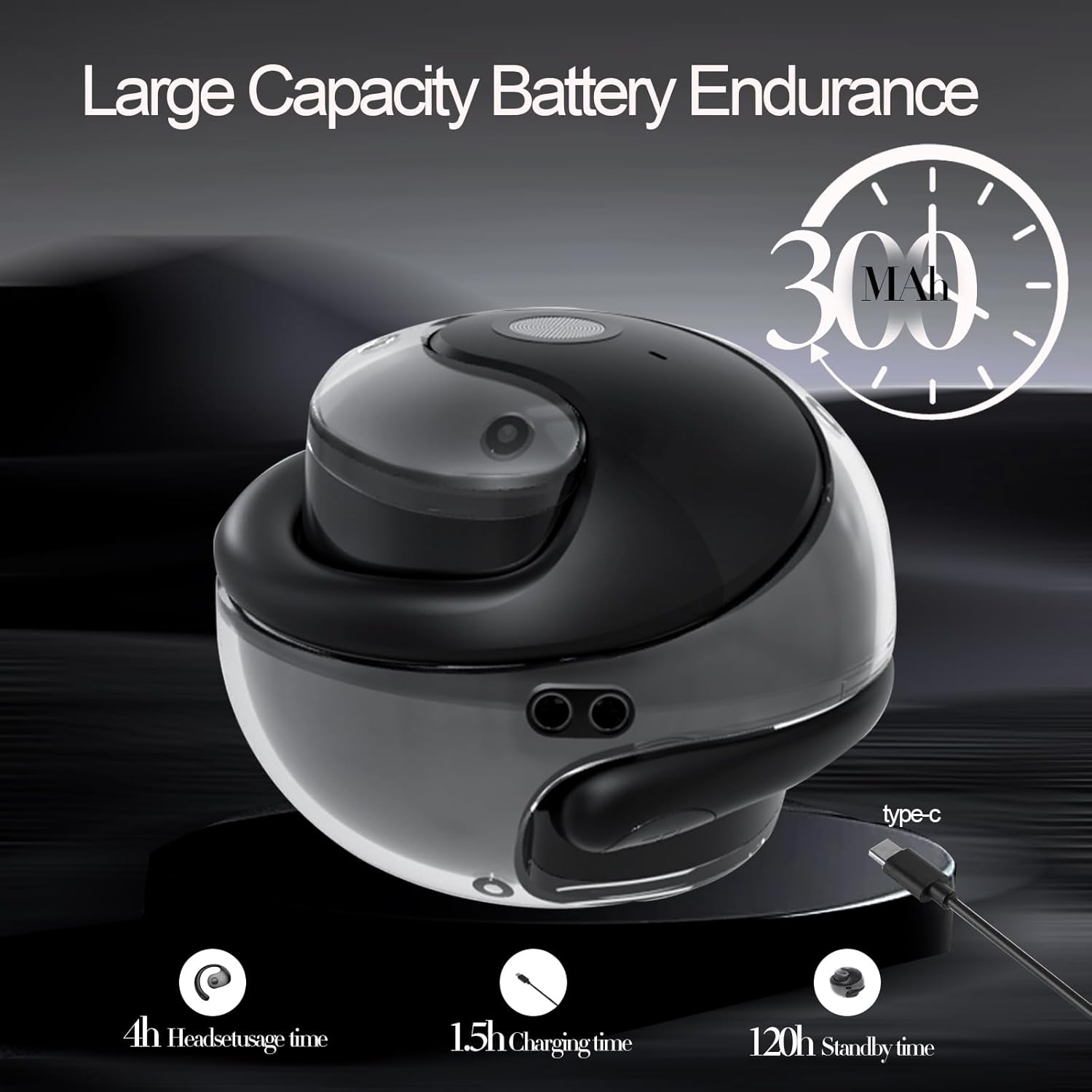
Battery life and charging indicators.
6. תחזוקה וטיפול
To ensure the longevity and optimal performance of your GGSTOPWATER Open Ear Headphones, please follow these maintenance guidelines:
6.1 איטום (IPX5)
The headphones feature an IPX5 waterproof rating, meaning they are protected against low-pressure water jets from any direction. This makes them suitable for protection against daily sweat and light rain. However, they are not designed for submersion in water or use during heavy rainfall.
The IPX5 rating protects against sweat and light rain.
6.2 ניקוי
Wipe the headphones and charging case with a soft, dry, lint-free cloth. Do not use abrasive cleaners, alcohol, or chemical sprays.
6.3 אחסון
Store the headphones in their charging case when not in use to protect them from dust and damage. Avoid extreme temperatures.
7. פתרון תקלות
אם נתקלת בבעיות עם האוזניות שלך, נסה את הפתרונות הבאים:
- אין בעיות סאונד/חיבור:
- ודא שהאוזניות טעונות.
- כבה והפעל את ה-Bluetooth במכשיר שלך.
- Forget "JM13" in your device's Bluetooth settings and re-pair.
- הפעל מחדש את המכשיר שלך.
- אוזניה אחת לא עובדת:
- החזירו את שתי האוזניות למארז הטעינה, סגרו את המכסה, המתינו מספר שניות ולאחר מכן הוציאו אותן שוב.
- ודא ששתי האוזניות טעונות.
- בעיות טעינה:
- בדוק את כבל הטעינה והמתאם לאיתור נזקים.
- ודא שיציאת הטעינה במארז נקייה וללא לכלוך.
8. מפרטים
| תכונה | מִפרָט |
|---|---|
| שם הדגם | JM13 |
| מותג | GGSTOPWATER |
| טכנולוגיית קישוריות | אלחוטי (Bluetooth) |
| גרסת בלוטות' | 5.4 |
| מיקום אוזניים | אוזן פתוחה |
| רמת עמידות במים | IPX5 (עמיד במים) |
| סוג מנהל התקן שמע | דרייבר דינמי (16 מ"מ) |
| טווח תדרים | 20Hz - 20,000Hz |
| עַכָּבָּה | 32 אוהם |
| שיטת בקרה | Remote (Touch) |
| רכיבים כלולים | נרתיק טעינה אלחוטי |
| משקל פריט | 3.52 אונקיות |
| יַצרָן | GGSTOPWATER |
9. מידע בטיחות
When using your GGSTOPWATER Open Ear Headphones, always prioritize your safety and the safety of others. The open-ear design enhances spatial awareness, allowing you to hear your surroundings, which is particularly beneficial for outdoor activities.
- Do not use at excessively high volumes for prolonged periods to prevent hearing damage.
- Be aware of your surroundings, especially when operating vehicles, cycling, or walking in traffic.
- Keep the headphones away from extreme temperatures, direct sunlight, and moisture.
- אל תנסה לפרק או לשנות את האוזניות.
10. אחריות ותמיכה
GGSTOPWATER is committed to providing high-quality products. For warranty information, technical support, or any inquiries regarding your Open Ear Headphones, please refer to the contact details provided in your product packaging or visit the official GGSTOPWATER store on Amazon.
Note: Specific warranty terms and support contact information may vary by region and purchase location. Please retain your proof of purchase.