
1. הקדמה
The AIMIBO USB C Wireless Transmitter (Model Q3 USB C TX) is designed to provide a seamless wireless video and audio casting experience. This device allows you to extend your display from a USB-C enabled source device to an HDMI-compatible monitor, projector, or HDTV without the need for cables. It supports both 2.4GHz and 5GHz wireless frequencies for stable and high-speed transmission, making it suitable for various applications including presentations, home entertainment, and gaming.
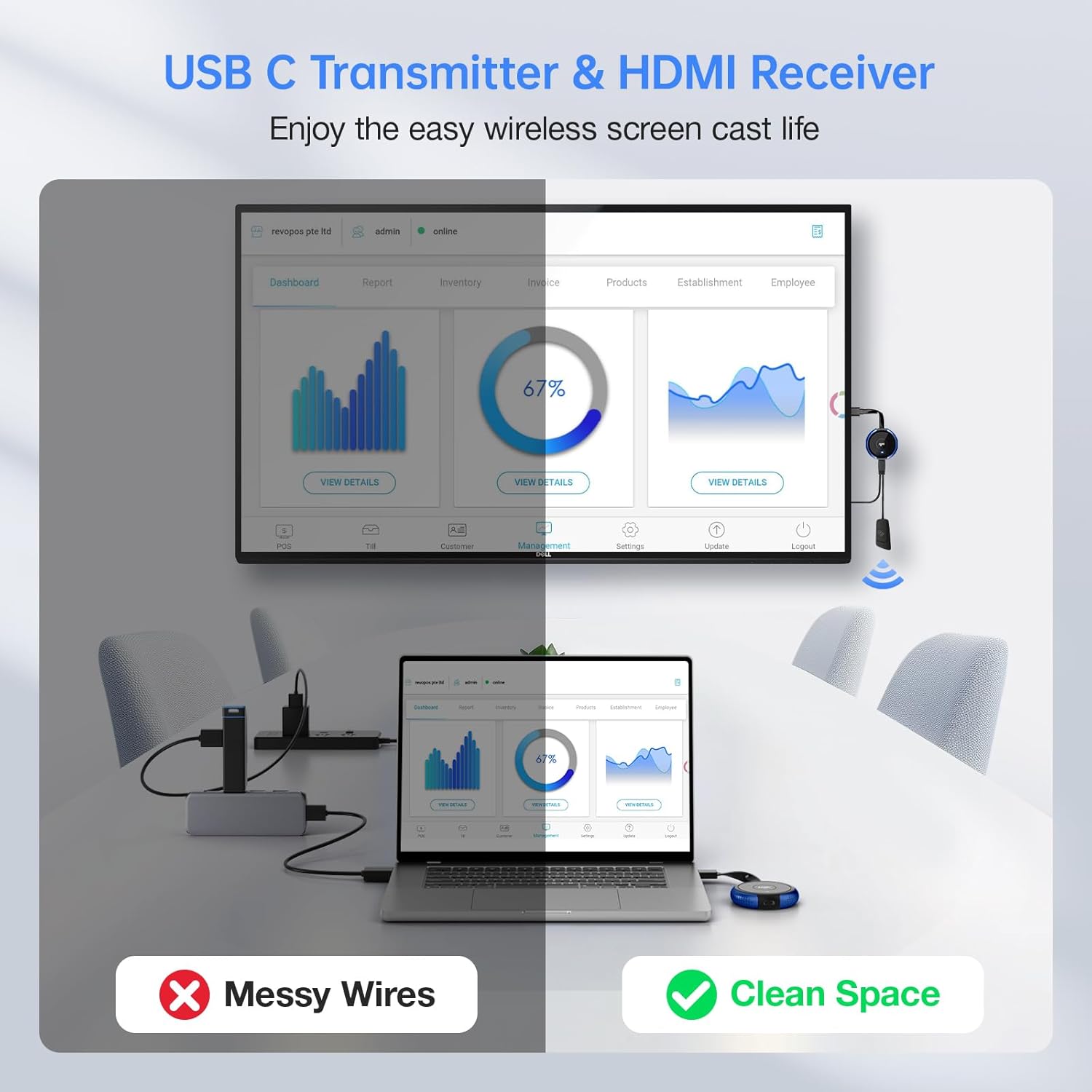
Figure 1: Wireless setup for a clean workspace.
2. תכולת החבילה
אנא ודא שכל הפריטים נמצאים בחבילה שלך:
- 1 x AIMIBO USB C Wireless Transmitter (Q3 USB C TX)
- 1 x כבל טעינה USB
3. המוצר נגמרview
The AIMIBO USB C Wireless Transmitter is a compact device designed for ease of use. It features a USB-C connector for connecting to your source device and an integrated antenna for wireless transmission.

Figure 2: USB-C connection for laptops.

Figure 3: USB-C connection for iPhones.
4. הוראות התקנה
To set up your AIMIBO USB C Wireless Transmitter, follow these steps:
- הפעל את המקלט: Ensure your AIMIBO HDMI Wireless Receiver (sold separately) is connected to a power source and an HDMI input on your display device (monitor, projector, HDTV).
- חבר את המשדר: Plug the USB-C connector of the AIMIBO Wireless Transmitter into the USB-C port of your source device (laptop, MacBook, Surface, iPad, iPhone 15/16, etc.).
- הפעל את המשדר: If your source device does not provide sufficient power, connect the included USB charging cable to the transmitter and a USB power adapter (not included) or a powered USB port.
- התאמה אוטומטית: The transmitter and receiver should automatically pair. A blue indicator light on the transmitter will confirm a successful connection.
- בחר קלט: On your display device, select the correct HDMI input source to view the mirrored or extended display.
5. הוראות הפעלה
5.1 Basic Casting
Once the transmitter and receiver are paired, your source device's screen will be mirrored or extended to the connected display. Most USB-C devices with video output capabilities will automatically detect the external display.
5.2 Multi-Transmitter Pairing
One receiver can pair with up to 8 transmitters. This feature is ideal for environments like conference rooms or classrooms where multiple users need to share their screens. To switch between active transmitters, simply press the button on the desired transmitter. The display will switch to that source.

Figure 4: Multiple transmitters connected to one receiver.
5.3 Wireless Frequency Selection (2.4GHz/5GHz)
The device supports both 2.4GHz and 5GHz wireless bands. The 5GHz band offers higher speeds and less interference, ideal for high-definition video streaming. The 2.4GHz band provides a wider range. The system automatically selects the optimal frequency, but some devices may allow manual adjustment for specific environments.
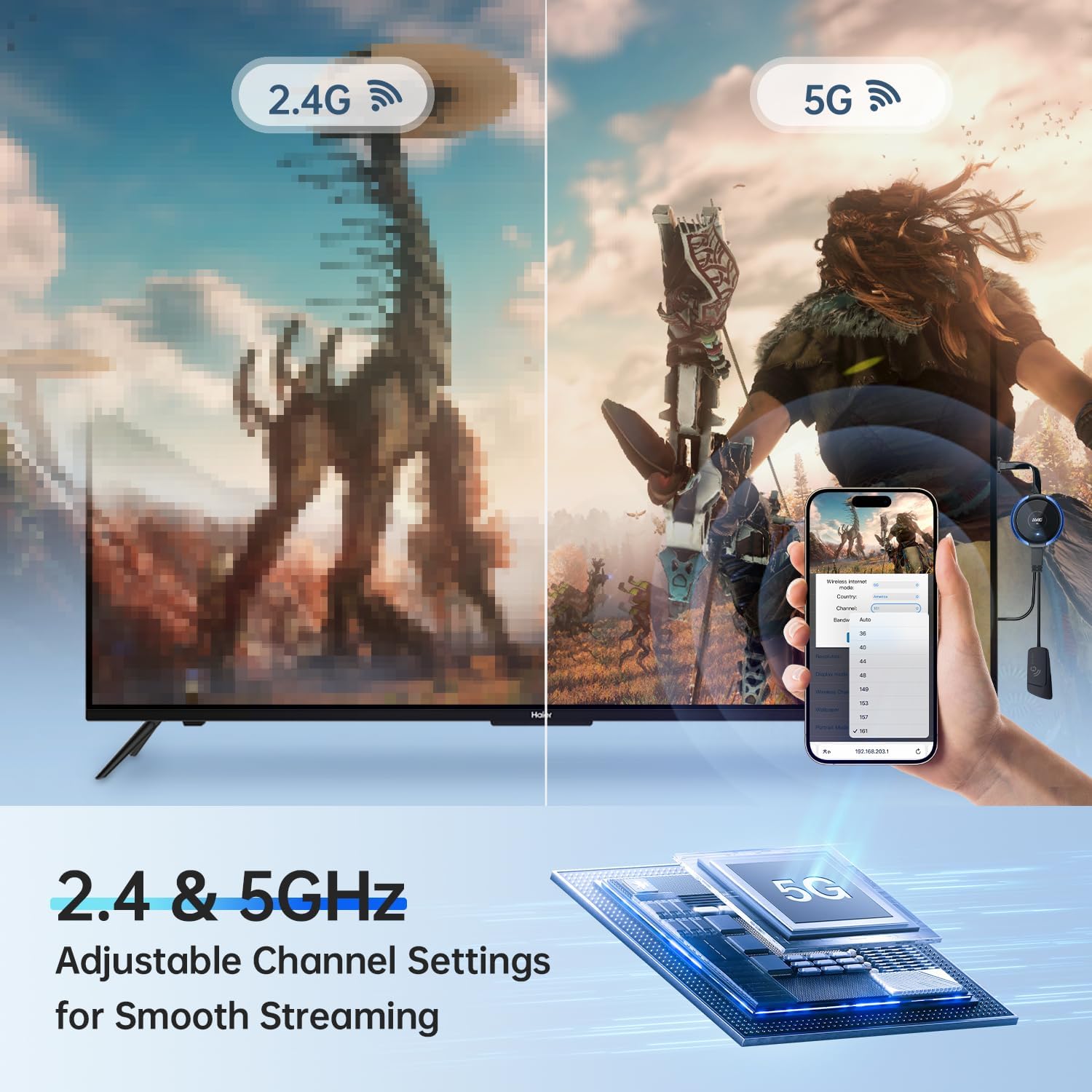
Figure 5: 2.4GHz vs 5GHz performance.
5.4 תרחישי שימוש
- קולנוע ביתי: Stream movies and shows from your device to your TV.
- שיקוף מסך: Duplicate your device's screen for presentations or sharing content.
- Live Sports: Enjoy sports events on a larger screen.
- חדרי ישיבות: Facilitate collaborative presentations.
- משחקים: Play mobile or laptop games on a big display.
- Outdoor Cinema: Project content outdoors for entertainment.

קולנוע ביתי

מראה מסך

Live Sports

חדר ישיבות

שחק משחקים

Outdoor Cinema
6. תחזוקה
- ניקוי: השתמשו במטלית רכה ויבשה לניקוי המכשיר. הימנעו מנוזלי ניקוי או ממסים.
- אִחסוּן: Store the transmitter in a cool, dry place when not in use.
- טיפול: הימנעו מהפלת המכשיר או מחשיפתו לטמפרטורות או לחות קיצוניים.
7. פתרון תקלות
| בְּעָיָה | סיבה אפשרית | פִּתָרוֹן |
|---|---|---|
| אין תצוגה על המסך |
|
|
| איכות וידאו ירודה או השהיה |
|
|
| בעיות שמע |
|
|
| Cannot achieve dual monitor setup | This product is designed for a single display output per transmitter. For dual monitor setups, two separate receiver-transmitter pairs are typically required. | Purchase an additional AIMIBO USB C Wireless Transmitter and a second HDMI Wireless Receiver for each additional display. |
8. מפרטים
- דֶגֶם: Q3 USB C TX
- מותג: AIMIBO
- תדר אלחוטי: 2.4GHz / 5GHz
- מרחק שידור: עד 165 רגל (50 מטר)
- מִמְשָׁק: USB-C (Input), Wireless (Output to Receiver)
- מכשירים תואמים: Laptops, MacBooks, Surface devices, iPads, iPhones (USB-C models), and other USB-C enabled devices with video output capabilities.
- מידות: 7.08 x 2.55 x 0.59 אינץ' בערך
- משקל פריט: בערך 1.44 אונקיות

Figure 6: Transmission range of 165ft/50m.
9. מידע על אחריות
AIMIBO products are covered by a limited warranty from the date of purchase. This warranty covers manufacturing defects and workmanship. It does not cover damage caused by misuse, accidents, unauthorized modifications, or normal wear and tear. Please retain your proof of purchase for warranty claims.
10. תמיכת לקוחות
For technical assistance, troubleshooting, or warranty inquiries, please contact AIMIBO customer support through the retailer's platform or visit the official AIMIBO website. Our support team is available to help you with any questions or issues you may encounter.

Figure 7: AIMIBO Brand Information.

Figure 8: Transparency Program details.