
1. הקדמה
This manual provides essential instructions for the operation and maintenance of your Denash Bluetooth MP3/MP4 Player, Model Denasha2r4edu7xf-13. This portable digital music player features a 1.8-inch color screen, supports up to 128GB external memory, and offers HiFi lossless sound quality with noise reduction. It is equipped with Bluetooth 5.0 for stable wireless connections and includes multiple functions such as voice recording, FM radio, photo viewוקריאת ספרים אלקטרוניים.
2. תכולת החבילה
אנא בדקו היטב את החבילה כדי לוודא שכל הפריטים נמצאים:
- 1 x Denash MP3/MP4 Player (Model: Denasha2r4edu7xf-13)
- 1 x Data Cable (Mini-USB 2.0)
- 1 x אוזניות

Image: The MP3/MP4 player shown alongside its USB data cable and a pair of white earphones, representing the typical package contents.
Video: An unboxing demonstration of the MP3/MP4 player, showcasing the device and its accessories as they are removed from the packaging.
3. המוצר נגמרview
The Denash MP3/MP4 Player features a compact design with a 1.8-inch color screen and intuitive controls. It is constructed from a durable aluminum alloy.
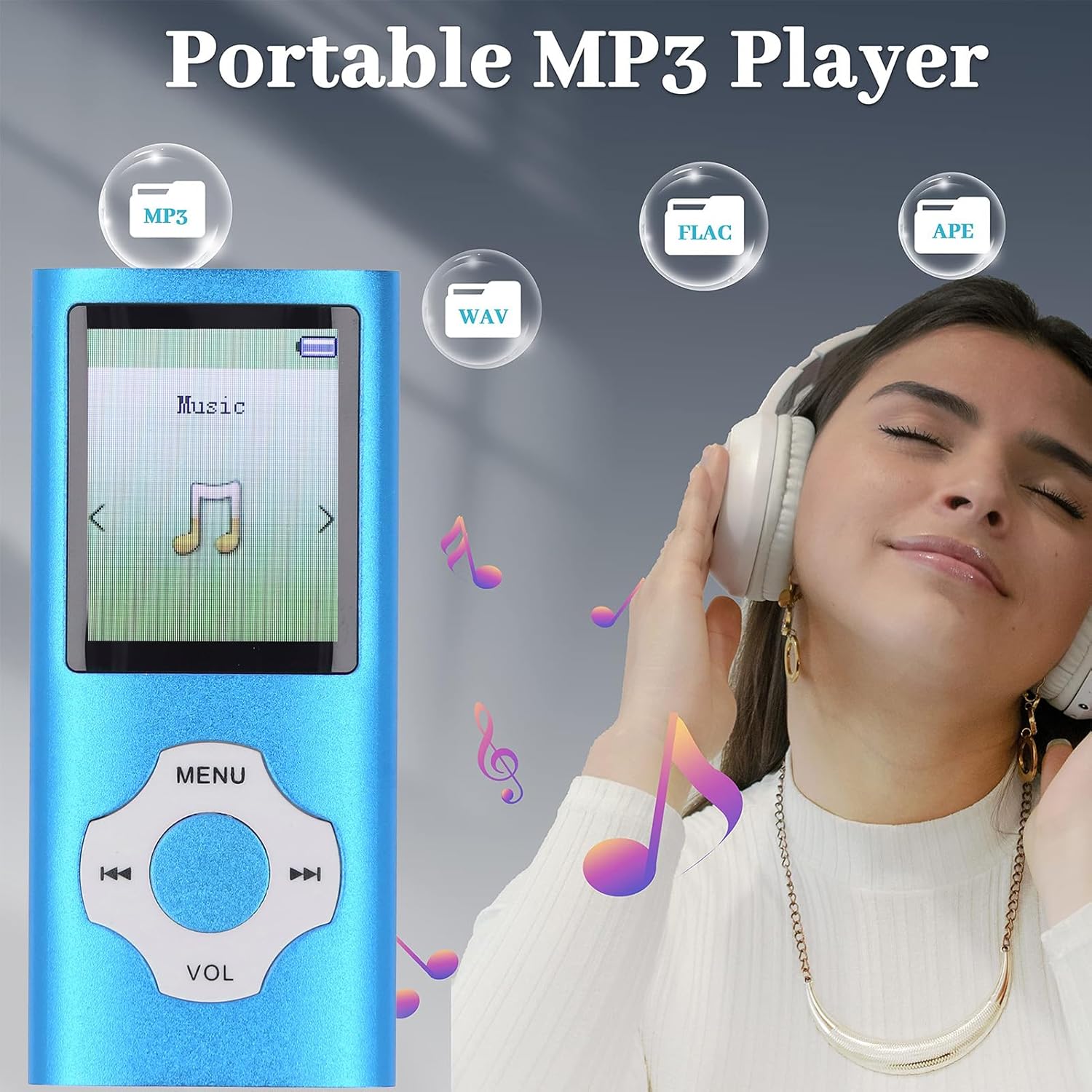
תמונה: חזית שקופה view of the blue Denash portable MP3 player, highlighting its 1.8-inch screen and the circular navigation/volume control buttons.
בקרות ויציאות:
- מָסָך: 1.8-inch color display for navigation and content viewing.
- לחצני ניווט: Central circular control for menu navigation, playback, and volume adjustment.
- מתג הפעלה: Located on the side, typically labeled 'OFF' and 'ON'.
- חריץ כרטיס TF: For inserting a Micro SD card to expand storage up to 128GB.
- שקע אוזניות: יציאת שמע סטנדרטית של 3.5 מ"מ.
- מיקרופון (MIC): להקלטת קול.
- יציאת USB: Mini-USB 2.0 for charging and data transfer.
4. התקנה
4.1 טעינת המכשיר
Before first use, fully charge the player. Connect the provided Mini-USB 2.0 data cable to the player's USB port and the other end to a USB power adapter (not included) or a computer's USB port. A full charge typically takes 1 to 2 hours, providing up to 10 hours of music playback.
4.2 הכנסת כרטיס זיכרון
The player supports Micro SD cards up to 128GB (not included). Locate the TF Card slot on the side of the device. Gently insert the Micro SD card into the slot until it clicks into place. Ensure the player is powered off before inserting or removing the memory card.
4.3 חיבור למחשב
To transfer music, videos, photos, or e-books, connect the player to your computer using the Mini-USB 2.0 data cable. The player will appear as a removable disk drive. You can then drag and drop fileישירות לאחסון הפנימי של הנגן או לכרטיס ה-Micro SD שהוכנס.
5. הוראות הפעלה
5.1 הפעלה/כיבוי
Slide the 'OFF/ON' switch located on the side of the player to the 'ON' position to power on. Slide it to 'OFF' to power off.
5.2 השמעת מוזיקה
Navigate to the 'Music' menu option. Select your desired song from the list. The player supports MP3, WMA, APE, FLAC, WAV, OGG, and other formats. Use the navigation buttons to play/pause, skip tracks, and adjust volume. The built-in speaker provides an immersive sound experience, or connect earphones for private listening.
5.3 קישוריות בלוטות'
The player features an upgraded Bluetooth 5.0 chip for stable connections. To pair with a Bluetooth headset or speaker:
- עבור לתפריט 'בלוטות'.
- הפעל את בלוטות'.
- חפש מכשירים זמינים.
- בחר את אוזניית ה-Bluetooth או הרמקול שלך מהרשימה כדי לזווג.
פֶּתֶק: This portable music player with Bluetooth cannot be paired with computers or mobile phones via Bluetooth.
5.4 רדיו FM
To use the FM Radio function, ensure earphones are connected as they act as the antenna. Navigate to the 'FM Radio' menu option. You can scan for stations or manually tune to a specific frequency.

Image: The MP3 player's screen showing an FM radio interface with various frequencies (e.g., FM 87.5, FM 92.8, FM 102.6, FM 107.5, FM 76.5) indicated around the device.
5.5 הקלטת קול
The player includes a noise reduction voice recording feature. Navigate to the 'Voice Record' menu. Select 'Record' to start recording and 'Stop' to end. Recordings are saved to the device's memory.
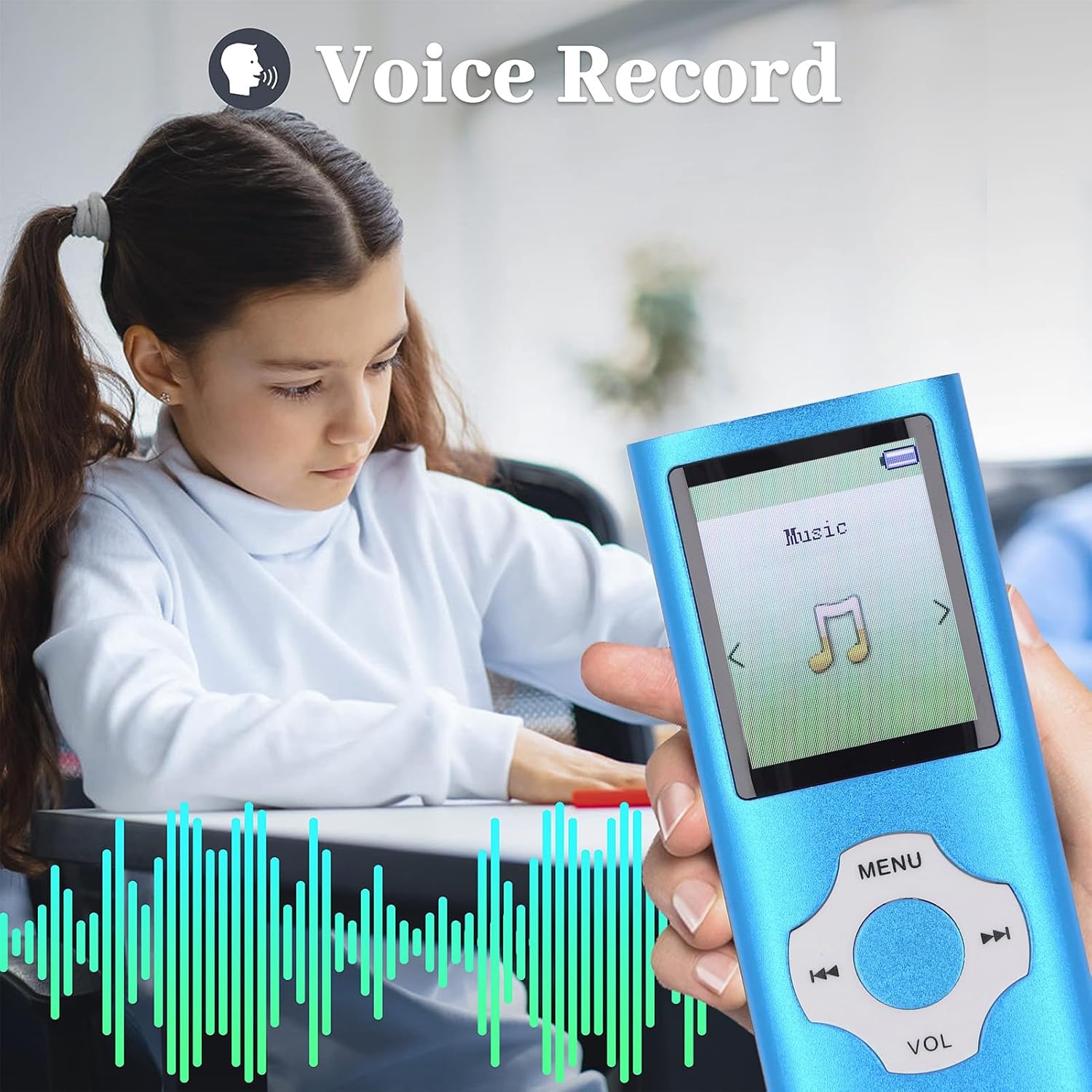
Image: A close-up of the MP3 player held by a child, with the screen showing a voice recording function and visual sound waves.
5.6 Other Functions (Video, Photo, E-book)
The player supports viewing photos in JPG, JPEG, BMP, and GIF formats, playing videos in AMV (converted video) format, and reading e-books in TXT format. Access these functions through their respective menu options.
6. תחזוקה
- יש לשמור על המכשיר יבש. לחות עלולה לגרום נזק לרכיבים אלקטרוניים.
- הימנעו מטמפרטורות קיצוניות. אין לחשוף לאור שמש ישיר או לסביבות קרות מאוד.
- נקו את המסך והגוף בעזרת מטלית רכה ויבשה. אין להשתמש בכימיקלים חזקים.
- יש לטפל בזהירות כדי למנוע נפילות או פגיעות.
- חשוב לגבות באופן קבוע files מהמכשיר למחשב.
7. פתרון תקלות
7.1 המכשיר לא נדלק
- ודא שמתג ההפעלה נמצא במצב 'פועל'.
- Charge the device for at least 30 minutes. The battery might be completely drained.
7.2 לא ניתן להעביר Files למחשב
- Check if the USB cable is securely connected to both the player and the computer.
- נסה יציאת USB אחרת במחשב שלך.
- Ensure the player is powered on when connected to the computer for data transfer.
7.3 אין סאונד
- בדוק את עוצמת הקול.
- Ensure earphones are properly plugged in if using them.
- Test with different earphones or a different audio file.
8. מפרטים
| סוג פריט | נגן MP3 MP4 |
| מותג | דנאש |
| מספר דגם | Denasha2r4edu7xf-13 |
| חוֹמֶר | סגסוגת אלומיניום |
| צֶבַע | כְּחוֹל |
| גודל מסך | 1.8 אינץ' |
| טכנולוגיית תצוגה | LCD |
| קיבולת אחסון זיכרון | עד 128 ג'יגה-בייט (כרטיס Micro SD אינו כלול) |
| טכנולוגיית קישוריות | בלוטות' 5.0 |
| פורמטי שמע נתמכים | MP3, WMA, OGG, APE, FLAC, WAV, etc. |
| פורמטי וידאו נתמכים | AMV (Converted Video) |
| תבניות תמונה נתמכות | JPG, JPEG, BMP, GIF |
| פורמט ספר אלקטרוני נתמך | TXT |
| סוג סוללה | Built-in 180mAh Lithium-ion Battery |
| חיי סוללה | כ. 10 שעות |
| זמן טעינה | משוער. 1-2 שעות |
| תכונות מיוחדות | Voice Recorder, Hi-Res Audio, Bluetooth |
| מכשירים תואמים | Personal computer, headphones, speaker |
| ארץ מוצא | סִין |
9. אחריות ותמיכה
This product comes with a manufacturer's warranty for 90 days from the date of purchase. Please retain your proof of purchase for warranty claims. For technical support or further inquiries, please contact your retailer or the manufacturer directly.