
1. הקדמה
The Nillkin TW004 Wireless Earbuds are designed for audio playback and communication, featuring Bluetooth 5.0 connectivity, CVC noise cancellation, and IPX5 water resistance. This manual provides instructions for proper setup, operation, and maintenance of your earbuds.
2. תכולת החבילה
אנא ודא שכל הפריטים נמצאים בחבילה שלך:
- Nillkin TW004 Wireless Earbuds (Left and Right)
- נרתיק טעינה
- כבל טעינה USB
- גדלים מרובים של קצוות אוזניים (S, M, L)
- מדריך למשתמש

Image: Nillkin TW004 Wireless Earbuds and Charging Case, illustrating key features such as excellent sound quality, Apt-X audio decoding, CVC noise cancellation, Qualcomm 5.0, TWS Plus, mini compact design, 13 hours playtime, and IPX5 water-resistance.
3. תכונות מוצר
- Bluetooth 5.0: מספק חיבור אלחוטי יציב ויעיל.
- CVC Noise Cancellation: משפר את צלילות השיחה על ידי הפחתת רעשי הסביבה.
- Apt-X High Audio Decoding: Delivers lossless sound quality with minimal transmission delay.
- עמידות במים IPX5: Protects against sweat and light splashes, suitable for sports.
- בקרת מגע: Intuitive controls for music playback and call management.
- עיצוב קומפקטי וקל משקל: Ergonomic fit for comfortable and stable wearing.
- חיי סוללה מורחבים: Up to 13 hours of continuous earphone use, with additional charges from the case.

Image: A banner displaying the Nillkin TW004 Wireless Earbuds and charging case, highlighting features such as excellent sound quality, Apt-X audio decoding, CVC noise cancellation, Qualcomm 5.0, TWS Plus, mini compact design, 13 hours playtime, and IPX5 water-resistance.
4. התקנה
4.1 טעינת האוזניות והנרתיק
Before first use, fully charge the earbuds and the charging case. Connect the provided USB charging cable to the charging case and a power source. The indicator lights on the case will show the charging status. Ensure the earbuds are properly seated in the charging slots inside the case.

Image: Nillkin TW004 Earbuds and charging case displaying Bluetooth V5.0, 13 hours continuous earphone use, 52 hours with charging box, 50 days standby time, 500mAh charging box battery, and 4-5 times earphone charging capacity.
4.2 Automatic Power On and Pairing
Once removed from the charging case, the earbuds will automatically power on and enter pairing mode. On your device (e.g., smartphone), enable Bluetooth and search for 'Nillkin TW004' in the list of available devices. Select it to connect. A voice prompt will confirm successful pairing.
Video: An official product video demonstrating the automatic power-on and pairing process of the Nillkin TW004 Wireless Earbuds when removed from their charging case.
4.3 ענידת האוזניות
Choose the ear tips that provide the most comfortable and secure fit for your ears. Insert the earbuds into your ear canals and gently twist them to ensure a snug fit. A proper fit is essential for optimal sound quality and noise isolation.

Image: A person wearing a Nillkin TW004 earbud, demonstrating the mini body design and stable fit in the ear. The image emphasizes the ergonomic and invisible design, with a weight of only 5.6g per earphone, suitable for human auricle.

Image: Illustration showing small (S), medium (M), and large (L) ear tips, indicating options for a customized and stable fit for the Nillkin TW004 earbuds.
5. הוראות הפעלה
5.1 פקדי מגע
The Nillkin TW004 earbuds feature touch-sensitive controls on the outer surface of each earbud. Refer to the following table for common functions:
| פְּעוּלָה | פוּנקצִיָה |
|---|---|
| נגיעה אחת (שמאל/ימין) | השמעה/השהה מוזיקה, מענה/סיום שיחה |
| לחיצה כפולה (ימינה) | המסלול הבא |
| לחיצה כפולה (שמאלה) | המסלול הקודם |
| לחיצה ארוכה (שמאלה/ימינה) | דחיית שיחה, הפעלת עוזר קולי |
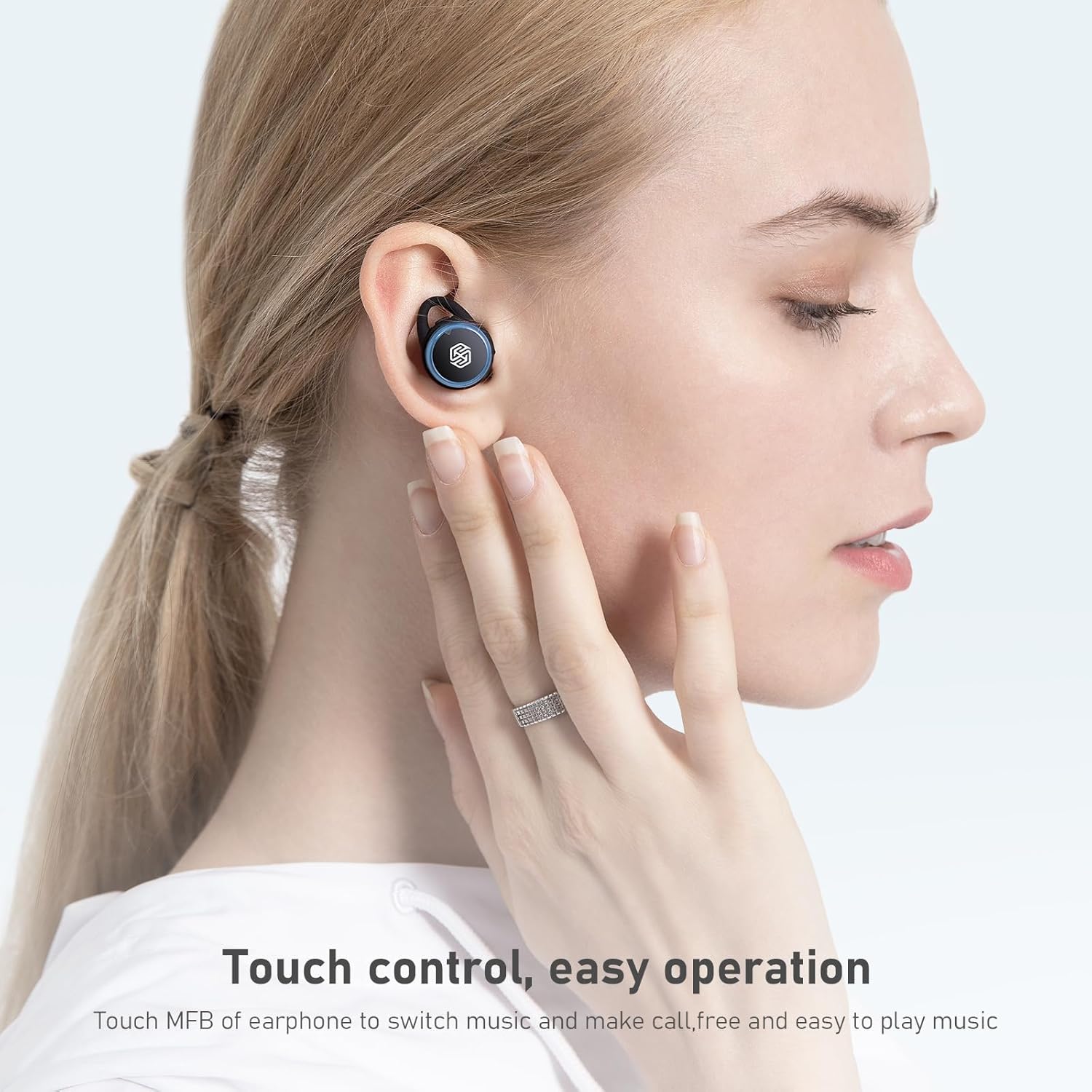
Image: A hand demonstrating touch control on a Nillkin TW004 earbud, illustrating the ease of operation for switching music and managing calls.
5.2 הפעלה/כיבוי
- הפעלה: האוזניות נדלקות אוטומטית עם הוצאתן ממארז הטעינה.
- כיבוי: החזירו את האוזניות למארז הטעינה כדי לכבות אותן באופן אוטומטי ולהתחיל בטעינה.
6. תחזוקה
6.1 ניקוי
נקו את האוזניות ואת נרתיק הטעינה באופן קבוע כדי להבטיח ביצועים והיגיינה מיטביים.
- השתמשו במטלית רכה, יבשה ונטולת סיבים כדי לנגב את האוזניות ואת מארז הטעינה.
- הסירו את קצוות האוזניים ונקו אותם עם סבון עדין ומים. ודאו שהם יבשים לחלוטין לפני חיבורם מחדש.
- נקו בעדינות את מגעי הטעינה הן באוזניות האוזניים והן בתוך המארז בעזרת מקלון צמר גפן יבש.
6.2 אחסון
כאשר אינן בשימוש, אחסנו את האוזניות בנרתיק הטעינה שלהן כדי להגן עליהן מפני אבק, נזק ולשמור עליהן טעונות.

Image: Nillkin TW004 earbuds with water droplets on their surface, illustrating their IPX5 waterproof rating, suitable for sports and protection against sweat and rain.
7. פתרון תקלות
If you encounter issues with your Nillkin TW004 Wireless Earbuds, refer to the following common solutions:
- אוזניות לא מתחברות:
Ensure both earbuds are fully charged. Place them back in the case, then remove them to re-enter pairing mode. Delete 'Nillkin TW004' from your device's Bluetooth list and attempt to pair again. - אין צליל מאוזניה אחת:
Check if both earbuds are charged. Try resetting the earbuds by placing them in the charging case and then taking them out. Ensure they are properly paired as a stereo pair. - מארז טעינה לא נטען:
Verify the USB cable is securely connected to both the case and the power source. Try a different charging cable or power adapter. - איכות סאונד ירודה:
Ensure the earbuds are properly seated in your ears with the correct size ear tips. Move closer to your connected device to avoid interference. - פקדי מגע לא מגיבים:
Ensure your fingers are clean and dry. Try cleaning the touch surface of the earbuds.
8. מפרטים
| תכונה | פְּרָט |
|---|---|
| מספר דגם | TW004 (GO TW004) |
| גרסת בלוטות' | 5.0 |
| שיטת בקרה | לָגַעַת |
| עמידות במים | IPX5 |
| זמן נגינה באוזניות | עד 13 שעות (רציף) |
| זמן משחק כולל (עם כיסוי) | עד 65 שעות |
| סוללת מארז טעינה | 500mAh |
| פענוח אודיו | Apt-X |
| ביטול רעשים | CVC |
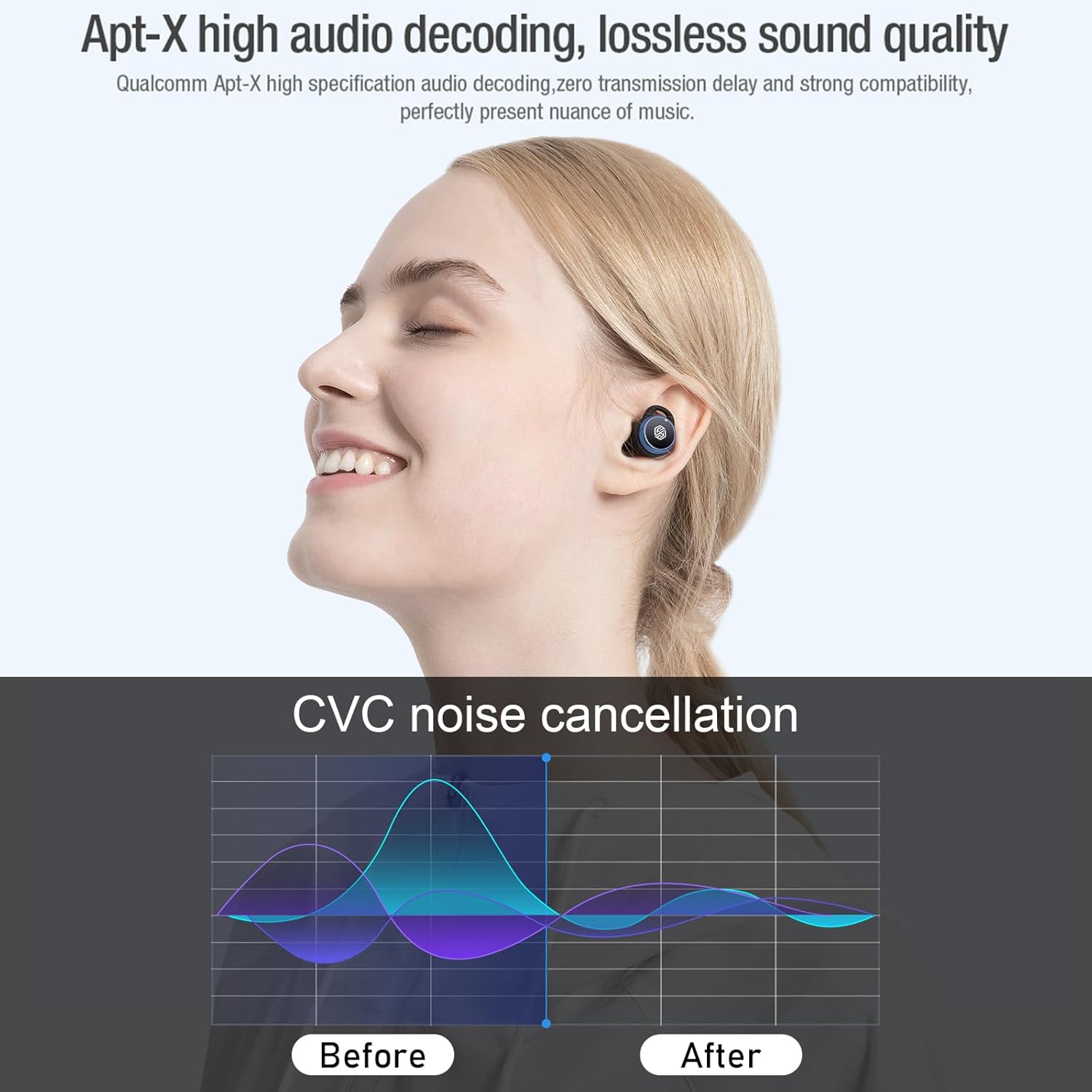
Image: Nillkin TW004 earbud illustrating Apt-X high audio decoding for lossless sound quality and a graph demonstrating CVC noise cancellation effectiveness before and after.
9. אחריות ותמיכה
Nillkin products are manufactured to high quality standards. For warranty information, technical support, or customer service inquiries, please refer to the warranty card included in your product packaging or visit the official Nillkin webאתר. שמור את קבלת הרכישה כהוכחת קנייה.