
1. הקדמה
This manual provides detailed instructions for the T-Wolf TF800 Gaming Combo, a 4-in-1 package designed for an enhanced gaming experience. The combo includes a backlit keyboard, a gaming mouse, a stereo headset with microphone, and a mouse pad. Please read this manual carefully before using the product to ensure proper setup and operation.

Image: T-Wolf TF800 Gaming Combo retail box. The box displays the included keyboard, mouse, headset, and mouse pad, highlighting features like floating keycaps, highlight light, multimedia keys, and ergonomic design.
2. תכולת החבילה
ודא שכל הפריטים הבאים נמצאים בחבילה שלך:
- 1 x מקלדת גיימינג T-Wolf
- 1 x עכבר גיימינג T-Wolf
- 1 x אוזניות גיימינג T-Wolf
- 1 x משטח עכבר גיימינג T-Wolf
3. הוראות התקנה
Follow these steps to set up your T-Wolf TF800 Gaming Combo:
3.1 הגדרת מקלדת
- אתר יציאת USB 2.0 זמינה במחשב שלך.
- חבר את מחבר ה-USB של המקלדת ליציאת ה-USB.
- מערכת ההפעלה תזהה ותתקין באופן אוטומטי את מנהלי ההתקנים הדרושים.
- תאורת המקלדת תאיר לאחר חיבור מוצלח.
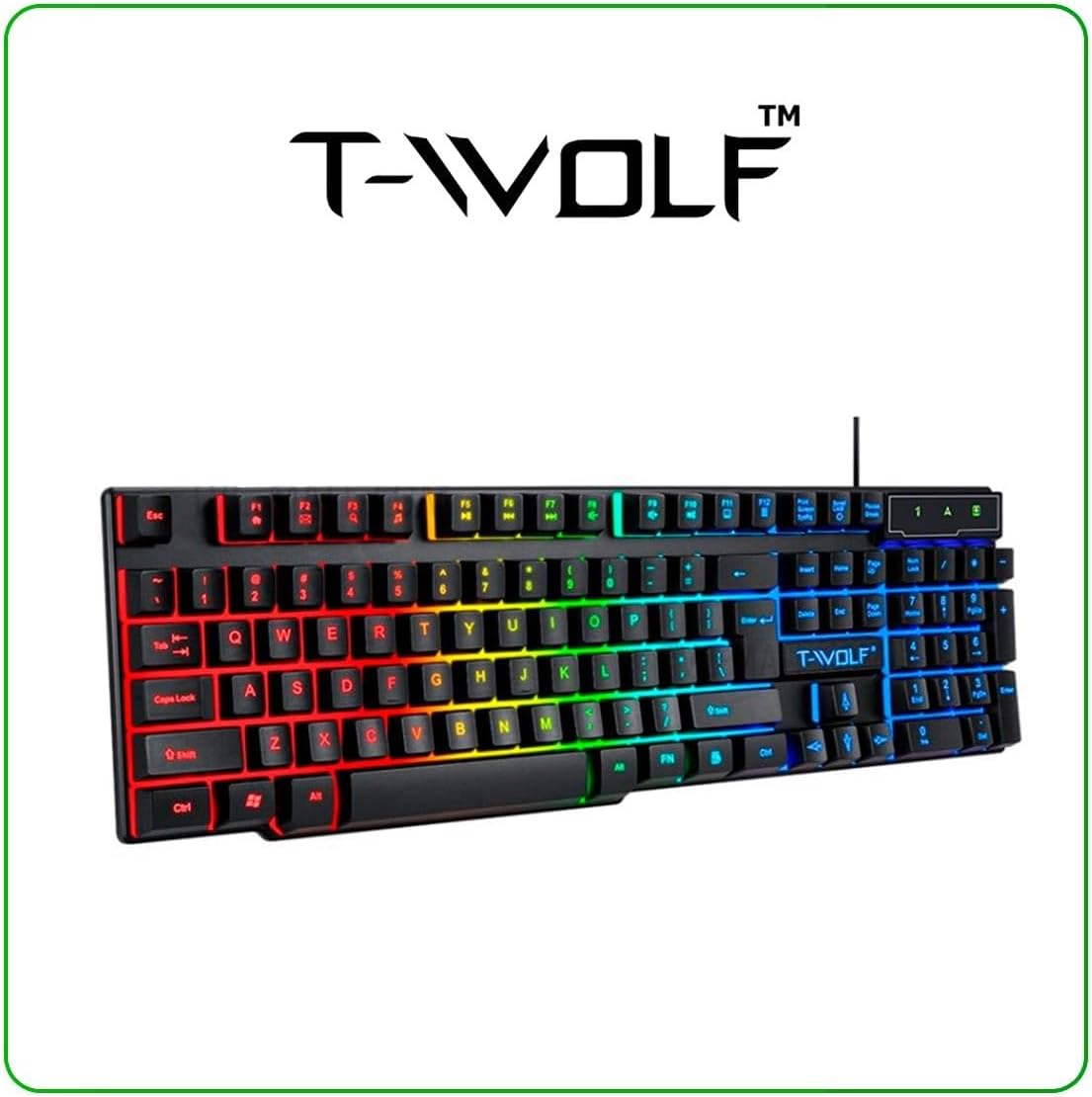
Image: T-Wolf Gaming Keyboard. This image shows the full 104-key layout with vibrant RGB backlighting, including the 'Ñ' key.
3.2 הגדרת עכבר
- Locate another available USB 2.0 port on your computer.
- חבר את מחבר ה-USB של העכבר ליציאת ה-USB.
- מערכת ההפעלה תזהה ותתקין באופן אוטומטי את מנהלי ההתקנים הדרושים.
- תאורת ה-LED של העכבר תידלק לאחר חיבור מוצלח.

Image: T-Wolf Gaming Mouse. This image displays the ergonomic design of the mouse with multi-color RGB lighting accents.
3.3 Headset Setup
- Locate the 3.5mm audio jack on your computer (usually marked with a headphone icon).
- חברו את מחבר ה-3.5 מ"מ של האוזניות לשקע השמע.
- If your computer has separate microphone and headphone jacks, you may need a Y-splitter (not included) or connect to a combined audio jack.
- Adjust the volume using the in-line control on the headset cable.
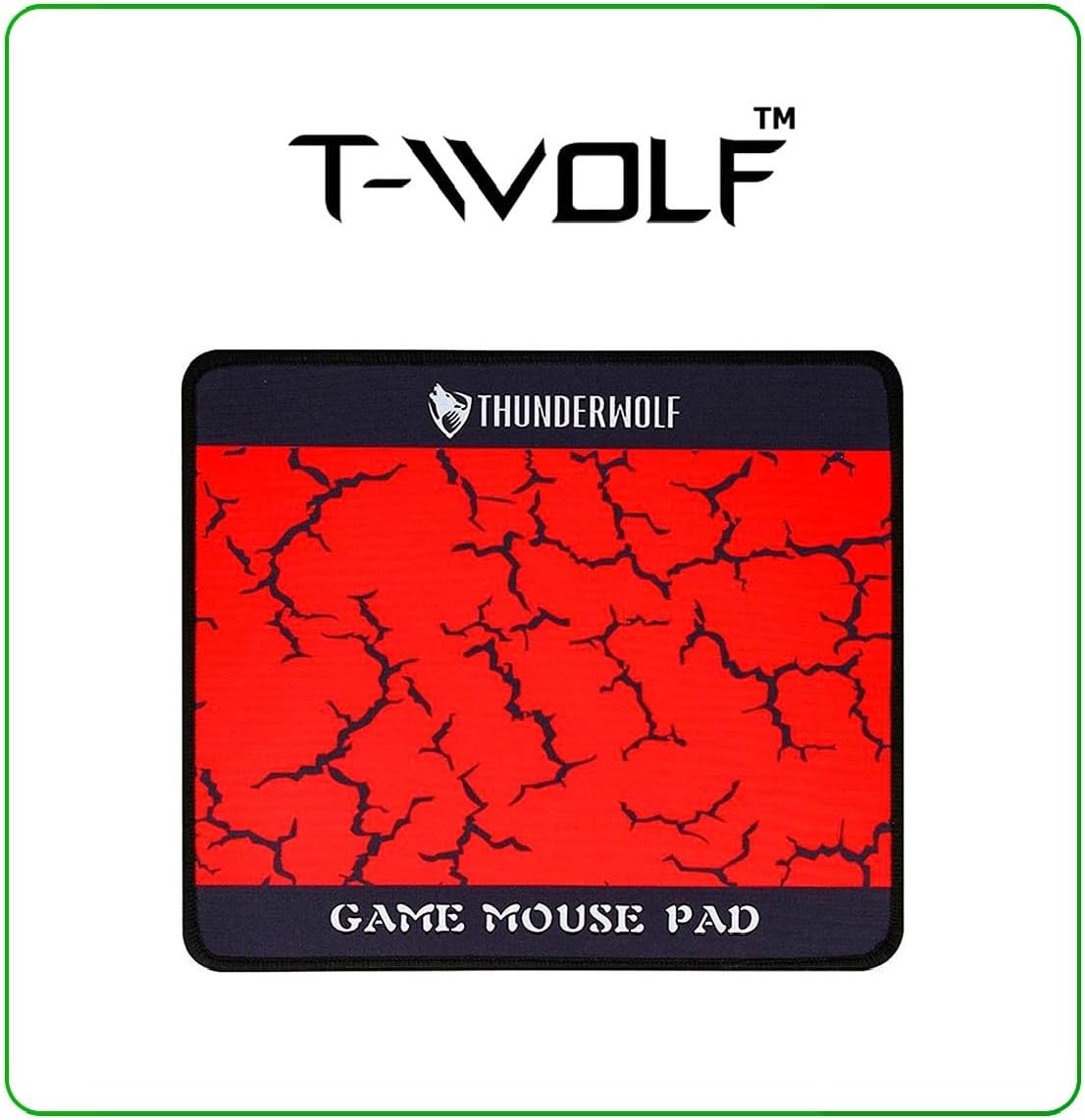
Image: T-Wolf Gaming Headset. This image shows the over-ear headset with a flexible microphone and red accents.
3.4 Mouse Pad Placement
- הנח את משטח העכבר על משטח שטוח ונקי.
- Ensure the non-slip rubber base is in full contact with the desk to prevent movement during use.
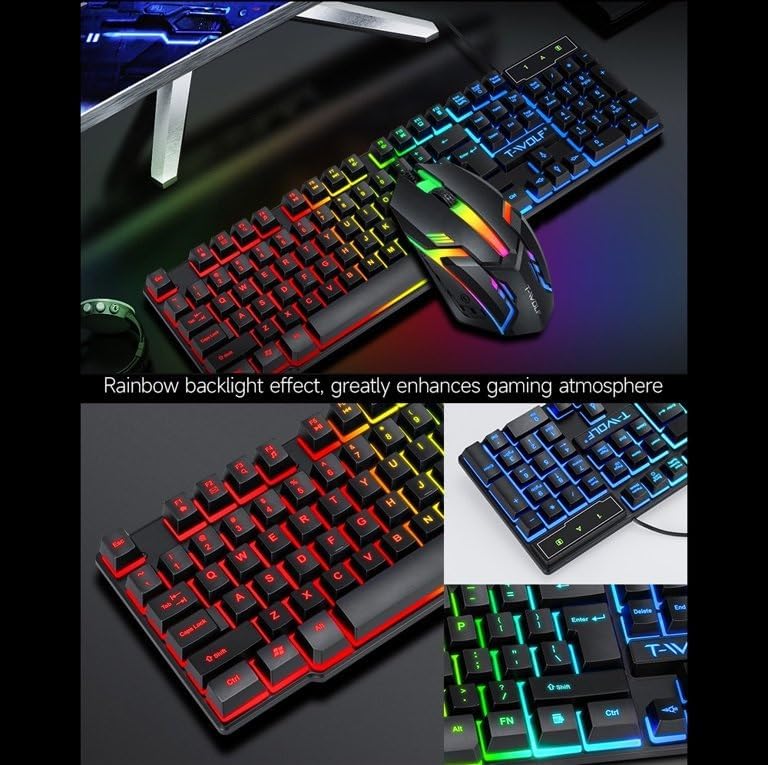
Image: T-Wolf Gaming Mouse Pad. This image features the mouse pad with a red cracked pattern and a black border, designed for optimal mouse precision.
4. הוראות הפעלה
4.1 פעולת המקלדת
- בקרת תאורה אחורית: The keyboard features a 3-color LED backlight (Red, Blue, Green). Press the Scroll Lock key to toggle the backlight ON/OFF.
- מקשי מולטימדיה: Utilize the dedicated multimedia keys (usually F-keys combined with Fn) for quick access to volume control, media playback, and other functions. Refer to the keyboard layout for specific key assignments.
- עיצוב ארגונומי: The keyboard is designed for comfortable typing during extended use.

Image: T-Wolf Keyboard and Mouse. This image illustrates the rainbow backlight effect on both the keyboard and mouse, enhancing the gaming atmosphere.
4.2 פעולת עכבר
- התאמת DPI: The mouse supports adjustable DPI settings (up to 1200 DPI). Use the DPI button (typically located near the scroll wheel) to cycle through different sensitivity levels.
- תאורת LED: העכבר כולל תאורת LED מעגלית ב-4 צבעים, המופעלת אוטומטית בעת חיבור.
- כפתורים: The mouse has 3 buttons for standard operation.
4.3 Headset Operation
- בקרת עוצמת הקול: Adjust the audio volume using the in-line control wheel located on the headset cable.
- שימוש במיקרופון: The microphone is foldable. Position it appropriately for clear voice communication. Ensure your computer's audio settings recognize the headset microphone as the input device.
- סאונד סטריאו: The headset provides stereo sound for deep bass and crisp treble.

Image: T-Wolf Gaming Headset in use and with dimensions. This image shows a user wearing the headset and provides detailed dimensions (200x130x100mm) for the headset.
5. תחזוקה
תחזוקה נכונה מבטיחה את אורך החיים והביצועים האופטימליים של קומבו הגיימינג שלכם.
- ניקוי:
- השתמש במטלית רכה ויבשה כדי לנגב את המקלדת, העכבר והאוזניות.
- עבור לכלוך עיקש, מעט דחוףampשטפו את המטלית במים או בתמיסת ניקוי עדינה. הימנעו מכימיקלים חזקים.
- Do not immerse any component in water.
- The mouse pad can be gently hand-washed with mild soap and water, then air-dried.
- אִחסוּן:
- Store the combo in a cool, dry place away from direct sunlight and extreme temperatures.
- Avoid placing heavy objects on the keyboard or headset to prevent damage.
- ניהול כבלים: הימנעו מכיפופים חדים או קיפולים בכבלים כדי למנוע נזק פנימי לחוטים.
6. פתרון תקלות
If you encounter any issues with your T-Wolf TF800 Gaming Combo, refer to the following common problems and solutions:
- מקלדת/עכבר לא מגיבים:
- Ensure the USB connectors are securely plugged into the computer's USB ports.
- נסה לחבר את המכשירים ליציאות USB שונות.
- הפעל מחדש את המחשב.
- Check if the Scroll Lock key is pressed (for keyboard backlight).
- Headset No Sound/Microphone Not Working:
- ודא ששקע האודיו 3.5 מ"מ מוכנס במלואו ליציאה הנכונה.
- Check the in-line volume control on the headset cable and ensure it is not muted or set to minimum.
- Verify your computer's audio settings:
- For output, ensure the headset is selected as the default playback device.
- For input, ensure the headset microphone is selected as the default recording device.
- Test the headset on another device if possible to rule out a device-specific issue.
- נורות LED לא עובדות:
- For the keyboard, press the Scroll Lock key to toggle the backlight.
- Ensure the devices are properly connected via USB.
- Some systems may require specific drivers or software for advanced lighting control, though basic functionality should be plug-and-play.
7. מפרטים
Detailed specifications for each component of the T-Wolf TF800 Gaming Combo:
7.1 מפרט המקלדת
| מערכת תאורה אחורית | 3-color LED (Red, Blue, Green) |
| פריסת מפתח | 104 keys, includes 'Ñ' |
| ממשק חיבור | USB 2.0 |
| אורך כבל | 1.45 מטר (4.8 רגל) |
| Key Stroke Life | 1 מיליון פעמים |
| מידות | 430 x 130 x 30 מ"מ |
| מִשׁקָל | 650 גרם |
7.2 מפרט עכבר
| DPI | 1200 |
| כפתורים | 3 |
| תאורה אחורית | 4-color circular breathing LED |
| ממשק חיבור | USB 2.0 |
| אורך כבל | 1.35 מטר (4.4 רגל) |
| Stroke Life | 2 מיליון פעמים |
| מִשׁקָל | 95 גרם |
7.3 Headset Specifications
| קוטר הרמקול | 50 מ"מ |
| עַכָּבָּה | 32Ω ±15% |
| תגובת תדר | 20Hz-20kHz |
| אורך כבל | 1.8 מטר |
| כוח מדורג | 25mW |
| כוח קלט מקסימלי | 100mW |
| סוג תקע | 3.5 מ"מ |
| רגישות למיקרופון | -58dB ± 3dB |
| מידות | 200 x 130 x 100 מ"מ |
| מִשׁקָל | Not specified in detail, but generally lightweight |
7.4 Mouse Pad Specifications
| גוֹדֶל | 300 x 250 x 2 מ"מ |
| חוֹמֶר | Cloth surface, Rubber base |
| תכונות | Ultra-smooth weave surface, Anti-slip bottom |
| מִשׁקָל | 122 גרם |
8. מידע על אחריות
This T-Wolf TF800 Gaming Combo comes with a standard manufacturer's warranty against defects in materials and workmanship. The specific duration and terms of the warranty may vary by region and retailer. Please retain your proof of purchase for warranty claims. For detailed warranty information, refer to the documentation provided at the point of purchase or contact your retailer.
9. תמיכת לקוחות
If you require further assistance or have questions not covered in this manual, please contact your retailer or the product manufacturer's customer support.
- תמיכה לקמעונאים: Refer to the contact information provided by your purchase retailer.
- תמיכת יצרן: For general inquiries, please visit the official T-Wolf website (if available) or search for T-Wolf customer service online.