
1. מידע בטיחות חשוב
Please read these safety instructions carefully before operating your TV and retain them for future reference. Always follow basic safety precautions to reduce the risk of fire, electric shock, and injury.
- כּוֹחַ: Connect the TV to an AC power outlet only. Do not overload wall outlets. Ensure the power cord is not damaged or pinched.
- אוורור: Do not block ventilation openings. Install the TV in a location with adequate airflow.
- ניקוי: נתקו את הטלוויזיה מהחשמל לפני ניקוי. השתמשו במטלית רכה ויבשה. אין להשתמש בחומרי ניקוי נוזליים או תרסיסים.
- מים ולחות: אין לחשוף את הטלוויזיה לגשם או לחות. אין להניח חפצים מלאים נוזלים על הטלוויזיה.
- יַצִיבוּת: Ensure the TV is placed on a stable surface or securely mounted to prevent it from falling.
2. מה כלול
ודא שכל הרכיבים נמצאים באריזה:
- LG 55QNED85T 55-inch 4K QNED Smart TV
- Base (Stand)
- כבל חשמל ניתן להסרה
- Magic Remote (MR 24Y)
- סוללות AA x 2
3. התקנה
3.1 פירוק
Carefully remove the TV and all accessories from the packaging. It is recommended to keep the packaging materials for future transport or service needs.
3.2 התקנת מעמד
כדי להתקין את מעמד הטלוויזיה:
- הניחו את הטלוויזיה כשפניה כלפי מטה על משטח רך ושטוח כדי למנוע נזק למסך.
- יישרו את רכיבי המעמד עם החריצים המתאימים בתחתית הטלוויזיה.
- אבטחו את המעמד באמצעות הברגים המצורפים. ודאו שכל הברגים מהודקים היטב.

חֲזִית view of the LG 55QNED85T 55-inch 4K QNED Smart TV with its stand installed.

צַד view of the LG 55QNED85T 55-inch 4K QNED Smart TV showing its slim profile ולעמוד.
3.3 התקנה על הקיר (אופציונלי)
If you choose to wall mount your TV, refer to the instructions provided with your wall mount bracket. Ensure the bracket is compatible with VESA standards for your TV model and installed by a qualified professional.
3.4 חיבור ציוד היקפי
Connect external devices such as set-top boxes, gaming consoles, or sound systems to the TV's ports. The TV features HDMI, USB, Ethernet, Bluetooth, and Wi-Fi connectivity.

אֲחוֹרִי view of the LG 55QNED85T 55-inch 4K QNED Smart TV showing various input and output ports.
3.5 חיבור מתח
After connecting all desired devices, plug the detachable power cable into the TV's power input and then into a wall outlet.
3.6 הגדרה ראשונית
Upon first power-on, the TV will guide you through the initial setup process. This includes selecting your language, connecting to a network (Wi-Fi or Ethernet), and scanning for channels.
4. הפעלת הטלוויזיה שלך
4.1 Magic Remote (MR 24Y)
The LG Magic Remote allows for intuitive control of your TV. It functions like an air mouse, allowing you to point and click. It also features a dedicated AI button for smart functions.

The LG AI Magic Remote offers dedicated buttons and features for AI functions, including AI Chatbot, AI Concierge, AI Search, AI Picture Wizard, AI Voice ID, and AI Sound Wizard.
4.2 Webתכונות חכמות של OS 24
טלוויזיית LG QNED שלך פועלת על webOS 24, offering a smart and user-friendly interface. Key features include:
- LG ThinQ AI: Integrated artificial intelligence for enhanced control and personalization.
- אמזון אלקסה מובנית: Use voice commands for various TV functions and smart home control.
- Intelligent Voice Recognition: Control your TV and search for content using your voice.
- App Remote Control (LG ThinQ): Control your TV from your smartphone using the LG ThinQ app.
- קונסיירז' בינה מלאכותית: Provides personalized keyword suggestions and recommendations based on your viewההיסטוריה.

The AI Concierge feature provides personalized keyword suggestions and recommendations based on your search and viewההיסטוריה.
- חיפוש בינה מלאכותית: Offers personalized recommendations for your queries and additional solutions with Microsoft Copilot.

AI Search provides personalized recommendations for your queries and can integrate with Microsoft Copilot for additional solutions.
- זיהוי קולי של בינה מלאכותית: Recognizes each user's vocal signature and offers personalized recommendations as you speak.

AI Voice ID recognizes individual user voices to provide personalized content recommendations.
4.3 הגדרות תמונה
Your QNED TV combines Quantum Dot and NanoCell technologies for vibrant and accurate colors. The α8 AI Processor Gen 2 optimizes picture quality.
- QNED Dynamic Colors: LG's wide color gamut technology provides enhanced color reproduction.
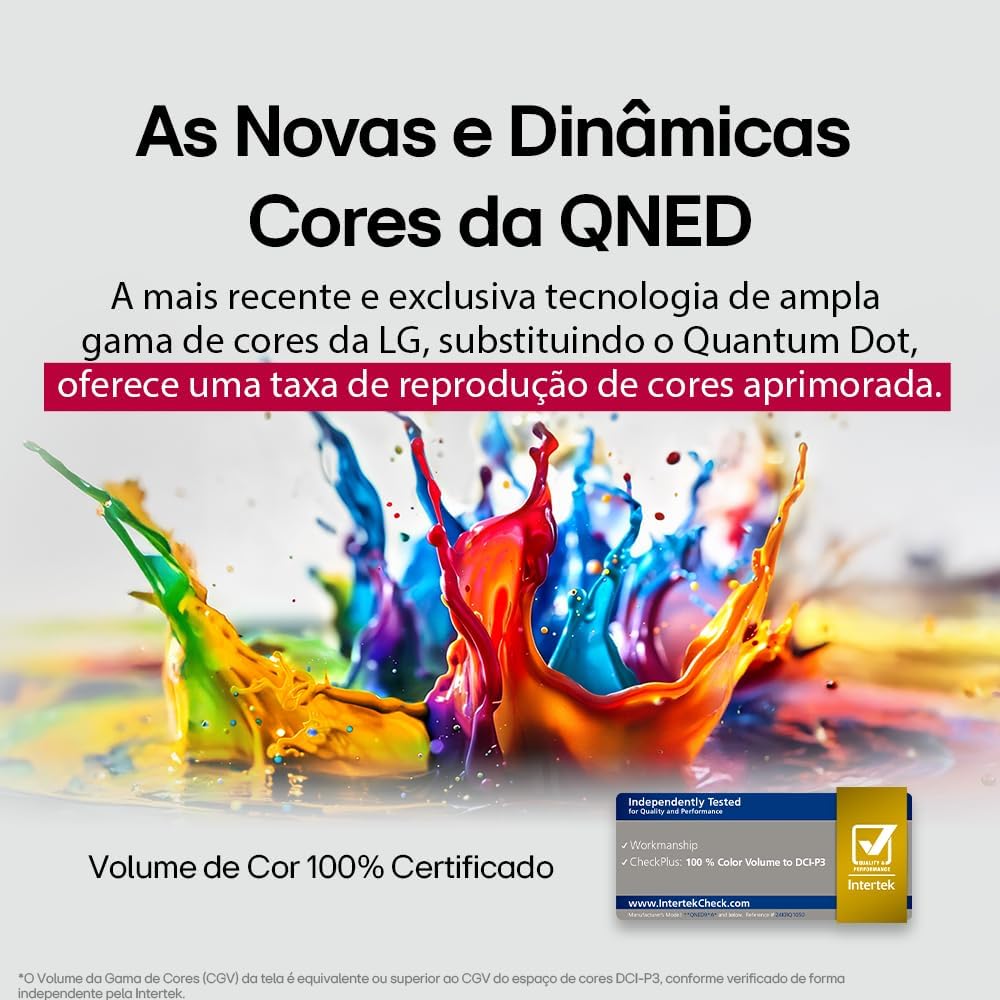
LG's QNED technology delivers new and dynamic colors, offering an improved color reproduction rate with 100% Certified Color Volume to DCI-P3.
- MiniLED: This technology enhances sharpness and provides superior contrast for an immersive viewניסיון.
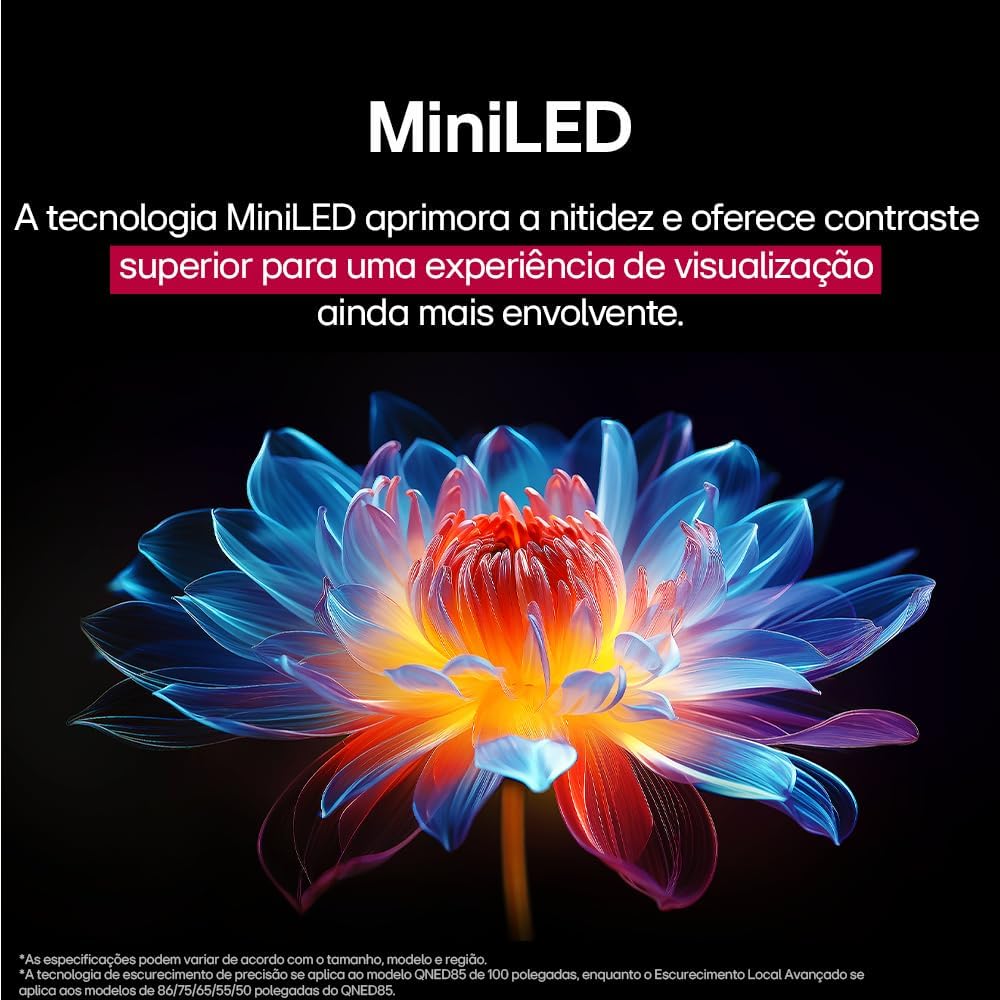
MiniLED technology improves sharpness and offers superior contrast for an immersive viewניסיון.
- α8 AI Processor Gen 2: This processor enhances 4K visuals with impressive colors and brightness.
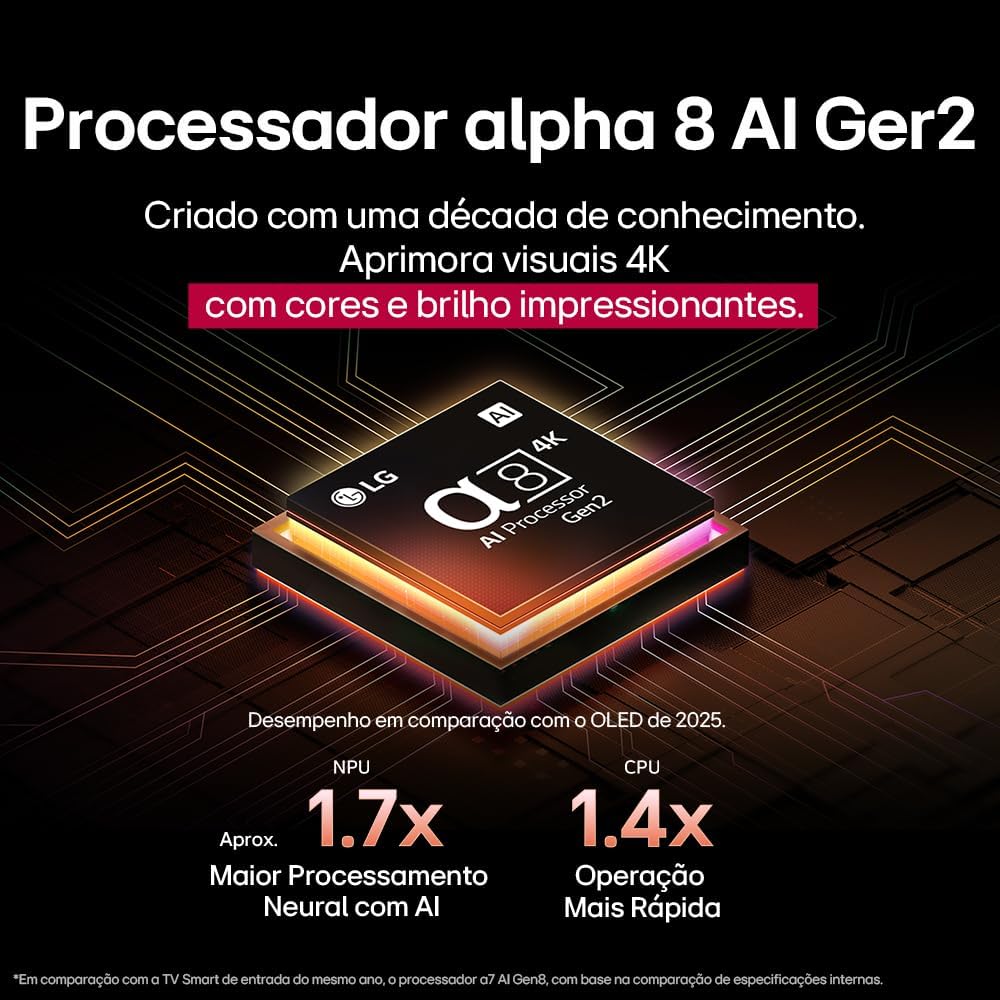
The Alpha 8 AI Processor Gen 2 enhances 4K visuals with impressive colors and brightness, offering approximately 1.7x greater neural processing with AI and 1.4x faster operation compared to previous generations.
- AI Picture Pro: Analyzes each frame, enhancing resolution, brightness, depth, and clarity to bring every scene to life.

AI Picture Pro analyzes each frame, enhancing resolution, brightness, depth, and clarity to bring every scene to life.
4.4 הגדרות סאונד
The TV includes AI Sound Wizard features to optimize audio output based on your environment and content.
4.5 קישוריות
הטלוויזיה שלך תומכת באפשרויות קישוריות שונות:
- Wi-Fi: התחבר לרשת האלחוטית הביתית שלך לקבלת גישה לאינטרנט ולתכונות חכמות.
- אתרנט: השתמש בחיבור קווי לקבלת גישה יציבה לאינטרנט.
- HDMI: חברו מכשירים באיכות HD כמו נגני Blu-ray, קונסולות משחקים וסאונדברים.
- USB: הפעל מדיה files מהתקני אחסון USB.
- בלוטות': Connect wireless headphones, speakers, or other compatible devices.
4.6 תכונות משחקים
The LG 55QNED85T is equipped with features for an enhanced gaming experience:
- 120Hz Panel: מספק תנועה חלקה יותר למשחקים מהירים.
- FreeSync: Reduces screen tearing and stuttering when connected to compatible gaming devices.
5. תחזוקה
5.1 ניקוי
- מָסָך: נגבו בעדינות את המסך בעזרת מטלית רכה ונטולת סיבים. במקרה של סימנים עקשניים, נגבו קלותampשטפו את המטלית במים או בחומר ניקוי מיוחד למסכים (אין לרסס ישירות על המסך).
- מסגרת ומעמד: נגב עם מטלית רכה ויבשה.
- שְׁלַט רָחוֹק: Use a soft, dry cloth to clean the remote.
5.2 עדכוני תוכנה
Your TV may receive software updates to improve performance and add new features. You can usually check for and install updates through the TV's settings menu (Settings > General > About This TV > Check for Updates).
6. פתרון תקלות
אם נתקלת בבעיות עם הטלוויזיה שלך, עיין בפתרונות הנפוצים הבאים:
| בְּעָיָה | פתרון אפשרי |
|---|---|
| אין כוח | בדוק אם כבל החשמל מחובר היטב לטלוויזיה ולשקע בקיר. ודא שהשקע תקין. |
| אין תמונה, אבל יש קול | בדוק את מקור הקלט. ודא שההתקנים החיצוניים מופעלים ומחוברים כראוי דרך HDMI. |
| אין קול, אבל יש תמונה | בדוק את עוצמת הקול ואת מצב ההשתקה. בדוק את הגדרות פלט השמע (לדוגמה, רמקולים פנימיים, סאונד בר חיצוני). |
| השלט רחוק לא עובד | החליפו את הסוללות. ודאו שאין חסימות בין השלט לטלוויזיה. במידת הצורך, צמדו מחדש את שלט הקסם. |
| בעיות חיבור לרשת | הפעל מחדש את הנתב והמודם. בדוק את סיסמת ה-Wi-Fi. נסה חיבור Ethernet קווי במידת האפשר. |
| בעיות איכות תמונה | כוונן את הגדרות התמונה (בהירות, ניגודיות, חדות). ודא שמקור הקלט מספק אות באיכות גבוהה. |
If the problem persists, try performing a factory reset (refer to the TV's settings menu) or contact LG customer support.
7. מפרטים
Detailed specifications for the LG 55QNED85T 55-inch 4K QNED Smart TV:
| תכונה | מִפרָט |
|---|---|
| גודל מסך | 55 אינץ' |
| מותג | LG |
| טכנולוגיית תצוגה | LED (QNED, MiniLED) |
| הַחְלָטָה | 4K (3840 x 2160) |
| קצב רענון | 120 הרץ |
| תכונות מיוחדות | QNED Dynamic Colors, MiniLED, α8 AI Processor Gen 2 |
| טכנולוגיית קישוריות | בלוטות', אתרנט, HDMI, USB, Wi-Fi |
| יחס גובה-רוחב | 16:9 |
| מידות המוצר (DxWxH) | 25.7D x 123.6W x 78.3H centimeters (with stand) |

Dimensions of the LG 55QNED85T 55-inch TV. Indicated values and actual measurements may differ.
8. אחריות ותמיכה
Your LG 55QNED85T Smart TV comes with a manufacturer's warranty. Please refer to the warranty card included in your product packaging for specific terms and conditions.
For technical support, service, or warranty claims, please contact LG customer service through their official webאתר או פרטי הקשר המופיעים במסמכי האחריות שלך.