
STRONG SRT32HG6733C
STRONG SRT32HG6733C 32-inch HD Android Smart TV User Manual
Model: SRT32HG6733C
מָבוֹא
This manual provides essential information for the setup, operation, and maintenance of your STRONG SRT32HG6733C 32-inch HD Android Smart TV. Please read these instructions carefully before using the product to ensure proper functionality and safety.
מה יש בקופסה
לאחר פירוק האריזה, יש לוודא שכל הפריטים המפורטים להלן נמצאים ובמצב תקין:
- STRONG SRT32HG6733C TV Unit
- Remote control with voice recognition
- 2 x סוללות AAA
- מדריך למשתמש (מסמך זה)

Image: The STRONG SRT32HG6733C TV unit with its central stand, remote control, and included accessories.
הגדרה
1. חיבור המעמד
Carefully place the TV screen-down on a soft, clean surface to prevent scratches. Align the central stand with the mounting holes on the bottom of the TV. Secure the stand using the provided screws. Ensure the stand is firmly attached before proceeding.

תמונה: אחורי view of the TV showing the central stand attachment points and various input ports.
2. חיבור חשמל
חבר את כבל החשמל לשקע החשמל של הטלוויזיה, ולאחר מכן לשקע בקיר. הטלוויזיה תיכנס למצב המתנה.
3. הגדרה ראשונית וחיבור רשת
Upon first power-on, the TV will guide you through the initial setup process. This includes language selection, country, and network connection. For optimal Smart TV functionality, connect to your Wi-Fi network. You can also connect via an Ethernet cable for a stable wired connection.

Image: The TV screen displaying connectivity options, highlighting Wi-Fi and Bluetooth symbols.
הוראות הפעלה
פונקציות בסיסיות
- הפעלה/כיבוי: לחץ על כפתור ההפעלה בשלט רחוק או בטלוויזיה.
- בחירת ערוץ: Use the CH+/- buttons or the number pad on the remote.
- בקרת עוצמת הקול: השתמשו בכפתורי VOL+/-.
- מקור קלט: Press the SOURCE button to select between HDMI, AV, DVB-T/T2, DVB-C, DVB-S/S2 inputs.
תכונות טלוויזיה חכמה (Google TV)
Your TV runs on Google TV, providing access to a wide range of applications and services.
- מסך הבית: Access your favorite apps, movies, and shows directly from the customizable home screen.
- יישומי סטרימינג: Pre-installed apps include Netflix, Prime Video, YouTube, and Disney+. Additional apps can be downloaded from the Google Play Store.
- Google Assistant: Use the voice recognition remote to control your TV, search for content, and get information by pressing the Google Assistant button and speaking your command.
- Google Cast: Stream content from your compatible smartphone or tablet directly to the TV.

Image: The TV screen showing the Google TV interface with icons for Netflix, YouTube, Prime Video, Disney+, and other streaming services.

Image: A user holding the voice-controlled remote, with a visual representation of Google Assistant responding to a voice command on the TV screen.
קישוריות
הטלוויזיה מציעה מגוון יציאות לחיבור התקנים חיצוניים:
- יציאות HDMI (x2): חבר נגני Blu-ray, קונסולות משחקים או מכשירים אחרים התומכים ב-HDMI.
- יציאת USB (x1): הפעל מדיה file(תמונות, סרטונים, מוזיקה) מהתקן אחסון USB.
- יציאת אתרנט (RJ45): עבור חיבור אינטרנט קווי.
- Antenna (ANT in) / Satellite (SAT in) Inputs: Connect your terrestrial or satellite antenna for live TV.
- חריץ CI: עבור מודולי גישה מותנית (CAM) לפענוח ערוצים מוצפנים.
- פלט SPDIF: לפלט שמע דיגיטלי לסאונד בר או למערכת קולנוע ביתית.
- כניסת AV: לחיבור מכשירים ישנים יותר באמצעות וידאו מרוכב ואודיו סטריאו.
- יציאת אוזניות: לחיבור אוזניות.

תמונה: מפורט מאחור view of the TV highlighting all available input and output ports, including AV in, HDMI, USB, Ethernet, S/PDIF, ANT in, SAT in, CI slot, and Headphone output.
סרטון: הקדמה קצרהview demonstrating the TV's use in a mobile setting, such as a camper van, showing its compact size and clear display for entertainment on the go.
תַחזוּקָה
ניקוי הטלוויזיה
כדי לנקות את המסך, נגבו אותו בעדינות בעזרת מטלית רכה ונטולת סיבים. במקרה של סימנים עקשניים, נגבו אותו קלות.ampen the cloth with water or a screen-cleaning solution. Avoid using harsh chemicals or abrasive materials. Clean the TV casinנגבו בעזרת מטלית יבשה ורכה.
עדכוני תוכנה
Your Android TV may receive software updates periodically. Ensure your TV is connected to the internet to receive these updates. Updates can improve performance, add new features, and enhance security. You can check for updates manually in the TV's settings menu.
פתרון בעיות
| בְּעָיָה | פתרון אפשרי |
|---|---|
| אין כוח | בדוק אם כבל החשמל מחובר היטב לטלוויזיה ולשקע בקיר. ודא שהשקע תקין. |
| אין תמונה, אבל יש קול | ודא שמקור הקלט הנכון נבחר. בדוק את חיבורי הכבלים להתקנים חיצוניים. |
| אין קול, אבל יש תמונה | בדוק את עוצמת הקול ואת מצב ההשתקה. ודא שכבלי השמע מחוברים כהלכה אם משתמשים ברמקולים חיצוניים. |
| השלט רחוק לא עובד | החלף את הסוללות. ודא שאין חסימות בין השלט לחיישן ה-IR של הטלוויזיה. |
| לא ניתן להתחבר ל-Wi-Fi | ודא שהנתב שלך דולק ופועל. הזן שוב את סיסמת ה-Wi-Fi. נסה להפעיל מחדש את הטלוויזיה ואת הנתב. |
| אפליקציות טלוויזיה חכמה איטיות או לא מגיבות | Check your internet connection speed. Close unused applications. Restart the TV. |
מפרטים
| תכונה | פְּרָט |
|---|---|
| מספר דגם | SRT32HG6733C |
| גודל מסך | 32 אינץ' (81 ס"מ) |
| טכנולוגיית תצוגה | LED |
| הַחְלָטָה | מוכן ל-HD (1366 x 768p) |
| מַעֲרֶכֶת הַפעָלָה | Google TV |
| קישוריות | Wi-Fi, Bluetooth, 2x HDMI, 1x USB, Ethernet (RJ45), AV In, SPDIF, ANT in, SAT in, CI Slot |
| מקלטים | DVB-T/T2, DVB-C, DVB-S/S2 (HEVC 265 codec) |
| תכונות מיוחדות | Google Assistant, Google Cast, Dolby Audio |
| מידות (ב x D x H) | 71.8 x 22.3 x 45.2 ס"מ (עם מעמד) |
| רכיבים כלולים | TV, Voice Remote, 2x AAA Batteries, Manual |
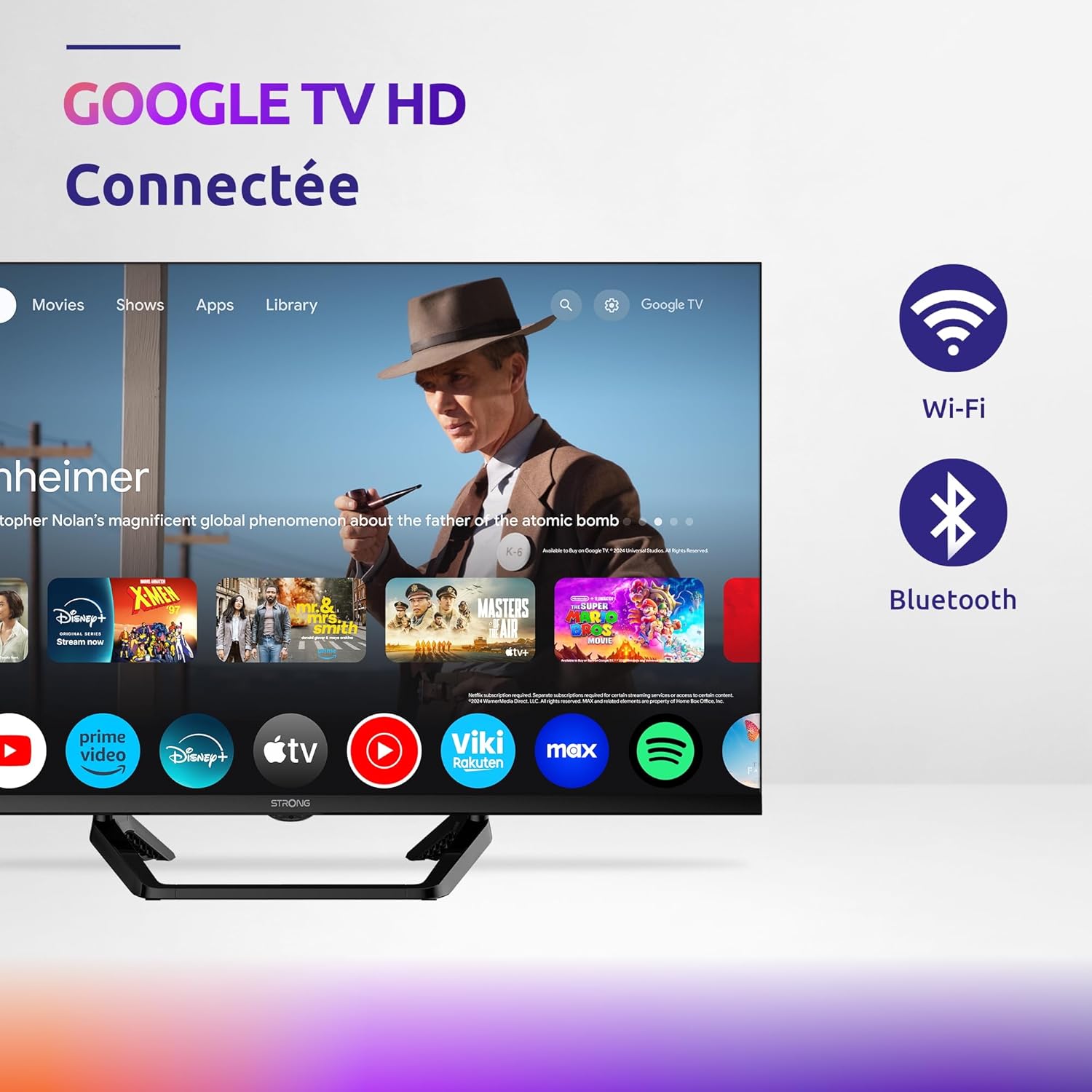
Image: Diagram showing the dimensions of the STRONG SRT32HG6733C TV, including width, height, and depth with the central stand.
אחריות ותמיכה
This product comes with a manufacturer's warranty of 24 months. For warranty claims or technical support, please refer to the contact information provided on the official STRONG webהאתר או מסמכי הרכישה שלך.
For frequently asked questions and additional resources, visit the STRONG Brand Store.


Images: Icons representing warranty information and frequently asked questions.
Ask a question about this manual
Ask about setup, troubleshooting, compatibility, parts, safety, or missing instructions. Manuals+ will review the question and use this page’s manual context to help answer it.