
Holyton K-103
Holyton Robot Toys K103 Instruction Manual
Model: K103 | Brand: Holyton
1. הקדמה
The Holyton K103 Robot Toy offers an exciting and educational interactive experience for children. This remote-controlled robot features gesture sensing, auto-demonstration, dance moves, music, and voice recording capabilities. Crafted from child-friendly, BPA-free ABS material, it is designed for durability and safety, ensuring smooth, burr-free edges to protect little hands. The robot is rechargeable, providing extended playtime after a quick charge, making it an ideal companion for imaginative play and developing logical thinking skills.
2. מה בקופסה
- רובוט x 1
- שלט רחוק x 1
- Battery x 1 (pre-installed in robot)
- מדריך הוראות x 1
- כבל טעינה USB x 1
- Toy Cannonball x 3

Image: All components included in the Holyton K103 Robot package.
3. מידע בטיחות
אַזהָרָה: Small accessories are included. To avoid accidental ingestion, ensure children play under adult supervision, especially with the toy cannonballs.
The robot is crafted from child-friendly, BPA-free ABS material with smooth, burr-free edges to protect little hands.
4. מדריך התקנה
4.1 Robot Battery Installation & Charging
The robot comes with a pre-installed rechargeable Lithium Polymer battery. Before first use, fully charge the robot.
- אתר את שקע הטעינה ברובוט.
- Connect the included USB charging cable to the robot's charging port and the other end to a USB power source (e.g., computer, USB wall adapter).
- The robot requires approximately 80 minutes for a full charge. A full charge provides up to 150 minutes of playtime.
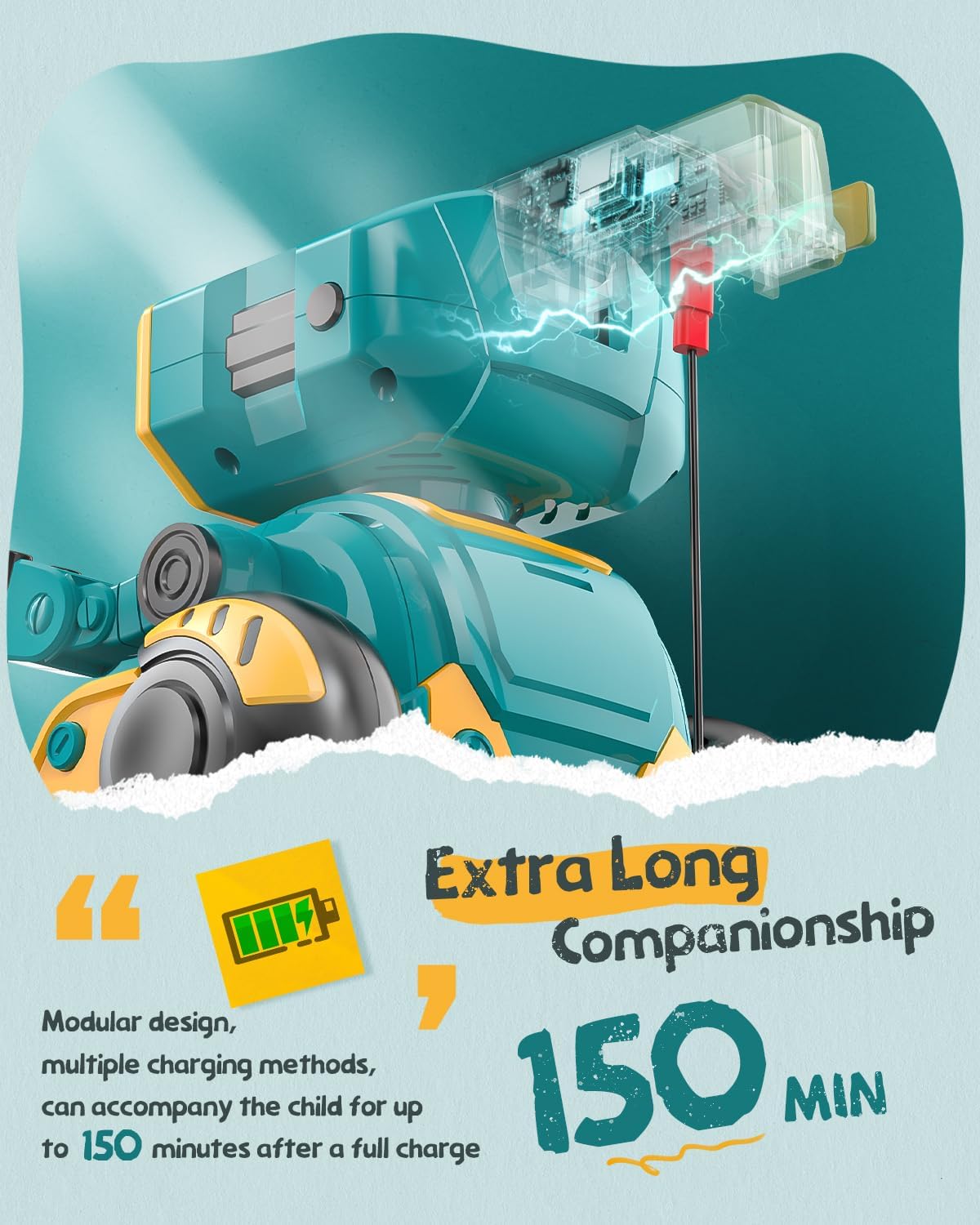
Image: The robot's charging port and battery indicator.
4.2 התקנת סוללת השלט רחוק
השלט רחוק דורש 2 סוללות AAA (לא כלולות).
- אתר את תא הסוללות בגב השלט הרחוק.
- Use a small screwdriver (included) to open the battery compartment.
- הכניסו 2 סוללות AAA, תוך הקפדה על קוטביות נכונה (+/-).
- סגור את תא הסוללות ואבטח אותו באמצעות הבורג.
5. הוראות הפעלה
Familiarize yourself with the robot's functions and the remote control buttons for optimal play.
5.1 הפעלה/כיבוי
Press the power button on the robot's chest to turn it on. The LED eyes will light up. Press again to turn off.

Image: The robot's main body showing the power button.
5.2 פונקציות שלט רחוק
The remote control allows for various movements and actions. Refer to the remote control layout for button identification.

Image: The robot and its remote control, highlighting interactive features.
- תְנוּעָה: Use the directional buttons (up, down, left, right) to control the robot's movement.
- ריקוד: Press the dance button to make the robot perform various dance moves with music.
- הדגמה אוטומטית: Activate the auto-demonstration mode for the robot to showcase its full range of movements and features automatically.
- LED Expression Switching: Use the dedicated button to change the robot's LED eye expressions, displaying different emotions or patterns.
- Encyclopedia Content: The robot can recite informational content. Press the encyclopedia button to hear various facts or stories.
- בקרת עוצמת הקול: Adjust the robot's sound volume using the volume up/down buttons.
5.3 חישת מחוות
The robot is equipped with gesture sensing technology. Wave your hand in front of the robot to trigger specific movements or sounds.
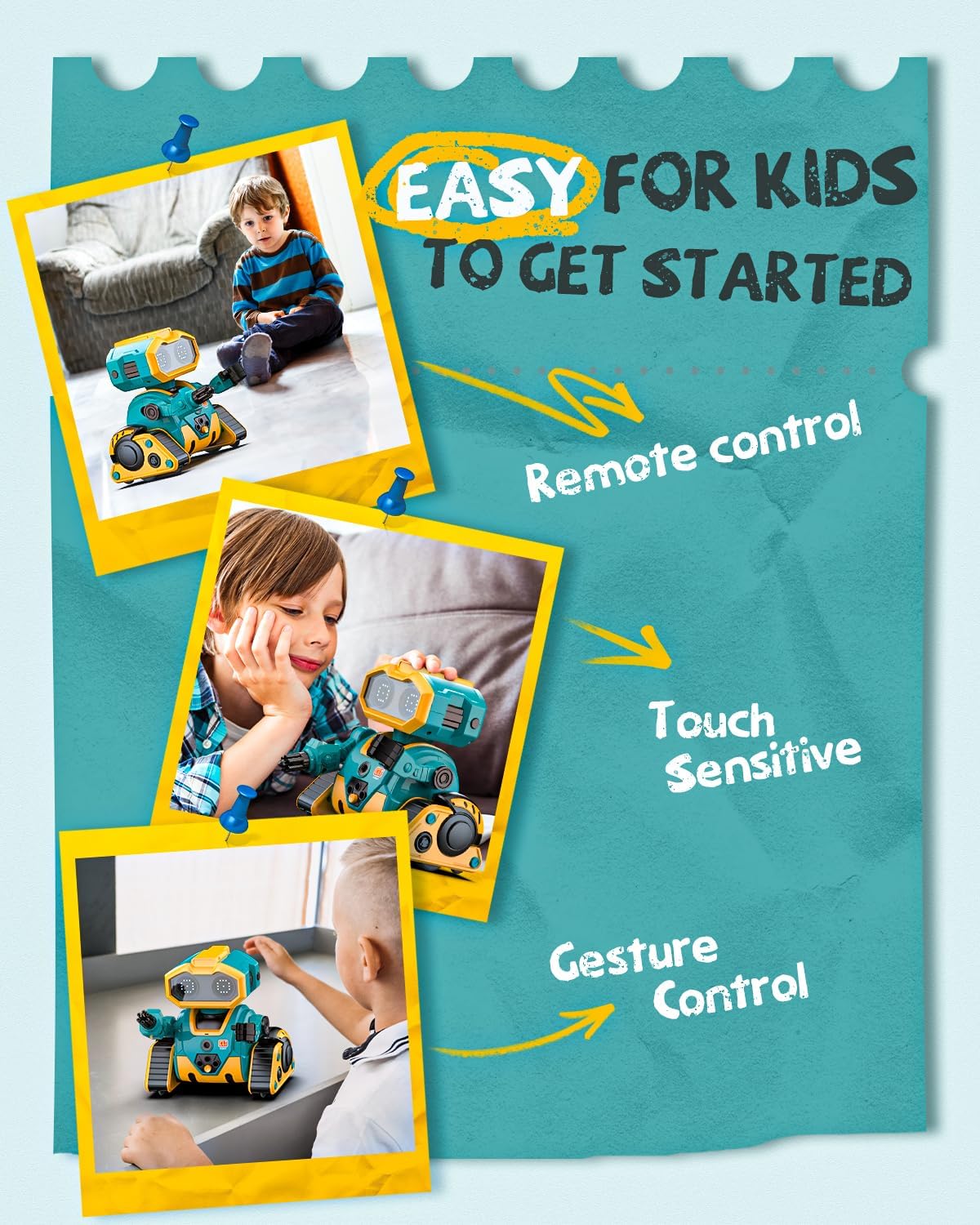
Image: Demonstrating gesture control and touch sensitivity.
5.4 Voice Recording & Playback
Record your voice through the remote control, and the robot will play it back in a robotic voice.
- Press and hold the recording button on the remote control.
- Speak clearly into the remote control's microphone.
- שחרר את הכפתור כדי להפסיק את ההקלטה.
- Press the playback button to hear your recorded message from the robot.
5.5 Programming Actions
ניתן לתכנת רצף של פעולות שהרובוט יבצע.
- Enter programming mode by pressing the programming button on the remote.
- Input your desired sequence of movements or actions using the remote control buttons.
- Press the programming button again to save the sequence.
- Press the play button to execute the programmed actions.
5.6 Arm Launcher
The robot comes with toy cannonballs that can be launched from its arm.
- Load a toy cannonball into the arm launcher.
- Press the dedicated launch button on the remote control to fire.
וידאו: נגמרview of Holyton K103 Robot features including activation, dancing, encyclopedia, LED expressions, demonstration, recording, programming, touch sensing, gesture recognition, and arm launcher.
6. תחזוקה
- ניקוי: Wipe the robot and remote control with a soft, dry cloth. Do not use harsh chemicals or immerse in water.
- אִחסוּן: When not in use for extended periods, turn off the robot and remove batteries from the remote control. Store in a cool, dry place away from direct sunlight.
- טיפול בסוללה: Recharge the robot's battery regularly to maintain its lifespan. Avoid overcharging or completely draining the battery.
7. פתרון תקלות
| בְּעָיָה | סיבה אפשרית | פִּתָרוֹן |
|---|---|---|
| הרובוט לא נדלק. | סוללה חלשה או לא טעונה. | Charge the robot fully using the USB cable. |
| השלט רחוק לא מגיב. | סוללות השלט רחוק חלשות או מותקנות בצורה שגויה. | החליפו סוללות AAA בשלט הרחוק, תוך הקפדה על קוטביות נכונה. |
| Robot not moving or moving erratically. | הפרעה או מחוץ לטווח. | Ensure no obstacles are blocking the robot. Move closer to the robot. |
| Voice recording/playback unclear. | Microphone too far or background noise. | Speak closer to the remote's microphone in a quiet environment. |
8. מפרטים
- מידות המוצר: 5.27 x 4.29 x 5.27 אינץ'
- משקל פריט: 1.15 פאונד
- מספר דגם של פריט: K-103
- גיל מומלץ על ידי יצרן: 36 חודשים - 8 שנים
- סוללות: 1 Lithium Polymer battery (included for robot), 2 AAA batteries (not included for remote)
- זמן טעינה: בערך 80 דקות
- זמן משחק: עד 150 דקות
- חוֹמֶר: פלסטיק ABS ללא BPA
- ארץ מוצא: סִין
Ask a question about this manual
Ask about setup, troubleshooting, compatibility, parts, safety, or missing instructions. Manuals+ will review the question and use this page’s manual context to help answer it.