
1. הקדמה
תודה על הרכישהasing the eKids Marvel Deadpool Wireless Earbuds. These earbuds are designed to provide a high-quality audio experience with the convenience of wireless connectivity. This manual will guide you through the setup, operation, and maintenance of your new earbuds.
אנא קרא מדריך זה בעיון לפני השימוש במוצר ושמור אותו לעיון עתידי.
2. המוצר נגמרview
The eKids Marvel Deadpool Wireless Earbuds feature a distinctive Deadpool design and offer wireless stereo sound streaming with a built-in microphone for calls. They come with a portable charging case and multiple ear cushion sizes for comfort.
תכונות עיקריות:
- Wireless stereo sound streaming
- מיקרופון מובנה לשיחות
- Three sizes of rubber ear cushions (small, medium, large) for personalized comfort
- חיבור USB-C לטעינה
- קישוריות בלוטות'
- Up to 22 hours total music playtime with charging case
- Ergonomic shape for comfort
- בנייה קלת משקל
- Compatible with iPhone, Android, smartphones, tablets, and computers
- Suitable for gaming, audiobooks, video calls, and various entertainment/educational content
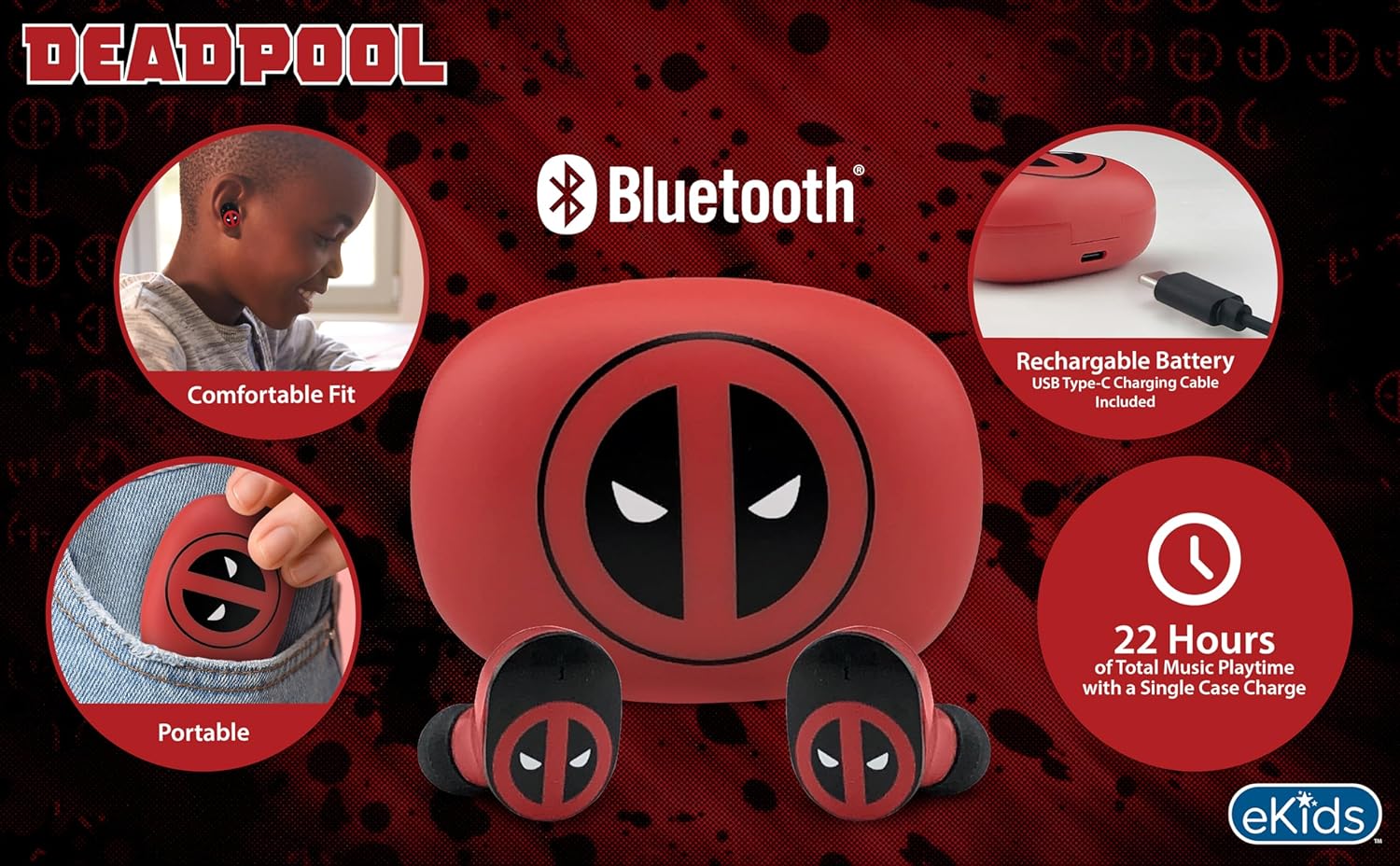
Image 2.1: The eKids Marvel Deadpool Wireless Earbuds and their charging case, showcasing the distinctive Deadpool logo.
3. התקנה
3.1 טעינת האוזניות והנרתיק
- Open the charging case and place both earbuds inside, ensuring they are correctly seated.
- חבר את כבל הטעינה USB-C המצורף לשקע הטעינה שעל המארז.
- חבר את הקצה השני של כבל ה-USB-C למקור חשמל USB תואם (למשל, מחשב, מתאם קיר).
- נורית החיווי על מארז הטעינה תידלק כדי להראות את מצב הטעינה. לאחר טעינה מלאה, ייתכן שהנורית תשנה צבע או תיכבה.
A full charge provides up to 22 hours of total music playtime, with the case offering 2.5 times extra charge for the earbuds.

Image 3.1: The Deadpool-themed charging case with the USB-C charging cable connected, illustrating the charging process.
3.2 צימוד עם מכשיר בלוטות'
- ודאו שהאוזניות טעונות ומונחות במארז הטעינה.
- פתחו את מארז הטעינה. האוזניות יידלקו אוטומטית וינסו להתחבר למכשיר האחרון שצורף.
- במכשיר שלך (סמארטפון, טאבלט, מחשב), עבור אל הגדרות ה-Bluetooth.
- חפש available devices and select "eKids Deadpool Earbuds" (or similar name).
- Once connected, the LED light on the earbuds will stop flashing or change to a solid color.
The earbuds are compatible with iPhone, Android, and other Bluetooth-enabled devices.
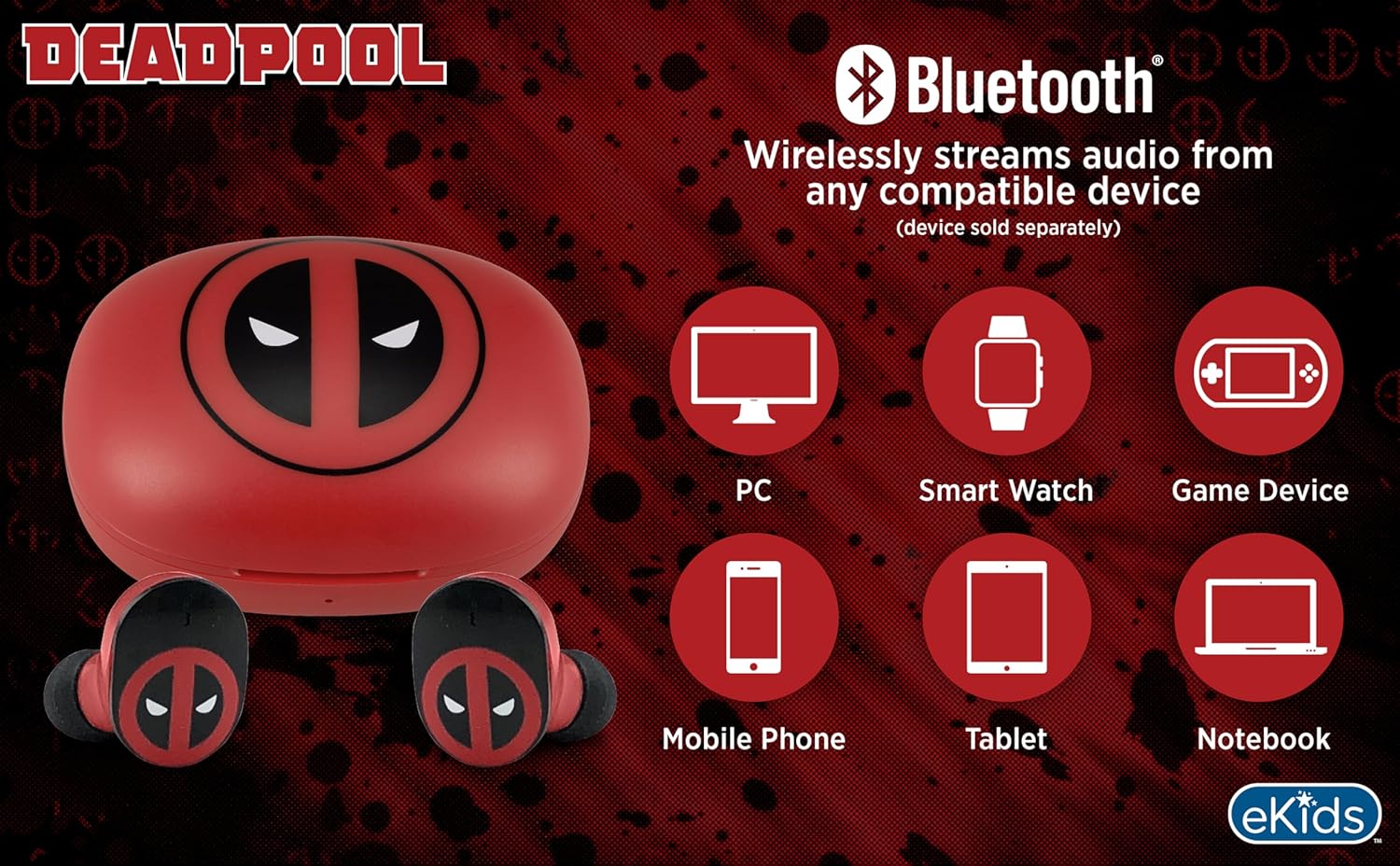
Image 3.2: An illustration showing the Bluetooth connectivity of the earbuds with various devices such as PCs, smartwatches, game devices, mobile phones, tablets, and notebooks.
3.3 Selecting Ear Cushions for Comfort
The earbuds come with three sizes of rubber ear cushions (small, medium, large) to ensure a comfortable and secure fit. Experiment with different sizes to find the best fit for your ears. A proper fit enhances sound quality and comfort.
- Gently remove the pre-installed ear cushions from the earbuds.
- Select a different size ear cushion.
- Carefully attach the new ear cushion to the earbud, ensuring it is securely fastened.

Image 3.3: The Deadpool earbuds shown with the three different sizes of ear cushions included for a customized fit.
4. הפעלת האוזניות
4.1 הפעלה/כיבוי
- הפעלה: פתחו את מארז הטעינה, והאוזניות יידלקו אוטומטית וינסו להתחבר למכשיר האחרון שצומד.
- כיבוי: החזירו את האוזניות למארז הטעינה וסגרו את המכסה. הן יכבו אוטומטית ויתחילו להיטען.
4.2 השמעת מוזיקה
- הפעל/השהה: הקש על אחת מהאוזניות פעם אחת.
- הרצועה הבאה: הקש פעמיים על האוזניה הימנית.
- רצועה קודמת: הקש פעמיים על האוזנייה השמאלית.
- בקרת עוצמת הקול: כוונן את עוצמת הקול ישירות מהמכשיר המחובר שלך.
4.3 שיחות טלפון
המיקרופון המובנה מאפשר שיחות ללא ידיים.
- מענה/סיום שיחה: הקש על אחת מהאוזניות פעם אחת.
- דחה שיחה: לחץ והחזק את אחת האוזניות למשך 2 שניות.
5. תחזוקה
- ניקוי: השתמשו במטלית רכה ויבשה לניקוי האוזניות ומארז הטעינה. אין להשתמש בחומרי ניקוי שוחקים או ממסים.
- אִחסוּן: כאשר אינן בשימוש, אחסנו את האוזניות בנרתיק הטעינה שלהן כדי להגן עליהן ולשמור עליהן טעונות.
- הימנע ממים: אוזניות אלו אינן עמידות למים. יש להימנע מחשיפה למים או ללחות מוגזמת.
- טֶמפֶּרָטוּרָה: Do not expose the earbuds or case to extreme temperatures.
6. פתרון תקלות
| בְּעָיָה | פִּתָרוֹן |
|---|---|
| אוזניות לא מתאימות. | Ensure earbuds are charged. Turn off Bluetooth on your device and turn it back on. Forget the device in your Bluetooth settings and re-pair. |
| אין צליל מאוזנייה אחת. | Place both earbuds back in the charging case, close the lid, then open it again. Check device audio balance settings. |
| מארז הטעינה לא נטען. | בדוק את כבל ה-USB-C ואת מתאם החשמל. ודא שהכבל מחובר היטב גם למארז וגם למקור החשמל. |
| איכות צליל ירודה. | Ensure earbuds are properly seated in your ears with the correct size ear cushions. Move closer to your connected device to avoid interference. |
7. מפרטים
- מותג: eKids
- דֶגֶם: B0D1CS61NB
- צֶבַע: Deadpool (Red/Black)
- מיקום אוזניים: אין אוזן
- גורם צורה: אין אוזן
- עַכָּבָּה: 32 אוהם
- מרחק בלוטות': ≥ 10M / 32ft
- רְגִישׁוּת: 100dB ± 3dB at 1kHz spl
- חיי סוללה: Up to 22 hours total playtime with charging case
- יציאת טעינה: USB-C
- מידות (מארז): Approximately 2.4 in / 6.2 cm (width) x 1.8 in / 4.6 cm (height) x 1.2 in / 3.1 cm (depth)
- Dimensions (Earbud): Approximately 0.9 in / 2.5 cm (height) x 0.7 in / 1.8 cm (width)

Image 7.1: A detailed diagram illustrating the dimensions and key specifications of the Deadpool wireless earbuds and their charging case.
8. אחריות ותמיכה
למידע על אחריות ותמיכת לקוחות, אנא עיינו בתיעוד המצורף לרכישה או בקרו באתר הרשמי של eKids. webאתר. שמור את הוכחת הרכישה שלך עבור כל תביעת אחריות.
For additional assistance, you may contact eKids customer service directly.
9. סרטון מוצר רשמי
סרטון 9.1: סרטון רשמי של המוצרasing the eKids Marvel Deadpool Wireless Earbuds, highlighting their features and design. This video provides a visual overview של הפונקציונליות והמראה של המוצר.