
COCOCAM PK323
COCOCAM 5MP Indoor Security Camera User Manual
Model: PK323
1. הקדמה
Thank you for choosing the COCOCAM 5MP Indoor Security Camera. This device is designed to provide reliable surveillance for your indoor spaces, offering high-resolution video, advanced motion detection, two-way audio communication, and flexible storage options. This manual will guide you through the installation, operation, and maintenance of your new security camera to ensure optimal performance and peace of mind.
2. תכולת החבילה
אנא בדקו את החבילה עבור הפריטים הבאים:
- COCOCAM 5MP Indoor Security Camera (Model: PK323)
- מתאם מתח
- כבל USB
- אביזרי הרכבה (ברגים, תקעים לקיר)
- מדריך למשתמש (מסמך זה)
תמונה: חזית view of the COCOCAM Security Camera retail box.
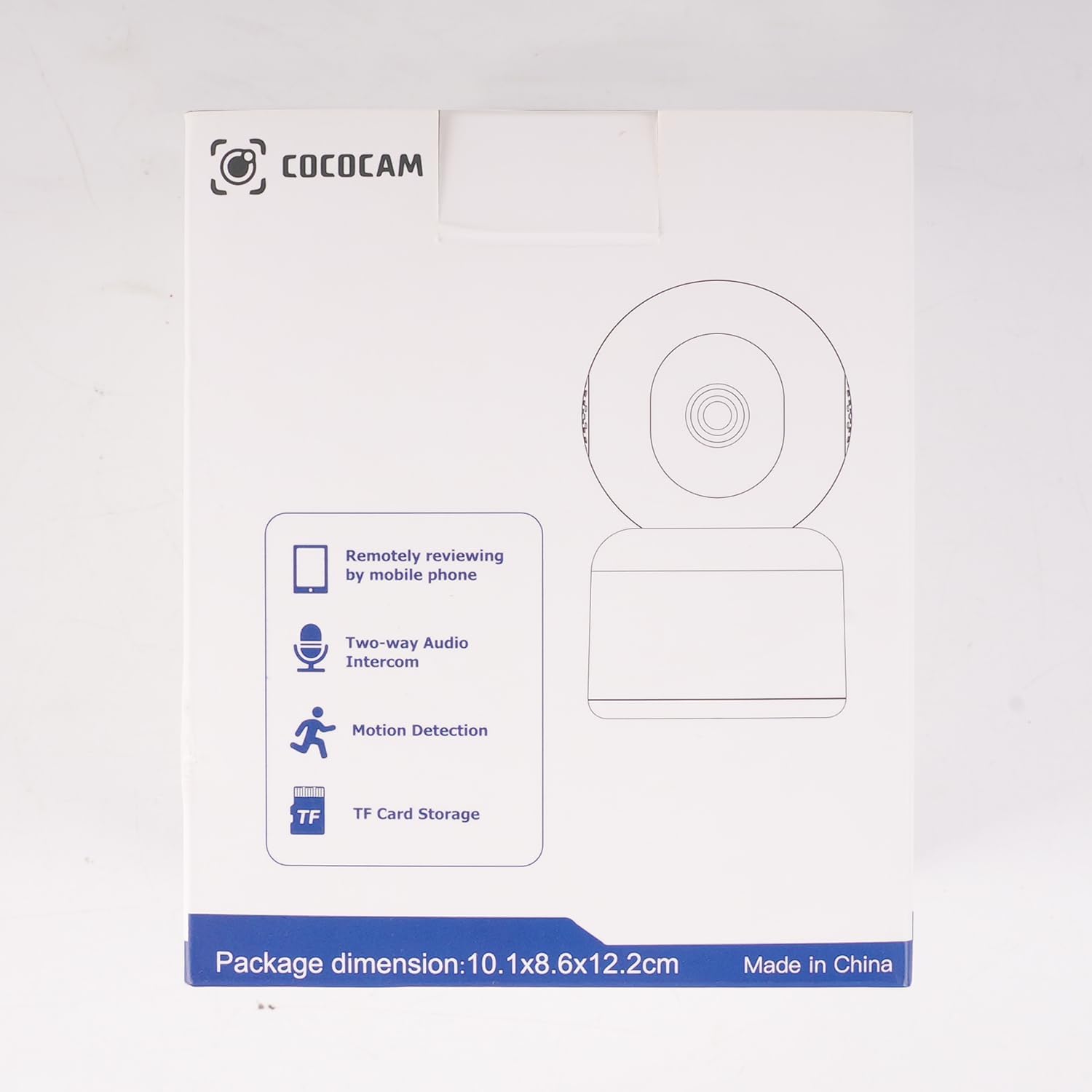
תמונה: צד view of the COCOCAM Security Camera retail box highlighting features like remote viewing, two-way audio, motion detection, and TF card storage.
3. המוצר נגמרview
The COCOCAM PK323 is a versatile indoor security camera designed for comprehensive monitoring. It features a compact design and robust capabilities.
תכונות עיקריות:
- רזולוציה של 5 מגה פיקסל: לוכד תמונות ברורות ומפורטותtage.
- Pan & Tilt: 355° horizontal pan and 80° vertical tilt for wide coverage.
- Wi-Fi עם פס כפול: Supports both 2.4GHz and 5GHz Wi-Fi networks for stable connection.
- שמע דו כיווני: מיקרופון ורמקול מובנים לתקשורת בזמן אמת.
- AI Motion Detection & Auto Tracking: Intelligently detects human and pet movement and tracks the subject.
- HD IR Night Vision: Provides clear video monitoring even in low-light conditions, visible up to 15 meters (50 ft).
- אחסון גמיש: Supports local TF card storage (up to 128GB) and cloud storage options.
- שילוב אלקסה: Works with Amazon Alexa for voice control and live view על מכשירים תואמים.
רכיבים פיזיים:
- עדשת מצלמה: Main video capture component.
- נוריות IR: אורות אינפרא אדום לראיית לילה.
- מִיקרוֹפוֹן: לכניסת שמע.
- רַמקוֹל: For audio output (two-way audio).
- יציאת חשמל: לחיבור מתאם החשמל.
- לחצן איפוס: משמש לאיפוס המצלמה להגדרות היצרן.
- חריץ כרטיס TF: For inserting a microSD card for local storage.

Image: The COCOCAM 5MP Indoor Camera alongside a smartphone displaying its live video feed, highlighting its 5MP and dual-band Wi-Fi capabilities.
4. מדריך התקנה
Follow these steps to set up your COCOCAM security camera:
4.1 הורד את האפליקציה
- חפש את "CloudEdge" app in your smartphone's app store (App Store for iOS or Google Play Store for Android).
- הורד והתקן את האפליקציה.
- הירשם לחשבון חדש או התחבר אם כבר יש לך אחד.
4.2 הפעל את המצלמה
- Connect the provided USB cable to the camera's power port and the power adapter.
- חבר את מתאם החשמל לשקע בקיר.
- Wait for the camera to power on. You will hear a prompt indicating it's ready for setup.
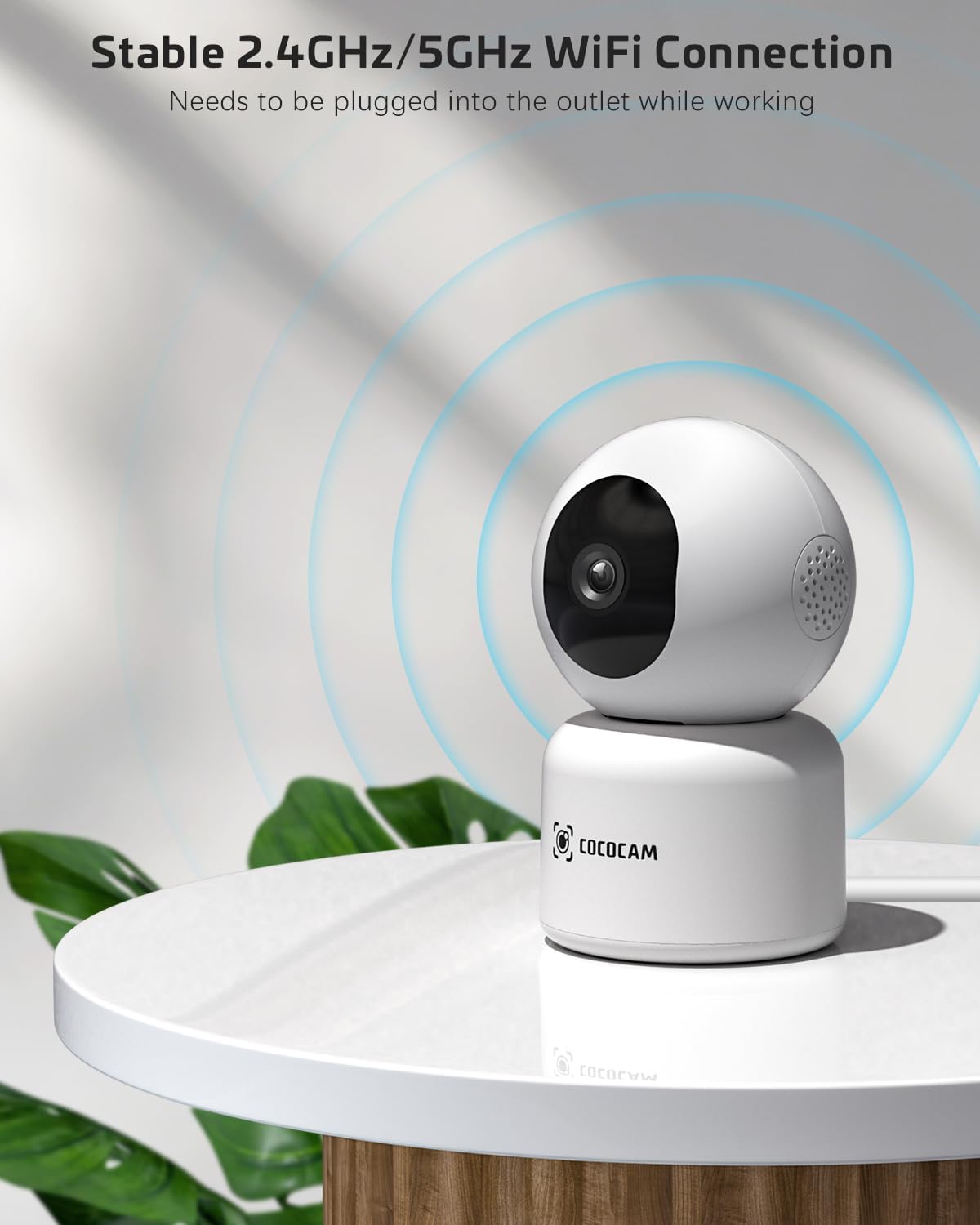
Image: The COCOCAM camera plugged into an outlet, illustrating its stable 2.4GHz/5GHz Wi-Fi connection capability.
4.3 התחבר ל-Wi-Fi
- Open the CloudEdge app.
- Tap the "+" icon or "Add Device" to add a new camera.
- Select your camera model from the list (e.g., Smart Camera or PTZ Camera).
- Follow the on-screen instructions to connect the camera to your Wi-Fi network. Ensure your phone is connected to the same Wi-Fi network (2.4GHz or 5GHz).
- The app will display a QR code. Hold your phone's screen in front of the camera lens (approx. 15-20 cm or 6-8 inches away) until you hear a confirmation sound from the camera.
- Once connected, the camera's indicator light will turn solid blue, and you will receive a "Connection successful" message in the app.

Image: A sequence of screenshots from the CloudEdge app demonstrating the step-by-step process for setting up and connecting the camera to a Wi-Fi network.
4.4 Install TF Card (Optional)
If you wish to use local storage, insert a TF (microSD) card (up to 128GB) into the camera's TF card slot. Ensure the camera is powered off before inserting or removing the card. Format the card through the app settings after insertion for proper functionality.
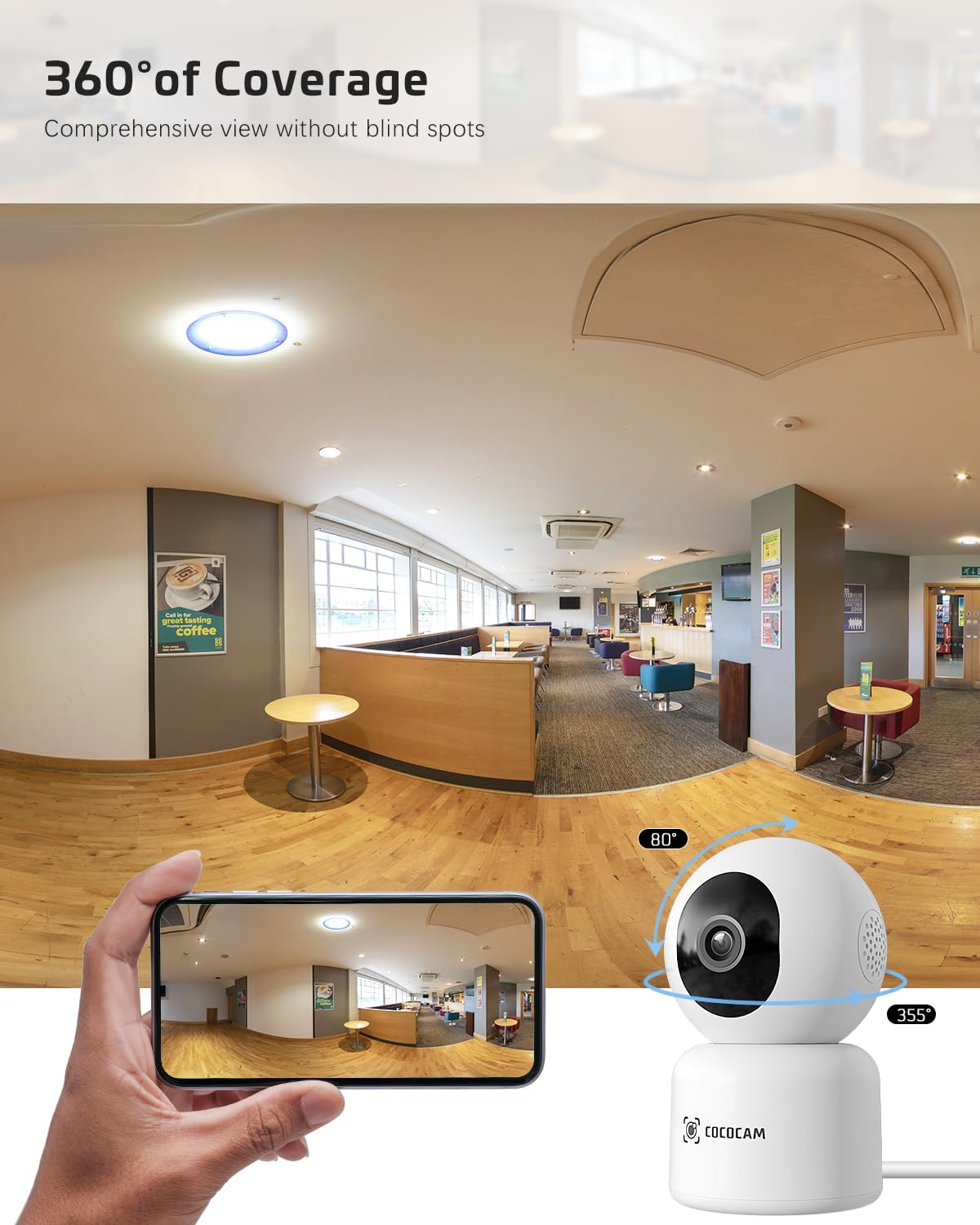
Image: The COCOCAM camera with icons representing cloud storage and TF card storage, emphasizing its safe and stable storage options.
5. הוראות הפעלה
Once set up, you can utilize the camera's features via the CloudEdge app.
5.1 בשידור חי View &הקלטה
- פתחו את אפליקציית CloudEdge ובחרו את המצלמה שלכם מרשימת המכשירים כדי לגשת לשידור החי. view.
- You can manually record video or capture screenshots directly from the live view מִמְשָׁק.
- The camera supports 24/7 continuous recording to a TF card or cloud storage (subscription may apply for extended cloud features).
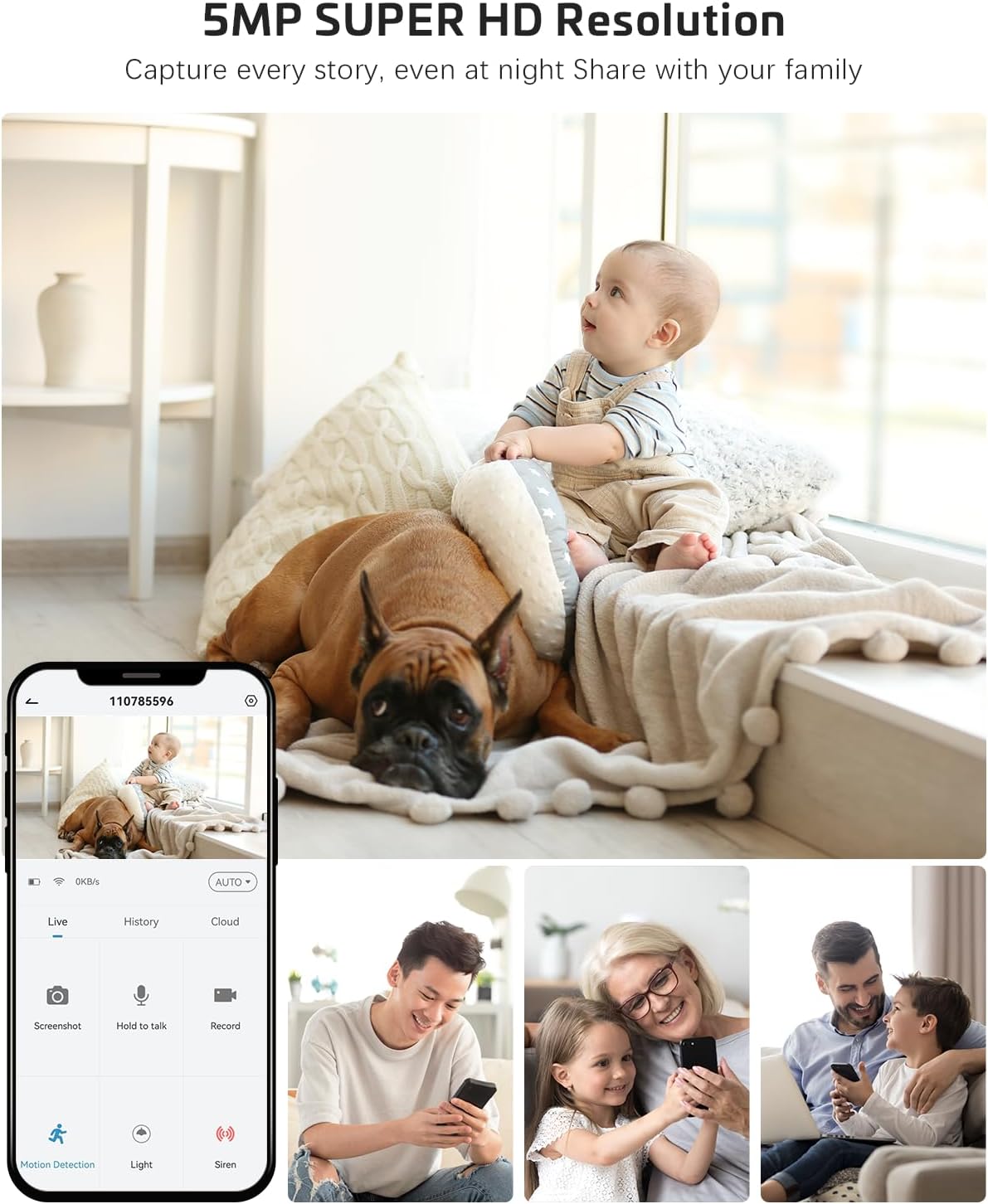
Image: The COCOCAM camera app interface displaying a live view of a baby and dog, with options for screenshot, hold to talk, record, and motion detection, alongside images of family members sharing access.
5.2 שמע דו-כיווני
- מהחיים view, הקש על סמל המיקרופון כדי להפעיל שמע דו-כיווני.
- Press and hold the talk button to speak through the camera's speaker. Release to listen.
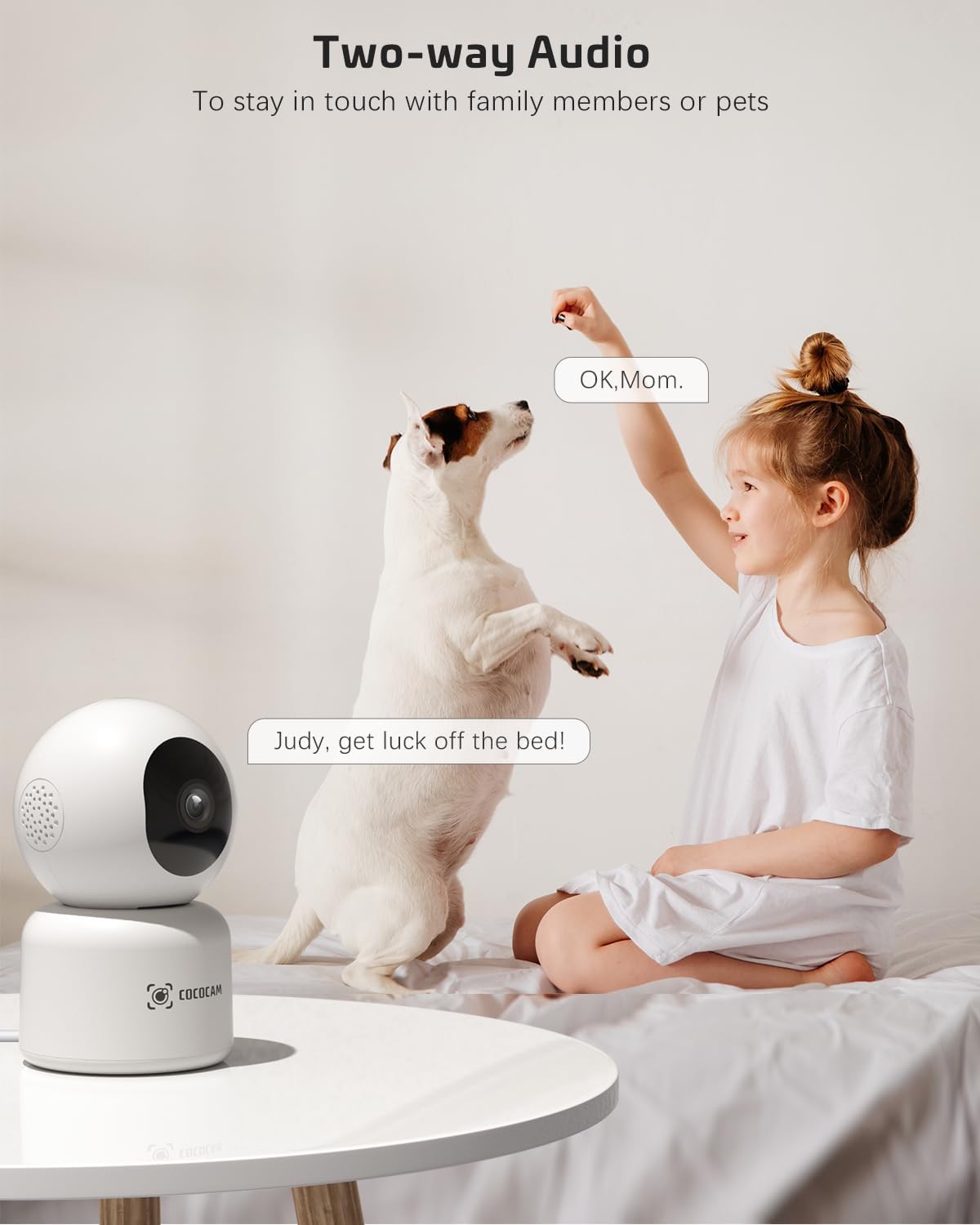
Image: A child and a dog interacting, illustrating the two-way audio feature of the COCOCAM camera, allowing communication with family members or pets.
5.3 סיבוב, הטיה וזום (PTZ)
- בשידור חי view screen, use the directional controls to pan the camera horizontally (355°) and tilt it vertically (80°).
- Pinch to zoom in or out on the video feed.
Image: The COCOCAM camera demonstrating its 360° coverage capability, providing a comprehensive view without blind spots, with a smartphone displaying the panoramic view.
5.4 AI Motion Detection & Auto Tracking
- Enable motion detection in the app settings. You can adjust sensitivity (Low, Medium, High) and set specific detection zones.
- The camera will send real-time alerts to your phone when motion is detected.
- With auto-tracking enabled, the camera will automatically follow detected movement within its field of view.
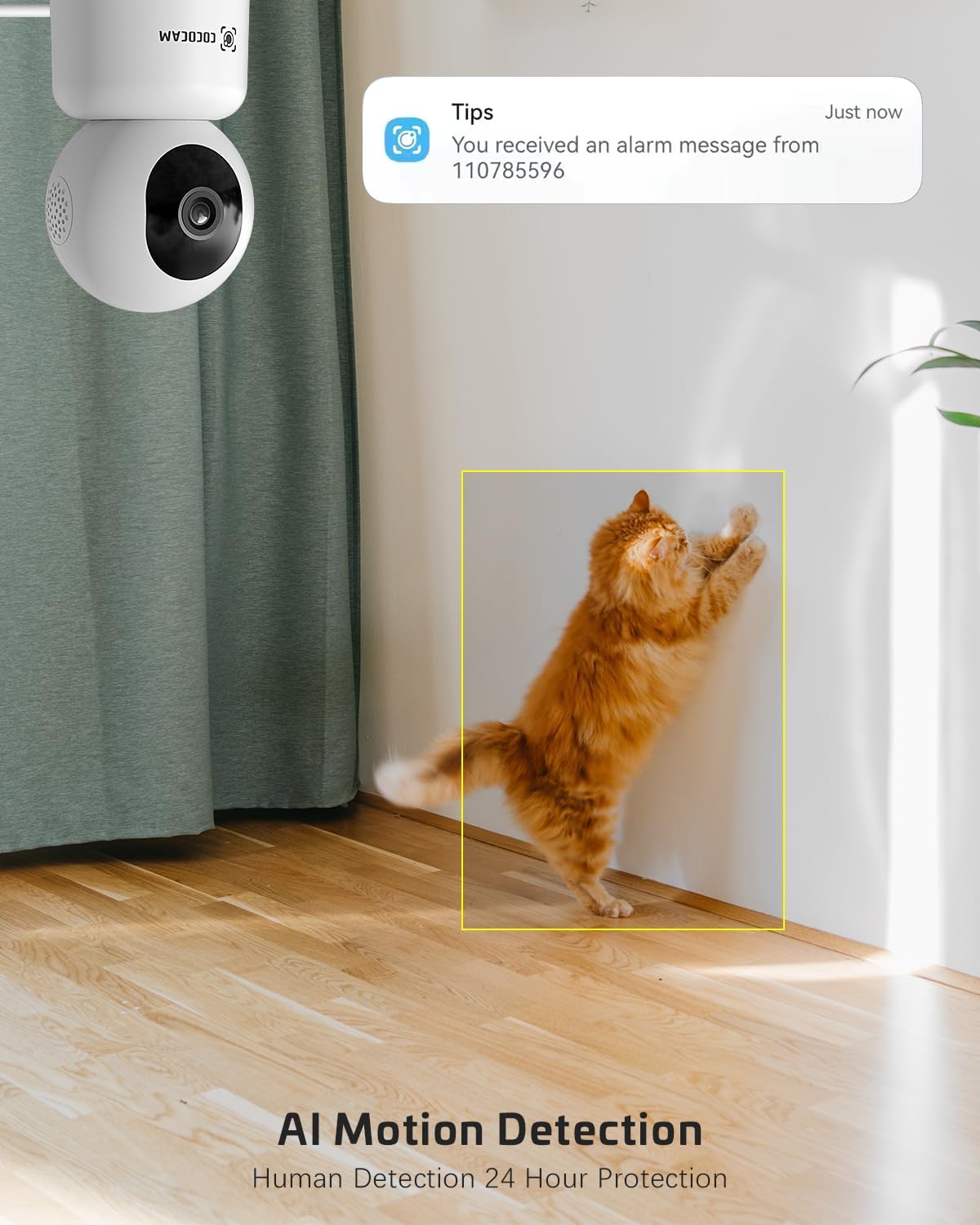
Image: The COCOCAM security camera detecting motion, with a notification pop-up on a phone screen, demonstrating its AI motion detection capabilities for human and pet activity.

Image: A screenshot of the CloudEdge app's motion detection settings, showing options to enable/disable motion detection, adjust sensitivity, set recording time, alarm interval, alert plan, and alarm area.
5.5 HD IR Night Vision
- המצלמה עוברת אוטומטית למצב ראיית לילה בתנאי תאורה חלשה.
- Infrared LEDs provide clear black-and-white video up to 15 meters (50 ft) in complete darkness.
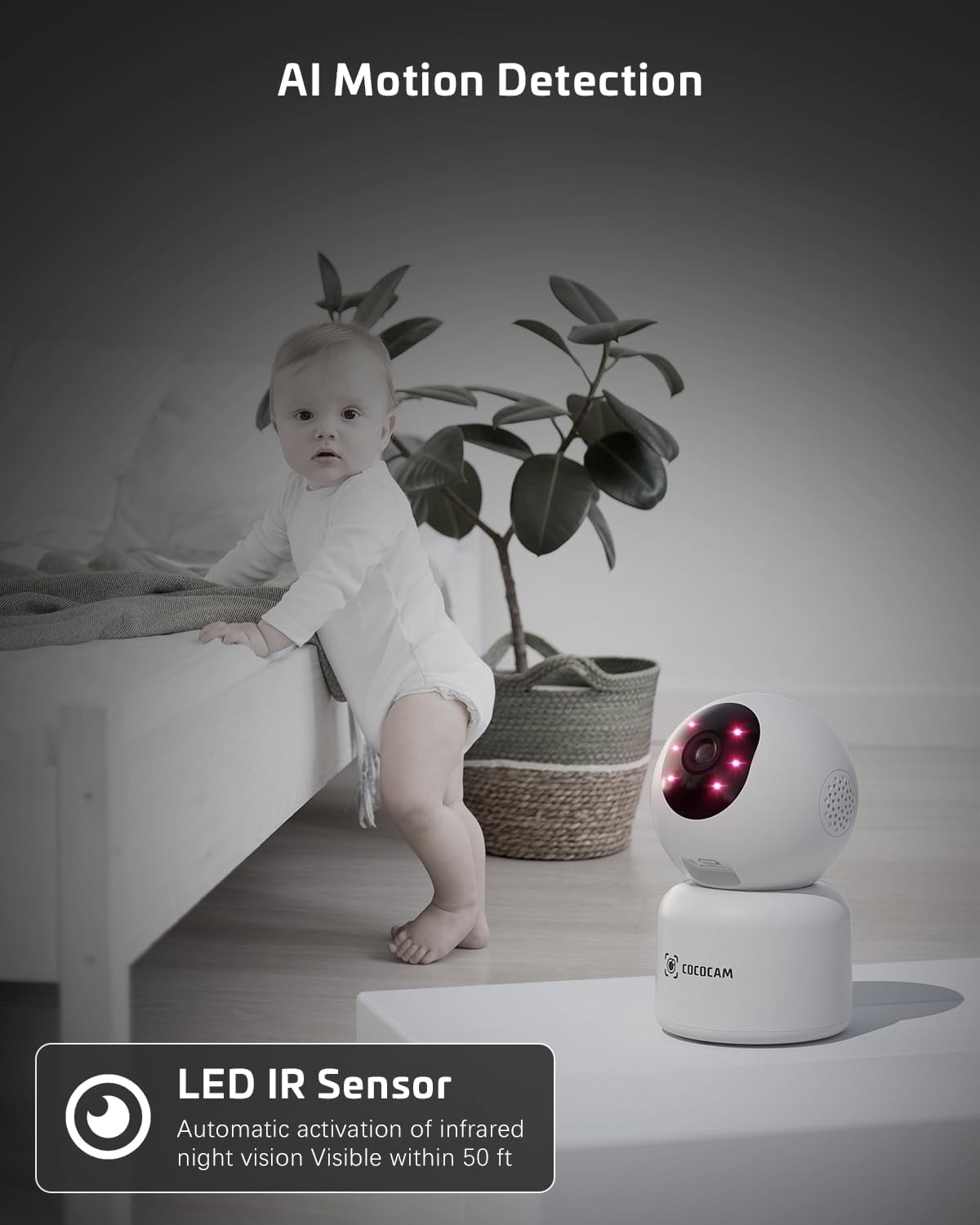
Image: The COCOCAM camera with its infrared LEDs active, providing clear night vision in a dimly lit room, suitable for monitoring a baby.
5.6 Camera Sharing
- You can share access to your camera's live feed with family members or trusted individuals through the CloudEdge app.
- Go to the camera settings and find the "Share Device" option to invite others.

תמונה: מספר בני משפחה viewing the camera feed on various devices (smartphone, tablet, laptop), illustrating the multi-user sharing feature.
5.7 Works with Alexa
- Integrate your COCOCAM camera with Amazon Alexa for convenient voice control.
- Enable the CloudEdge skill in the Alexa app and link your accounts.
- You can then use voice commands like "Alexa, show me the front door" (if named accordingly) to view the live feed on compatible Echo Show devices.

Image: An Amazon Echo Show device displaying the live feed from the COCOCAM camera, demonstrating its compatibility with Alexa for voice-controlled viewing.
6. תחזוקה
To ensure the longevity and optimal performance of your COCOCAM camera, follow these maintenance tips:
- ניקוי: נגבו בעדינות את עדשת המצלמה ואת גוף המצלמה בעזרת מטלית רכה ויבשה. הימנעו משימוש בכימיקלים חזקים או בחומרי ניקוי שוחקים.
- מיקום: ודא שהמצלמה ממוקמת במקום יציב, הרחק מאור שמש ישיר, טמפרטורות קיצוניות ולחות גבוהה.
- עדכוני קושחה: בדקו באופן קבוע את אפליקציית CloudEdge עבור עדכוני קושחה זמינים כדי לוודא שהמצלמה שלכם כוללת את התכונות ושיפורי האבטחה העדכניים ביותר.
- ספק כוח: השתמשו רק במתאם החשמל המקורי שסופק עם המצלמה.
7. פתרון תקלות
If you encounter issues with your COCOCAM camera, refer to the following common problems and solutions:
| בְּעָיָה | סיבה אפשרית | פִּתָרוֹן |
|---|---|---|
| מצלמה במצב לא מקוון | אין חשמל, Wi-Fi מנותק, אות Wi-Fi חלש. | Check power connection. Restart camera and router. Ensure camera is within Wi-Fi range. Reconnect camera in app. |
| לא ניתן להתחבר ל-Wi-Fi | Incorrect Wi-Fi password, wrong Wi-Fi band (only 2.4GHz/5GHz supported), too far from router. | Verify Wi-Fi password. Ensure you are connecting to a 2.4GHz or 5GHz network. Move camera closer to router. Reset camera and try again. |
| איכות תמונה ירודה | עדשה מלוכלכת, תאורה לא מספקת, בעיות רוחב פס של הרשת. | Clean the camera lens. Ensure adequate lighting or check night vision settings. Check your internet speed. |
| התראות תנועה לא התקבלו | זיהוי תנועה מושבת, התראות אפליקציה כבויות, הגדרות רגישות שגויות. | Enable motion detection in app. Check phone notification settings for CloudEdge app. Adjust motion detection sensitivity. |
| כרטיס TF לא מקליט | Card full, card not formatted, faulty card. | Format the TF card in the app. Replace with a new TF card if necessary. Ensure continuous recording is enabled. |
8. מפרטים
| תכונה | מִפרָט |
|---|---|
| דֶגֶם | PK323 |
| רזולוציית לכידת וידאו | 5MP (1440p) |
| טווח פאן/הטיה | פאן 355°, הטיה של 80° |
| תקשורת אלחוטית | בלוטות', Wi-Fi (2.4GHz/5GHz) |
| טווח ראיית לילה | 15 מטר (50 רגל) |
| אפשרויות אחסון | כרטיס TF (עד 128GB), אחסון ענן |
| מקור כוח | חשמל חוטי (5 וולט, 3 וואט) |
| חוֹמֶר | אקרילוניטריל בוטאדיאן סטירן (ABS) |
| מידות פריט (L x W x H) | 7.8 x 7.8 x 11.5 ס"מ |
| מִשׁקָל | 300 גרם |
| מערכת הפעלה תואמת | iOS, אנדרואיד |
| שימוש מומלץ | ביטחון פנים |
9. אחריות ותמיכה
COCOCAM is committed to providing high-quality products and excellent customer service.
9.1 אחריות לכל החיים
Your COCOCAM camera comes with a lifetime warranty, ensuring long-term peace of mind. Please retain your proof of purchase for warranty claims.
9.2 תמיכת לקוחות
For any technical assistance, questions, or concerns, please contact COCOCAM customer support. We offer 24/7 professional technical support to address your needs promptly.
- אֶלֶקטרוֹנִי: service@cococamtech.com
- רִשְׁמִי Webאֲתַר: www.cococamtech.com
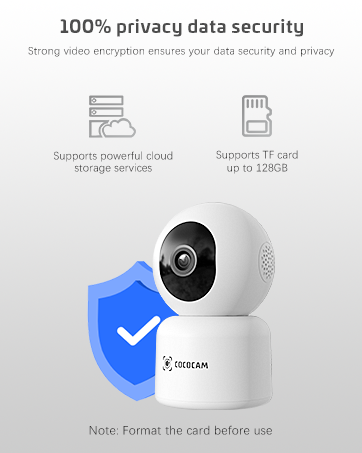
Image: A smiling customer service representative wearing a headset, symbolizing COCOCAM's commitment to customer support.

Image: An illustration emphasizing 100% privacy data security with strong video encryption, supported by powerful cloud storage services and TF card storage up to 128GB.
Ask a question about this manual
Ask about setup, troubleshooting, compatibility, parts, safety, or missing instructions. Manuals+ will review the question and use this page’s manual context to help answer it.