
מָבוֹא
Thank you for choosing the Gree 4-in-1 Air Cooler and Purifier. This appliance is designed to provide a comfortable indoor environment by offering cooling, heating, humidifying, and air purifying functions. Please read this manual thoroughly before operation to ensure proper use, maintenance, and safety.
הוראות בטיחות
- חבר תמיד את המכשיר לשקע חשמל מוארק עם עוצמת הקול הנכונה.tagה (220-240 וולט, 60 הרץ).
- אין להפעיל את המכשיר עם כבל חשמל או תקע פגומים. פנו לאנשי שירות מוסמכים לצורך תיקונים.
- הרחק את המכשיר ממים ונוזלים אחרים כדי למנוע התחשמלות.
- ודאו שהיחידה ממוקמת על משטח יציב ומאוזן כדי למנוע התהפכות.
- אל תכניס חפצים לפתחי האוורור.
- Unplug the unit before cleaning, refilling water, or performing any maintenance.
- מכשיר זה אינו מיועד לשימוש על ידי אנשים עם יכולות פיזיות, חושיות או שכליות מופחתות, או חסרי ניסיון וידע, אלא אם כן הם קיבלו השגחה או הדרכה.
- הרחיקו ילדים וחיות מחמד מהיחידה במהלך הפעולה.
תוכן החבילה
ודא שכל הפריטים נמצאים בחבילה:
- Gree 4-in-1 Air Cooler and Purifier Unit (Model KSWD-04S66RDG)
- שְׁלַט רָחוֹק
- מדריך הוראות
המוצר נגמרview
Familiarize yourself with the components of your Gree 4-in-1 Air Cooler and Purifier.
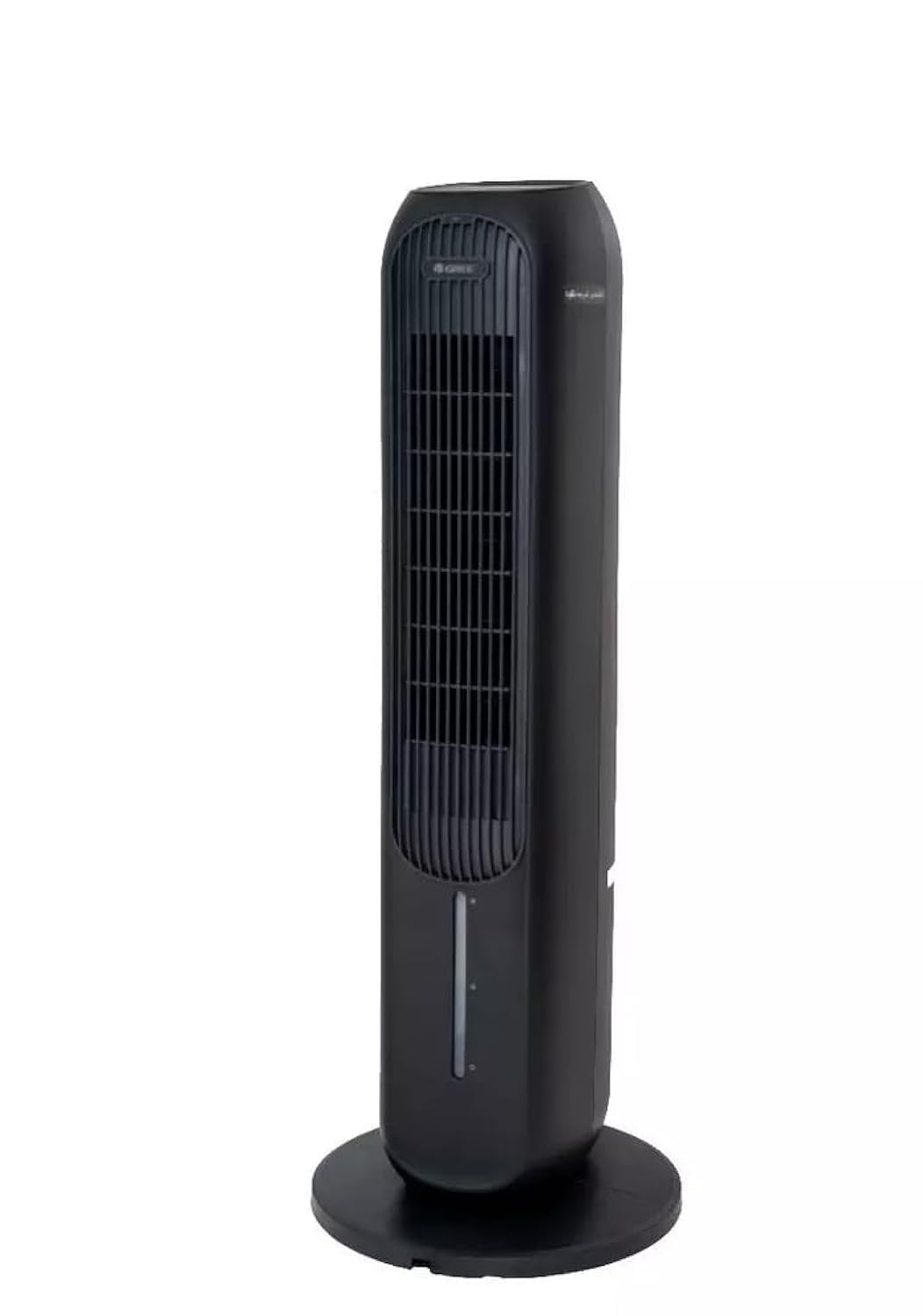
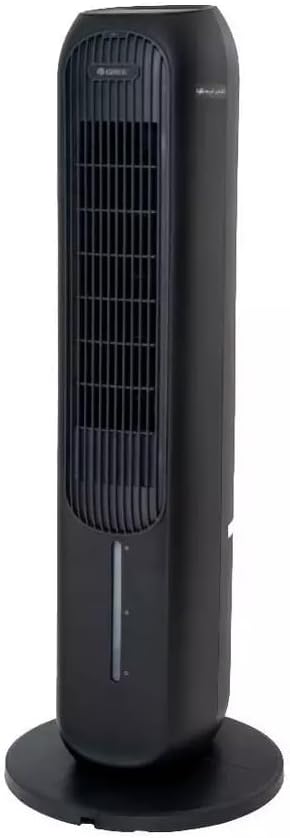
רכיבים עיקריים:
- לוּחַ בַּקָרָה: ממוקם בחלק העליון של היחידה להפעלה ידנית.
- יציאת אוויר: Where treated air is discharged.
- מיכל מים: Removable tank for filling water for cooling and humidifying functions.
- מסנן אבק: Located at the rear, designed to filter airborne particles.
- מקלט שלט רחוק: For operating the unit with the remote.
- כבל חשמל: לחיבור לשקע חשמלי.
הגדרה
- פריקת אריזה: הוצא בזהירות את היחידה מאריזתה. שמור את חומרי האריזה לאחסון או הובלה עתידיים.
- מיקום: Place the air cooler on a firm, level surface. Ensure there is at least 20 cm of clear space around the unit for proper airflow. Do not block the air inlet or outlet.
- Water Tank Filling (for Cooling/Humidifying):
- משוך את מיכל המים מהחלק התחתון האחורי של היחידה.
- מלאו את המיכל במי ברז נקיים. אין לחרוג מגובה קו המילוי 'MAX'.
- For enhanced cooling, you may add ice packs (not included) to the water tank.
- החלק בזהירות את מיכל המים בחזרה לתוך היחידה עד שייכנס למקומו בנקישה.
- חיבור חשמל: Plug the power cord into a suitable 220-240V, 60Hz electrical outlet.
הוראות הפעלה
The unit can be operated using the control panel on top or the remote control.
פונקציות לוח בקרה / שלט רחוק:
- לחצן הפעלה: לחץ כדי להפעיל או לכבות את היחידה.
- לחצן מהירות: עובר בין 3 מהירויות מאוורר: נמוכה, בינונית, גבוהה.
- לחצן מצב: Selects operating modes: Cooling, Heating, Humidifying, Purifying.
- כפתור הנדנדה: מפעיל או מבטל את פונקציית התנודה לפיזור אוויר רחב יותר.
- כפתור טיימר: Sets the operating timer (e.g., 1-12 hours).
- Anion/Purify Button: Activates the air purifying function (if applicable).
מצבי הפעלה:
- מצב קירור: משתמש באידוי מים כדי לקרר את האוויר. ודא שמיכל המים מלא.
- מצב חימום: Provides warm air. Do not block the air outlet during heating.
- מצב לחות: מוסיף לחות לאוויר. ודא שמיכל המים מלא.
- Purifying Mode: Activates the air filter and anion function to clean the air.
תַחזוּקָה
תחזוקה שוטפת מבטיחה ביצועים אופטימליים ומאריכה את תוחלת החיים של היחידה.
ניקוי מסנן האבק:
- נתק את היחידה משקע החשמל.
- Locate the dust filter cover at the rear of the unit and remove it.
- Gently remove the dust filter.
- Clean the filter with a soft brush or vacuum cleaner. For heavy dust, rinse with water and mild detergent. Ensure it is completely dry before reinserting.
- Reinstall the dust filter and secure the cover.
ניקוי מיכל המים:
- נתק את היחידה.
- הסר את מיכל המים ורוקן את כל המים שנותרו.
- נקו את המיכל בעזרת מטלית רכה וחומר ניקוי עדין. שטפו היטב כדי להסיר את כל שאריות הסבון.
- יש לאפשר למיכל להתייבש לחלוטין באוויר לפני הכנסתו מחדש.
ניקוי חיצוני:
- נגב את החלק החיצוני של היחידה בעזרת חומר רך, דamp בַּד.
- אין להשתמש בחומרי ניקוי שוחקים או ממסים.
אִחסוּן:
- If storing the unit for an extended period, ensure the water tank is empty and clean, and the dust filter is clean and dry.
- אחסן את היחידה במקום קריר ויבש, רצוי באריזה המקורית.
פתרון בעיות
לפני פנייה לתמיכת הלקוחות, אנא עיין במדריך לפתרון בעיות הבא עבור בעיות נפוצות.
| בְּעָיָה | סיבה אפשרית | פִּתָרוֹן |
|---|---|---|
| היחידה לא נדלקת | No power supply; Power cord not properly plugged in; Power outlet malfunction. | בדוק את חיבור כבל החשמל; נסה שקע אחר; בדוק את מפסק החשמל. |
| זרימת אוויר חלשה | Dust filter clogged; Air inlet/outlet blocked. | Clean the dust filter; Ensure no obstructions around the unit. |
| No cooling/humidifying effect | Water tank empty; Cooling/Humidifying mode not selected. | Fill the water tank; Select the appropriate mode. |
| רעש יוצא דופן | היחידה אינה על משטח ישר; גוף זר בפנים. | Place on a stable, level surface; Unplug and check for obstructions. |
מפרטים
| תכונה | פְּרָט |
|---|---|
| מספר דגם | KSWD-04S66RDG |
| פונקציות | Cooling, Heating, Humidifying, Purifying |
| צֶבַע | שָׁחוֹר |
| סוג בקרה | שְׁלַט רָחוֹק |
| מהירויות מאוורר | 3 |
| ספק כוח | 220-240V, 60Hz |
| מהtage | 45 וואט |
| מידות (D x B x H) | 29 x 29 x 103 ס"מ |
| משקל פריט | 30 ק"ג |
| חוֹמֶר | פּלָסטִי |
| תכונה מיוחדת | מסנן אבק |
| סוג התקנה | בודד |
| מצב הפעלה | אוֹטוֹמָטִי |
אחריות ותמיכה
This Gree 4-in-1 Air Cooler and Purifier (Model KSWD-04S66RDG) comes with a two-year agent warranty covering manufacturing defects and malfunctions under normal use. Please retain your purchase receipt as proof of purchase for warranty claims.
For Technical Support or Warranty Claims:
Please contact your local authorized Gree service center or the retailer from whom you purchased the product. Refer to your warranty card or the retailer's information for specific contact details.