
1. הקדמה
The Alesis Strike Amp 8 MK2 is a high-performance bi-amped speaker designed for electronic drums and multipad instruments. It delivers 2000 watts of peak power, providing clarity and headroom for various performance or rehearsal settings. This manual provides essential information for the proper setup, operation, and maintenance of your Strike Amp 8 MK2.

Figure 1: Alesis Strike Amp 8 תופים MK2-2000W Amp רַמקוֹל.
2. מה בקופסה
ודא שכל הפריטים המפורטים להלן נמצאים בחבילה שלך:
- לְהַכּוֹת Amp 8MK2
- כבל חשמל
- מדריך להתחלה מהירה
- מדריך בטיחות ואחריות
3. תכונות עיקריות
The Alesis Strike Amp 8 MK2 offers several features designed to enhance your electronic drumming experience:
- הספק שיא של 2000W: Delivers high-fidelity sound with ampמרווח ראש.
- 8-inch Woofer & HF Compression Driver: Specially voiced for accurate reproduction of acoustic and electronic drum sounds.
- קישוריות Bluetooth 5.0: Allows wireless audio streaming from mobile devices for practice or backing tracks.
- מיקום רב תכליתי: Can be used in wedge, upright, or pole-mounted configurations.
- Dual Combo Inputs: Two XLR + 1/4" inputs with independent volume controls for connecting multiple instruments.
- XLR Direct Output: For sending your mix to a front-of-house system, recording interface, or linking additional speakers.
- HPF EQ Switch: Helps cut through muddy stage mixes.
- Ground-Lift Switch: Eliminates unwanted grounding noise.
- קל משקל ונייד: Weighs approximately 21 lbs for easy transport.

Figure 2: The Strike Amp 8 MK2 delivering high power performance for electronic drums.
4. התקנה
4.1 מיקום פיזי
The Strike Amp 8 MK2 offers flexible placement options to suit your needs:
- מיקום טריז: Ideal for use as a floor monitor, directing sound upwards towards the performer.
- תנוחה זקופה: מתאים לשימוש כללי amplification or when space is limited.
- רכוב על מוט: Can be mounted on a standard speaker pole for wider sound dispersion.

Figure 3: Versatile positioning options for the Strike Amp 8 MK2.
4.2 חיבורים
Connect your electronic drum kit or other audio sources to the rear panel inputs.

איור 4: חיבורים ובקרות בלוח האחורי.
- Connect your drum module's main outputs to the קלט 1 ו/או קלט 2 (XLR or 1/4" TRS combo jacks).
- השתמש ב- פלט XLR to link to another Strike Amp 8 MK2 or send the signal to a mixing console.
- ודא שכבל החשמל מחובר היטב ל כניסת AC and a grounded power outlet.
Video 1: Demonstrates the setup process for the Alesis drum amp, including connecting inputs and outputs.
4.3 כוח
לאחר ביצוע כל החיבורים, יש להחליף את כּוֹחַ button to the ON position. The Power LED will illuminate.
5. תפעול
5.1 Volume Controls
התאם את כרך 1 ו כרך 2 knobs to set the desired levels for each input. The Signal Limit LED indicates when the signal is approaching clipping; reduce volume if it frequently lights up.
5.2 זיווג בלוטות '
כדי להזרים אודיו באופן אלחוטי ממכשיר נייד:
- ודא ש-Bluetooth של המכשיר הנייד שלך מופעל.
- הקש על בלוטות' button on the Strike Amp 8 MK2's rear panel. The Bluetooth LED will flash, indicating pairing mode.
- Select "Alesis Strike Amp 8 MK2" from your device's Bluetooth settings.
- Once paired, the Bluetooth LED will be solid. You can now stream audio.
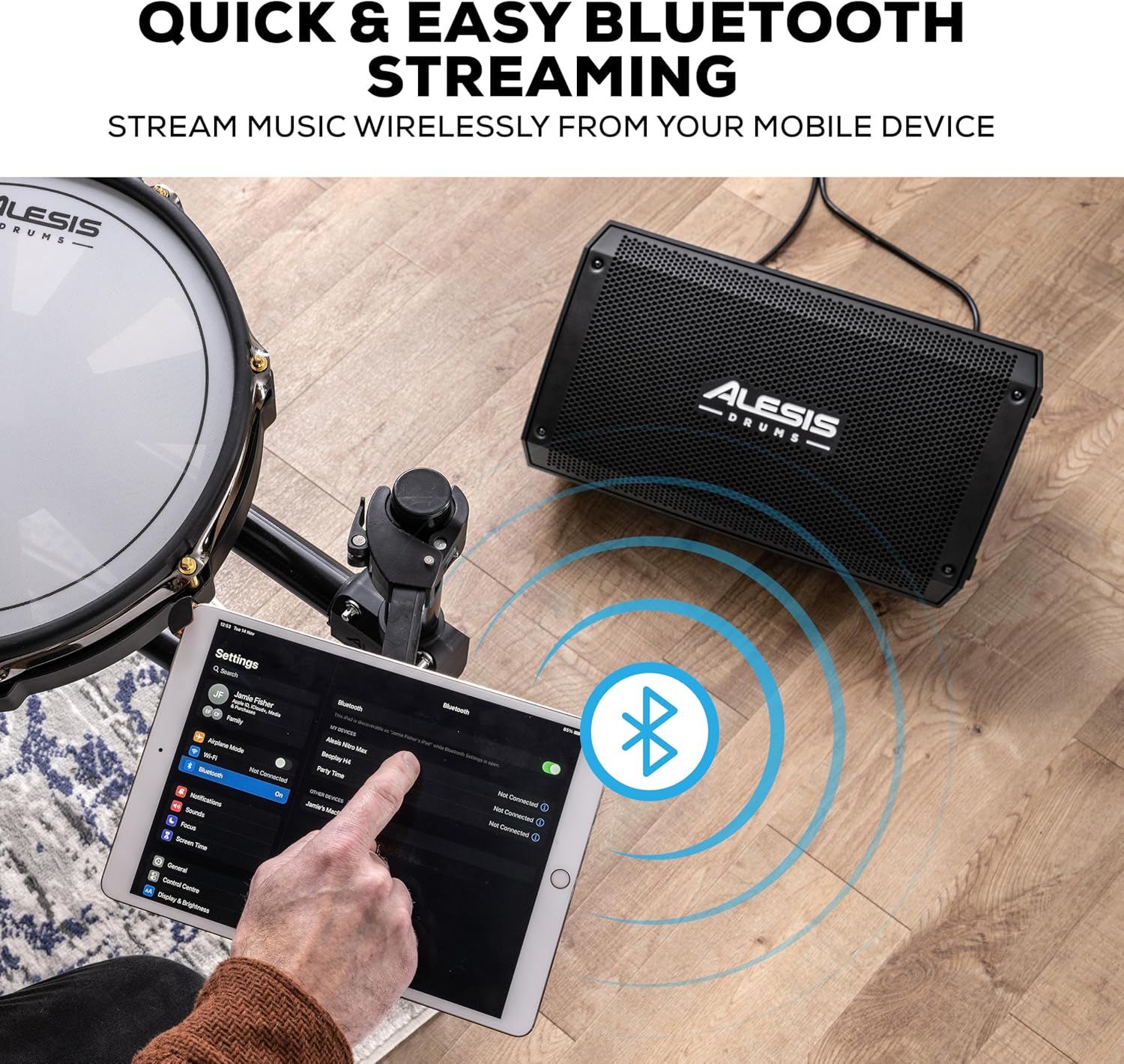
איור 5: הזרמת Bluetooth ממכשיר נייד.
5.3 HPF EQ and Ground-Lift Switches
- HPF EQ Switch: Activates a High-Pass Filter to reduce low-frequency rumble, which can help clarify the sound in certain environments.
- Ground-Lift Switch: Use this switch to eliminate hum or buzz caused by ground loops. Toggle it to the position that minimizes noise.
Video 2: Demonstrates the sound quality of the Alesis Strike Amp, highlighting its clarity and power.
6. תחזוקה
To ensure the longevity and optimal performance of your Strike Amp 8 MK2:
- ניקוי: השתמשו במטלית רכה ויבשה לניקוי החלק החיצוני. הימנעו מחומרי ניקוי שוחקים או ממסים.
- אִחסוּן: יש לאחסן את הרמקול במקום קריר ויבש, הרחק מאור שמש ישיר וטמפרטורות קיצוניות.
- אוורור: יש לוודא אוורור נאות סביב היחידה כדי למנוע התחממות יתר. אין לחסום פתחי אוורור.
- כבל חשמל: Always disconnect the power cable from the outlet before cleaning or performing any maintenance.
7. פתרון תקלות
| בְּעָיָה | סיבה אפשרית | פִּתָרוֹן |
|---|---|---|
| אין פלט קול | Power not connected; Volume too low; Input cable faulty; Device not paired (Bluetooth) | Check power connection and switch; Increase volume; Test input cables; Re-pair Bluetooth device. |
| עיוות או איכות צליל ירודה | Volume too high (clipping); Input signal too strong; Faulty cable; HPF EQ setting inappropriate | Reduce volume on speaker or source; Check cables; Adjust HPF EQ switch. |
| זמזום או רעש זמזום | Ground loop; Interference from other electronics | Engage the Ground-Lift switch; Move speaker away from other electronic devices. |
| בלוטות' לא מתחבר | Device too far; Not in pairing mode; Already connected to another device | Ensure device is within range; Put speaker in pairing mode; Disconnect from other devices. |
8. מפרטים
| תכונה | פְּרָט |
|---|---|
| משקל פריט | 21.5 פאונד |
| מידות המוצר | 9.72" D x 9.96" W x 17.16" H |
| מספר דגם של פריט | לְהַכּוֹתAMP8MK2 |
| מותג | אלסיס |
| צֶבַע | שָׁחוֹר |
| מכשירים תואמים | תוף אלקטרוני |
| סוג מחבר | (1) XLR output (Link), (2) XLR+1/4” (6.35 mm) TRS combo inputs (Balanced) |
| פלט וואטtage | 2000 וואט |
| גודל וופר | 8 אינץ' |
| מקור כוח | חשמלי עם כבלים |
9. אחריות ותמיכה
For detailed warranty information and technical support, please refer to the Safety & Warranty Manual included in your product package or visit the official Alesis webאֲתַר.
Online resources and FAQs may also be available at www.alesis.com.