
מָבוֹא
This manual provides detailed instructions for the installation, operation, maintenance, and troubleshooting of your Galax NVIDIA GeForce RTX 3050 EX 6GB GDDR6 Graphics Card. Please read this manual thoroughly before using the product to ensure proper functionality and longevity.
התקנה והתקנה
1. התקנה פיזית
Before beginning, ensure your computer is powered off and unplugged from the wall outlet. Open your computer case to access the motherboard's PCI-Express x16 slot.
- הכן את לוח האם: Locate an available PCI-Express x16 slot on your motherboard. Remove any expansion slot covers from your computer case that correspond to the slot.
- הכנס את כרטיס המסך: Carefully align the graphics card with the PCI-Express x16 slot. Apply even pressure to both ends of the card until it is fully seated in the slot. You should hear a click as the retention clip engages.
- אבטח את הכרטיס: השתמש בברגים כדי לחבר את כרטיס המסך לתושבת חריץ ההרחבה של מארז המחשב.
- חיבור חשמל: This model of the GeForce RTX 3050 EX typically draws power directly from the PCI-Express slot and may not require an additional PCIe power connector from your power supply. Verify your specific model's requirements.
- סגור את התיק: Once the card is securely installed, close your computer case and reconnect all cables.
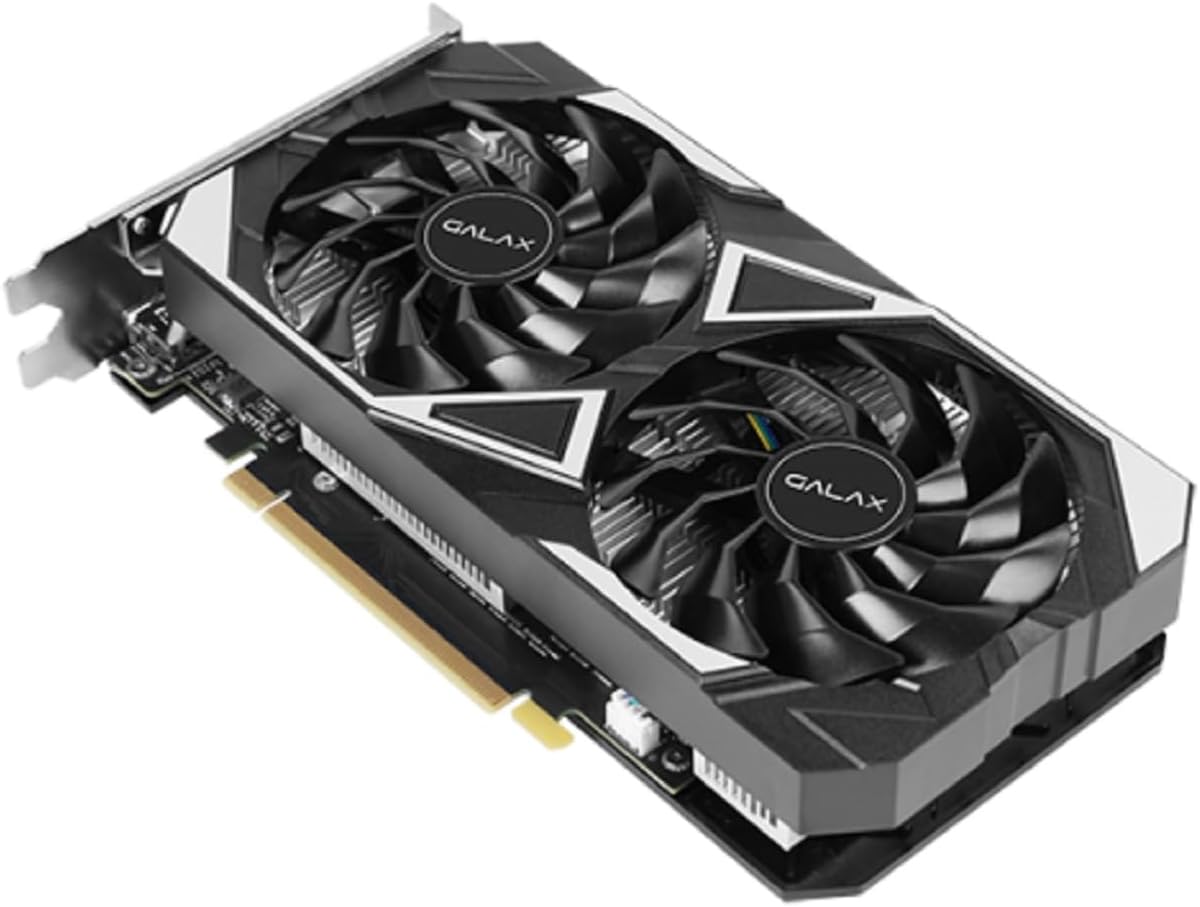
Image: The Galax RTX 3050 EX graphics card, illustrating its dual-fan design and PCI-Express interface for installation.
2. התקנת דרייבר
After physical installation, you must install the latest NVIDIA drivers for optimal performance and stability.
- הפעלה: Connect your monitor to one of the graphics card's display outputs (DisplayPort or HDMI) and power on your computer.
- הורדת מנהלי התקנים: בקרו באתר הרשמי של NVIDIA webאתר (www.nvidia.com/drivers) and download the latest drivers for the GeForce RTX 3050. Ensure you select the correct operating system (Windows 10/11 64-bit).
- התקן דרייברים: Run the downloaded driver installer and follow the on-screen prompts. A system restart may be required after installation.
3. התקנת תוכנה (אופציונלי)
For enhanced control and performance tuning, consider installing the Xtreme Tuner Plus software.
- Xtreme Tuner Plus: This software allows for 1-Click OC (Overclocking) and monitoring of your graphics card. Download it from the official Galax webאֲתַר.
הוראות הפעלה
תכונות מפתח
- NVIDIA DLSS: למידה עמוקה סופר Sampling (DLSS) uses AI to boost frame rates while generating sharp, high-quality images. Enable this feature in compatible games for improved performance.
- מעקב אחר קרניים: Experience realistic lighting, shadows, and reflections in supported games with dedicated 2nd Generation Ray Tracing Cores.
- חוויית NVIDIA GeForce: Optimize game settings, update drivers, and capture gameplay videos and screenshots with this companion application.
- NVIDIA G-SYNC: Connect to a G-SYNC compatible monitor for a smooth, tear-free gaming experience.
- 1-Click OC: Utilize the Xtreme Tuner Plus software to apply a quick overclock profile, boosting the card's performance with a single click. The 1-Click OC Clock can reach 1485 MHz.
Display Output Configuration
The graphics card supports multiple display outputs:
- DisplayPort 1.4a: Three ports are available for high-resolution and high-refresh-rate monitors.
- HDMI 2.1: One port for connecting to TVs or monitors, supporting up to 8K resolution.
You can connect multiple monitors simultaneously. Refer to your operating system's display settings for configuration options.

תמונה: אחורי view of the graphics card, highlighting the DisplayPort and HDMI output connectors.
תַחזוּקָה
Fan Stop Feature
The graphics card features a fan stop function, where all fans will cease operation when the GPU temperature is below a certain threshold (e.g., during idle or light load). This reduces noise and power consumption. The fans will automatically spin up when the temperature rises.
ניקוי
ניקוי קבוע מסייע לשמור על ביצועים אופטימליים ומאריך את תוחלת החיים של כרטיס המסך שלך.
- כיבוי: Always power off your computer and unplug it before cleaning.
- הסרת אבק: Use compressed air to gently remove dust from the fans, heatsink fins, and other components of the graphics card. Hold the fans in place while blowing air to prevent over-spinning.
- הימנע מנוזלים: אין להשתמש בחומרי ניקוי נוזליים ישירות על כרטיס המסך.
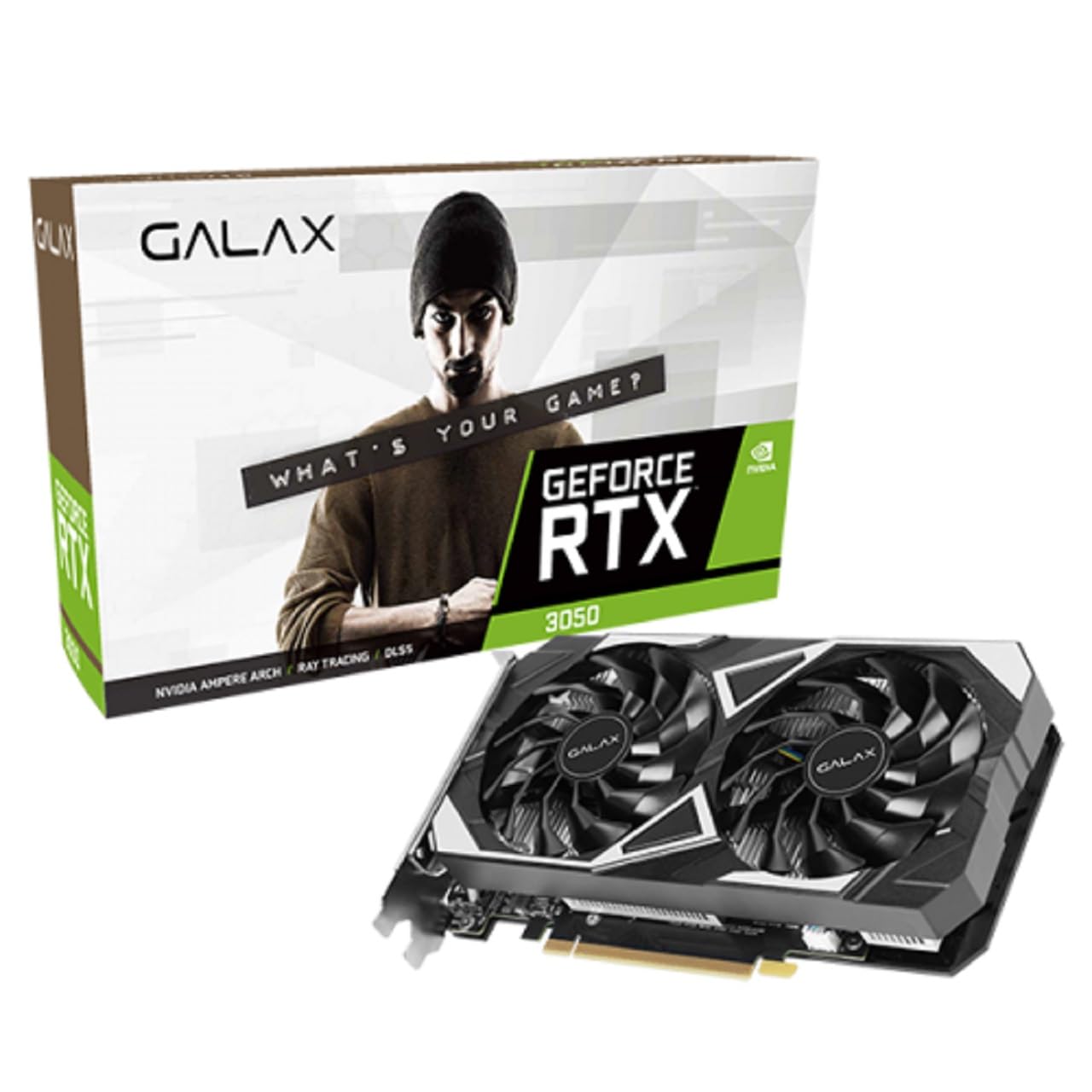
תמונה: למעלה view of the graphics card, emphasizing the dual-fan cooling system.
פתרון בעיות
אם נתקלת בבעיות עם כרטיס המסך שלך, שקול את שלבי פתרון הבעיות הנפוצים הבאים:
- אין פלט תצוגה:
- ודא שכבל הצג מחובר היטב הן לכרטיס המסך והן לצג.
- Verify the graphics card is fully seated in the PCI-Express slot.
- בדוק אם הצג שלך מוגדר למקור הקלט הנכון.
- נסה יציאת פלט או כבל אחר של תצוגה.
- בעיות בנהגים:
- Perform a clean installation of the latest NVIDIA drivers. Use Display Driver Uninstaller (DDU) in Safe Mode to remove old drivers before installing new ones.
- בעיות ביצועים:
- Ensure your system meets the minimum requirements for the applications or games you are running.
- Monitor GPU temperatures to prevent thermal throttling. Ensure adequate case airflow.
- Disable any overclocking (including 1-Click OC) to see if it resolves stability issues.
- חוסר יציבות/קריסות מערכת:
- Check your power supply unit (PSU) to ensure it provides sufficient and stable power to your system.
- Verify that all components are properly seated and connected.
For further assistance, refer to the official Galax support website or NVIDIA's support resources.
מפרטים
| תכונה | פְּרָט |
|---|---|
| שם הדגם | GeForce RTX 3050 EX |
| מעבד גרפי | NVIDIA GeForce RTX 3050 |
| ליבות CUDA | 2304 |
| בוסט שעון | 1470 מגה-הרץ |
| 1-Click OC Clock | 1485 MHz (with Xtreme Tuner Plus) |
| גודל זיכרון | 6 ג'יגה-בייט |
| סוג זיכרון | GDDR6 |
| מהירות זיכרון | 14 Gbps |
| Memory Interface Width | 96 סיביות |
| רוחב פס זיכרון | 168 GB/sek |
| מִמְשָׁק | PCI-Express 4.0 x16 |
| תצוגת פלטים | 3x DisplayPort 1.4a, 1x HDMI 2.1 |
| Maximum Digital Resolution | 7680 x 4320 |
| ספירת מעריצים | 2 (92mm) |
| מידות (עם סוגר) | 224 x 133 x 44 מ"מ |
| מערכת הפעלה נתמכת | Windows 10/11 64 סיביות |
| מספר חלק | 35NRLDMD9OEX |
| ASIN | B0CW7D71T3 |
אחריות ותמיכה
מידע על אחריות
This Galax graphics card comes with a אחריות יצרן ל-12 חודשיםאנא שמור את הוכחת הרכישה שלך לצורך תביעות אחריות. האחריות מכסה פגמים בחומרים ובביצוע בשימוש רגיל.
תמיכה טכנית
For technical assistance, driver updates, or further product information, please visit the official Galax website or contact their customer support. You can also find extensive resources on the NVIDIA support portal for driver-related issues and feature guides.
- Galax Official Webאֲתַר: www.galax.com
- NVIDIA Support: www.nvidia.com/support