
מקסימוםview TVSL/22
מקסימוםview מדריך למשתמש של טלוויזיה חכמה Alphatronics SL Line+ עם נגן DVD
Model: TVSL/22 | Brand: Maxview
1. מבוא ומעלהview
This manual provides comprehensive instructions for the setup, operation, and maintenance of your Maxview Alphatronics SL Line+ Smart TV. Designed for mobile use, this versatile television operates on both 12v and 240v power, making it ideal for motorhomes, caravans, trucks, and boats. It features a Full HD LED display, integrated DVD player, Wi-Fi, Bluetooth, and access to popular streaming services via Webמערכת הפעלה.

תמונה: חזית view of the Maxview Alphatronics SL Line+ Smart TV, highlighting its smart features and integrated DVD player.
תכונות מפתח כוללות:
- Full HD LED Smart TV with Freeview.
- WebOS for access to Netflix, Amazon Prime, Disney+, iPlayer, ITVX, Sky Store, YouTube, and more.
- Dual power compatibility (12v or 240v).
- Built-in DVD Player, Bluetooth, Wi-Fi, and Ethernet.
- Multiple connectivity options: 2 HDMI ports, USB Port, and AV connections.
2. מה בקופסה
אנא בדקו את תוכן החבילה שלכם מול הרשימה שלהלן:
- Alphatronics TV (TVSL/22)
- שְׁלַט רָחוֹק
- 240v Mains Lead
- מתאם מתח 12v
- מדריך למשתמש (מסמך זה)

Image: The included remote control for the Maxview Alphatronics Smart TV.
3. התקנה
3.1. מיקום והרכבה
Choose a stable and flat surface for your TV. Ensure adequate ventilation around the unit. If mounting, refer to your specific wall mount instructions and ensure the mount is compatible with VESA standards for your TV size.

תמונה: דוגמהample of the TV installed within a caravan interior.
3.2. חיבור חשמל
The TV can be powered by either 12v DC or 240v AC.
- For 240v AC: Connect the supplied 240v Mains Lead to the TV's AC input and then to a standard wall socket.
- For 12v DC: Connect the supplied 12v Power Adapter to the TV's DC input and then to a 12v power source (e.g., vehicle's 12v socket).
Ensure the correct power source is used to prevent damage.
3.3. חיבור התקנים חיצוניים
לטלוויזיה יש מגוון יציאות לחיבור התקנים חיצוניים:
- יציאות HDMI (x2): For high-definition audio and video devices like satellite receivers, game consoles, or laptops.
- יציאת USB: לחיבור התקני אחסון USB להפעלת מדיה files.
- AV Connections: עבור מכשירים ישנים יותר המשתמשים בווידאו מרוכב ואודיו סטריאו.
- קלט אנטנה/לוויין: Connect your terrestrial antenna or satellite dish cable for Freeview or satellite TV reception.

Image: Rear panel of the TV displaying available connection ports.
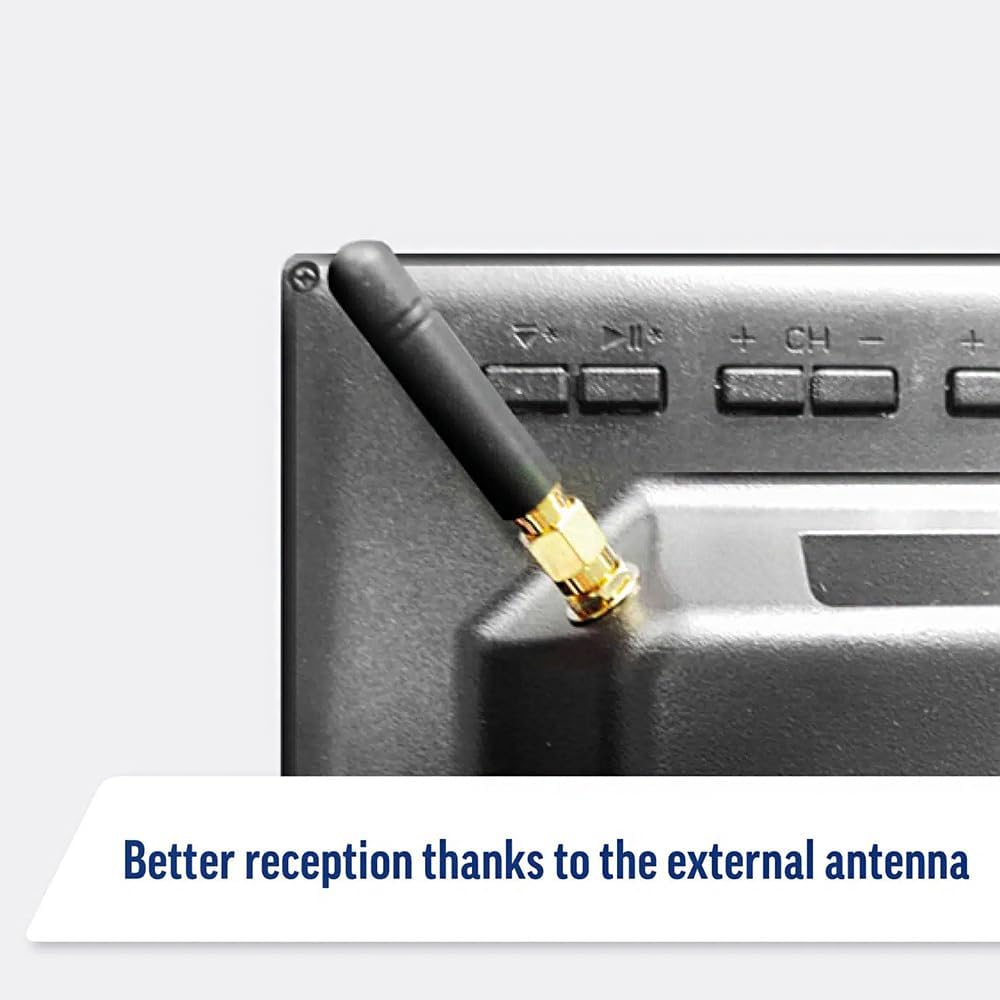
Image: Detail of the external antenna connection for improved signal reception.
3.4. אשף ההתקנה הראשונית
עם ההפעלה הראשונה, הטלוויזיה תדריך אותך דרך אשף ההתקנה הראשוני. זה כולל:
- בחירת שפה: בחר את השפה המועדפת עליך.
- חיבור רשת: Connect to your Wi-Fi network or via Ethernet for internet access. This is crucial for Smart TV features.
- סריקת ערוצים: Scan for available Freeview or satellite channels.
- הגדרות זמן ותאריך: הגדר את אזור הזמן והתאריך הנכונים.
4. הפעלת הטלוויזיה
4.1. בקרות בסיסיות
Use the supplied remote control to navigate the TV. Common functions include:
- לחצן הפעלה: מפעיל/מכבה את הטלוויזיה או מעביר אותה למצב המתנה.
- עוצמת הקול מעלה/הנמכת: מכוונן את עוצמת השמע.
- ערוץ למעלה/למטה: משנה ערוצי טלוויזיה.
- מקור/קלט: Selects the input source (HDMI, AV, TV, DVD).
- כפתורי ניווט (מקשי חצים, אישור): ניווט בתפריטים ובחירת אפשרויות.
- כפתור בית: ניגש אל Webמסך הבית של מערכת ההפעלה Smart TV.
- כפתורי גישה מהירה: Dedicated buttons for Netflix and Amazon Prime Video for direct access.
4.2. תכונות טלוויזיה חכמה (Webמערכת הפעלה)
Your Maxview Alphatronics TV runs on WebOS, providing a user-friendly interface for accessing a wide range of applications and content.
- לוח המחוונים הביתי: הקש על בַּיִת button to access the main dashboard, where you can find installed apps, input sources, and settings.
- App Store: Download and install additional applications from the integrated app store.
- שירותי סטרימינג: Easily access popular services like Netflix, Amazon Prime Video, Disney+, BBC iPlayer, ITVX, and YouTube.
- שיתוף מסך: Share content from your smartphone or tablet to the TV screen.
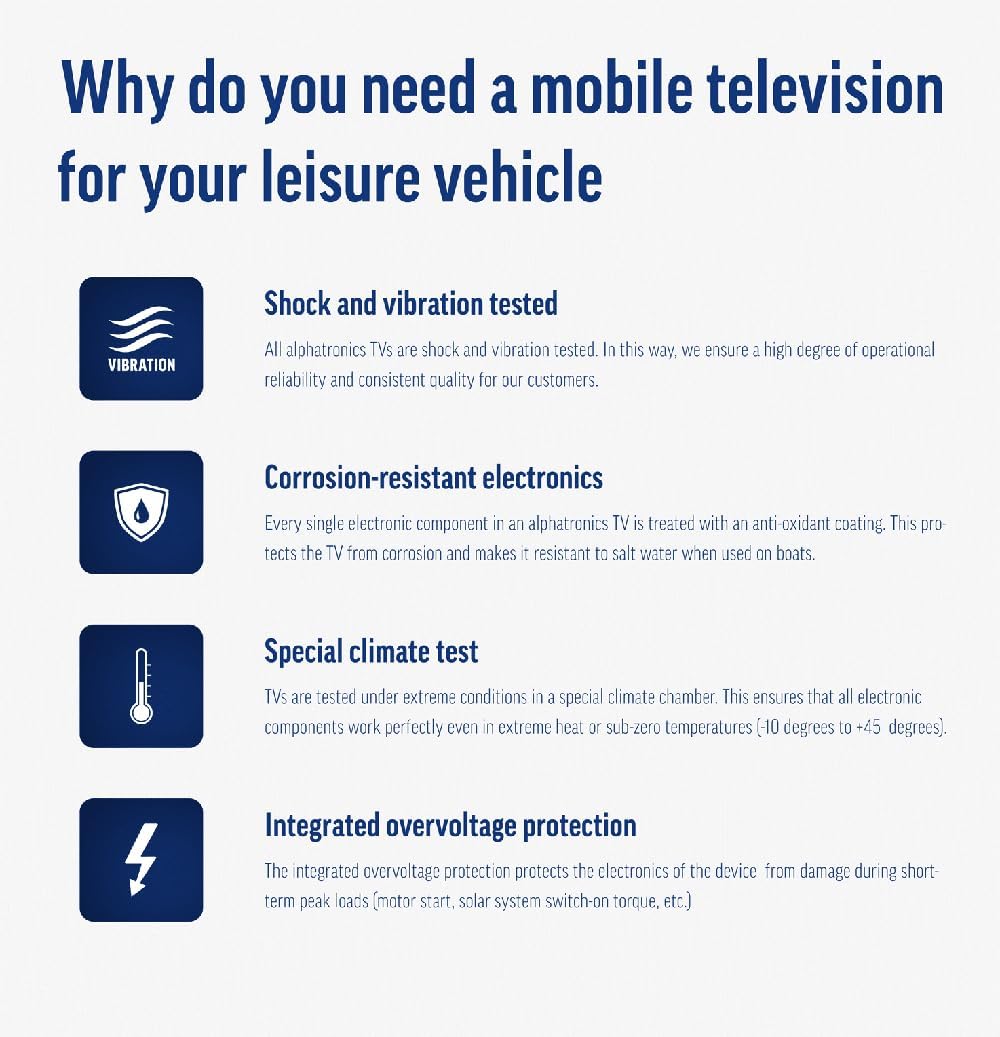
Image: Using a smartphone as a remote control for the TV.
4.3. תפעול נגן ה-DVD
The integrated DVD player allows you to enjoy your movie collection on the go.
- הכנס דיסק DVD לחריץ בצד הטלוויזיה.
- הטלוויזיה אמורה לעבור אוטומטית לכניסת DVD. אם לא, לחצו על הלחצן מקור/קלט button on your remote and select "DVD".
- Use the remote control's playback buttons (Play, Pause, Stop, Fast Forward, Rewind) to control the DVD.
- To eject the disc, press the Eject button on the remote or the TV.
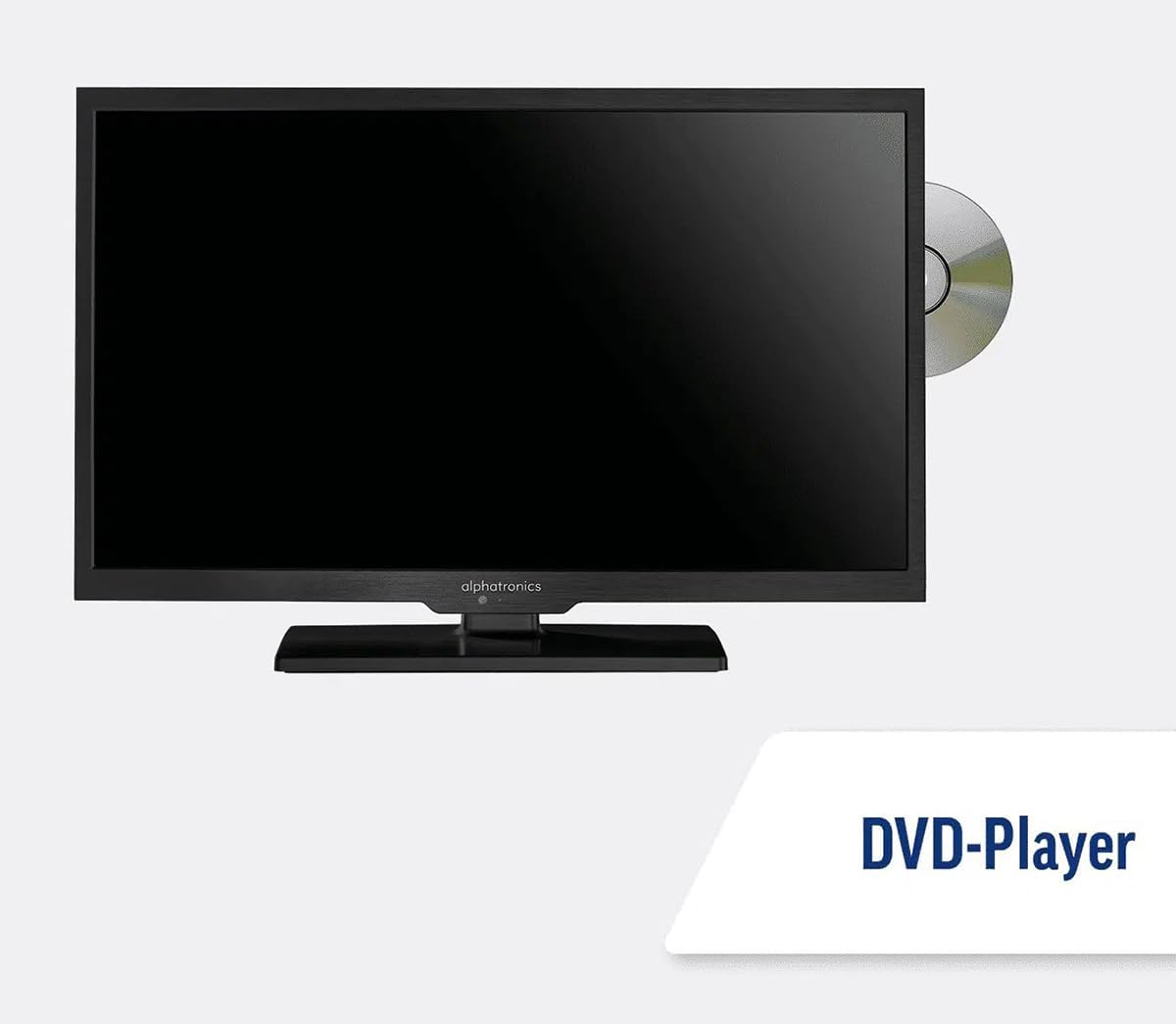
Image: The TV with a DVD disc being inserted into its built-in player.
5. תחזוקה
5.1. ניקיון
כדי לנקות את מסך הטלוויזיה, נגבו אותו בעדינות בעזרת מטלית רכה ונטולת סיבים. במקרה של סימנים עקשניים,ampen the cloth slightly with water or a screen-cleaning solution. Do not spray liquid directly onto the screen. Clean the TV casinנגבו בעזרת מטלית יבשה ורכה.
זְהִירוּת: Always unplug the TV from the power source before cleaning.
5.2. עדכוני תוכנה
Your Maxview Alphatronics Smart TV supports automatic software updates via the internet. Ensure your TV is connected to a stable Wi-Fi or Ethernet network to receive the latest firmware and feature enhancements.
- To check for updates manually, navigate to the הגדרות menu on your TV, then look for עדכון תוכנה or מידע מערכת.
- Follow the on-screen prompts to download and install any available updates. Do not power off the TV during an update process.

Image: The TV screen indicating a software update in progress.
6. פתרון תקלות
אם נתקלתם בבעיות עם הטלוויזיה שלכם, אנא עיינו בבעיות הנפוצות ובפתרונות הבאים לפני פנייה לתמיכה.
| בְּעָיָה | סיבה אפשרית | פִּתָרוֹן |
|---|---|---|
| אין כוח | Power cable disconnected; no power from outlet/source. | Check power connections. Ensure outlet/source is active. Try a different outlet. |
| אין אות | Incorrect input selected; antenna/cable disconnected or faulty. | לִלְחוֹץ מקור/קלט to select correct input. Check antenna/cable connections. Perform a channel scan. |
| אין חיבור לאינטרנט | Wi-Fi password incorrect; router issue; TV too far from router. | הזן מחדש את סיסמת ה-Wi-Fi. הפעל מחדש את הנתב. קרב את הטלוויזיה לנתב או השתמש ב-Ethernet. |
| DVD לא מתנגן | Disc dirty or scratched; incorrect input selected; region code mismatch. | Clean the disc. Ensure "DVD" input is selected. Check disc region compatibility. |
| השלט רחוק לא עובד | Batteries low/dead; obstruction between remote and TV; remote not paired (if Bluetooth). | Replace batteries. Remove obstructions. Re-pair remote if necessary (refer to TV settings). |
If the problem persists after trying these solutions, please contact Maxview תמיכת לקוחות.
7. מפרטים
| תכונה | פְּרָט |
|---|---|
| מספר דגם | TVSL/22 |
| גודל מסך | 22 אינץ' (אלכסון גלוי של 56 ס"מ) |
| טכנולוגיית תצוגה | LED |
| הַחְלָטָה | 1080p (HD מלא) |
| מידות המוצר (D x W x H) | 12D x 58W x 38H סנטימטרים |
| קלט כוח | 12v DC / 240v AC |
| קישוריות | Wi-Fi, Bluetooth, Ethernet |
| נמלים | 2x HDMI, 1x USB, AV connections, Antenna/Satellite input |
| תכונות מיוחדות | Smart TV (WebOS), Built-in DVD Player |
| יחס גובה-רוחב | 16:9 |
| יַצרָן | אלפאטרוניקה |
8. אחריות ותמיכה
Your Maxview Alphatronics SL Line+ Smart TV comes with a אחריות לשנה, providing peace of mind regarding your purchase. This warranty covers manufacturing defects and ensures reliable operation.
For warranty claims, technical support, or further assistance, please contact Maxview customer service. You can typically find contact information on the official Maxview webבאתר או על חומרי האריזה.
Please have your model number (TVSL/22) and proof of purchase ready when contacting support.
Note: No official product videos from the seller were found in the provided data to embed in this manual.
Ask a question about this manual
Ask about setup, troubleshooting, compatibility, parts, safety, or missing instructions. Manuals+ will review the question and use this page’s manual context to help answer it.