
1. הקדמה
Thank you for choosing the DEWENWILS Remote Control Outlets with Wireless Wall Switch. This product provides a convenient and energy-efficient way to control your indoor lighting and other electronic devices remotely. Please read this manual carefully before use to ensure proper installation and operation.
2. מידע בטיחות
- The DEWENWILS remote control outlets are constructed from high-quality flame-retardant material, ensuring maximum safety for domestic use.
- The product is designed to operate safely within a temperature range of -25°C to 40°C.
- Integrated child safety features prevent accidental contact with live parts.
- Do not exceed the maximum load capacity of 2300W or 10A.
- Ensure the product is used in dry indoor environments only.
- נתק תמיד את המכשיר משקע החשמל לפני הניקוי.
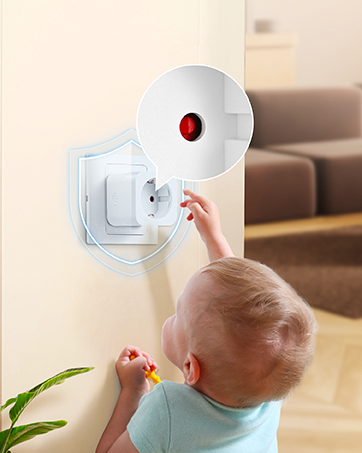
Image: The remote control outlet is designed for safe operation in temperatures ranging from -25°C to 40°C, highlighting its durability.

Image: A child reaching for an outlet, with a shield icon indicating the integrated child safety mechanism to prevent accidental contact.
3. תכולת החבילה
Your DEWENWILS Remote Control Outlet kit typically includes:
- Remote Control Outlet(s)
- Remote Control(s) (battery included)
- Wireless Wall Switch(es) (quantity may vary by package)
- מדריך למשתמש
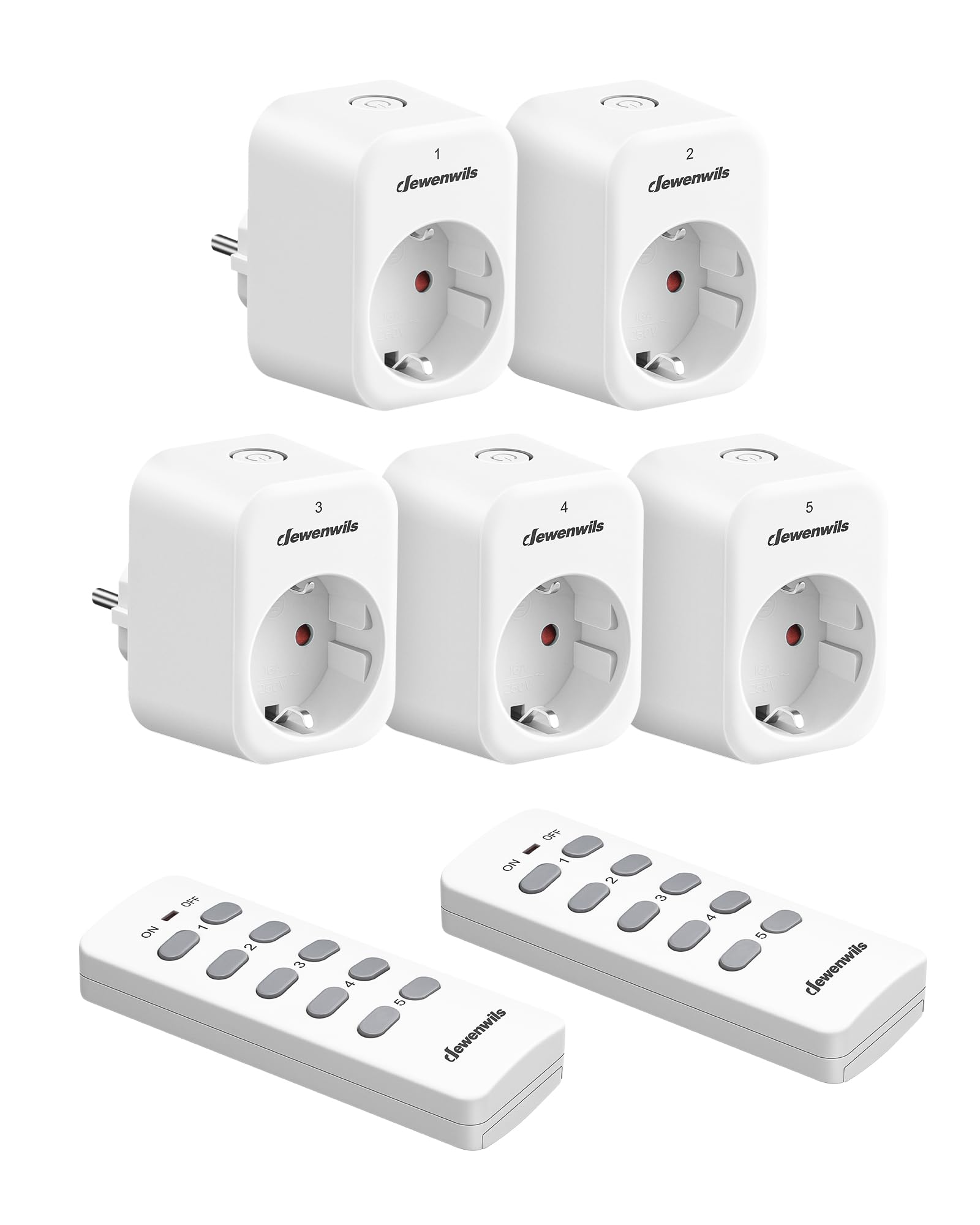
Image: A DEWENWILS remote control outlet plugged into a wall socket next to a white remote control, illustrating the primary components of the kit.
4. תכונות מוצר
- פונקציית למידה עצמית: Additional portable remote controls and outlets can be paired (only with the same model). The manual transmitter and radio receiver are pre-programmed for immediate use.
- Plug & Play: Easy installation with no programming or tools required. Batteries are included for the remote controls.
- חיסכון באנרגיה: Eliminates complex standby power consumption, reducing energy use. The outlet remains off after a power outage to save energy. Standby power consumption is only 0.6W.
- טווח של 30 מטר: The powerful RF signal operates through walls and doors without interference, offering up to 30 meters (100 feet) range in open air without obstacles. Operating frequency is 433.92 MHz.
- שליטה אלחוטית: Conveniently turn on or off indoor lighting (e.g., Christmas lights, plug-in pendant lights), hard-to-reach electronic installations, and other electronic devices with the press of a button.
תמונה: צילום אווירי view of a house showing the 30-meter RF range of the remote control, indicating its ability to control devices across multiple rooms and through walls.
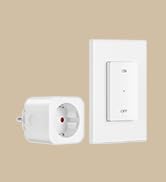
Image: A person comfortably using the remote control from a sofa to operate a lamp plugged into a DEWENWILS outlet, demonstrating ease of use.
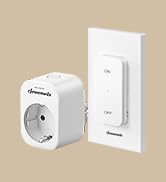
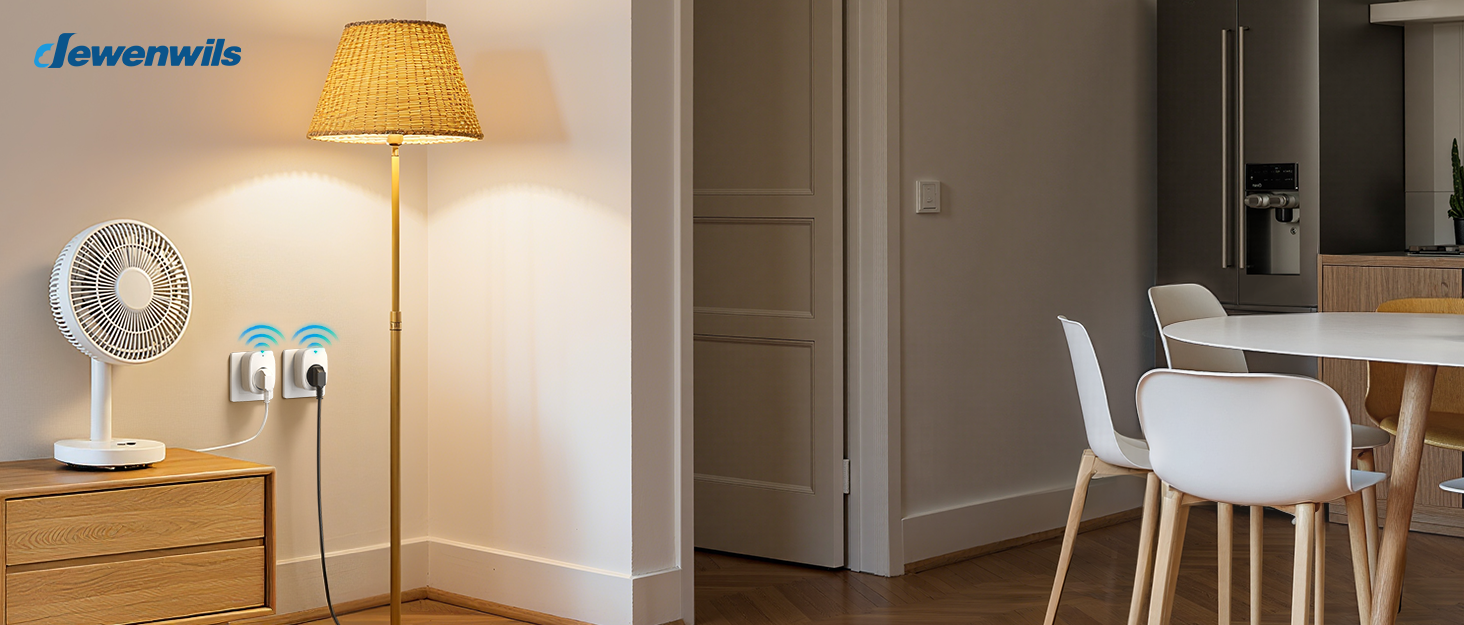
Image: Multiple DEWENWILS outlets plugged into wall sockets near a TV, with a remote control in hand, illustrating the programmable and expandable nature of the system.
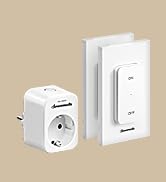
Image: A collage showing various household appliances like a microwave, TV, table lamp, humidifier, laptop, and fan, indicating the 10A max 2300W capacity and wide compatibility of the outlets.
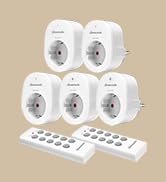
Image: A collage depicting elderly individuals, a person in a wheelchair, and a pregnant woman using the remote control outlets, emphasizing the convenience and accessibility for various users.
5. התקנה
The DEWENWILS Remote Control Outlets are designed for simple Plug & Play installation.
5.1 Initial Setup (Pre-programmed)
- Unpack the remote control outlet(s) and remote control(s).
- Plug the remote control outlet into a standard wall socket.
- Plug your desired appliance (e.g., lamp, fan) into the remote control outlet.
- The remote control and outlet are pre-programmed. Press the corresponding ON/OFF button on the remote to control the appliance.
5.2 Pairing Additional Remotes or Outlets (Self-Learning)
If you wish to pair additional DEWENWILS remote controls or outlets (of the same model) or re-pair existing ones, follow these steps:
- Plug the remote control outlet into a wall socket.
- Press and hold the learning button on the side of the outlet (or the small button on the front, depending on the model) until the indicator light starts flashing.
- Within 5 seconds, press the desired ON or OFF button on the remote control you wish to pair.
- The indicator light on the outlet will stop flashing and remain solid for a moment, then turn off, indicating successful pairing.
- Test the connection by pressing the ON/OFF button on the remote.
6. הוראות הפעלה
Operating your DEWENWILS remote control outlets is straightforward:
- שימוש בשלט הרחוק: Each button pair (1-5) on the remote corresponds to a specific channel. Press the 'ON' button for the desired channel to turn on the connected appliance. Press the 'OFF' button for the desired channel to turn off the connected appliance.
- Using the Wireless Wall Switch (if applicable): If your kit includes a wireless wall switch, it functions similarly to the remote control. Press the 'ON' or 'OFF' button on the switch to control the paired outlet.
- שליטה ידנית: Most outlets also feature a manual ON/OFF button directly on the unit for local control.
7. תחזוקה
7.1 ניקוי
To clean the remote control outlets and remote controls:
- Ensure all devices are unplugged from the power source.
- Wipe surfaces with a soft, dry cloth. Do not use liquid cleaners or sprays.
7.2 החלפת סוללה בשלט רחוק
If the remote control's range decreases or it stops responding, the battery may need replacement.
- אתר את תא הסוללות בגב השלט הרחוק.
- פתח את מכסה התא.
- Remove the old battery and insert a new one of the same type (typically CR2032 or similar, check the remote for specifics), ensuring correct polarity.
- סגור את תא הסוללות.
8. פתרון תקלות
| בְּעָיָה | סיבה אפשרית | פִּתָרוֹן |
|---|---|---|
| השקע לא מגיב לשלט רחוק. | Battery in remote is dead or weak. Outlets and remote are not paired. Appliance is not plugged in or is faulty. | Replace remote battery. Re-pair the outlet and remote (see Section 5.2). Check appliance power. |
| טווח שלט רחוק מופחת. | Weak remote battery. Excessive interference from other RF devices. Obstacles (thick walls, metal objects). | Replace remote battery. Move the outlet or remote to a different location. Ensure line of sight if possible, though RF works through walls. |
| Outlet does not turn on after power outage. | This is a safety feature to prevent appliances from turning on unexpectedly. | Manually turn on the outlet or use the remote control to activate it. |
| Appliance connected to outlet does not work. | Appliance is faulty. Outlet is off. Power outage. | Test appliance in a different socket. Ensure outlet is switched ON. Check household power supply. |
9. מפרטים
| תכונה | מִפרָט |
|---|---|
| מספר דגם | DHRS205M |
| מידות (L x W x H) | 50 x 48 x 70 מ"מ (5 x 4.8 x 7 ס"מ) |
| מִשׁקָל | 630 גרם |
| מצב הפעלה | דולק כבוי |
| דירוג נוכחי | 10 א |
| כרך הפעלהtage | 230 וולט (AC) |
| דירוג כוח | 2300 וואט |
| צריכת חשמל במצב המתנה | 0.6 W |
| סוג מחבר | פלאגין |
| חוֹמֶר | Plastic (housing), Copper (contact material) |
| שיטת בקרה | שְׁלַט רָחוֹק |
| פרוטוקול קישוריות | RF (433.92 מגהרץ) |
| טווח אלחוטי | עד 30 מטרים (100 רגל) באוויר הפתוח |
| דירוג טמפרטורה עליון | 45 מעלות צלזיוס |
| הַתאָמָה | CE |
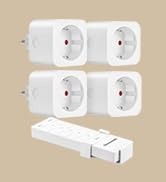
Image: A diagram showing the precise dimensions of the DEWENWILS remote control outlet (5.05cm x 4.08cm x 7.00cm) and its accompanying remote control (3.92cm x 1.83cm x 10.5cm).
10. אחריות ותמיכה
DEWENWILS products are designed for reliability and performance. This product is covered by the manufacturer's standard warranty, which typically covers defects in materials and workmanship under normal use.
- תקופת אחריות: אנא עיינו באריזת המוצר או בכתובת הרשמית של DEWENWILS website for specific warranty duration.
- תמיכת לקוחות: For technical assistance, troubleshooting, or warranty claims, please contact DEWENWILS customer support through the retailer where the product was purchased or visit the official DEWENWILS webאתר ליצירת קשר.