
COCOCAM ZY-C2
COCOCAM Solar Camera Outdoor Wireless User Manual
Model: ZY-C2
1. הקדמה
This user manual provides comprehensive instructions for the installation, operation, and maintenance of your COCOCAM Solar Camera Outdoor Wireless. This 2K PTZ camera is designed for home security, featuring AI motion detection, color night vision, and two-way audio. Please read this manual thoroughly before using the product to ensure proper functionality and safety.
2. תכולת החבילה
אנא ודא שכל הפריטים המפורטים להלן כלולים בחבילה שלך. אם פריטים חסרים או פגומים, אנא פנה לתמיכת הלקוחות.
- 1x COCOCAM Solar Security Camera
- 1x פאנל סולארי
- 1x תושבת פאנל סולארי
- 1x 3.3ft USB Charging Cable
- 1x מדריך למשתמש
- 1x Positioning Sheet
- 2x Screw Packages (for camera and solar panel mounting)
3. המוצר נגמרview
The COCOCAM Solar Camera is a versatile outdoor security solution. Below are the key components and features:
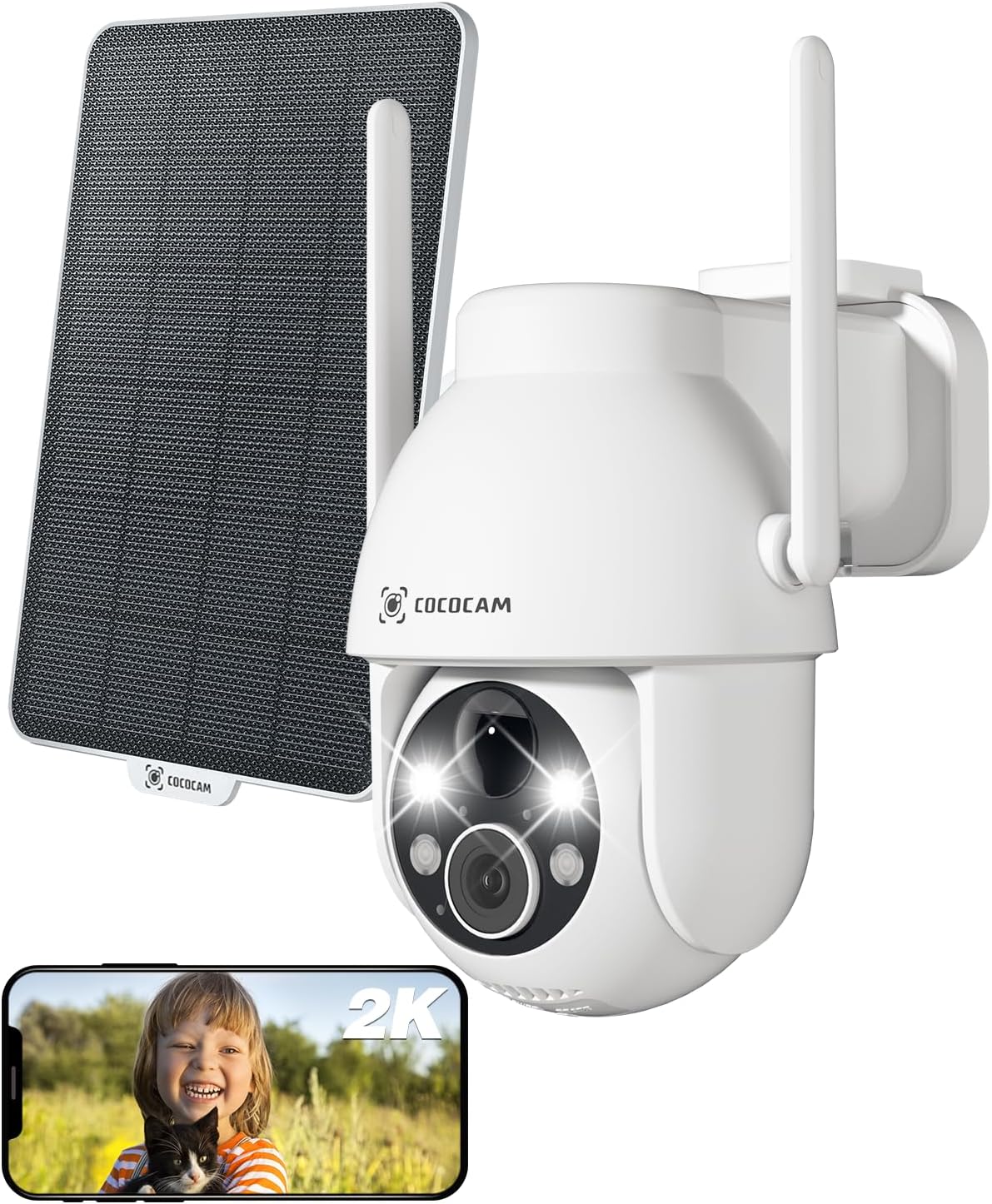
Figure 3.1: Camera and Solar Panel Overview. This image displays the main camera unit alongside its accompanying solar panel, illustrating the complete system for outdoor surveillance.
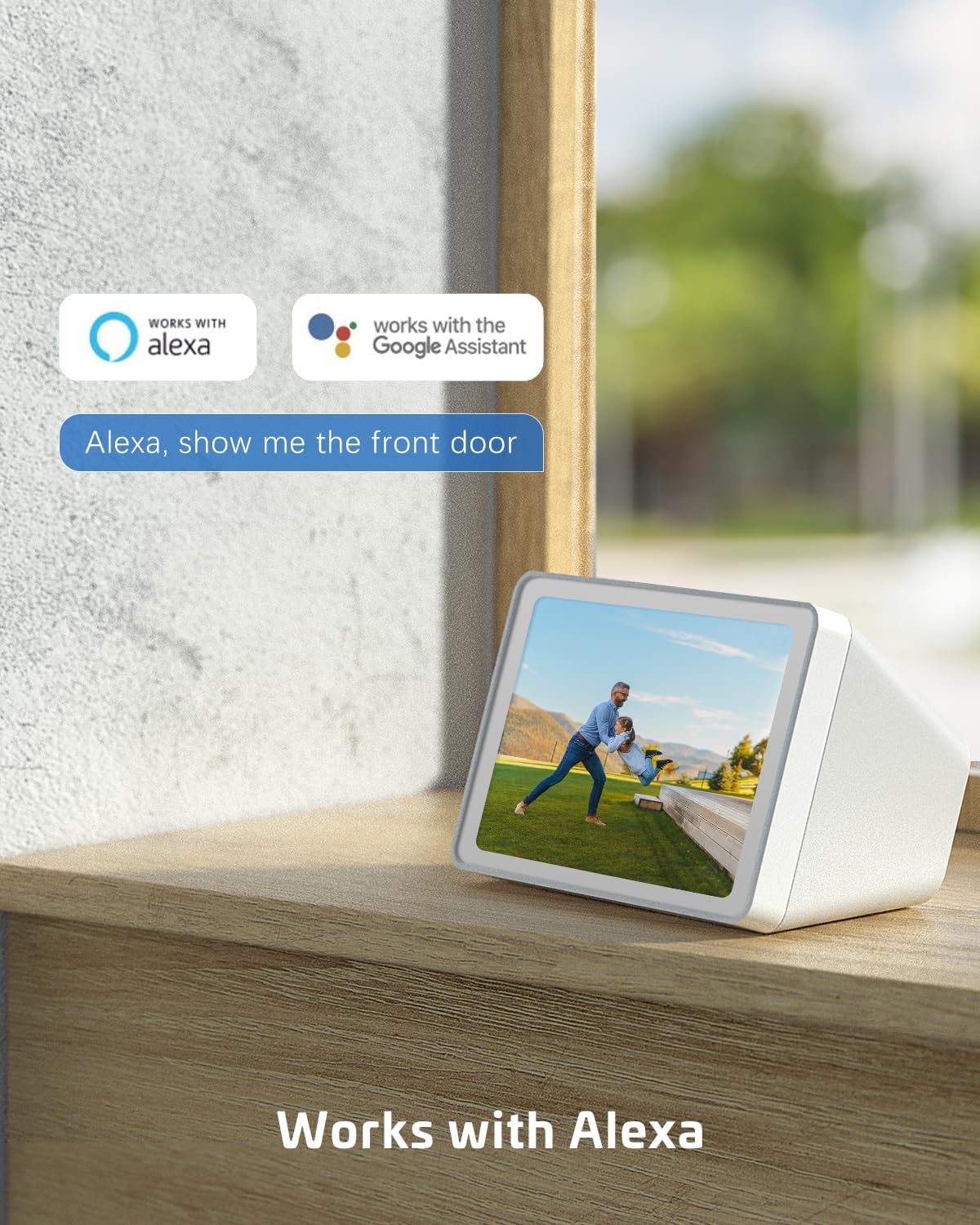
Figure 3.2: Pan and Tilt Functionality. The camera offers 355° pan and 120° tilt rotation, providing extensive coverage without blind spots. This allows for remote adjustment of the viewing angle via the mobile application.

Figure 3.3: 2K Super HD Color Night Vision. This image demonstrates the camera's ability to capture clear, high-definition video even in low-light conditions, offering both color and infrared night vision options for enhanced visibility.

איור 3.4: תקשורת שמע דו-כיוונית. The camera supports two-way audio, enabling real-time communication through the camera's built-in speaker and microphone. This feature is useful for interacting with visitors or deterring intruders.
תכונות עיקריות:
- רזולוציית 2K QHD: Provides high-resolution 3MP image quality for clear video monitoring.
- פונקציונליות PTZ: 355° pan and 120° tilt rotation with 4x digital zoom, controllable via the Cloudage or Cococam app.
- Solar Powered & Wire-Free: Equipped with a solar panel and 5200mAh rechargeable batteries for continuous power without wiring.
- זיהוי תנועה של בינה מלאכותית: Optimized algorithms for human-like recognition, reducing false alarms. Supports optional recognition of pets, cars, and packages (paid features).
- ראיית לילה צבעונית: Offers clear night vision up to 100ft.
- שמע דו כיווני: מאפשר תקשורת בזמן אמת דרך המצלמה.
- עמידות בפני מזג אוויר IP66: Designed to withstand various weather conditions, operating from -25°C to 60°C (-13°F to 140°F).
- אפשרויות אחסון כפולות: Supports TF card (up to 128GB, not included) and cloud storage service (paid feature).
- שיתוף מרובה משתמשים: Easily share camera access with family and friends via QR scan.
- שילוב בית חכם: Compatible with Amazon Alexa.
4. התקנה
Follow these steps to set up your COCOCAM Solar Camera:
- טען את המצלמה: Before initial use, ensure the camera's internal battery is fully charged using the provided USB cable.
- הורד את האפליקציה: Download the "Cloudage" or "Cococam" app from your smartphone's app store (iOS App Store or Google Play Store).
- צור חשבון: פתחו את האפליקציה ופעל לפי ההוראות שעל המסך כדי ליצור חשבון משתמש חדש.
- הוסף מכשיר: In the app, select "Add Device" or the "+" icon. Choose your camera model from the list.
- התחבר ל-Wi-Fi: פעל לפי הוראות האפליקציה כדי לחבר את המצלמה לרשת ה-Wi-Fi 2.4GHz שלך. חָשׁוּב: The camera only supports 2.4GHz Wi-Fi, not 5GHz. Ensure your router is configured for 2.4GHz or that you are connecting to the 2.4GHz band.
- Mount the Camera and Solar Panel:
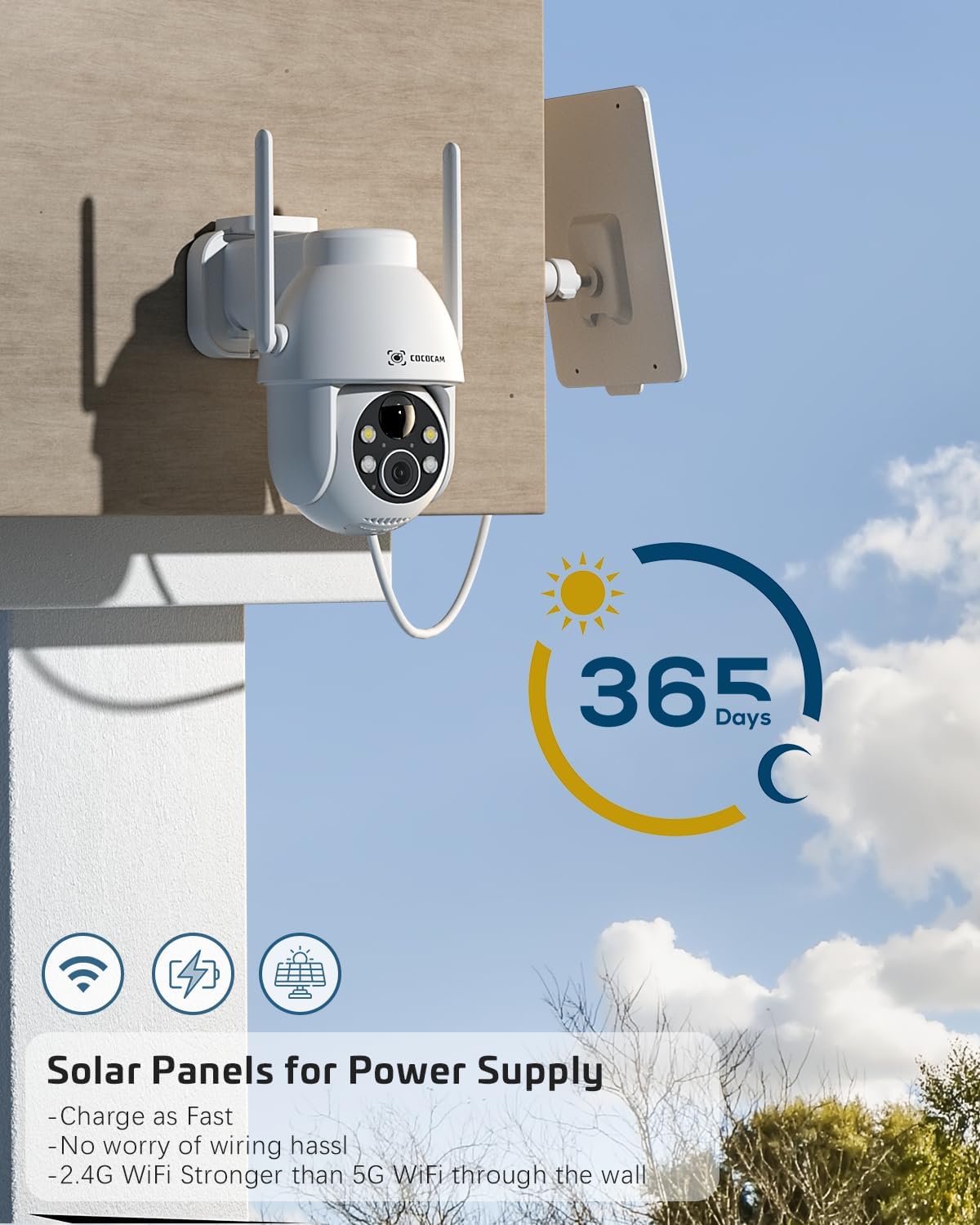
Figure 4.1: Camera and Solar Panel Installation. The camera and solar panel are designed for easy wall mounting. Position the solar panel in an area that receives direct sunlight for optimal charging.
Select a suitable outdoor location for installation. Use the included screws and positioning sheet to securely mount the camera and the solar panel. The solar panel should be positioned to receive maximum direct sunlight throughout the day for continuous power supply. Installation typically takes about 10 minutes.
- התאמות סופיות: לאחר ההרכבה, השתמשו באפליקציה כדי לכוונן את זוויות הסיבוב וההטיה של המצלמה כדי להשיג את התוצאה הרצויה. viewאזור ing.
5. הפעלת המצלמה
Your COCOCAM camera offers a range of features accessible through the mobile application:
5.1 בשידור חי View ובקרת PTZ
Access the live video feed from your camera via the app. Use the on-screen controls to pan (355°), tilt (120°), and digitally zoom (4x) the camera to monitor different areas.
5.2 זיהוי תנועה והתראות

Figure 5.1: AI Motion Detection. The camera's advanced AI algorithms can differentiate between humans, pets, cars, and packages, reducing false alarms and providing more accurate alerts.
The camera features advanced AI motion detection. When motion is detected, you will receive instant alerts on your smartphone. You can customize detection sensitivity and enable/disable AI human detection in the app settings. Optional paid features include recognition for pets, cars, and packages.
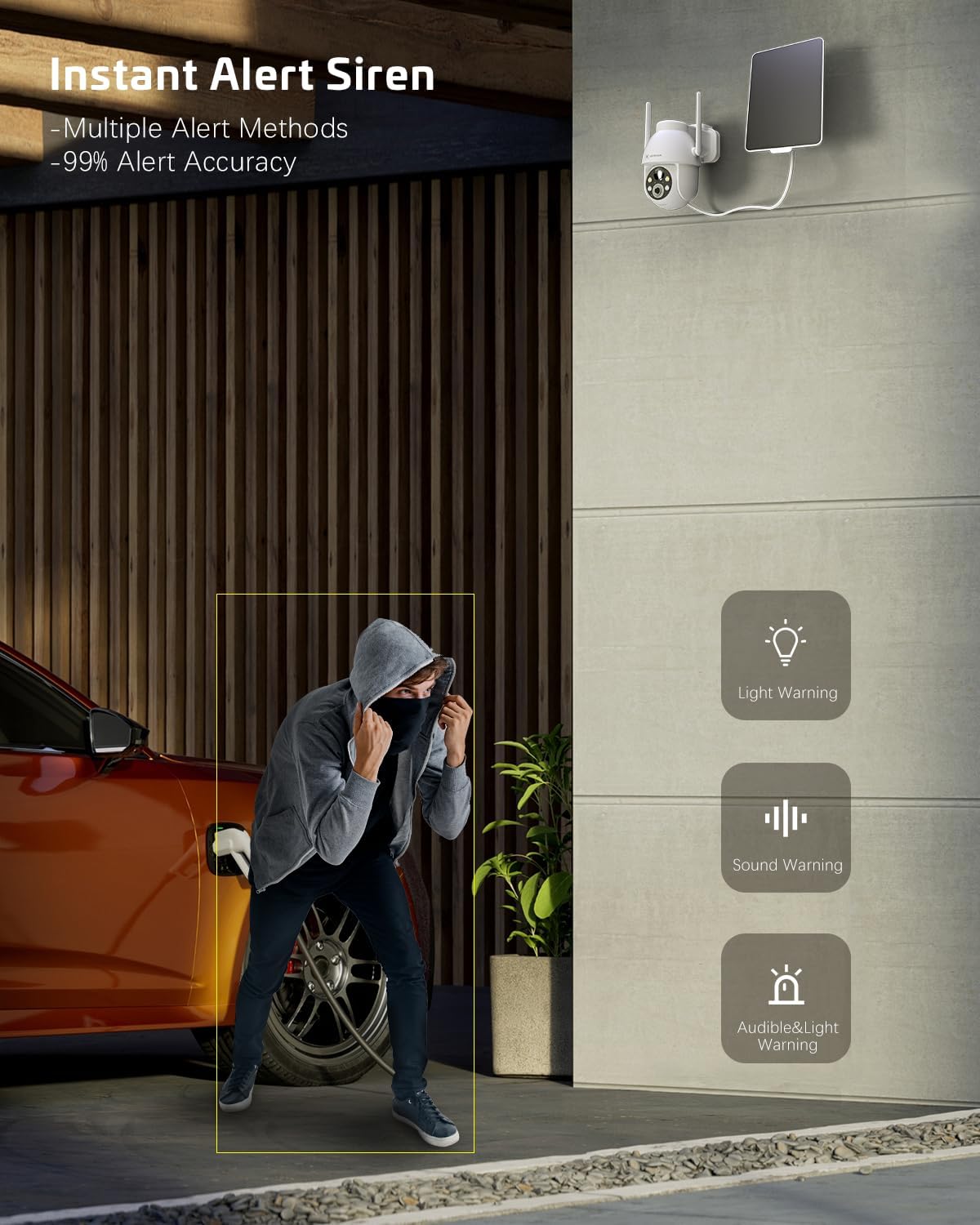
Figure 5.2: Instant Alert Siren. Upon detecting suspicious activity, the camera can activate a siren and flashing lights to deter intruders, providing multiple warning methods.
5.3 ראיית לילה
The camera automatically switches to night vision mode in low light. It offers both infrared night vision for clear black-and-white images and a 2K Super HD color night vision mode for enhanced detail in color.
5.4 שמע דו-כיווני
Use the two-way audio feature to communicate with individuals near the camera. Simply tap the microphone icon in the app to speak, and listen through the camera's speaker.
5.5 אחסון וידאו
ניתן לאחסן הקלטות בשתי דרכים:
- כרטיס TF: Insert a TF (microSD) card (up to 128GB, not included) into the camera's designated slot for local storage.
- אחסון בענן: Subscribe to the optional cloud storage service (paid feature) for secure, remote storage of your video recordings. All video data is encrypted for privacy.
5.6 שיתוף רב משתמשים
Share access to your camera with family members or trusted individuals. This can be done easily by generating a QR code within the app for them to scan.
5.7 שילוב בית חכם
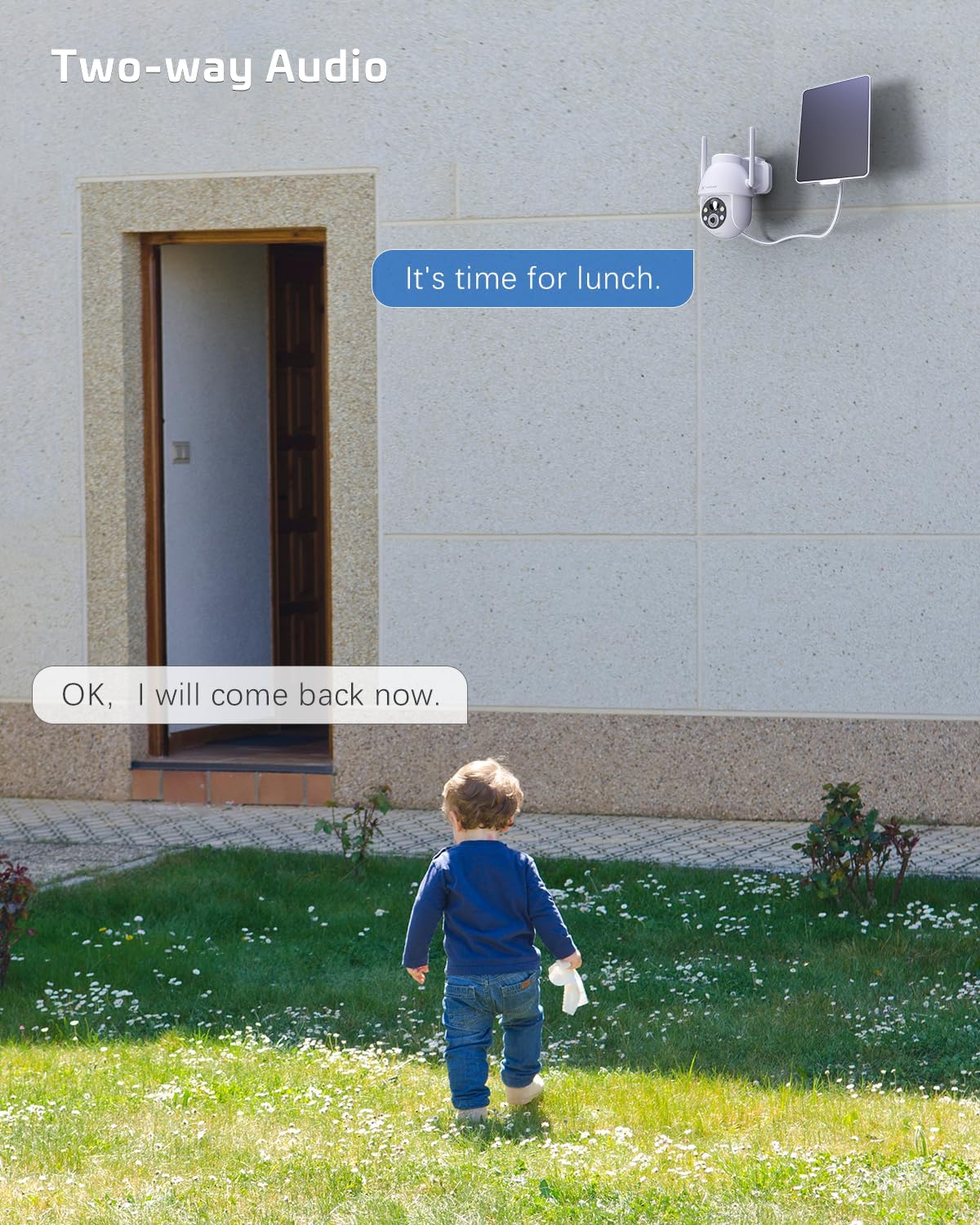
Figure 5.3: Alexa Integration. The camera is compatible with Amazon Alexa, allowing for voice control and viewמפעיל את שידור המצלמה בצגים חכמים תואמים.
The COCOCAM camera can be integrated with Amazon Alexa. Follow the instructions in the Alexa app to link your COCOCAM account and enable voice commands for viewing your camera feed on compatible devices.
6. תחזוקה
Proper maintenance ensures the longevity and optimal performance of your COCOCAM Solar Camera:
- ניקוי פאנלים סולאריים: נגבו באופן קבוע את משטח הפאנל הסולארי בעזרת מטלית רכהamp cloth to remove dust, dirt, or debris that may hinder its charging efficiency.
- ניקוי עדשות מצלמה: נקו בעדינות את עדשת המצלמה בעזרת מטלית מיקרופייבר כדי להבטיח איכות תמונה ברורה. הימנעו מחומרים שוחקים שעלולים לשרוט את העדשה.
- הגנה מפני מזג אוויר: The camera is IP66 weatherproof, designed to withstand rain and dust. However, avoid submerging the camera in water.

Figure 6.1: IP66 Weatherproof Design. The camera is built to withstand various outdoor elements, ensuring reliable operation in diverse weather conditions.
- טמפרטורת הפעלה: Ensure the camera operates within its specified temperature range of -25°C to 60°C (-13°F to 140°F).
- עדכוני קושחה: בדקו את האפליקציה מעת לעת עבור עדכוני קושחה כדי לוודא שהמצלמה שלכם כוללת את התכונות ושיפורי האבטחה העדכניים ביותר.
7. פתרון תקלות
If you encounter issues with your COCOCAM Solar Camera, refer to the following common problems and solutions:
| בְּעָיָה | סיבה / פתרון אפשרי |
|---|---|
| המצלמה לא מתחברת ל-Wi-Fi |
|
| Battery not charging or low battery |
|
| אזעקות שווא תכופות |
|
| Poor video quality or blurry images |
|
| אודיו דו-כיווני לא עובד |
|
If the problem persists, please refer to the support section or contact COCOCAM customer service.
8. מפרטים
| תכונה | פְּרָט |
|---|---|
| מספר דגם | ZY-C2 |
| רזולוציית לכידת וידאו | 2K (1440p), 3MP |
| טווח פאן/הטיה | פאן 355°, הטיה של 120° |
| זום דיגיטלי | 4x |
| מקור כוח | Solar Powered, 5200mAh Rechargeable Battery |
| פרוטוקול קישוריות | Wi-Fi (2.4GHz בלבד) |
| טכנולוגיית תקשורת אלחוטית | Wi-Fi |
| דירוג עמיד בפני מזג אוויר | IP66 |
| טמפרטורת הפעלה | -25°C עד 60°C (-13°F עד 140°F) |
| טווח ראיית לילה | 20 Meters (approx. 65 feet), up to 100ft mentioned in feature bullets |
| אפשרויות אחסון | TF Card (up to 128GB), Cloud Storage (paid) |
| שֶׁמַע | אודיו דו-כיווני |
| מכשירים תואמים | סמארטפון, אמזון אלקסה |
| סוג הרכבה | Wall Mount, Screw In |
| משקל פריט | 650 גרם |
| צֶבַע | לָבָן |
| חוֹמֶר | פּלָסטִי |
9. אחריות ותמיכה
אַחֲרָיוּת: COCOCAM provides a 2-year warranty for this camera. Please retain your proof of purchase for warranty claims.
תמיכת לקוחות: If you encounter any problems using your COCOCAM Solar Camera or require technical assistance, please contact COCOCAM customer support. You can typically find contact information on the COCOCAM official website or through the retailer where you purchased the product. For Amazon purchases, you can visit the COCOCAM Store on Amazon עבור אפשרויות תמיכה.
Ask a question about this manual
Ask about setup, troubleshooting, compatibility, parts, safety, or missing instructions. Manuals+ will review the question and use this page’s manual context to help answer it.