
מָבוֹא
This manual provides essential instructions for setting up, operating, and maintaining your KALOC Fitness Tracker. Please read this guide thoroughly to ensure proper use and to maximize the device's features.
מה יש בקופסה
לאחר הוצאת המזוודה, יש לוודא שכל הפריטים נמצאים:
- KALOC Fitness Tracker (main unit)
- רצועת שעון
- כבל טעינה
- מדריך למשתמש
הגדרה
1. טעינת ההתקן
Before first use, fully charge your fitness tracker. Connect the charging cable to the charging port on the back of the device and to a USB power source. The screen will indicate charging status.

Image: The KALOC Fitness Tracker displaying a '100% Fully charged' message while connected to its charging cable.
2. התקנה וצימוד של אפליקציה
To utilize all features and synchronize data, download the companion application to your smartphone. The app is compatible with Android 6.0 and iOS 12.0 or above, and requires Bluetooth 4.0.
- Scan the QR code in the quick guide or search for the app name (usually mentioned in the quick guide or packaging) in your phone's app store.
- התקן את האפליקציה.
- Open the app and follow the on-screen instructions to create an account and pair your fitness tracker via Bluetooth. Ensure Bluetooth is enabled on your phone.
- Allow necessary permissions for the app to function correctly (e.g., location, notifications).
הוראות הפעלה
תצוגה וניווט
The KALOC Fitness Tracker features a 1.58-inch AMOLED touch display. Navigate through menus and functions by swiping up, down, left, or right, and tapping to select options.

Image: The 1.58-inch AMOLED screen of the KALOC Fitness Tracker, highlighting its resolution and brightness capabilities.
פונקציות בסיסיות
- זמן ותאריך: Automatically synchronizes with your paired smartphone.
- פנים לצפות: Customize your watch face through the companion app or directly on the device.

תמונה: דוגמהamples of personalized watch faces available for the KALOC Fitness Tracker.
תכונות מעקב בריאות
The KALOC Fitness Tracker provides comprehensive health monitoring throughout the day.
- ניטור קצב הלב: עוקב באופן רציף אחר קצב הלב שלך. View real-time data on the device or detailed trends in the app.
- מדידת חמצן בדם (SpO2): מודד את רמות רוויון החמצן בדם שלך.
- ניטור שינה: מנתח את דפוסי השינה שלך, כולל שינה עמוקה, שינה קלה וזמני ערות.
- מעקב אחר רמת לחץ: Monitors your stress levels and provides insights into your mental well-being.
- מד צעדים ומעקב קלוריות: Records daily steps, distance covered, and estimated calories burned.

Image: The KALOC Fitness Tracker displaying 24-hour health tracking data, including heart rate, sleep, and stress.

Image: The KALOC Fitness Tracker tracking daily fitness data, including steps, distance, calories, and activity time.
מצבי ספורט
The fitness tracker supports over 100 sports modes to accurately track your workouts. Select the appropriate mode before starting an activity for precise data collection.
- Examples include outdoor walking, running, cycling, strength training, yoga, and various ball games.
- Access sports modes from the device menu and select your desired activity.
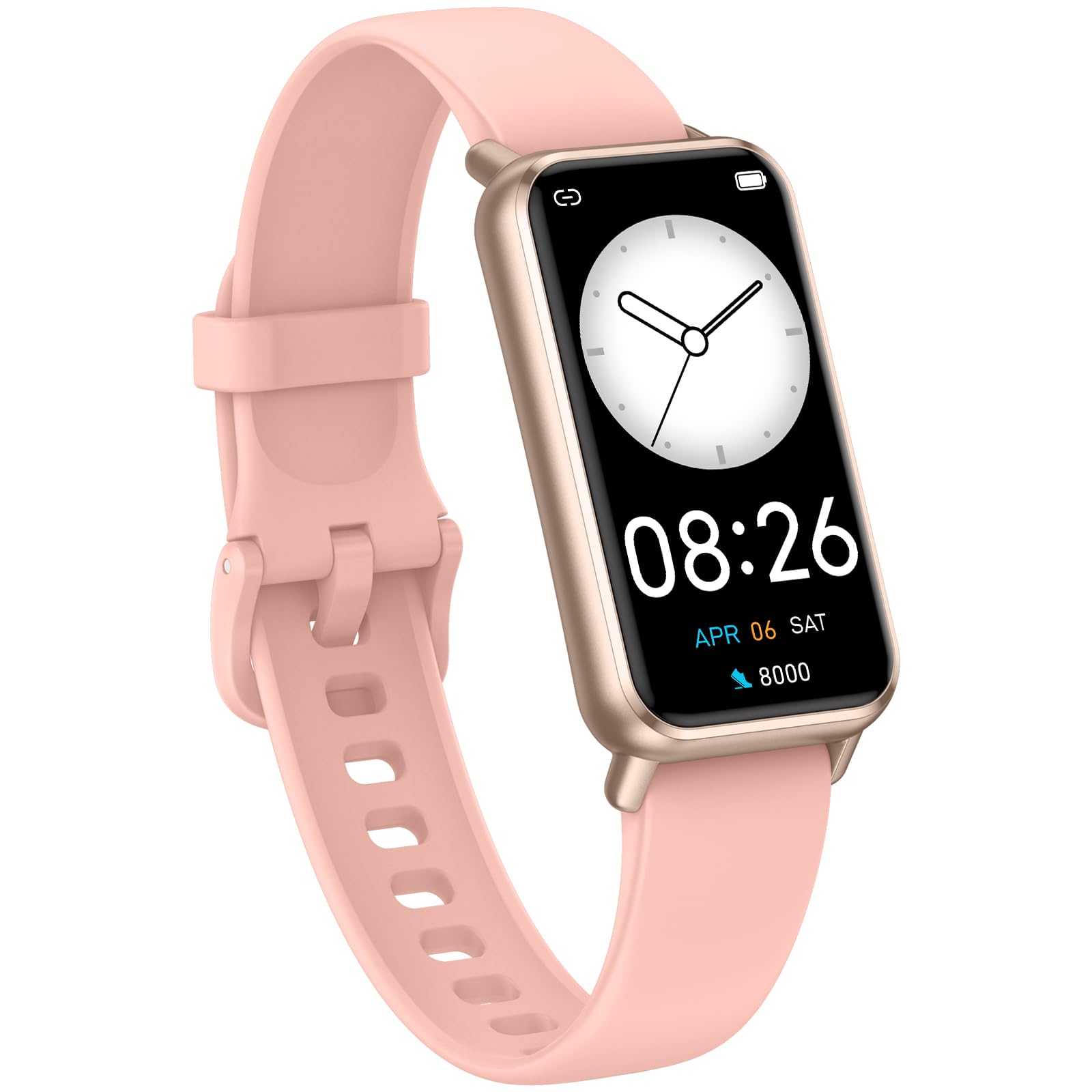
Image: The KALOC Fitness Tracker highlighting its support for over 100 sports modes.
עמידות במים
The KALOC Fitness Tracker is 50-meter waterproof, making it suitable for various water activities.
- Suitable for washing hands, showering, swimming, and shallow water activities.
- Not recommended for diving, hot water activities, or high-pressure water exposure.

Image: The KALOC Fitness Tracker demonstrating its 50-meter waterproof feature during swimming.
חיי סוללה
The device offers an extended battery life, providing up to 14 days of typical use or 30 days of standby time on a single charge.

Image: The KALOC Fitness Tracker highlighting its 14-day battery life.
התראות חכמות
Receive notifications for calls, messages, and app alerts directly on your wrist when paired with your smartphone.

Image: The KALOC Fitness Tracker receiving smart notifications from various applications.
פונקציות אחרות
The KALOC Fitness Tracker includes several additional useful features:
- בקרת מצלמה: שלטו מרחוק במצלמת הטלפון שלכם.
- בקרת מוזיקה: Manage music playback on your paired phone.
- תחזית מזג האוויר: View תנאי מזג האוויר והתחזיות הנוכחיים.
- תזכורת לשתייה: הגדירו תזכורות לשמירה על שתייה מרובה.
- תזכורת בישיבה: מתריע בפניך על תנועה לאחר תקופות של חוסר פעילות.
- שעון מעורר: Set alarms directly on your device.
- אימון נשימה: תרגילי נשימה מודרכים שיעזרו לכם להתמודד עם מתחים.

Image: The KALOC Fitness Tracker showcasing its multiple functions.
תַחזוּקָה
To ensure the longevity and optimal performance of your KALOC Fitness Tracker, follow these maintenance guidelines:
- ניקוי: Regularly clean the device and strap with a soft, damp מטלית. הימנעו מכימיקלים חזקים או מחומרים שוחקים.
- טְעִינָה: Use only the provided charging cable. Do not expose the charging contacts to water or corrosive liquids.
- אִחסוּן: יש לאחסן את המכשיר במקום קריר ויבש כאשר אינו בשימוש. יש להימנע מטמפרטורות קיצוניות.
- חשיפה למים: While waterproof, it is advisable to dry the device thoroughly after exposure to water to prevent skin irritation and ensure proper sensor function.
פתרון בעיות
If you encounter issues with your KALOC Fitness Tracker, refer to the following common solutions:
- המכשיר לא נדלק: ודא שהמכשיר טעון במלואו. חבר אותו למטען למשך 30 דקות לפחות.
- לא ניתן להתאים לטלפון:
- ודא שה-Bluetooth מופעל בטלפון שלך.
- ודא שהגשש נמצא בטווח Bluetooth של הטלפון שלך.
- Restart both your phone and the fitness tracker.
- Check if the app has the necessary permissions.
- נתונים לא מדויקים:
- Ensure the tracker is worn snugly on your wrist, about one finger's width from your wrist bone.
- נקו את החיישנים בגב המכשיר.
- Update the device firmware via the app if available.
- הודעות שלא התקבלו:
- Verify that notifications are enabled in both the tracker's app and your phone's settings.
- ודא שהאפליקציה פועלת ברקע.
If problems persist, consult the support section of the companion app or contact customer support.
מפרטים
| מספר דגם | 529d841c-3537-4f97-bf0f-2a0c001c6b1e |
| גודל תצוגה | מסך AMOLED בגודל 1.58 אינץ' |
| עמידות במים | 50 מטר |
| חיי סוללה | עד 14 ימים (שימוש טיפוסי) |
| קישוריות | בלוטות' 4.0 |
| תְאִימוּת | אנדרואיד 6.0+ / iOS 12.0+ |
| משקל פריט | 2.82 אונקיות |
| מידות המוצר | 6.4 x 3 x 0.7 אינץ' |
אחריות ותמיכה
For warranty information and customer support, please refer to the documentation included with your purchase or visit the official KALOC webאתר. שמור את קבלת הרכישה כהוכחת קנייה לתביעות אחריות.