
1. הקדמה
The Lanaform WL-100C is a versatile device designed to enhance your sleep and wake-up experience through light and sound simulation. It functions as a smart alarm clock, a bedside lamp, and a sleep aid, offering both sunrise and sunset simulations. This manual provides detailed instructions for setting up, operating, and maintaining your WL-100C device.

Image 1.1: Lanaform WL-100C device with its mobile application interface.
2. מידע בטיחות
- קרא את כל ההוראות לפני השימוש ושמור לעיון עתידי.
- Do not immerse the device or power adapter in water or other liquids.
- השתמש רק במתאם החשמל המצורף.
- הרחק את המכשיר ממקורות חום ומאור שמש ישיר.
- אל תנסה לפרק או לתקן את המכשיר בעצמך. פנה לאנשי שירות מוסמכים.
- ודא שהמכשיר ממוקם על משטח יציב וישר.
3. תכולת החבילה
ודא שכל הפריטים נמצאים בחבילה:
- Lanaform WL-100C Smart Sunrise & Sunset Simulator
- מתאם מתח
- מדריך למשתמש (מסמך זה)
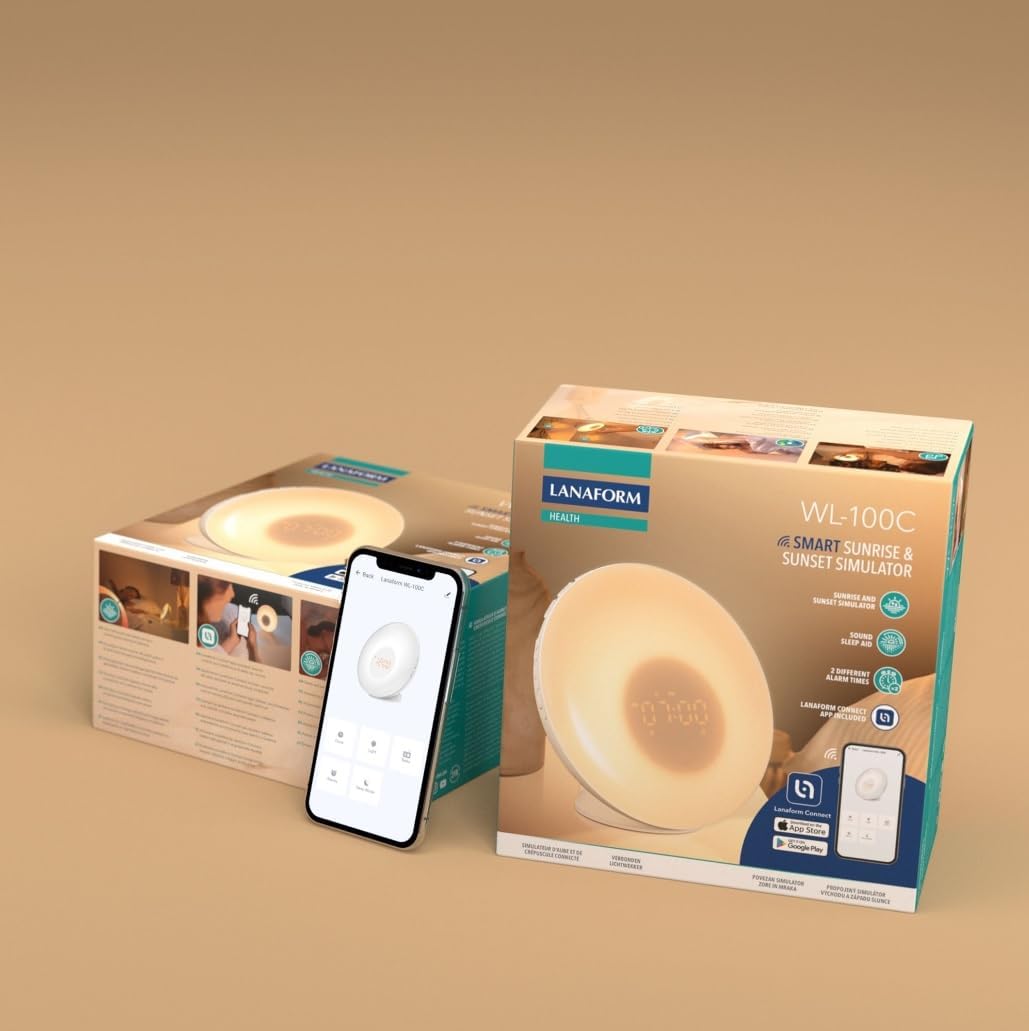
Image 3.1: The Lanaform WL-100C device and its packaging.
4. המכשיר נגמרview
The WL-100C features an intuitive design with accessible controls and a clear display. Familiarize yourself with the main components:
- פאנל קדמי: Light panel, digital time display.
- כפתורים עליונים: Control various functions such as time setting, alarm activation, light intensity, sound selection, and FM radio.
- לוח אחורי: Power input, USB charging port, FM antenna.
תמונה 4.1: חזית view of the Lanaform WL-100C device.
5. התקנה
5.1 חיבור מתח
- Connect the power adapter to the DC input port on the rear of the WL-100C.
- Plug the adapter into a standard wall outlet. The device will power on and the display will illuminate.
5.2 App Installation (Lanaform Connect)
For advanced features and convenient control, download the Lanaform Connect application:
- Scan the QR code provided in the packaging or search for "Lanaform Connect" on the Apple App Store or Google Play Store.
- התקן את האפליקציה בסמארטפון שלך.
5.3 זיווג בלוטות '
To connect the device to the Lanaform Connect app:
- ודא שה-Bluetooth מופעל בטלפון החכם שלך.
- Open the Lanaform Connect app.
- Follow the in-app instructions to discover and pair with your WL-100C device. The device name will typically appear as "Lanaform WL-100C".

Image 5.1: Controlling the WL-100C via the Lanaform Connect mobile application.
6. הוראות הפעלה
6.1 הגדרת זמן
The time can be set manually using the device buttons or automatically via the Lanaform Connect app after pairing.
6.2 Sunrise Simulation (Wake-up Light)
The sunrise simulation gradually increases light intensity over 30 minutes before your set alarm time, transitioning to a bright yellow light to simulate natural dawn.
- הַפעָלָה: Enable this feature through the alarm settings on the device or via the app.
- מֶשֶׁך: Fixed at 30 minutes prior to the alarm.
6.3 Sunset Simulation (Sleep Aid)
The sunset simulation gradually decreases light intensity, promoting a peaceful transition to sleep. You can set the duration for 15, 30, or 60 minutes.
- הַפעָלָה: Select the sunset mode on the device or through the app.
- מֶשֶׁך: Choose 15, 30, or 60 minutes for the light to dim completely.
6.4 הגדרות אזעקה
The WL-100C supports two customizable alarms.
- הגדרת אזעקות: Use the dedicated alarm buttons on the device or the alarm section in the Lanaform Connect app to set desired wake-up times.
- אפשרויות סאונד: Choose from 6 neutral sounds or select an FM radio station as your alarm sound.
- כֶּרֶך: התאם את עוצמת הקול של האזעקה להעדפתך.
פעולת רדיו FM 6.5
The integrated FM radio can be used as an alarm sound or for general listening.
- כוונון: Use the radio function buttons to scan for and save FM stations.
- אַנטֶנָה: Ensure the FM antenna on the rear of the device is extended for optimal reception.
6.6 Bedside Lamp פוּנקצִיָה
The device can be used as a regular bedside lamp with adjustable brightness and color temperature.
- בְּהִירוּת: Adjust light intensity using the dedicated light control buttons or the app.
- צֶבַע: Customize light colors and ambiances via the Lanaform Connect app.
6.7 פונקציית נודניק
When an alarm sounds, press the Snooze button (usually located on top of the device) to temporarily pause the alarm and extend your sleep for a short period (e.g., 9 minutes). The alarm will sound again after the snooze period.
6.8 יציאת טעינה USB
A USB port is available on the rear of the device for charging external devices like smartphones.
- Connect your device's USB charging cable to the WL-100C's USB port.
- Ensure the WL-100C is powered on for charging functionality.
6.9 App Control vs. Manual Control
All primary functions of the WL-100C can be controlled manually using the buttons on the device. For more detailed customization, such as specific light ambiances, advanced alarm scheduling, and sound selection, the Lanaform Connect application offers a comprehensive interface.

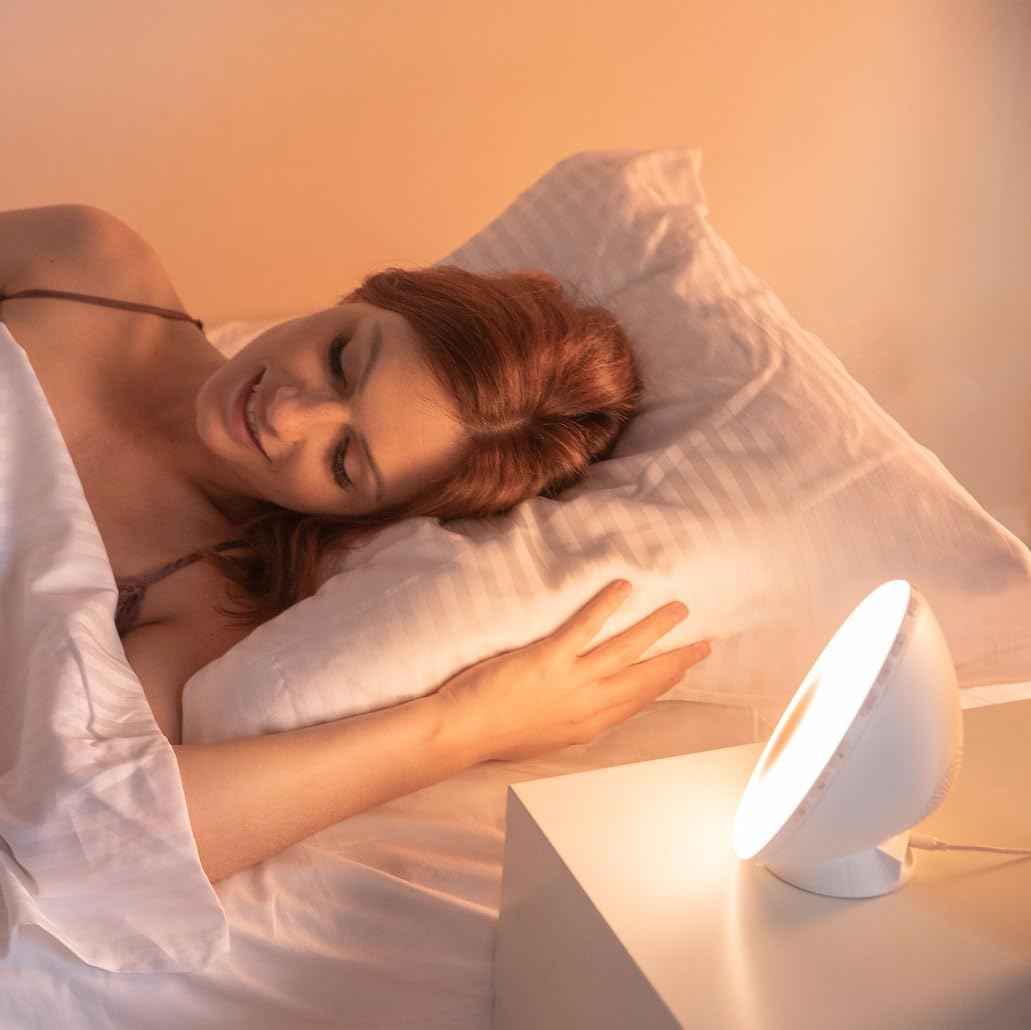
תמונה 6.1: נגמרview of the WL-100C's multiple functions and customizable experience.
7. תחזוקה
7.1 ניקוי
- לפני הניקוי, נתק את המכשיר משקע החשמל.
- נגב את החלק החיצוני עם מטלית רכה ויבשה.
- אין להשתמש בחומרי ניקוי שוחקים, ממסים או כימיקלים חזקים.
7.2 אחסון
If storing the device for an extended period, unplug it and keep it in a cool, dry place, away from direct sunlight and moisture.
8. פתרון תקלות
| בְּעָיָה | סיבה אפשרית | פִּתָרוֹן |
|---|---|---|
| המכשיר לא נדלק. | מתאם החשמל לא מחובר או פגום. | Ensure the power adapter is securely plugged into the device and a working outlet. Try a different outlet. |
| האזעקה לא נשמעת. | האזעקה לא הופעלה או שעוצמת הקול נמוכה מדי. | Check alarm settings on the device or app. Increase alarm volume. |
| Sunrise/Sunset simulation not working. | Feature not enabled or incorrect settings. | Verify that the simulation is enabled and configured correctly in the alarm or sleep settings. |
| Cannot connect to Lanaform Connect app. | Bluetooth is off or device is out of range. | Ensure Bluetooth is enabled on your smartphone. Bring the device closer to your phone. Restart both the app and the device. |
| קליטת רדיו FM גרועה. | האנטנה לא מורחבת או שהאות חלש. | Fully extend the FM antenna. Try repositioning the device for better signal. |
9. מפרטים
- מספר דגם: 1625
- מידות המוצר (L x W x H): 17.5 x 8.5 x 17.5 ס"מ
- מִשׁקָל: 400 גרם
- מקור כוח: AC/DC Adapter (Input: 100-240V, Output: 5V)
- קישוריות: בלוטות'
- תכונות: Sunrise/Sunset Simulation, 2 Alarms, FM Radio, 6 Natural Sounds, Snooze Function, USB Charging Port, Bedside Lamp
- יַצרָן: Lanaform
- ארץ מוצא: בלגיה
10. מידע על אחריות
Lanaform products are manufactured to high-quality standards. For detailed warranty terms and conditions, please refer to the official Lanaform webאתר האינטרנט או כרטיס האחריות המצורף לרכישה. שמור את הוכחת הרכישה שלך לכל תביעת אחריות.
11. תמיכה
For further assistance, technical support, or inquiries regarding your Lanaform WL-100C, please visit the official Lanaform website or contact their customer service department. Contact details can typically be found on the Lanaform webבאתר או באריזת המוצר שלך.
Webאֲתַר: www.lanaform.com