מָבוֹא
This manual provides comprehensive instructions for the installation, operation, and maintenance of your TEYES CC3 2K Car Radio Multimedia Video Player Navigation Stereo GPS Headunit. Please read this manual thoroughly before using the device to ensure proper functionality and safety.
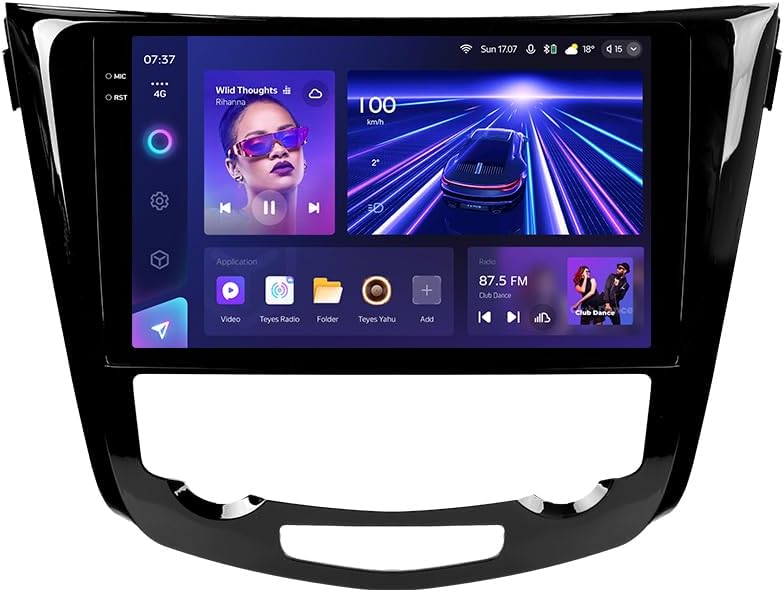
תמונה: חזית view of the TEYES CC3 2K Car Radio Multimedia System, showcasinהתצוגה הגדולה והעיצוב האלגנטי שלה.
תוכן החבילה
ודא שכל הפריטים המפורטים להלן כלולים בחבילה שלך. אם פריטים חסרים או פגומים, אנא צור קשר עם תמיכת הלקוחות.
- 1x TEYES CC3 2K Head Unit
- 1x OEM Panel (Frame)
- 1x כבל חשמל
- 1x כבל USB
- אנטנת GPS 1x
- כבל AUX 1x
- 1x 4G WiFi Antenna
- 1x AHD 1080p Rear Camera
- 1x E-book (Digital Manual)
- 1x Wiring Diagram
- 1x מטלית ניקוי
התקנה והתקנה
Professional installation is recommended for this device. Ensure the vehicle's battery is disconnected before beginning installation.
תְאִימוּת
This unit is designed for Nissan X-Trail 3 (T32) 2013-2022 and Qashqai 2 (J11) models. Please verify your vehicle's compatibility before installation.
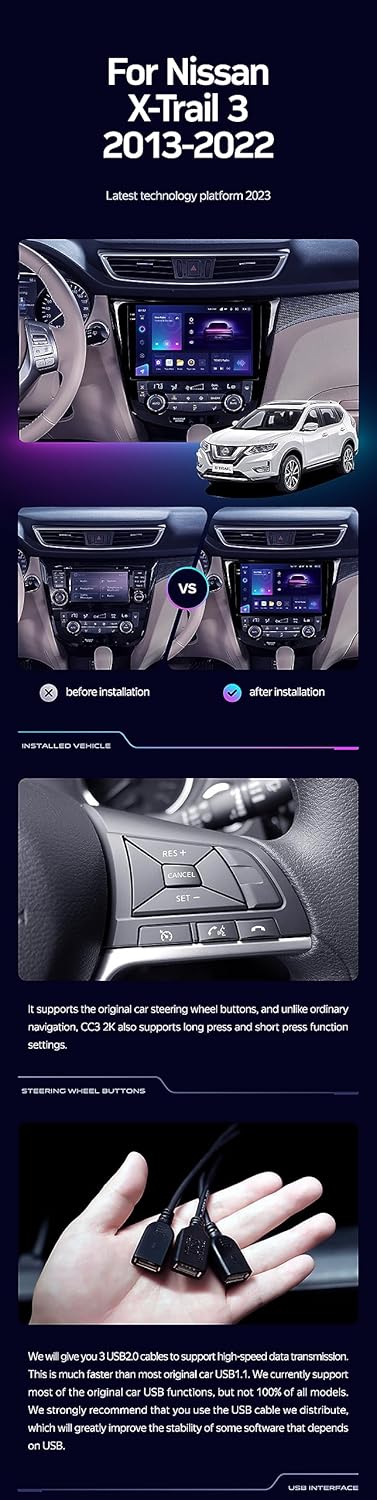
Image: A side-by-side comparison showing a car's dashboard before and after the installation of the TEYES CC3 2K unit, highlighting the integrated look.
שלבי התקנה (כללי)
- נתק סוללה: לפני התחלת הנסיעה, נתק את ההדק השלילי של מצבר הרכב כדי למנוע קצר חשמלי.
- הסרת יחידת ראש ישנה: הסר בזהירות את רדיו הרכב ואת לוחות הגימור הקיימים. עיין במדריך השירות של הרכב שלך לקבלת הוראות ספציפיות.
- חבר רתמת חיווט: Connect the provided power cable, USB cable, GPS antenna, AUX cable, and 4G WiFi antenna to the TEYES CC3 2K head unit. Ensure all connections are secure.
- התקנת מצלמה אחורית: If installing the AHD 1080p rear camera, route its cable to the desired mounting location (typically near the license plate) and connect it to the head unit.
- יחידת ראש הר: Secure the TEYES CC3 2K head unit into the dashboard using the provided OEM panel (frame) and mounting hardware.
- חבר מחדש את הסוללה: Once all connections are made and the unit is securely mounted, reconnect the vehicle's battery.
- פונקציונליות בדיקה: Turn on the vehicle and test all functions of the new head unit, including audio, navigation, camera, and connectivity.
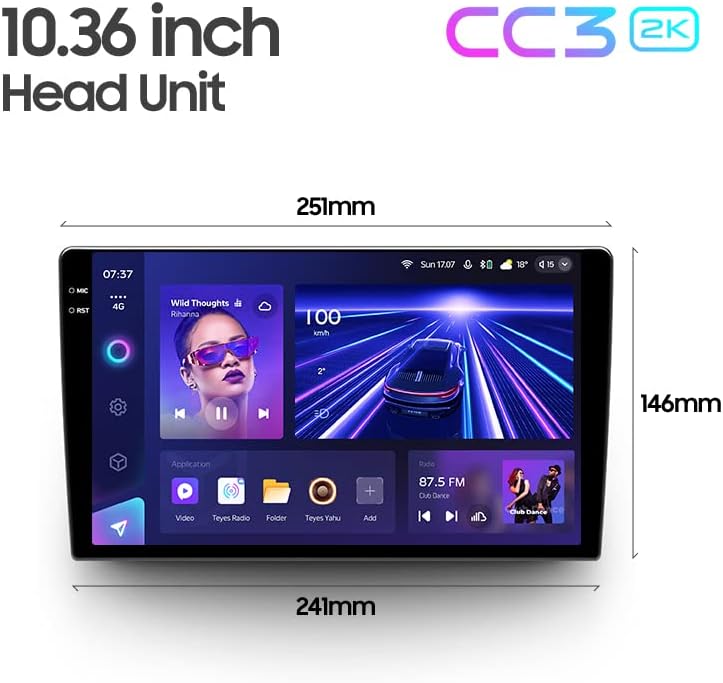
Image: The OEM panel (frame) included with the TEYES CC3 2K, designed for seamless integration into compatible vehicle dashboards.
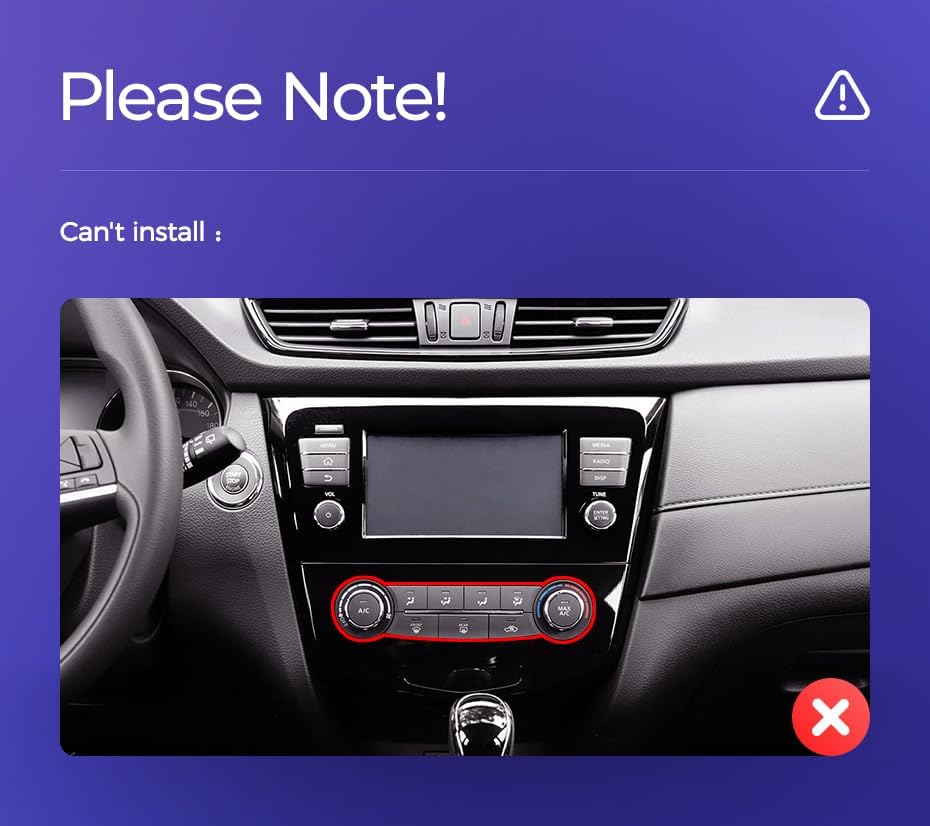
Image: Technical drawing showing the dimensions of the TEYES CC3 2K head unit, including its 10.36-inch screen size.
הערת התקנה חשובה
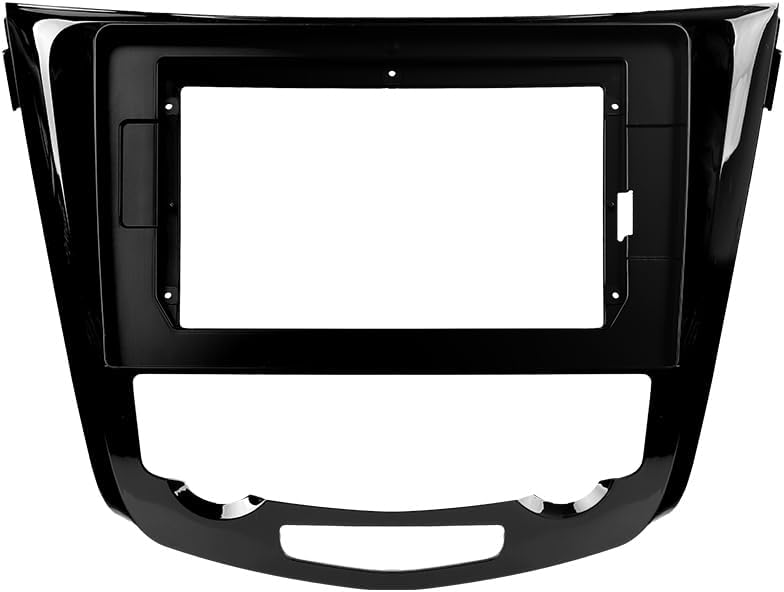
Image: Three USB output cables provided with the TEYES CC3 2K for data transfer and connectivity.
The unit provides multiple USB outputs for data transfer. While designed for broad compatibility, some original car USB functions may not be fully supported across all vehicle models. An included USB adapter cable can be used to ensure compatibility where needed.
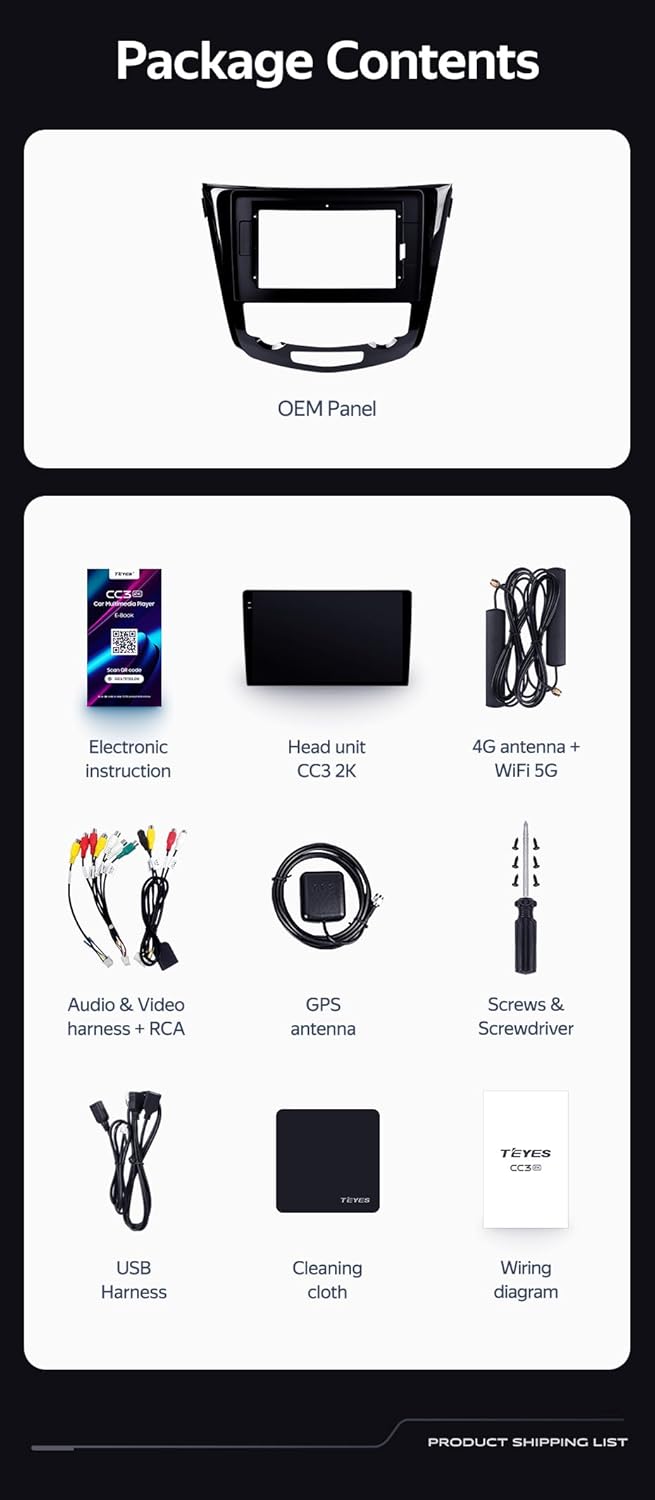
Image: A close-up of a car's steering wheel with controls, indicating support for steering wheel button integration with the TEYES CC3 2K.
The unit supports original car steering wheel buttons. Basic functions like volume and track control are supported. Advanced functions may require additional configuration or may not be fully compatible with all vehicle models.
הוראות הפעלה
תצוגה וממשק
The TEYES CC3 2K features a 10.36-inch 2K In-cell display, offering vivid colors and accurate touch response. The Android 10 operating system provides a user-friendly interface.
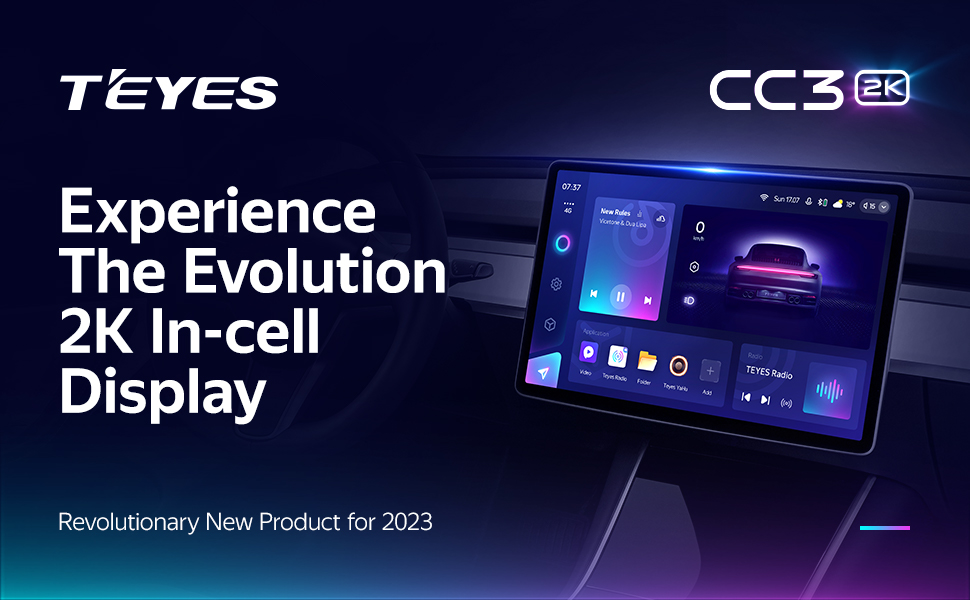
Image: A promotional image highlighting the TEYES CC3 2K's 2K In-cell display, showing a vibrant user interface.
קישוריות
- בלוטות': Connect your smartphone via the upgraded Qualcomm QCC3031QFN Bluetooth module for hands-free calling and audio streaming.
- Wi-Fi/4G Internet: The unit supports 4G internet connectivity (SIM card not included) and Wi-Fi for online navigation, app downloads, and streaming.
- USB: Use the USB ports for media playback, data transfer, and connecting external devices.
ניווט ומולטימדיה
- GPS: Built-in GPS with North America map type support for accurate navigation.
- קארפליי ואנדרואיד אוטו: Enjoy seamless integration with your smartphone via built-in wireless Apple CarPlay and Android Auto.
- רָדִיוֹ: Access local radio stations with the premium local radio feature.
- מצב מסך מפוצל: Utilize the freestyle combination split screen mode to run two applications simultaneously, such as navigation and media playback.
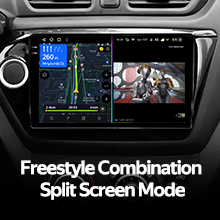
Image: The TEYES CC3 2K display showing split-screen functionality, with navigation on one side and video playback on the other.

Image: The TEYES CC3 2K display showing the premium local radio interface with various station icons.
תכונות אודיו
The unit is equipped with dual DSP (ADAU1701 + ROHM32107) for enhanced audio processing, offering optical and coaxial digital audio output.
- אקולייזר 27-מקטע: Fine-tune your audio experience with the comprehensive 27-segment equalizer.
- Sound Filtering: Advanced sound filtering options are available to optimize audio output.

Image: The TEYES CC3 2K display showing the DSP audio settings interface, indicating dual DSP processors.
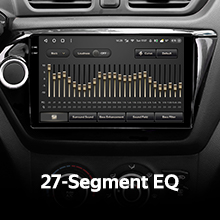
Image: The TEYES CC3 2K display showing the 27-segment equalizer interface for detailed audio customization.

Image: The TEYES CC3 2K display showing audio output settings, indicating support for optical and coaxial digital audio output.
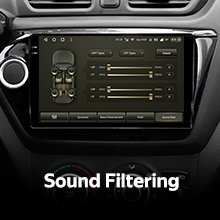
Image: The TEYES CC3 2K display showing sound filtering options, allowing users to refine audio quality.
מצלמה והקלטה
The unit supports real-time viewing of the vehicle's rear view and video recording with the included AHD 1080p rear camera.
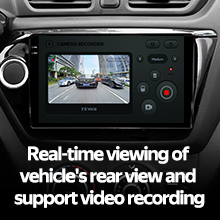
Image: The TEYES CC3 2K display showing the real-time feed from the rear view camera, with recording options.
תַחזוּקָה
- ניקוי מסך: Use the provided cleaning cloth or a soft, lint-free cloth to gently wipe the screen. Avoid abrasive cleaners or solvents.
- עדכוני תוכנה: Periodically check for software updates from TEYES to ensure optimal performance and access to new features.
- תנאים סביבתיים: הימנעו מחשיפת היחידה לטמפרטורות קיצוניות, לאור שמש ישיר למשך תקופות ממושכות או לחות מוגזמת.
פתרון בעיות
If you encounter issues with your TEYES CC3 2K, refer to the following common problems and solutions:
| בְּעָיָה | סיבה אפשרית | פִּתָרוֹן |
|---|---|---|
| היחידה לא נדלקת. | חיבור חשמל רופף, נתיך שרוף, בעיה במצבר של הרכב. | בדוק את חיבורי כבל החשמל. בדוק את נתיכי הרכב. ודא שסוללת הרכב טעונה. |
| אין פלט שמע. | Volume too low, incorrect audio source selected, speaker wiring issue. | הגבירו את עוצמת הקול. בחרו את מקור השמע הנכון. בדקו את חיבורי הרמקולים. |
| אות GPS אבד או לא מדויק. | אנטנת ה-GPS חסומה או לא מותקנת כראוי. | ודא שאנטנת ה-GPS פנויה view של השמיים ומחובר היטב. |
| מסך מגע לא מגיב. | תקלת תוכנה זמנית, הפרעה למגן המסך. | Restart the unit. Remove any screen protectors to test. |
| בעיות בחיבור בלוטות'. | Device not in pairing mode, interference, outdated firmware. | Ensure device is in pairing mode. Move closer to the unit. Check for firmware updates. |

Image: An icon representing Frequently Asked Questions, indicating further support resources.
מפרטים
| תכונה | פְּרָט |
|---|---|
| מספר דגם | CC3 2K |
| מַעֲרֶכֶת הַפעָלָה | אנדרואיד 10 |
| מעבד | 8 ליבות 2.0GHz |
| אַיִל | 6GB |
| ROM | 128GB |
| גודל תצוגה | 10.36 אינץ' |
| סוג תצוגה | 2K In-cell Display |
| קישוריות | Bluetooth (QCC3031QFN Qualcomm), USB, Wi-Fi, Hotspot, 4G Internet |
| מצב פלט שמע | סטריאו |
| DSP | 2*DSP ADAU1701 + ROHM32107 |
| פלט אודיו | פלט שמע דיגיטלי אופטי וקואקסיאלי |
| ניווט | GPS מובנה, סוג מפה של צפון אמריקה |
| תכונות מיוחדות | Touchscreen, Bluetooth, Wireless CarPlay, Android Auto, RDS, Real-time Rear View, Video Recording, TEYES Vision & TEYES Yahu software. |
| סוג שירות הרכב | מְכוֹנִית |
אחריות ותמיכה
The TEYES CC3 2K comes with a אחריות לשנה מתאריך הרכישה. אחריות זו מכסה פגמי ייצור ותקלות בשימוש רגיל.
For technical support, troubleshooting assistance, or warranty claims, please contact TEYES customer service through the official TEYES store on Amazon or their official webאֲתַר.
בקר ב TEYES Store on Amazon למידע נוסף ומשאבי תמיכה.