
מָבוֹא
Thank you for choosing the AWEI A996BL Bluetooth Over-Ear Headphones. This manual provides detailed instructions for setting up, operating, and maintaining your headphones to ensure optimal performance and longevity. Please read this manual carefully before use.
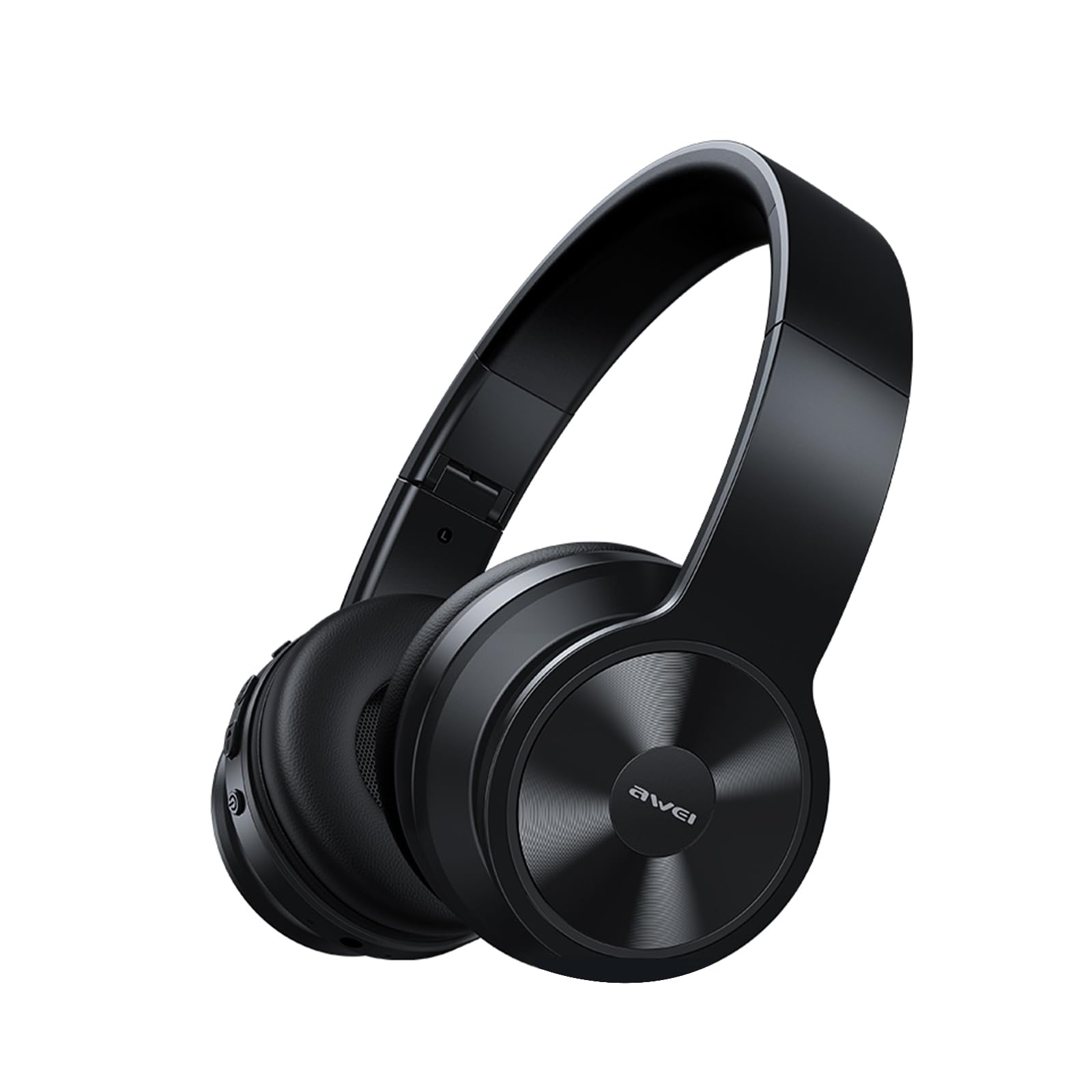
Image: AWEI A996BL over-ear headphones, showcasinהעיצוב שלהם.
The AWEI A996BL headphones feature advanced Bluetooth 5.3 technology for stable connections, 40mm drivers for immersive stereo sound, and a comfortable, foldable design with soft protein earpads. Enjoy up to 16 hours of playtime on a single charge, with the flexibility of both wireless and wired (AUX) listening modes.
תוכן החבילה
- AWEI A996BL Bluetooth Over-Ear Headphones
- כבל טעינה USB
- מדריך למשתמש
- (Note: An AUX cable may be included for wired connection, depending on the specific package.)
המוצר נגמרview
הכירו את רכיבי האוזניות והבקרות שלהן.

Image: Right earcup of the AWEI A996BL headphones, highlighting the control buttons.
בקרות ומחוונים:
- כפתור רב-תכליתי (MFB): Power On/Off, Play/Pause, Answer/End Call, Reject Call, Activate Voice Assistant.
- כפתור הגברת עוצמת הקול / הבא ברצועה: לחיצה קצרה להגברת עוצמת הקול, לחיצה ארוכה לרצועה הבאה.
- כפתור הנמכת עוצמת הקול / הרצועה הקודמת: לחיצה קצרה להנמכת עוצמת הקול, לחיצה ארוכה לרצועה הקודמת.
- מחוון LED: מציג את מצב ההפעלה, מצב הצימוד ומצב הטעינה.
- מִיקרוֹפוֹן: לשיחות דיבורית.
- יציאת טעינה USB-C: לטעינת האוזניות.
- יציאת AUX 3.5 מ"מ: לחיבור אודיו קווי.
הגדרה
1. טעינת האוזניות
לפני השימוש הראשון, יש לטעון את האוזניות במלואן. טעינה מלאה אורכת כשעתיים.
- Connect the USB charging cable to the USB-C charging port on the headphones.
- חבר את הקצה השני של הכבל לספק כוח USB (לא כלול) או ליציאת USB של מחשב.
- The LED indicator will show a red light during charging and turn off or blue when fully charged.

Image: Visual representation of the 300mAh battery capacity, indicating long battery life.
2. הפעלה / כיבוי
- הפעלה: Press and hold the Multi-function Button (MFB) for approximately 3 seconds until the LED indicator flashes blue and a voice prompt confirms "Power On".
- כיבוי: Press and hold the Multi-function Button (MFB) for approximately 3 seconds until the LED indicator flashes red and a voice prompt confirms "Power Off".
3. צימוד Bluetooth (מצב אלחוטי)
The headphones use Bluetooth 5.3 for a stable connection.
- ודא שהאוזניות טעונות במלואן וכבויות.
- Press and hold the Multi-function Button (MFB) for approximately 5-7 seconds until the LED indicator flashes blue and red alternately. This indicates pairing mode.
- במכשיר שלך (סמארטפון, טאבלט, מחשב), הפעל את Bluetooth וחפש מכשירים זמינים.
- בחר "AWEI A996BL" מרשימת המכשירים שנמצאו.
- Once paired, the LED indicator will flash blue slowly, and a voice prompt will confirm "Connected".
- אם נדרשת סיסמה, הזן "0000".

Image: Headphones connected wirelessly to a laptop and smartphone, demonstrating a stable Bluetooth connection. Note: The product features Bluetooth 5.3 for enhanced performance.
4. חיבור קווי (מצב AUX)
You can use the headphones in wired mode even when the battery is depleted or with non-Bluetooth devices.
- Connect one end of a 3.5mm audio cable (not included) to the AUX port on the headphones.
- חבר את הקצה השני לשקע פלט השמע 3.5 מ"מ של המכשיר שלך.
- The headphones will automatically switch to wired mode. Note that controls on the headphones (volume, play/pause) may not function in wired mode; control playback from your connected device.

Image: Headphones showing both USB-C charging port and 3.5mm AUX port, illustrating wired and wireless options.
הוראות הפעלה
לובש את האוזניות
Adjust the headband for a comfortable fit. The soft protein earpads are designed for extended wear.

Image: A person wearing the AWEI A996BL headphones, highlighting their lightweight and comfortable design with adjustable headband and bendable earmuffs.
Basic Functions (Wireless Mode)
| פוּנקצִיָה | מִבצָע |
|---|---|
| הפעל/השהה מוזיקה | לחץ לחיצה קצרה על כפתור הרב-תכליתי (MFB). |
| הגברת עוצמת הקול | לחיצה קצרה על כפתור "הגברת עוצמת הקול / הרצועה הבאה". |
| הורדת עוצמת הקול | לחיצה קצרה על כפתור "החלשת עוצמת הקול / הרצועה הקודמת". |
| המסלול הבא | לחץ לחיצה ארוכה על כפתור "הגברת עוצמת הקול / הרצועה הבאה". |
| המסלול הקודם | לחץ לחיצה ארוכה על כפתור "החלשת עוצמת הקול / הרצועה הקודמת". |
| מענה/סיום שיחה | לחץ לחיצה קצרה על כפתור הרב-תכליתי (MFB). |
| דחה שיחה | Long press the Multi-function Button (MFB). |
| הפעל את עוזר הקולי | לחץ פעמיים על לחצן הרב-תכליתי (MFB). |
תַחזוּקָה
ניקוי
- נגבו את האוזניות בעזרת מטלית רכה, יבשה ונטולת סיבים.
- אין להשתמש בחומרי ניקוי שוחקים, אלכוהול או ממסים כימיים.
- הימנעו מלחות להיכנס לפתחים כלשהם.
אִחסוּן
- כאשר אינן בשימוש, יש לאחסן את האוזניות במקום קריר ויבש, הרחק מאור שמש ישיר וטמפרטורות קיצוניות.
- האוזניות כוללות עיצוב מתקפל לאחסון וניידות קלים.
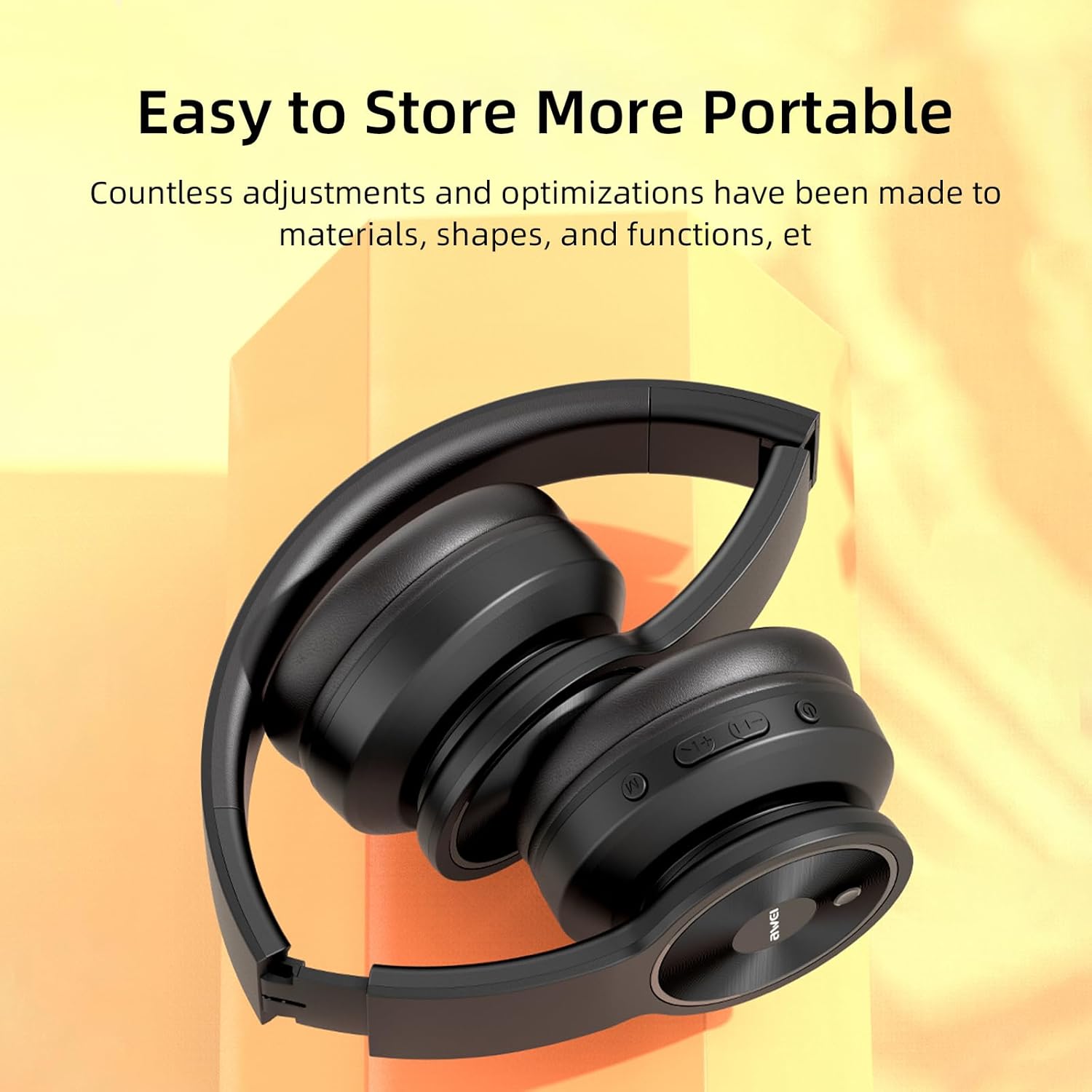
Image: The AWEI A996BL headphones in a folded position, demonstrating their portable and easy-to-store design.
טיפול בסוללה
- To preserve battery life, charge the headphones regularly, even if not used frequently.
- הימנעו מפריקה מלאה של הסוללה למשך פרקי זמן ממושכים.
- אל תחשוף את הסוללה לטמפרטורות גבוהות.
פתרון בעיות
| בְּעָיָה | פִּתָרוֹן |
|---|---|
| האוזניות לא נדלקות. | ודא שהאוזניות טעונות. חבר למקור חשמל באמצעות כבל ה-USB. |
| לא ניתן לבצע התאמה עם המכשיר. |
|
| אין צליל או עוצמת קול נמוכה. |
|
| איכות הצליל ירודה או לסירוגין. |
|
| המיקרופון לא עובד. |
|
מפרטים
| תכונה | פְּרָט |
|---|---|
| דֶגֶם | A996BL |
| גרסת בלוטות' | 5.3 |
| גודל דרייבר | 40 מ"מ |
| קיבולת סוללה | 300mAh |
| זמן משחק | עד 16 שעות |
| זמן טעינה | בערך שעתיים |
| טווח אלחוטי | עד 33 רגל (10 מטר) |
| קישוריות | אלחוטי (בלוטות'), חוטי (3.5 מ"מ AUX) |
| תכונות מיוחדות | Ergonomic, Lightweight, Foldable design |
| מיקום אוזניים | מעל אוזן |
אחריות ותמיכה
AWEI provides a 12-month warranty for the A996BL headphones from the date of purchase, covering manufacturing defects. A 30-day return policy is also available. For any questions, technical support, or warranty claims, please contact our customer service team.
תמיכת לקוחות:
- אֶלֶקטרוֹנִי: support@awei.com
- Webאֲתַר: www.awei.com
אנו שואפים לענות לכל פנייה תוך 12 שעות.