
מָבוֹא
The SiOnyx Aurora is a full-color digital night vision camera designed for outdoor enthusiasts. It utilizes patented ultra-low-light sensor technology to provide clear, full-color images in near-moonless starlight conditions. This manual provides essential information for setting up, operating, and maintaining your Aurora camera to ensure optimal performance and longevity.

Image: The SiOnyx Aurora Full-Color Digital Night Vision Camera alongside its durable protective case.
תכונות מפתח
- Clear-Color Night Vision: Patented ultra-low-light sensor technology enables full-color vision in conditions as low as 2 millilux, enhancing visibility in darkness.
- ניווט משופר: Integrated GPS, compass, and accelerometer with a heads-up display for real-time data overlays, improving situational awareness.
- עמידות עמידה: Weather-resistant build capable of operating in temperatures from -20°C to +50°C, dust-resistant, water-resistant, and designed to withstand a 1-meter drop.
- יישום רב תכליתי: Ideal for various outdoor activities, allowing users to detect man-sized targets up to 150 meters away.
- Ample Storage: Includes a 32 GB SD Card for recording hours of footage.

Image: The SiOnyx Aurora provides clear visibility even on near-moonless nights, capturing details in ultra-low light conditions.
הגדרה
הגדרה ראשונית
Before first use, ensure the battery is fully charged. The camera comes with a rechargeable battery and a charging cable.
התקנת סוללה
- אתר את מכסה תא הסוללה במכשיר.
- Open the cover and insert the provided rechargeable battery, ensuring correct polarity.
- סגור היטב את מכסה תא הסוללות.
התקנת כרטיס SD
The SiOnyx Aurora supports a 32 GB SD card for storing photos and videos.
- אתר את חריץ כרטיס ה-SD, בדרך כלל ליד תא הסוללה.
- Insert the 32 GB SD card into the slot until it clicks into place. Ensure the card is oriented correctly.
- To remove, gently press the card inward until it springs out.
הוראות הפעלה
הפעלה/כיבוי
- To power on, press and hold the power button (usually marked with ⏻) עד שהתצוגה נדלקת.
- To power off, press and hold the power button again until the display shuts down.
Mode Selection (Day, Twilight, Night)
The Aurora camera features different viewing modes optimized for various light conditions:
- מצב יום: For use in bright daylight conditions.
- מצב דמדומים: Optimized for low-light conditions, such as dawn or dusk.
- מצב לילה: Provides enhanced visibility in extremely dark environments, utilizing the full capabilities of the ultra-low-light sensor.
Use the mode selection dial or buttons (refer to device markings) to switch between these modes.
התאמת פוקוס
Adjust the focus ring on the objective lens to achieve a clear image. Rotate the ring until the image appears sharp in the viewמוֹצֵא.
הקלטת וידאו וצילום תמונות
- To capture a photo, press the dedicated photo button (often marked with a camera icon).
- To start video recording, press the video record button (often marked with a video camera icon). Press again to stop recording.

Image: A user demonstrating the handheld use of the SiOnyx Aurora camera, highlighting its ergonomic design for versatile use.
GPS and Compass Functionality
The Aurora features an integrated GPS and compass. These functions provide real-time location and directional data, which can be displayed on the heads-up display for enhanced navigation.

Image: The SiOnyx Aurora's enhanced vision and awareness features, including integrated GPS and compass, provide crucial data overlays for seamless navigation.
קישוריות Wi-Fi
The camera can connect to a mobile device via Wi-Fi, allowing for remote control, live viewing, and transfer of captured media. Download the official SiOnyx app from your device's app store for full functionality.
תַחזוּקָה
ניקוי
- Use a soft, lint-free cloth to clean the camera body. For stubborn dirt, a slightly damp ניתן להשתמש במטלית, ולאחר מכן במטלית יבשה.
- עבור עדשות, השתמשו בתמיסת ניקוי עדשות ובמטלית מיקרופייבר המיועדת במיוחד לאופטיקה. הימנעו מחומרים שוחקים.
אִחסוּן
Store the camera in its protective case in a cool, dry place away from direct sunlight and extreme temperatures.
טיפול בסוללה
- טען את הסוללה במלואה לפני אחסון ממושך.
- הימנעו מריקון מוחלט של הסוללה לעתים קרובות כדי להאריך את חייה.
- If storing for long periods, charge the battery to about 50% every few months.
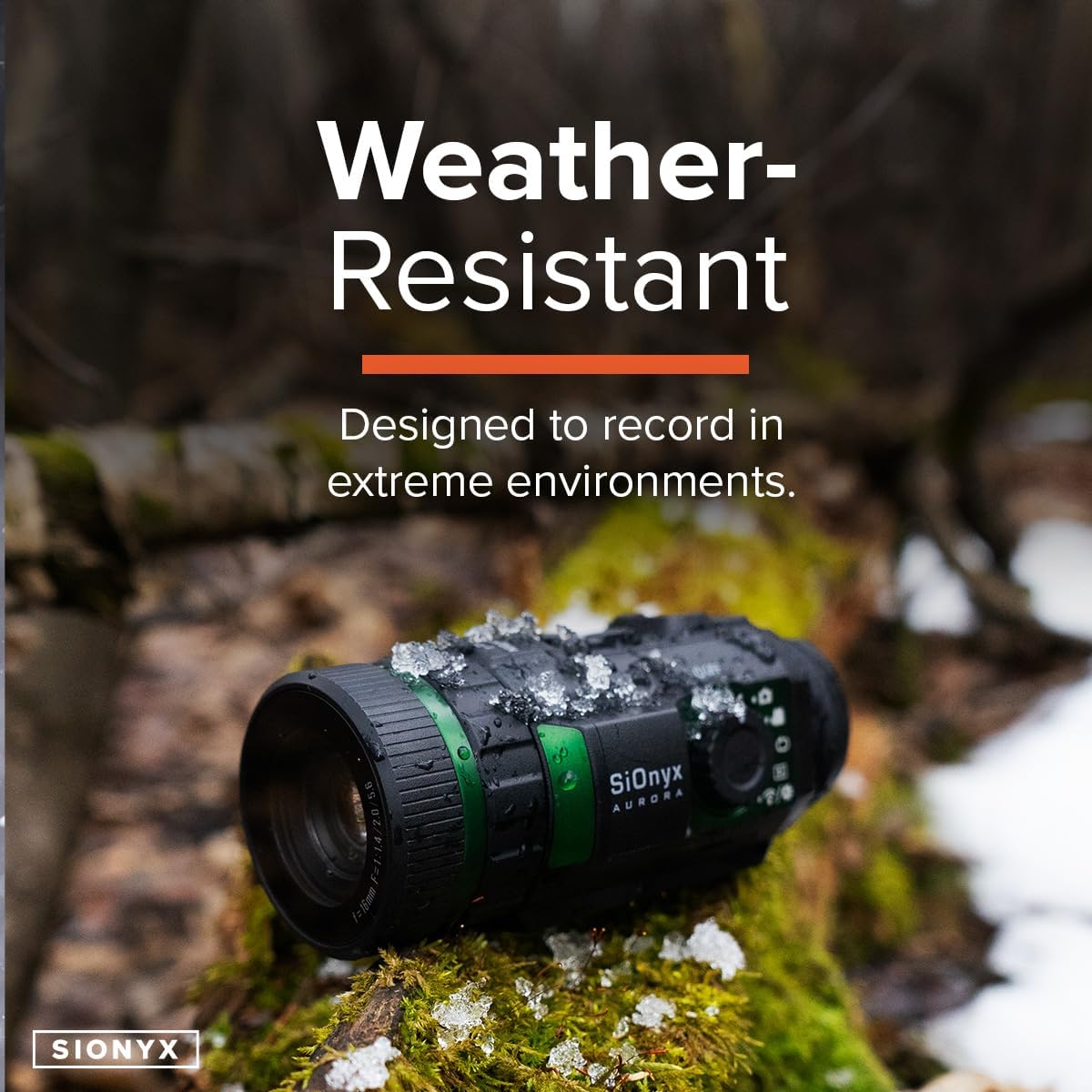
Image: The SiOnyx Aurora camera, designed to be weather-resistant, shown in a snowy environment, demonstrating its durability in extreme conditions.
פתרון בעיות
| בְּעָיָה | סיבה אפשרית | פִּתָרוֹן |
|---|---|---|
| המצלמה לא נדלקת. | סוללה חלשה או ריקה; סוללה לא מותקנת כראוי. | טען את הסוללה במלואה. ודא שהסוללה מוכנסת עם הקוטביות הנכונה. |
| התמונה מטושטשת. | Improper focus; dirty lens. | Adjust the focus ring. Clean the objective lens with a suitable lens cloth. |
| Cannot record or save files. | SD card full or not inserted correctly; corrupted SD card. | בדוק את הכנסת כרטיס ה-SD. מחק את הישן. files or replace SD card. Format SD card if necessary (this will erase all data). |
| בעיות חיבור Wi-Fi. | Out of range; app not updated; interference. | Ensure device is within Wi-Fi range. Update the SiOnyx app. Try connecting in a different location. |
מפרטים
| תְכוּנָה | פְּרָט |
|---|---|
| מותג | סיאוניקס |
| שם הדגם | זוֹהַר קוֹטבִי |
| מספר דגם | CDV-100C |
| צֶבַע | זוֹהַר קוֹטבִי |
| סִגְנוֹן | דִיגִיטָלי |
| משקל פריט | 9.8 אונקיות |
| חוֹמֶר | Black, rugged, weather-resistant material |
| קוטר עדשה אובייקטיבית | 16 מילימטרים |
| מינימום הגדלה | 1.0 |
| מכשירים תואמים | מַצלֵמָה |
| סוג הרכבה | הר האורג |
| ראיית לילה | כֵּן |
| UPC | 811251020095 |
| מידות חבילה של פריט L x B x H | 10.28 x 7.8 x 4.25 אינץ' |
| מידות פריט L x W x H | 9.1 x 11 x 4.6 אינץ' |
מידע על אחריות
For detailed warranty information, please refer to the official SiOnyx website or the warranty card included with your product. Standard return policies may apply as per retailer terms.
תְמִיכָה
For technical support, frequently asked questions, or additional resources, please visit the official SiOnyx support page.