
ADE CK2304
ADE CK2304 Digital Bathroom Clock User Manual
דגם: CK2304
מָבוֹא
This manual provides instructions for the setup, operation, maintenance, and troubleshooting of your ADE CK2304 Digital Bathroom Clock. This device features a hygrometer, thermometer, shower timer, countdown function, and a large LCD display, all within an IP65 waterproof design.

תמונה: חזית view of the ADE CK2304 Digital Bathroom Clock, displaying time, date, temperature, and humidity readings on its large LCD screen.
תוכן החבילה
ודא שכל הפריטים נמצאים בחבילה:
- ADE CK2304 Digital Bathroom Clock
- 2 x AAA סוללות
- מדריך הוראות (מסמך זה)
הגדרה
1. התקנת סוללה
The device requires 2 x AAA batteries for operation. These are included in the package.
- אתר את מכסה תא הסוללה בגב השעון.
- פתח את תא הסוללות.
- Insert the 2 x AAA batteries, ensuring correct polarity (+ and -).
- Close the battery compartment cover securely to maintain IP65 waterproofing.
תמונה: אחורי view of the ADE CK2304 Digital Bathroom Clock, highlighting the battery compartment and various mounting features like the suction cup and hanging eyelet.
2. אפשרויות הרכבה
The ADE CK2304 offers flexible placement options:
- Wall Mounting (Suction Base): Press the rubberized suction base firmly against a clean, smooth, non-porous surface (e.g., tile, mirror, glass). Ensure the surface is dry for optimal adhesion.
- Hanging (Eyelet): Use the integrated hanging eyelet to suspend the clock from a hook or nail. (Hook/nail not included).
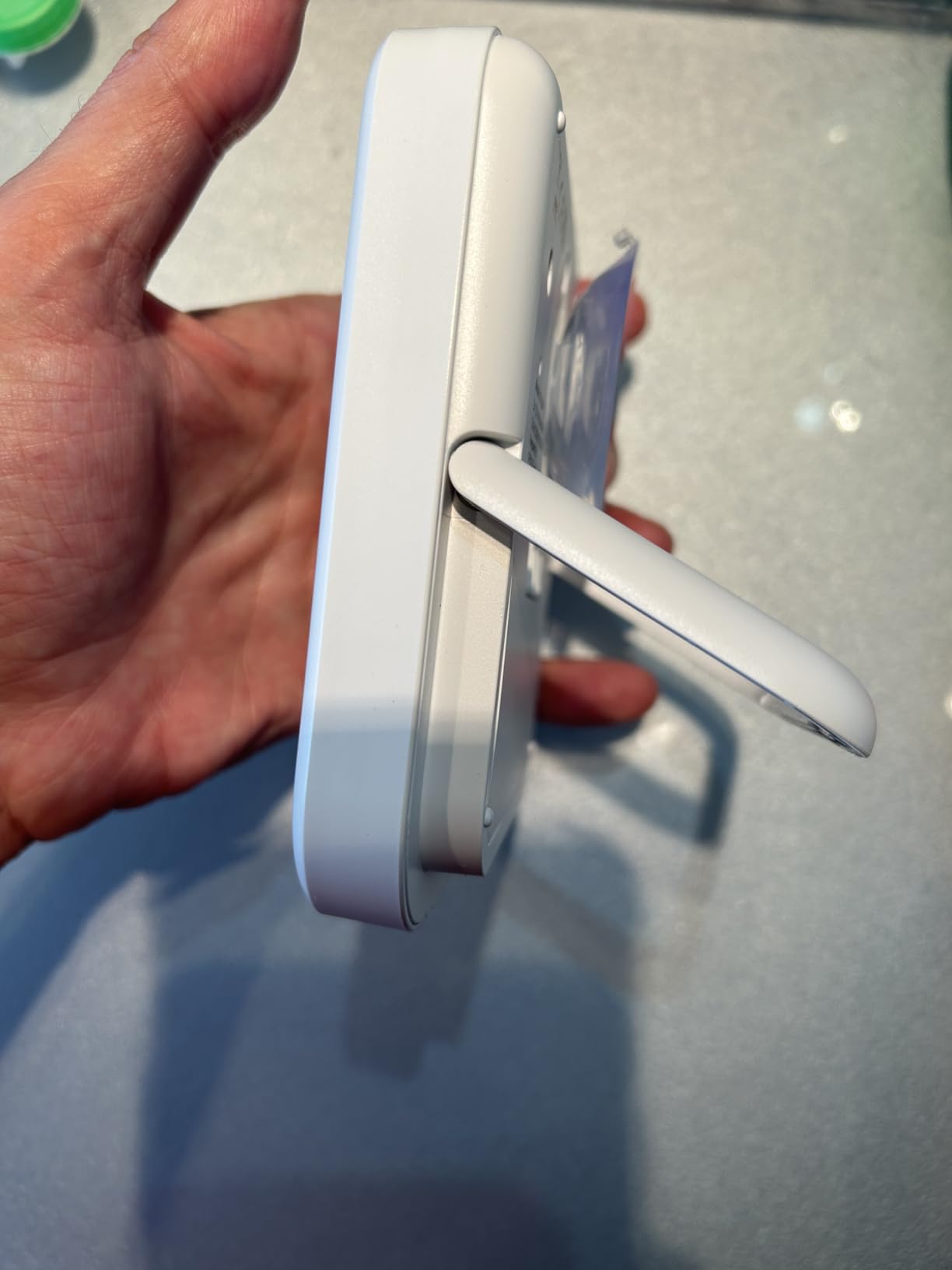
- Standing (Adjustable Base): Utilize the sturdy, adjustable base to place the clock on a flat surface, such as a countertop or shelf.
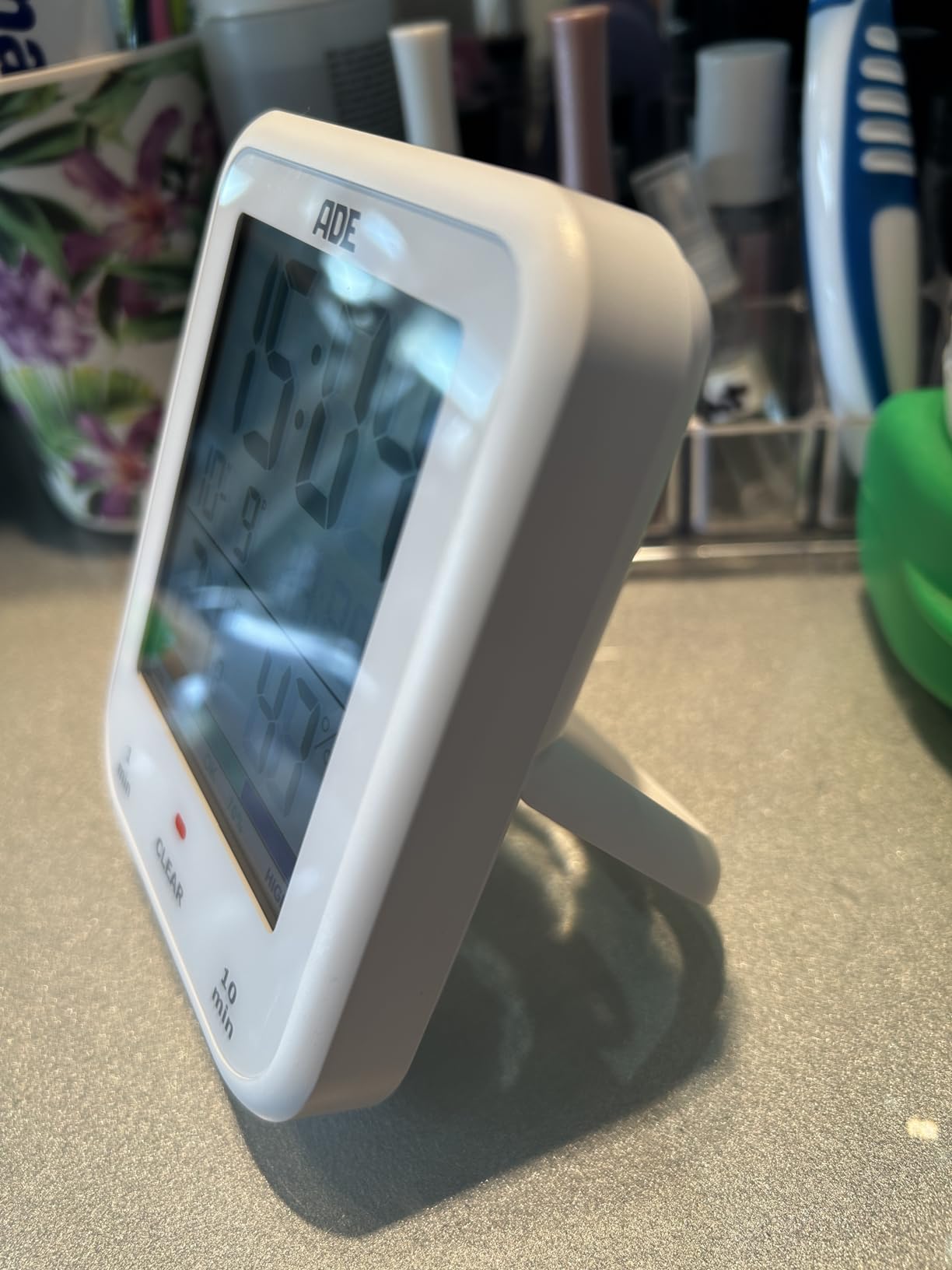
Image: The ADE CK2304 Digital Bathroom Clock securely attached to a bathroom wall using its suction cup mounting option.
הוראות הפעלה
1. Initial Power On and Display
Upon battery installation, the clock will power on and display the current time, date, temperature, and humidity. The large LCD display ensures readability.
2. הגדרת שעה ותאריך
Refer to the buttons on the back or side of the device (specific button names are not provided in the input, so I'll use generic terms):
- Press and hold the "SET" button (or equivalent) until the time display flashes.
- Use the "UP" and "DOWN" buttons (or equivalent) to adjust the hour. Press "SET" to confirm.
- חזור על הפעולה עבור דקות, שנה, חודש ויום.
- Press "SET" one last time to exit setting mode.
3. Using the Shower Timer / Countdown Function
The shower timer helps manage water consumption. The clock features a countdown function.
- Press the "TIMER" button (or equivalent) to activate the countdown function.
- Repeatedly press "TIMER" to cycle through preset countdown durations (e.g., 1 minute, 10 minutes, etc., as suggested by a review).
- Alternatively, press and hold "TIMER" to manually set a custom countdown duration using the "UP" and "DOWN" buttons.
- The countdown will begin automatically after selection or confirmation.
- תישמע התראה קולית כאשר הטיימר יגיע לאפס.
- לחץ על כפתור כלשהו כדי לעצור את האזעקה.
4. תצוגת טמפרטורה ולחות
The clock continuously displays the current room temperature and humidity. It also includes a comfort zone indicator to help maintain an optimal indoor climate and prevent mold formation.
תַחזוּקָה
- ניקוי: נגבו את השעון בעזרת מטלית רכה, דamp בַּד. אין להשתמש בחומרי ניקוי שוחקים או ממסים.
- החלפת סוללה: Replace batteries when the display dims or the clock stops functioning. Ensure the battery compartment is sealed tightly after replacement to maintain waterproofing.
- איטום מים: The device is IP65 waterproof, meaning it is protected against low-pressure water jets from any direction. Do not submerge the device in water. Ensure the battery compartment is always properly sealed.
פתרון בעיות
| בְּעָיָה | סיבה אפשרית | פִּתָרוֹן |
|---|---|---|
| התצוגה ריקה או עמומה. | סוללות חלשות או מדולדלות. | החליפו בסוללות AAA חדשות, תוך הקפדה על קוטביות נכונה. |
| השעה/תאריך שגויים. | יש צורך להתאים את ההגדרות. | Follow the "Setting Time and Date" instructions in the Operating section. |
| כוס היניקה לא מחזיקה מעמד. | Surface is dirty, wet, or porous. | Clean and dry the surface thoroughly. Ensure it is smooth and non-porous. |
| קריאות הטמפרטורה/לחות נראות לא מדויקות. | Device recently moved to a new environment; needs time to stabilize. | Allow 15-30 minutes for the sensors to adjust to the new environment. |
מפרטים
- דֶגֶם: CK2304
- מותג: ADE
- סוג תצוגה: LCD דיגיטלי
- דירוג עמיד למים: IP65 (Protected against low-pressure water jets)
- פונקציות: Time, Date, Temperature, Humidity, Shower Timer, Countdown Function, Comfort Zone Indicator
- מקור כוח: 2 x AAA סוללות (כלולות)
- מידות המוצר: 9.2 ס"מ (W) x 11.5 ס"מ (H) x 2.3 ס"מ (D)
- משקל פריט: 207 גרם
- אפשרויות הרכבה: Suction Base, Hanging Eyelet, Adjustable Stand
- סוג חדר: חֲדַר אַמְבַּטִיָה
אחריות ותמיכה
For warranty information or technical support, please refer to the contact details provided on the product packaging or the official ADE webאתר. שמור את קבלת הרכישה כהוכחת קנייה.
Ask a question about this manual
Ask about setup, troubleshooting, compatibility, parts, safety, or missing instructions. Manuals+ will review the question and use this page’s manual context to help answer it.