
1. הקדמה
The WARSUN H882 Searchlight Flashlight is a high-performance, portable lighting device designed for various applications including outdoor activities, camping, and emergency situations. It features advanced LED and Xenon lighting technology, durable construction, and multiple operating modes to provide reliable illumination.
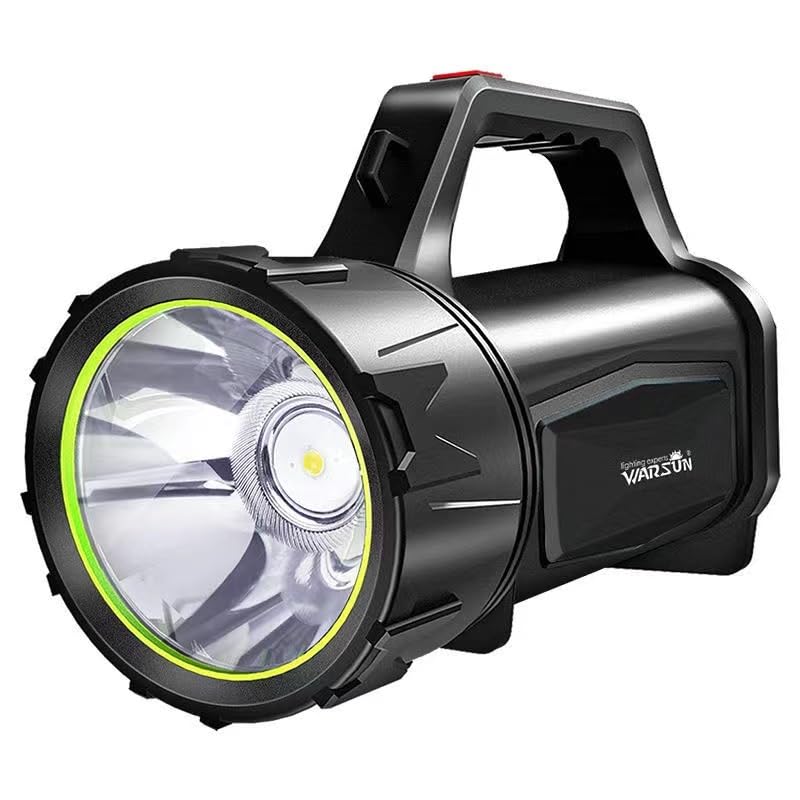
תמונה 1.1: חזית view of the WARSUN H882 Searchlight Flashlight.
2. תכונות מוצר
- תאורה עוצמתית: Delivers up to 3000 lumens for bright and clear lighting.
- חיי סוללה לאורך זמן: Operates continuously for up to 48 hours on a single charge.
- Extended Beam Distance: Capable of illuminating targets up to 1 kilometer away.
- מצבי תאורה מגוונים: Includes high, low, and strobe modes to suit different requirements.
- עמידות ואמינות: Features shock resistance, anti-drop design, and IP5 water resistance for use in challenging environments.

Image 2.1: The WARSUN H882 Searchlight Flashlight demonstrating its waterproof design.
3. תכולת החבילה
אנא בדקו את החבילה עבור הפריטים הבאים:
- WARSUN H882 Searchlight Flashlight
- כבל טעינה USB
- סוללת ליתיום יון מובנית
4. התקנה
4.1 חיוב ראשוני
Before first use, fully charge the WARSUN H882 Searchlight Flashlight. Connect the provided USB charging cable to the charging port on the device and to a standard USB power adapter (not included) or a computer USB port. The charging indicator will show the charging status.

Image 4.1: Connecting the USB cable for charging the flashlight.
5. הוראות הפעלה
5.1 הפעלה/כיבוי
Press the power button located on the handle to turn the flashlight on. Press it again to cycle through the different lighting modes (High, Low, Strobe). To turn off the flashlight, continue pressing the power button until the light switches off, or press and hold the button for a few seconds.
5.2 שינוי מצבים
With the flashlight on, short press the power button repeatedly to switch between High, Low, and Strobe modes. Select the mode appropriate for your lighting needs.
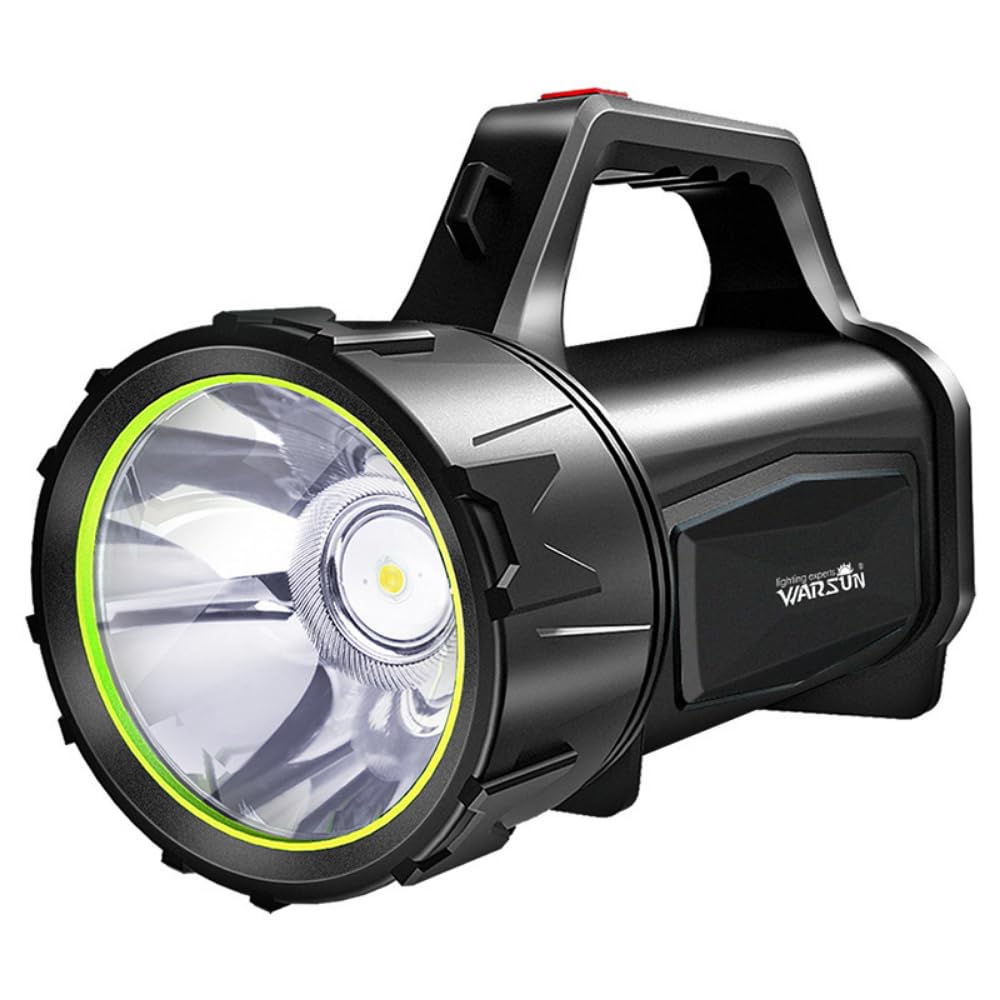
Image 5.1: The WARSUN H882 Searchlight Flashlight in operation, showing its powerful beam.
6. הוראות טעינה
6.1 טעינת המכשיר
To charge the H882, locate the USB charging port, typically protected by a rubber cover to maintain water resistance. Plug the smaller end of the USB cable into the flashlight's port and the larger end into a compatible USB power source. The indicator lights will show charging progress. A full charge can take several hours.
6.2 פונקציית סוללת הכוח
The WARSUN H882 also features a power bank function, allowing you to charge other USB-powered devices. Connect your device's charging cable to the flashlight's output USB port. This feature is useful for charging mobile phones or other small electronics in emergency situations.
7. תחזוקה
7.1 ניקוי
נגב את הפנס עם רך, דamp cloth to remove dirt and debris. Do not use abrasive cleaners or solvents, as these may damage the surface or internal components. Ensure the charging port cover is securely closed after cleaning to maintain water resistance.
7.2 אחסון
Store the flashlight in a cool, dry place away from direct sunlight and extreme temperatures. For long-term storage, it is recommended to charge the battery every 3-6 months to maintain battery health.
8. פתרון תקלות
- הפנס לא נדלק:
- Ensure the battery is charged. Connect to a power source and allow it to charge for at least 30 minutes before attempting to turn it on again.
- בדוק אם לחצן ההפעלה פועל כהלכה.
- האור עמום או מהבהב:
- ייתכן שרמת הסוללה נמוכה. טען את הפנס במלואו.
- ודא שהעדשה נקייה וללא חסימות.
- הטעינה לא עובדת:
- Verify that the USB cable is securely connected to both the flashlight and the power source.
- Try using a different USB cable or power adapter to rule out faulty accessories.
- בדוק את יציאת הטעינה עבור כל פסולת או נזק.
If issues persist after attempting these troubleshooting steps, please contact customer support.
9. מפרטים
| תכונה | מִפרָט |
|---|---|
| מספר דגם | H882 |
| מותג | וורסון |
| סוג מקור אור | LED, Xenon |
| בְּהִירוּת | 3000 לומן |
| מרחק אלומה | Up to 1 Kilometer |
| חיי סוללה | עד 48 שעות (מצב נמוך) |
| מקור כוח | מופעל על סוללה (סוללת ליתיום יון אחת כלולה) |
| הרכב תא הסוללה | ליתיום יון |
| רמת עמידות במים | IP5 (עמיד למים) |
| חוֹמֶר | ABS |
| מידות המוצר | 20D x 10W x 15H סנטימטרים |
| משקל פריט | 0.55 קילוגרם (550 גרם) |

Image 9.1: Detailed performance specifications of the WARSUN H882 Searchlight.
10. מידע בטיחות
- אל תסתכלו ישירות לתוך קרן האור כדי למנוע פגיעה בעיניים.
- הרחק מהישג ידם של ילדים.
- אין לפרק או לשנות את הפנס, שכן הדבר עלול לבטל את האחריות ולהוות סיכוני בטיחות.
- השתמש רק בכבל ה-USB המצורף לטעינה.
- Avoid exposing the flashlight to extreme heat or fire.
- השלך סוללות בהתאם לתקנות המקומיות.
11. אחריות ותמיכה
This WARSUN H882 Searchlight Flashlight comes with a standard manufacturer's warranty. For specific warranty terms and conditions, please refer to the product packaging or contact your retailer. For technical support, troubleshooting assistance, or to inquire about replacement parts, please contact WARSUN customer service through their official webהאתר או פרטי הקשר שסופקו עם הרכישה.