
TakTark BM813
מדריך למשתמש של מוניטור התינוק TakTark BM813
דגם: BM813
מותג: טאקטארק
המוצר נגמרview
The TakTark BM813 Baby Monitor provides a secure and reliable way to monitor your baby with its 5-inch 720P HD IPS screen. Designed for ease of use and peace of mind, it features advanced functionalities such as remote pan and tilt, two-way audio, automatic night vision, and VOX sound detection.

Image: The TakTark BM813 Baby Monitor system, featuring the camera unit and the 5-inch parent monitor with a clear display.
תכונות עיקריות:
- 5-inch 720P HD IPS Screen: Offers crystal clear visibility with a wide viewזווית ing.
- Secure 2.4GHz FHSS Wireless Connection: Ensures 100% privacy and security without Wi-Fi or app requirements.
- Remote Pan & Tilt with Digital Zoom: שלוט על המצלמה view (330° pan, 135° tilt) and zoom in (3x digital zoom) from the parent unit.
- שמע דו כיווני: לתקשר עם התינוק שלך ישירות דרך המוניטור.
- VOX Sound Detection: Activates the screen and alerts you when sound is detected, conserving battery.
- ראיית לילה אוטומטית: Provides clear black-and-white images in low light without disturbing red lights.
- ניטור טמפרטורה: Built-in sensor to ensure a comfortable environment for your baby.
- חיי סוללה ארוכים: Up to 12 hours in VOX mode with a 3050mAh battery.

Image: Visual representation of the monitor's core features including night vision, VOX mode, security, temperature monitoring, feeding reminders, and two-way intercom.
מדריך התקנה
1. פריקה וטעינה ראשונית
Carefully remove all components from the packaging. Before first use, fully charge the parent unit for approximately 5 hours. The camera unit requires continuous power and should be plugged into an electrical outlet.
2. מיקום יחידת המצלמה
מקם את יחידת המצלמה במקום המספק שדה ברור view of your baby. Ensure it is out of reach of children and away from direct sunlight or heat sources. The camera can be surface-mounted on a table or wall-mounted for optimal viewזוויות.
3. הפעלה והתאמה
The TakTark BM813 monitor and camera are pre-paired at the factory. If re-pairing is needed or if you are adding additional cameras (up to 4 cameras supported), follow these steps:
- Go to the Menu page on the parent unit.
- Navigate to "Camera" and then select "Add Camera".
- Choose the desired camera slot (Camera 1/2/3/4).
- Press the pairing button on the back of the camera unit.
- The monitor will display a successful pairing message.

Image: Step-by-step diagram illustrating the pairing process for the camera and monitor, including menu navigation and pressing the camera's pairing button.
The system uses a 2.4GHz FHSS wireless connection, ensuring a private and secure connection without reliance on home Wi-Fi networks or external applications.

Image: This illustration highlights the secure, private connection of the monitor, emphasizing that it operates without Wi-Fi or a mobile application, using FHSS technology.
הוראות הפעלה
סיבוב, הטיה וזום מרחוק
השתמשו בכפתורי הכיוון ביחידת ההורים כדי לכוונן מרחוק את המצלמה viewing angle. The camera can pan 330° horizontally and tilt 135° vertically, providing comprehensive room coverage. Utilize the zoom function (up to 3x digital zoom) to get a closer look at your baby.

Image: This diagram illustrates the camera's remote pan (300°) and tilt (50°) capabilities, allowing for full room coverage from the parent unit.

Image: This visual demonstrates the digital zoom feature, showing how to magnify the view of your baby up to 3 times for a closer look.
תקשורת שמע דו-כיוונית
Press and hold the talk button on the parent unit to speak to your baby. Your voice will be transmitted through the camera's speaker, allowing you to soothe or communicate with your child from another room.
VOX Sound Detection Mode
In VOX (Voice Operated eXchange) mode, the monitor's screen will automatically turn on when it detects sound from the baby's room, and turn off when quiet, saving battery life. You can adjust the VOX sensitivity level in the settings menu.

Image: This image illustrates the VOX sound detection feature, where the monitor activates its screen upon detecting a baby's cry, conserving power during quiet periods.
ראיית לילה אוטומטית
The camera automatically switches to infrared night vision in low light conditions, providing clear black-and-white video without emitting any red lights that could disturb your baby's sleep.

Image: This visual demonstrates the automatic night vision feature, showing how the monitor provides clear images of a sleeping baby even in complete darkness.
ניטור טמפרטורה
The camera unit includes a built-in temperature sensor. The current room temperature is displayed on the parent unit, allowing you to ensure your baby's environment is comfortable.
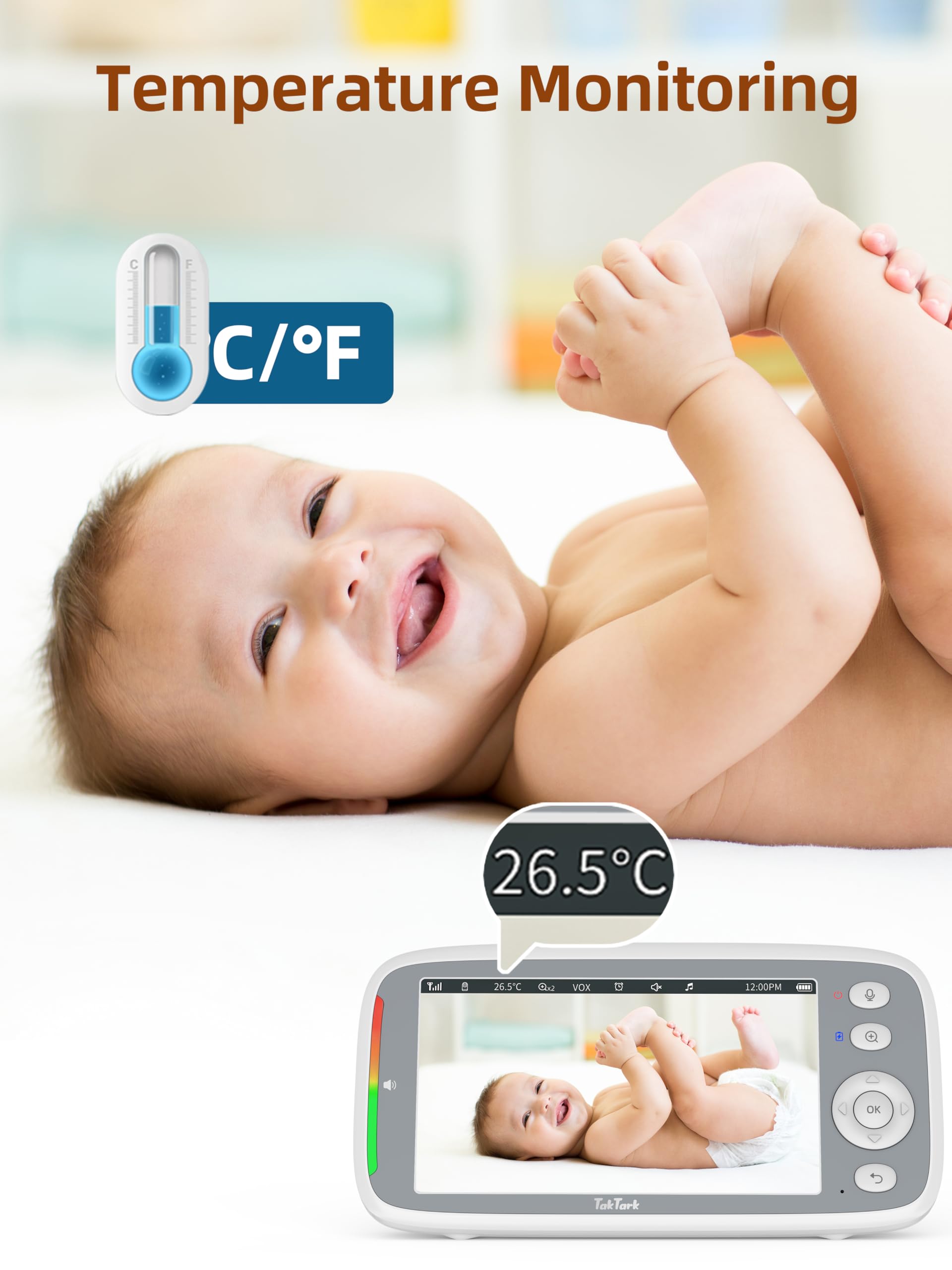
Image: This image highlights the temperature monitoring feature, displaying the room temperature on the monitor to help maintain a comfortable environment for the baby.
IPS Screen Technology
The 5-inch IPS screen provides superior viewing angles and color accuracy compared to traditional TN panels, ensuring a clear view of your baby from various positions.

Image: A visual comparison demonstrating the wider and more consistent viewing angles offered by an IPS panel compared to a TN panel, ensuring clear visibility from various perspectives.
תַחזוּקָה
ניקוי
Wipe the camera lens and monitor screen with a soft, dry cloth. Do not use abrasive cleaners or solvents. Ensure both units are unplugged before cleaning.
טיפול בסוללה
To prolong battery life, avoid fully discharging the parent unit frequently. Charge the unit regularly. If storing for an extended period, charge the battery to about 50% and store in a cool, dry place.
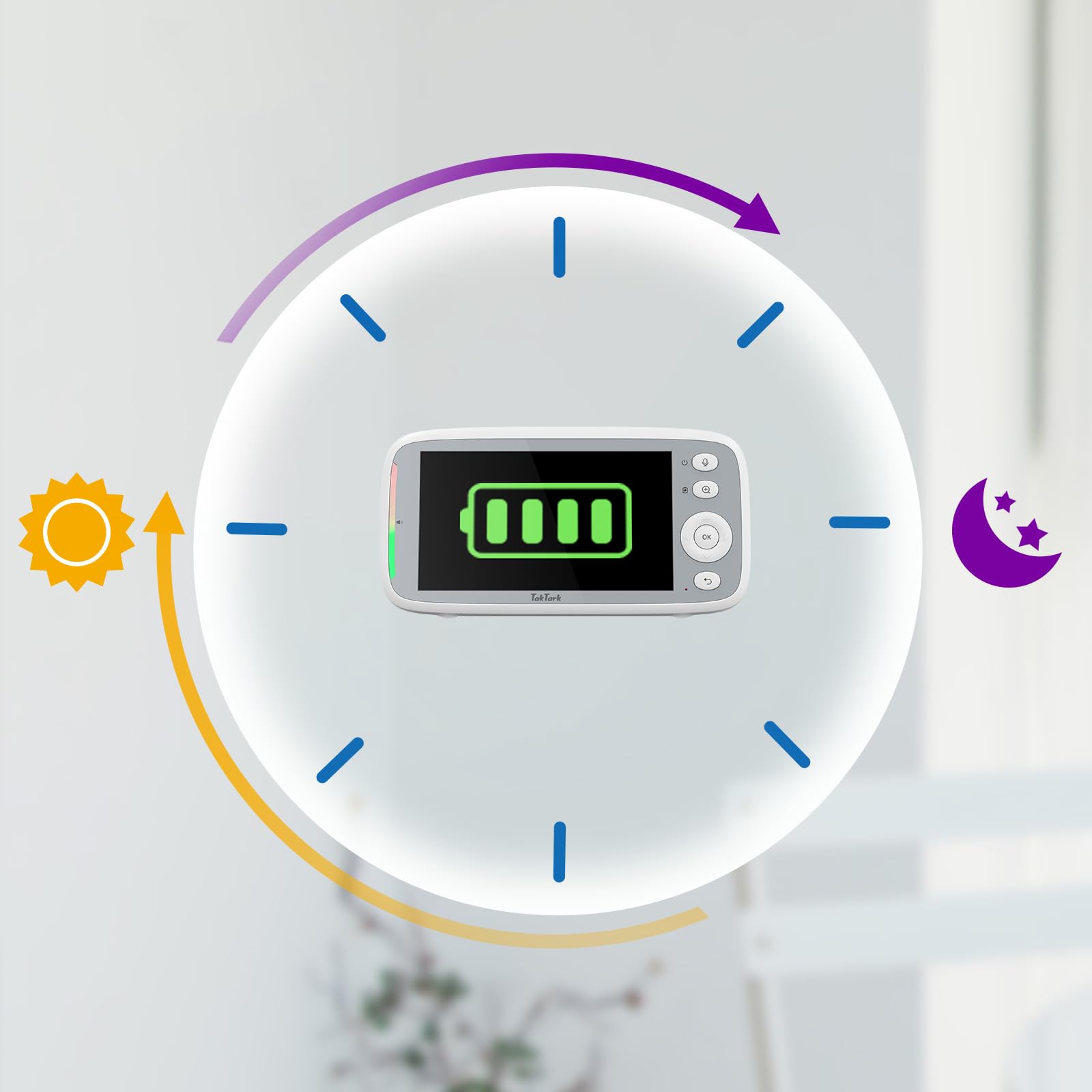
Image: This graphic illustrates the monitor's battery life, showing its capability to last through day and night, especially when utilizing power-saving features like VOX mode.
פתרון בעיות
This section provides solutions to common issues you might encounter with your TakTark BM813 Baby Monitor. For problems not listed here, please contact customer support.
| בְּעָיָה | סיבה אפשרית | פִּתָרוֹן |
|---|---|---|
| אין תמונה/קול על המסך | Out of range; low battery; camera not powered; not paired. | Move monitor closer to camera; charge parent unit; ensure camera is plugged in; re-pair units (refer to Setup Guide). |
| Interference/Poor signal | Other 2.4GHz devices nearby; physical obstructions. | Move monitor/camera away from other wireless devices (e.g., Wi-Fi routers, microwaves); reduce obstructions between units. |
| VOX לא מופעל | רגישות VOX נמוכה מדי. | Increase VOX sensitivity in the monitor's settings. |
| Camera not responding to pan/tilt | Loss of connection; camera unit malfunction. | Check connection; power cycle both units; re-pair if necessary. |
מפרטים
| תכונה | פְּרָט |
|---|---|
| שם הדגם | BM813 |
| גודל מסך | 5 אינץ' |
| רזולוציית וידאו | 720p HD |
| טכנולוגיית קישוריות | 2.4 GHz FHSS Wireless |
| פאן זווית | 330 מעלות |
| זווית הטיה | 135 מעלות |
| זום דיגיטלי | 3x |
| טווח ראיית לילה | 15 רגל |
| קיבולת סוללה (יחידת הורים) | 3050 מיליאמפר/שעה |
| חיי סוללה (מצב VOX) | עד 12 שעות |
| מידות פריט (L x W x H) | 8.27 x 5.51 x 4.84 אינץ' |
| משקל פריט | 750 מיליגרם |
| חוֹמֶר | פּלָסטִי |
| מקור כוח | Battery Powered (Parent Unit), Corded Electric (Camera) |
| רכיבים כלולים | Baby Camera, Parent Monitor |
אחריות ותמיכה
TakTark provides a אחריות איכות ל-1 שנים for the BM813 Baby Monitor. Additionally, תמיכה טכנית לכל החיים זמין לסייע לכם בכל שאלה או בעיה שתיתקלו בה.
For technical assistance, warranty claims, or general inquiries, please refer to the contact information provided in your product packaging or visit the official TakTark webאֲתַר.
אנא שמור את הוכחת הרכישה שלך לצורכי אחריות.
מסמכים קשורים - BM813
 |
מדריך למשתמש של צג תינוקות וידאו TakTark BM802 - תכונות ותפעול מדריך למשתמש מקיף עבור צג התינוק TakTark BM802. למד על התכונות שלו, כולל שיחת דו-כיוונית, הפעלת קול VOX, ראיית לילה אוטומטית, מצלמת סיבוב-הטיה וניטור טמפרטורה. |
 |
TakTark BM5K09L Video Baby Monitor User Manual Comprehensive user manual for the TakTark BM5K09L 5-inch Video Baby Monitor, including setup, pairing instructions, button functions, and menu navigation. |
 |
מדריך למשתמש של TakTark BM612 Video Monitor Baby מדריך למשתמש עבור מוניטור התינוק TakTark BM612, הכולל הוראות בטיחות, תרשים מוצר, מדריך התחלה, פונקציות, תפעול ומפרטים. |
 |
מדריך למשתמש של TakTark BM603 Video Monitor Baby מדריך למשתמש עבור מוניטור תינוקות אלחוטי TakTark BM603. מספק הוראות התקנה, מדריכי הפעלה, תכונות, מידע בטיחות ומפרטים טכניים עבור יחידות ההורה והתינוק. |
 |
מדריך למשתמש של TakTark BM923 Video Monitor Baby מדריך למשתמש עבור מוניטור התינוקות TakTark BM923, הכולל מידע על הגדרה, הפעלה ומפרטים טכניים. למד כיצד להשתמש ביחידות ההורה והתינוק, תכונות כמו ראיית לילה, מצב VOX ופתרון בעיות. |
 |
Guide d'utilisation du moniteur pour bébé numérique Ce guide fournit des complètes sur l'utilisation de votre moniteur pour bébé numérique, y compris la configuration, les fonctionnalités et les spécifications טכניקות. Apprenez à utiliser la vision nocturne, la fonction vocale, le mode VOX ו-plus הדרן לשקוף מעקב אחר. |
Ask a question about this manual
Ask about setup, troubleshooting, compatibility, parts, safety, or missing instructions. Manuals+ will review the question and use this page’s manual context to help answer it.