
1. הקדמה
The SOAR ShockBox XL Wireless Bluetooth Speaker is designed to provide a high-quality audio experience for various occasions, including sports events and gatherings. This manual provides detailed instructions for the setup, operation, and maintenance of your speaker.

Figure 1: SOAR NFL XL ShockBox Wireless Bluetooth Speaker (Tennessee Titans edition).
2. תכולת החבילה
אנא ודא שכל הפריטים נמצאים בחבילה:
- רמקול Bluetooth אלחוטי SOAR NFL XL ShockBox
- כבל טעינה מיקרו-USB
- מדריך למשתמש (מסמך זה)
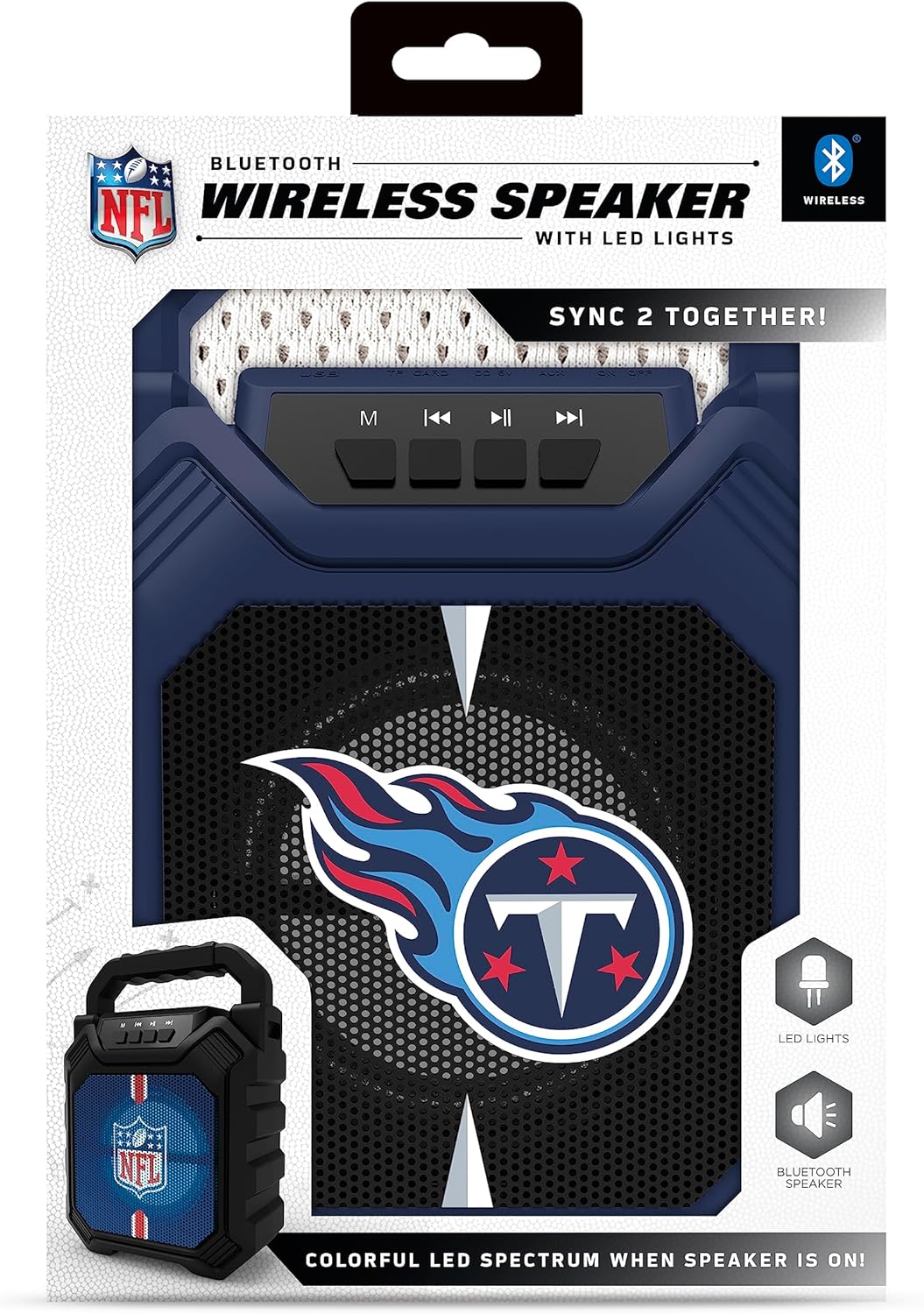
Figure 2: Speaker in its retail packaging, showing the product and its key features.
3. תכונות מוצר
- קישוריות Bluetooth 5.0: Enables wireless audio streaming from compatible devices.
- כניסות שמע מרובות: Includes AM/FM radio, USB port, and Aux input for versatile playback options.
- עיצוב נייד: Features a convenient top handle for easy transport and a shockproof construction for durability.
- זמן משחק מורחב: Provides over 5 hours of continuous audio playback on a single charge.
- תאורת LED דינמית: Multicolor LED lights synchronize with the music, enhancing the visual experience.
- זיווג צליל סטריאו: Supports "Sync 2 Together" functionality, allowing two speakers to be paired for enhanced stereo audio.
- איכות שמע: Delivers deep bass and crystal clear sound.
- הנחיות קוליות: Features voice-over speaker prompts for operational guidance.
- דרייבר רמקול: Equipped with a 25W speaker driver for powerful sound output.
4. בקרות ויציאות
Familiarize yourself with the control panel and input ports located on the speaker:
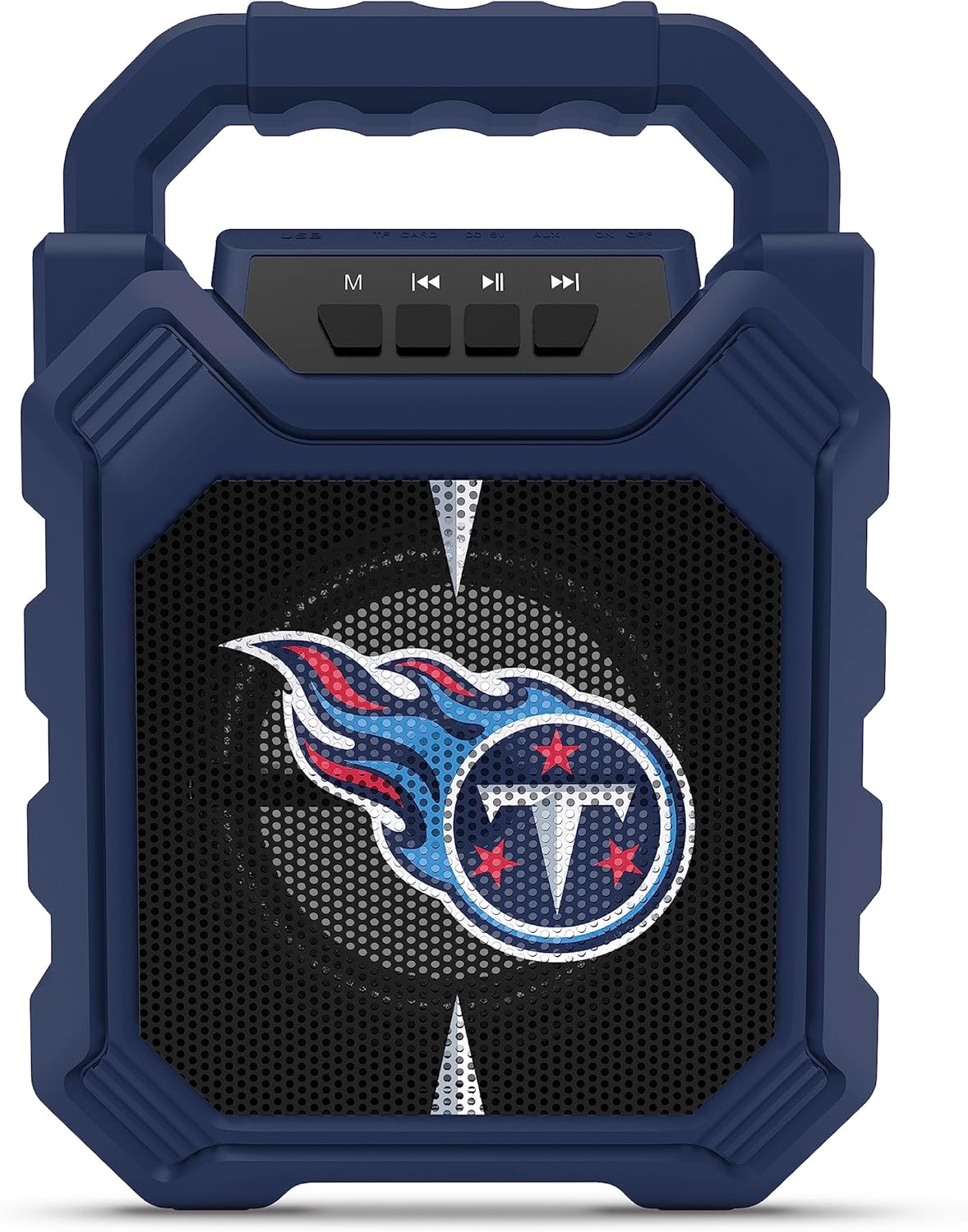
Figure 3: Top panel of the speaker with control buttons and input ports.
| כפתור/יציאה | פוּנקצִיָה |
|---|---|
| לחצן M (מצב) | Switches between Bluetooth, FM Radio, USB, and Aux input modes. |
| הרצועה הקודמת / הורדת עוצמת הקול | Short press for previous track (Bluetooth/USB), long press to decrease volume. |
| לחצן הפעלה/השהה | מנגן או משהה את השמעת האודיו. |
| הרצועה / הגברת עוצמת הקול הבאה | Short press for next track (Bluetooth/USB), long press to increase volume. |
| יציאת USB | להשמעת אודיו מכונני הבזק מסוג USB. |
| חריץ כרטיס TF | For playing audio from TF (MicroSD) cards. |
| כניסת AUX | 3.5mm jack for connecting external audio devices via an auxiliary cable. |
| יציאת טעינה מיקרו USB | לטעינת הסוללה הפנימית של הרמקול. |
5. התקנה
5.1 טעינת הרמקול
- Connect the supplied micro-USB cable to the speaker's micro-USB charging port.
- חבר את הקצה השני של הכבל לספק כוח USB (לא כלול) או ליציאת USB של מחשב.
- נורית ה-LED תידלק במהלך הטעינה ותכבה לאחר טעינה מלאה.
- טעינה מלאה מספקת מעל 5 שעות של זמן נגינה.
5.2 הפעלה/כיבוי
- To power on, locate the power switch (usually on the back or side) and slide it to the "ON" position.
- כדי לכבות, הסט את מתג ההפעלה למצב "OFF".
6. הוראות הפעלה
6.1 זיווג בלוטות '
- Ensure the speaker is powered on and in Bluetooth mode (press the 'M' button until you hear a Bluetooth prompt).
- במכשיר הנייד שלך, הפעל את Bluetooth וחפש מכשירים זמינים.
- Select "SOAR ShockBox XL" from the list of devices.
- לאחר הצימוד, הרמקול יציין חיבור מוצלח, ותוכלו להתחיל להזרים אודיו.
פעולת רדיו FM 6.2
- לחץ על כפתור 'M' כדי לעבור למצב רדיו FM.
- לחץ והחזק את כפתור ההפעלה/השהיה כדי לסרוק ולשמור באופן אוטומטי תחנות FM זמינות.
- השתמשו בלחצני הרצועה הקודמת/הבאה כדי לנווט בין תחנות שנשמרו.
6.3 USB and AUX Input Usage
- כניסת USB: הכנס כונן הבזק מסוג USB המכיל אודיו fileליציאת ה-USB. הרמקול יעבור אוטומטית למצב USB ויתחיל בהשמעה.
- כניסת AUX: Connect one end of a 3.5mm audio cable (not included) to the speaker's AUX input and the other end to your external audio device. Press the 'M' button to switch to AUX mode.
6.4 נורות LED דינמיות
The speaker features multicolor LED lights that pulse to the rhythm of the music. These lights are automatically activated when the speaker is in use. There is no separate control for the LED lights mentioned in the product features.

איור 4: דוגמהample of SOAR ShockBox XL speakers with dynamic LED lighting.
6.5 Sync 2 Together (True Wireless Stereo)
To pair two SOAR ShockBox XL speakers for true wireless stereo sound:
- ודא ששני הרמקולים דולקים ונמצאים במצב Bluetooth, אך עדיין לא מחוברים לאף מכשיר.
- On one speaker (this will be the primary speaker), press and hold the 'M' button until you hear a pairing tone.
- שני הרמקולים יתחברו אוטומטית זה לזה. לאחר החיבור, תשמעו צליל אישור.
- כעת, חברו את המכשיר הנייד שלכם לרמקול הראשי באמצעות Bluetooth כמתואר בסעיף 6.1. האודיו יתנגן דרך שני הרמקולים בסטריאו.
7. תחזוקה
- ניקוי: השתמשו במטלית רכה ויבשה לניקוי החלק החיצוני של הרמקול. אין להשתמש בחומרי ניקוי שוחקים או ממסים.
- אִחסוּן: יש לאחסן את הרמקול במקום קריר ויבש, הרחק מאור שמש ישיר וטמפרטורות קיצוניות.
- טיפול בסוללה: To prolong battery life, fully charge the speaker before long periods of inactivity. Avoid completely draining the battery frequently.
- עמידות במים: While the speaker has a shockproof design, specific water resistance ratings are not provided. Avoid exposing the speaker to water or excessive moisture.
8. פתרון תקלות
| בְּעָיָה | פתרון אפשרי |
|---|---|
| הרמקול לא נדלק. | Ensure the battery is charged. Connect the speaker to a power source using the micro-USB cable. |
| לא ניתן לבצע צימוד דרך בלוטות'. |
|
| אין צליל או עוצמת קול נמוכה. |
|
| קליטת רדיו FM גרועה. | Adjust the speaker's position. Ensure no strong interference sources are nearby. |
| "Sync 2 Together" pairing fails. |
|
9. מפרטים
| תכונה | פְּרָט |
|---|---|
| מספר דגם | NFL-BTH6-DLPH |
| גרסת בלוטות' | 5.0 |
| כניסות שמע | Bluetooth, FM Radio, USB, Aux |
| זמן משחק | Over 5 hours per charge |
| יציאת טעינה | מיקרו USB |
| הנהג דובר | 25W |
| יַצרָן | קבוצת פריים ברנדס בע"מ |
| תאריך זמין ראשון | 6 בספטמבר 2023 |
10. אחריות ותמיכה
For information regarding warranty coverage and customer support, please refer to the contact details provided by Prime Brands Group Inc., the manufacturer. Protection plans are available for purchase separately through the retailer.
For further assistance, please visit the official SOAR webלאתר או לפנות לשירות הלקוחות שלהם.