
מָבוֹא
Thank you for choosing the LC-dolida Bluetooth Headband Headphones. This manual provides detailed instructions on how to set up, operate, and maintain your device. Please read this manual thoroughly before use to ensure optimal performance and longevity of your product.
תוכן החבילה
אנא בדקו את החבילה עבור הפריטים הבאים:
- LC-dolida Bluetooth Headband Headphones (Model LC001)
- כבל טעינה USB
- מדריך למשתמש
אם פריטים חסרים או ניזוקים, אנא צרו קשר עם תמיכת הלקוחות.
המוצר נגמרview
The LC-dolida Bluetooth Headband Headphones (Model LC001) are designed for versatile use, combining a comfortable headband with integrated audio technology. They are suitable for various activities including sleep, sports, and general audio listening.

תמונה: חזית view of the LC-dolida Bluetooth Headband Headphones, highlighting the control panel.
תכונות עיקריות:
- עיצוב 3 ב-1: Functions as a sports headband, sleep mask, and Bluetooth headphones.
- חומר נוח: Made from highly elastic, breathable, and sweat-wicking fabric.
- Ultra-Thin Speakers: Designed for comfort, especially for side sleepers, with adjustable positioning.
- קישוריות Bluetooth 5.2: Provides stable connections and clear audio.
- מיקרופון מובנה: מאפשר שיחות ללא ידיים.

Image: Visual representation of the headband's material properties: soft, sweat-absorbing, elastic, and breathable.

Image: Depiction of the headband's comfort for side sleepers, highlighting the super thin speakers and zero pressure design.
הגדרה
1. טעינה ראשונית
- Connect the provided USB charging cable to the charging port on the headband.
- חבר את הקצה השני של כבל ה-USB לספק כוח USB (לא כלול) או ליציאת ה-USB של המחשב.
- The LED indicator light will illuminate during charging.
- טעינה מלאה אורכת בדרך כלל 1-2 שעות. נורית ה-LED תשתנה או תכבה לאחר השלמת הטעינה.

Image: Visual guide for charging time (2 hours) and approximate playtime (14 hours).
2. זיווג Bluetooth
- Ensure the headband is fully charged.
- Press and hold the Power button on the control panel until the LED indicator light flashes blue and red, indicating pairing mode.
- במכשיר שלך (סמארטפון, טאבלט וכו'), הפעל את Bluetooth וחפש מכשירים זמינים.
- Select "LC-dolida" from the list of devices.
- לאחר החיבור, נורית החיווי בדרך כלל תציג אור כחול רציף או תהבהב באיטיות בכחול.
- חיבור אוטומטי מחדש: After the initial pairing, the headband will automatically attempt to connect to the last paired device when powered on, provided the device's Bluetooth is active and within range.
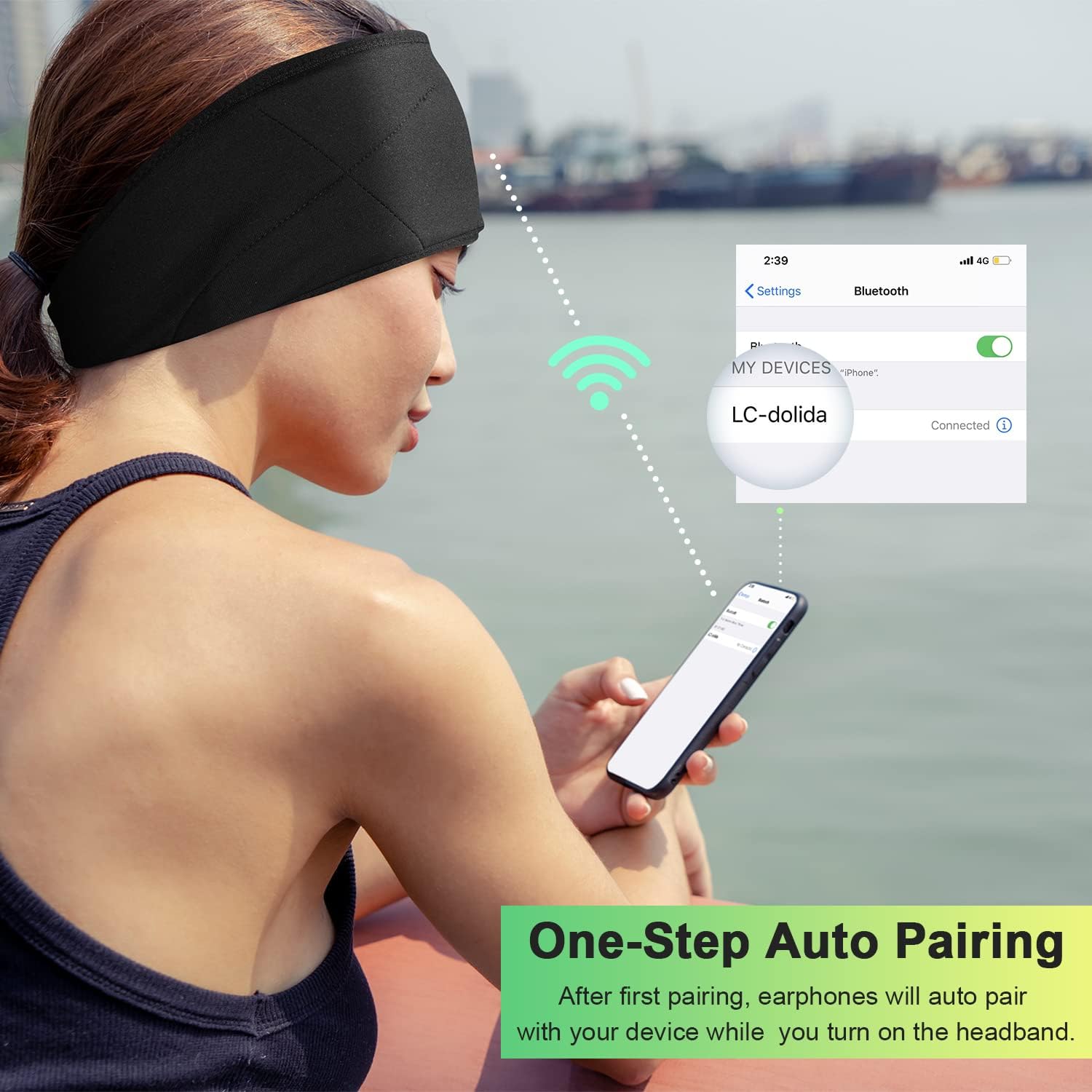
Image: Illustration of the one-step auto pairing process with a smartphone.

Image: Visual confirmation of strong compatibility with various Bluetooth-enabled devices (Android, iOS, Windows).
הוראות הפעלה
פונקציות לוח הבקרה
The control panel on the headband allows you to manage power, music playback, and calls.
- הפעלה/כיבוי: Press and hold the Power button (center button) for approximately 3 seconds.
- הפעל/השהה מוזיקה: לחץ פעם אחת על לחצן ההפעלה.
- הגבר קול: לחץ על כפתור "+".
- להנמיך קול: לחץ על כפתור "-".
- הרצועה הבאה: לחץ והחזק את כפתור "+" למשך 2 שניות.
- רצועה קודמת: לחץ והחזק את כפתור "-" למשך 2 שניות.
- מענה/סיום שיחה: לחץ פעם אחת על לחצן ההפעלה.
- דחה שיחה: לחץ והחזק את לחצן ההפעלה למשך 2 שניות.
- חיוג חוזר למספר האחרון: לחץ פעמיים על לחצן ההפעלה.

Image: Visual highlighting of the HIFI music and HD stereo sound capabilities.
התאמת רמקול
The ultra-thin speakers inside the headband can be gently moved to align with your ears for optimal sound and comfort. Simply slide them within the fabric casing to find your preferred position.
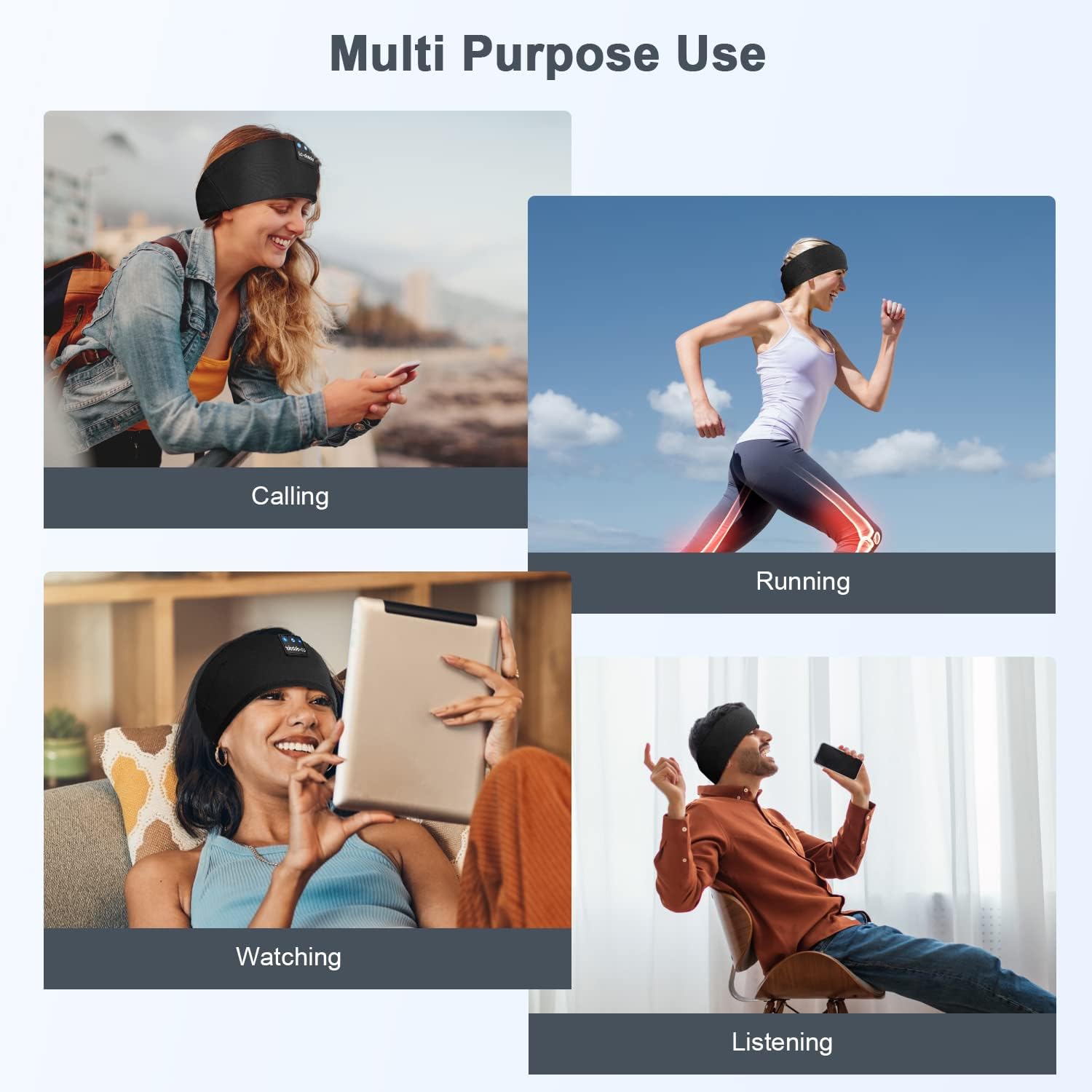
תמונה: דוגמהamples of multi-purpose use, including hands-free calling, running, watching media, and general listening.
תַחזוּקָה
Cleaning the Headband
- Before cleaning, ensure the headband is powered off and disconnected from any charging source.
- Gently remove the electronic module (control panel and speakers) from the fabric headband.
- The fabric headband can be hand-washed with mild soap and cold water. Do not machine wash or tumble dry.
- Allow the fabric headband to air dry completely before reinserting the electronic module.
- Wipe the electronic module with a dry, soft cloth. Do not immerse it in water.
אִחסוּן
- Store the headband in a cool, dry place away from direct sunlight and extreme temperatures.
- Avoid placing heavy objects on the headband to prevent damage to the speakers or internal components.
פתרון בעיות
| בְּעָיָה | סיבה אפשרית | פִּתָרוֹן |
|---|---|---|
| Headband does not power on. | סוללה חלשה. | Charge the headband for 1-2 hours. |
| לא ניתן לבצע התאמה עם המכשיר. | Bluetooth is off on your device; headband is not in pairing mode; device is too far. | Ensure Bluetooth is enabled on your device. Put the headband into pairing mode (flashing blue/red LED). Move device closer to the headband. |
| אין צליל או עוצמת קול נמוכה. | Volume too low on headband or device; speakers misaligned; connection issue. | Increase volume on both the headband and your device. Adjust speaker position within the headband. Re-pair the device. |
| חיבור לסירוגין. | המכשיר רחוק מדי; הפרעות; סוללה חלשה | Move closer to your device. Avoid strong electromagnetic interference. Charge the headband. |
| המיקרופון לא עובד. | Microphone blocked; device settings. | Ensure the microphone area is clear. Check your device's audio input settings. |
If you encounter issues not listed here, please refer to the Warranty and Support section for assistance.
מפרטים
| שם הדגם | LC001 |
| טכנולוגיית קישוריות | אלחוטי (Bluetooth) |
| גרסת בלוטות' | 5.2 |
| טווח בלוטות' | 45 רגל |
| סוג מנהל התקן שמע | מנהל התקן דינמי |
| טווח תדרים | 20Hz - 20,000Hz |
| חיי סוללה | Up to 13 Hours (Playback) |
| זמן טעינה | 1-2 שעות |
| סוג בקרה | בקרת מדיה (כפתורים) |
| רמת עמידות במים | לא עמיד במים |
| משקל פריט | 2.89 אונקיות |
| מידות חבילה | 7.95 x 3.98 x 0.94 אינץ' |
הערה: המפרטים עשויים להשתנות ללא הודעה מוקדמת.
אחריות ותמיכה
אחריות יצרן
This LC-dolida product comes with a one-year manufacturer's warranty from the date of purchase, covering defects in materials and workmanship under normal use.
Additionally, a 30-day satisfaction guarantee allows for a refund within 30 days of purchase if you are not satisfied with the product.
תמיכת לקוחות
For any questions, technical assistance, or warranty claims, please contact our after-sales team via email. We aim to provide a satisfactory solution within 6 hours.
Please visit the official LC-dolida webאתר האינטרנט או פלטפורמת הרכישה שלך לקבלת פרטי קשר ספציפיים.