
מָבוֹא
Welcome to the user manual for your boAt Airdopes 408 Wireless Earbuds. This guide provides essential information to help you set up, operate, maintain, and troubleshoot your earbuds, ensuring an optimal audio experience. Please read these instructions carefully before using the product.
מה יש בקופסה
- אוזניות boAt Airdopes 408
- נרתיק טעינה
- כבל טעינה USB
- קצות אוזניים נוספות (בגדלים שונים)
- מדריך למשתמש
- תעודת אחריות
המוצר נגמרview
The boAt Airdopes 408 are true wireless stereo (TWS) earbuds designed for a seamless audio experience. They feature a lightweight, in-ear design with advanced touch controls and an integrated microphone for calls and voice assistant activation.

Image: The boAt Airdopes 408 wireless earbuds shown with their charging case.
הגדרה
1. טעינת האוזניות והמארז
Before first use, fully charge the earbuds and the charging case. Connect the USB charging cable to the charging case and a power source. The indicator lights on the case will show the charging status.

Image: This image illustrates the 20 hours of total playback time and the ASAP Charge technology, providing 40 minutes of playback from a 5-minute charge.
2. התאמה עם מכשיר
- פתחו את מארז הטעינה. האוזניות ייכנסו אוטומטית למצב צימוד.
- במכשיר שלך (סמארטפון, טאבלט וכו'), הפעל את Bluetooth.
- חפש available Bluetooth devices and select "Airdopes 408".
- לאחר החיבור, תשמעו הנחיה קולית, ונוריות החיווי באוזניות ישתנו.
The earbuds feature Bluetooth V5.0 for instant and stable wireless connectivity.
הוראות הפעלה
מגע בפקדים
The Airdopes 408 features advanced capacitive touch controls for easy management of your audio and calls:
- הפעל/השהה: הקשה אחת על אחת האוזניות.
- הרצועה הבאה: הקש פעמיים על האוזניה הימנית.
- רצועה קודמת: הקש פעמיים על האוזניה השמאלית.
- מענה/סיום שיחה: נגיעה אחת על כל אחת מהאוזניות במהלך שיחה נכנסת.
- דחה שיחה: לחץ והחזק את כל אחת מהאוזניות למשך 2 שניות במהלך שיחה נכנסת.
- הפעל את Assistant Voice: הקש שלוש פעמים על כל אחת מהאוזניות.
איכות שמע
Equipped with premium 10mm audio drivers, the Airdopes 408 delivers an immersive sound experience.
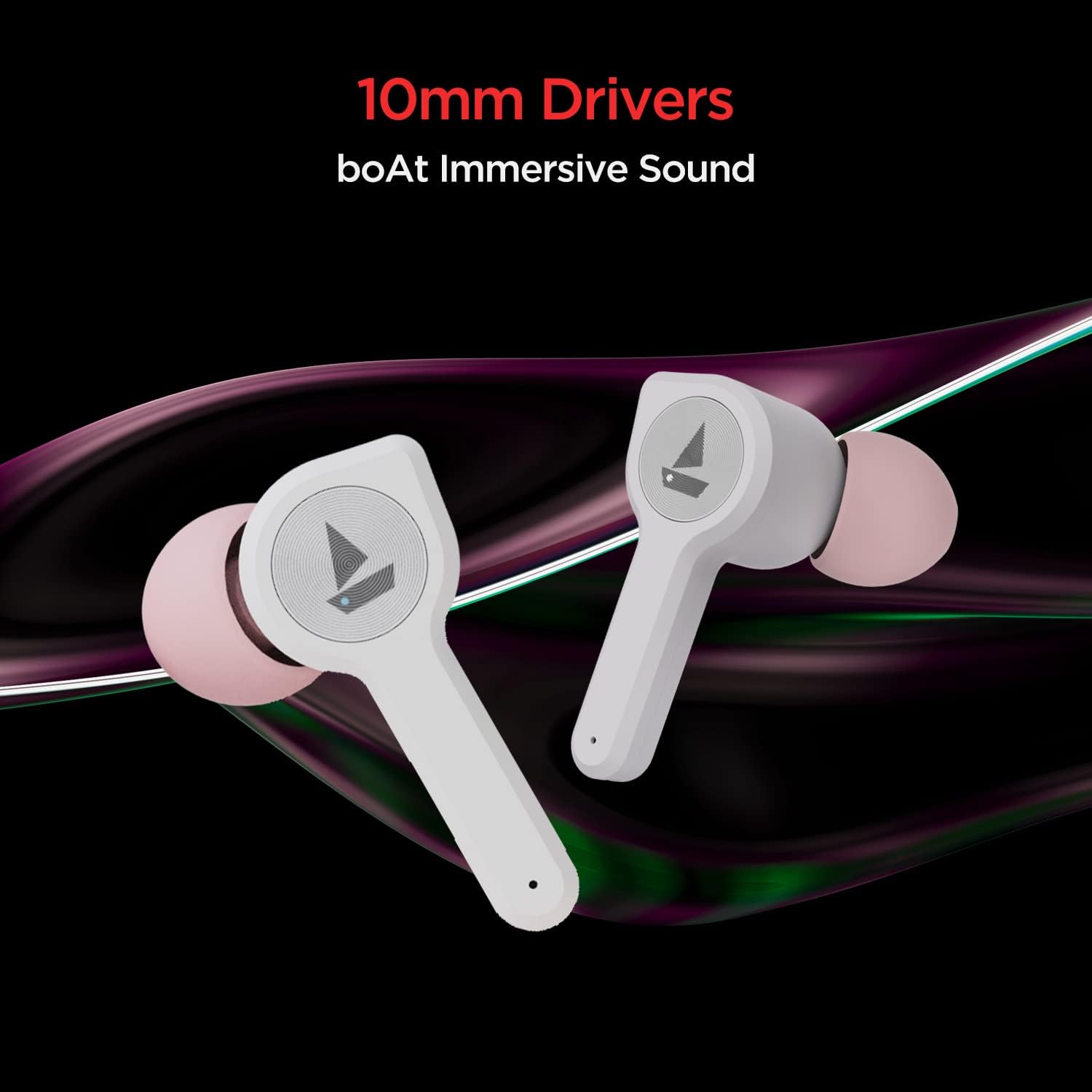
Image: The boAt Airdopes 408 earbuds highlighting the 10mm drivers for immersive sound.
תַחזוּקָה
ניקוי
Regularly clean your earbuds and charging case with a soft, dry cloth. Avoid using harsh chemicals or abrasive materials.
עמידות למים וזיעה
The Airdopes 408 earbuds are IPX4 rated, making them resistant to splashes of water and sweat. This makes them suitable for workouts and outdoor activities. However, they are not designed for submersion in water.

Image: The boAt Airdopes 408 earbuds demonstrating IPX4 water and sweat resistance.
פתרון בעיות
- אוזניות לא מתחברות: ודאו ששתי האוזניות טעונות. החזירו אותן למארז, סגרו אותו, ולאחר מכן פתחו אותו שוב כדי להיכנס שוב למצב צימוד. בדקו את הגדרות ה-Bluetooth של המכשיר ונסו להתחבר מחדש.
- רק אוזניה אחת עובדת: נסה לאפס את האוזניות. הנח את שתי האוזניות במארז הטעינה, ולאחר מכן הוצא אותן. אם הבעיה נמשכת, נסה לזווג אותן מחדש עם המכשיר שלך.
- ווליום נמוך: Adjust the volume on both your connected device and through the earbud controls. Ensure ear tips are properly sealed in your ear canal.
- בעיות טעינה: ודאו שכבל הטעינה מחובר היטב הן למארז והן למקור החשמל. נקו את מגעי הטעינה באוזניות ובתוך המארז.
מפרטים
| שם הדגם | Airdopes 408 |
| טכנולוגיית קישוריות | Bluetooth V5.0 |
| מיקום אוזניים | אין אוזן |
| שיטת בקרה | לָגַעַת |
| דירוג IP | IPX4 (עמיד במים וזיעה) |
| Playback Time (per charge) | עד 4 שעות |
| זמן נגינה כולל (עם כיסוי) | עד 20 שעות |
| טעינה בהקדם האפשרי | 5 דקות טעינה = 40 דקות נגינה |
| גודל דרייבר | 10 מ"מ |
| חוֹמֶר | פּלָסטִי |
| משקל פריט | 45 גרם |
| מידות המוצר | 7 x 6 x 3 ס"מ |
אחריות ותמיכה
Your boAt Airdopes 408 comes with a אחריות לשנה from the date of purchase. For warranty claims, technical support, or any product-related inquiries, please refer to the contact information provided on your warranty card or visit the official boAt support webאֲתַר.
אנא שמור את הוכחת הרכישה שלך לצורך אימות האחריות.