
1. הקדמה
This manual provides detailed instructions for the setup, operation, and maintenance of your TMY V88 Projector. Please read this manual thoroughly before using the product to ensure proper function and to prevent damage.
The TMY V88 is a native 1080P Full HD projector supporting 4K video sources, featuring 5G WiFi and Bluetooth 5.1 connectivity. It is designed for both indoor and outdoor use, offering a large screen viewניסיון.
2. תכולת החבילה
ודא שכל הפריטים נמצאים בחבילה:
- TMY V88 Projector
- כבל חשמל
- שְׁלַט רָחוֹק
- מדריך למשתמש
- כבל HDMI
- Cleaning Kit (Q-tips, cleaning solution)
- 80-inch Projection Screen with mounting hooks
- AV Cable (3.5mm to RCA)
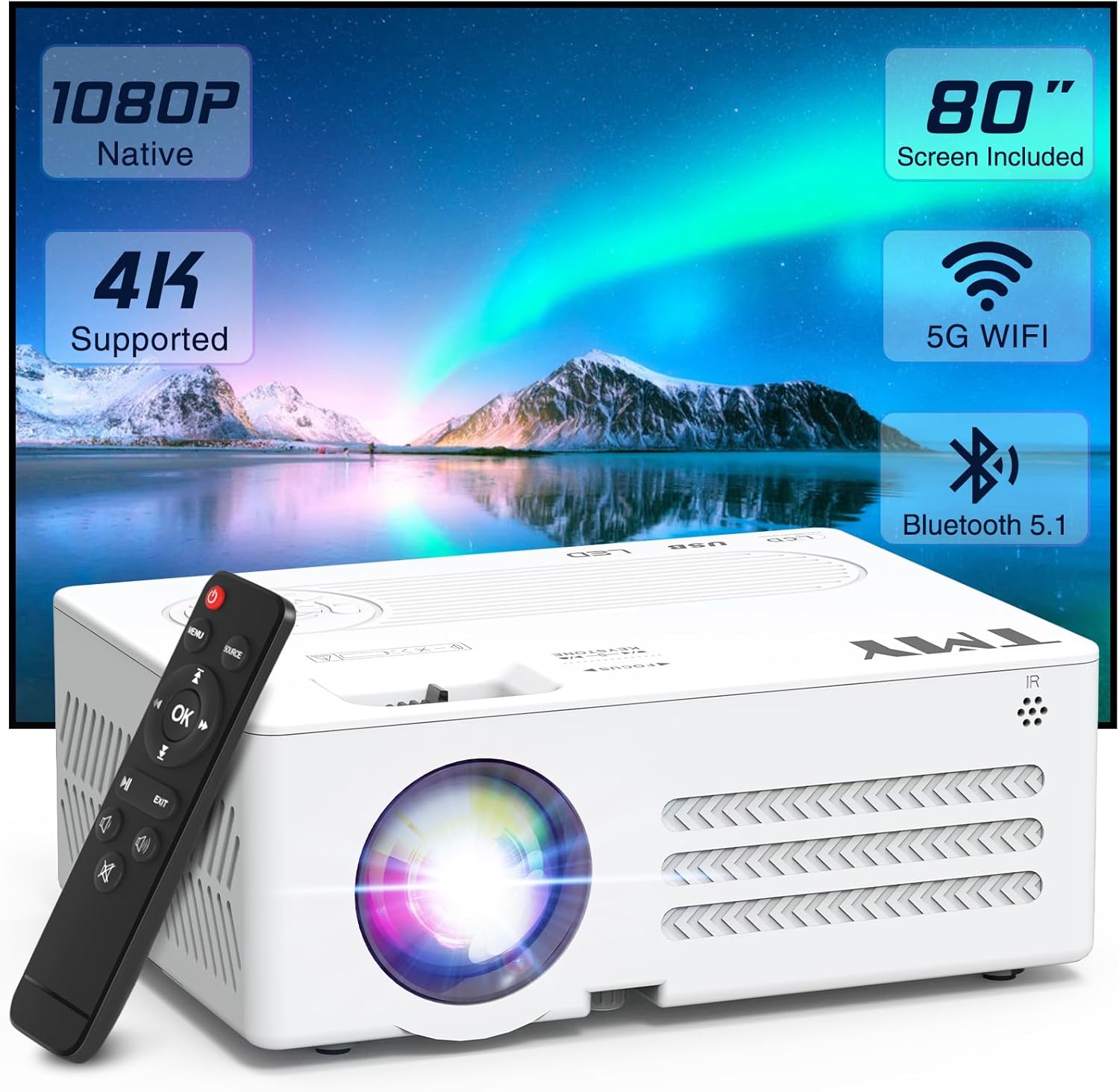
Image: TMY V88 Projector with remote, cables, and screen. This image displays the main projector unit, remote control, power cable, HDMI cable, AV cable, and the folded projection screen, illustrating the complete package contents.
3. המוצר נגמרview
3.1. תכונות המקרן
- Native 1080P Full HD resolution, 4K supported.
- 5G WiFi for stable and fast wireless mirroring.
- Bluetooth 5.1 for external audio device connection.
- רמקול מובנה.
- עיצוב קומפקטי ונייד.
- Adjustable projection size from 30 to 300 inches.
- ±15° Keystone correction.
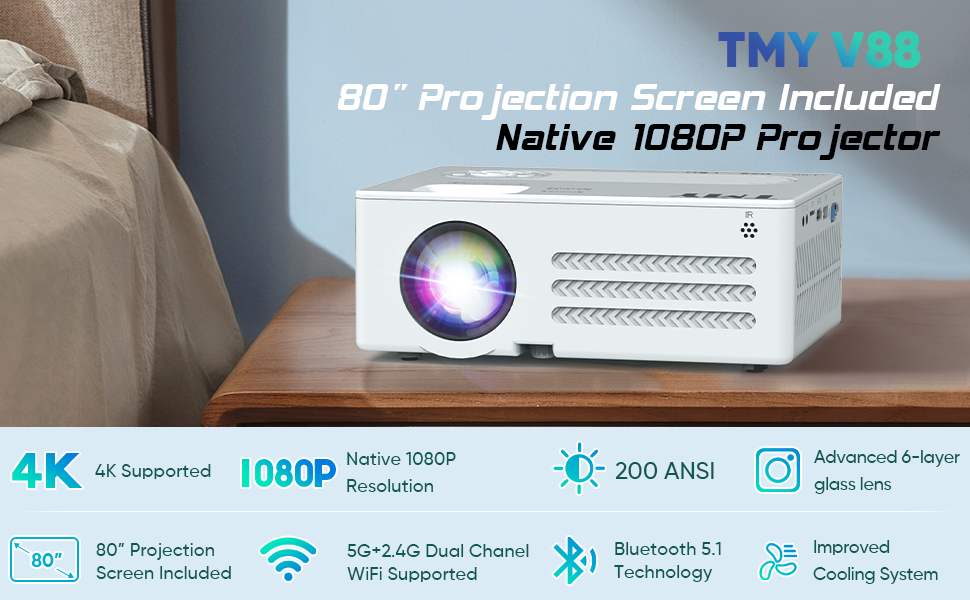
Image: Infographic highlighting key features such as 4K support, Native 1080P, 200 ANSI Lumen, 80" screen, 5G+2.4G WiFi, Bluetooth 5.1, and 250" large display. This image visually summarizes the core capabilities of the TMY V88 projector.
3.2. יציאות ובקרות
The projector features multiple ports for versatile connectivity and intuitive controls for ease of use.
- יציאת קול: 3.5mm jack for headphones or external speakers.
- חריץ כרטיס TF: להפעלת מדיה ישירות מכרטיס Micro SD.
- יציאת HDMI: Connects to computers, gaming consoles, TV sticks, etc.
- יציאות USB: For USB drives to play media or connect other USB devices.
- יציאת VGA: For connecting to older computer monitors.
- יציאת AV: For connecting older video devices using the included AV cable.
- גלגל פוקוס: כוונון ידני לבהירות תמונה.
- תיקון אבן מפתח: Adjusts image shape to correct trapezoidal distortion.
- כפתורי הפאנל העליונים: Power, navigation, and source selection.

תמונה: צד view of the TMY V88 Projector showing the audio, TF card, HDMI, USB, and VGA ports. This image provides a clear view of the projector's connectivity options.
4. התקנה
4.1. חיבור חשמל
- חבר את כבל החשמל לשקע החשמל של המקרן.
- חבר את הקצה השני של כבל החשמל לשקע חשמל.
- לחץ על לחצן ההפעלה במקרן או בשלט רחוק כדי להפעיל אותו.
4.2. מיקום המקרן
הנח את המקרן על משטח יציב ושטוח. לקבלת תוצאה אופטימלית viewing, ensure the projector is centered with the projection screen or wall.
- מרחק הקרנה: The recommended projection distance is between 0.9m (35 inches) and 3.3m (120 inches) for optimal image quality.
- גודל מסך: The projector supports screen sizes from 30 to 300 inches.
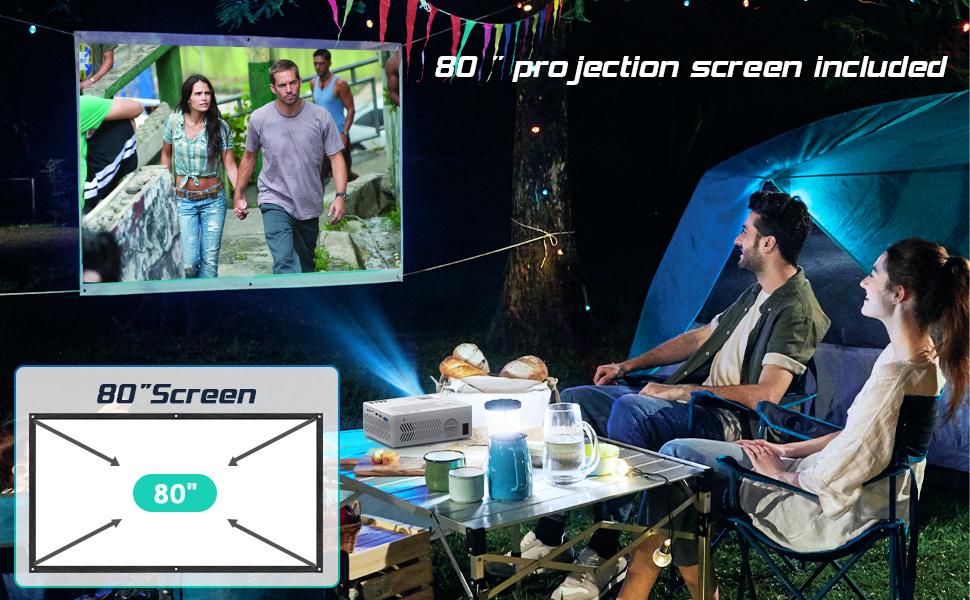
Image: Diagram illustrating recommended projection distances for various screen sizes, from 35 inches at 0.9 meters to 120 inches at 3.3 meters. This helps users determine optimal placement for their desired screen size.
4.3. כוונון מיקוד וקווסטרציה
- מוֹקֵד: Rotate the focus wheel on top of the projector until the image is clear and sharp.
- תיקון אבן מפתח: Use the keystone correction slider to adjust the image shape if it appears trapezoidal.
Video: A user demonstrating the automatic and manual focus adjustment of the projector. The video shows the projector automatically adjusting focus when moved, and then manually adjusting the focus wheel for fine-tuning, highlighting the ease of achieving a clear image.
5. הפעלת המקרן
5.1. בחירת מקור קלט
After powering on, the projector will display the main menu. Use the remote control or top panel buttons to navigate and select your desired input source:
- HDMI: For devices connected via HDMI cable (e.g., laptop, TV stick, gaming console).
- USB/TF: עבור התקשורת files stored on USB drives or TF cards.
- AV: For devices connected via AV cable (e.g., DVD player).
- שיקוף מסך: For wireless connection with iOS or Android devices.
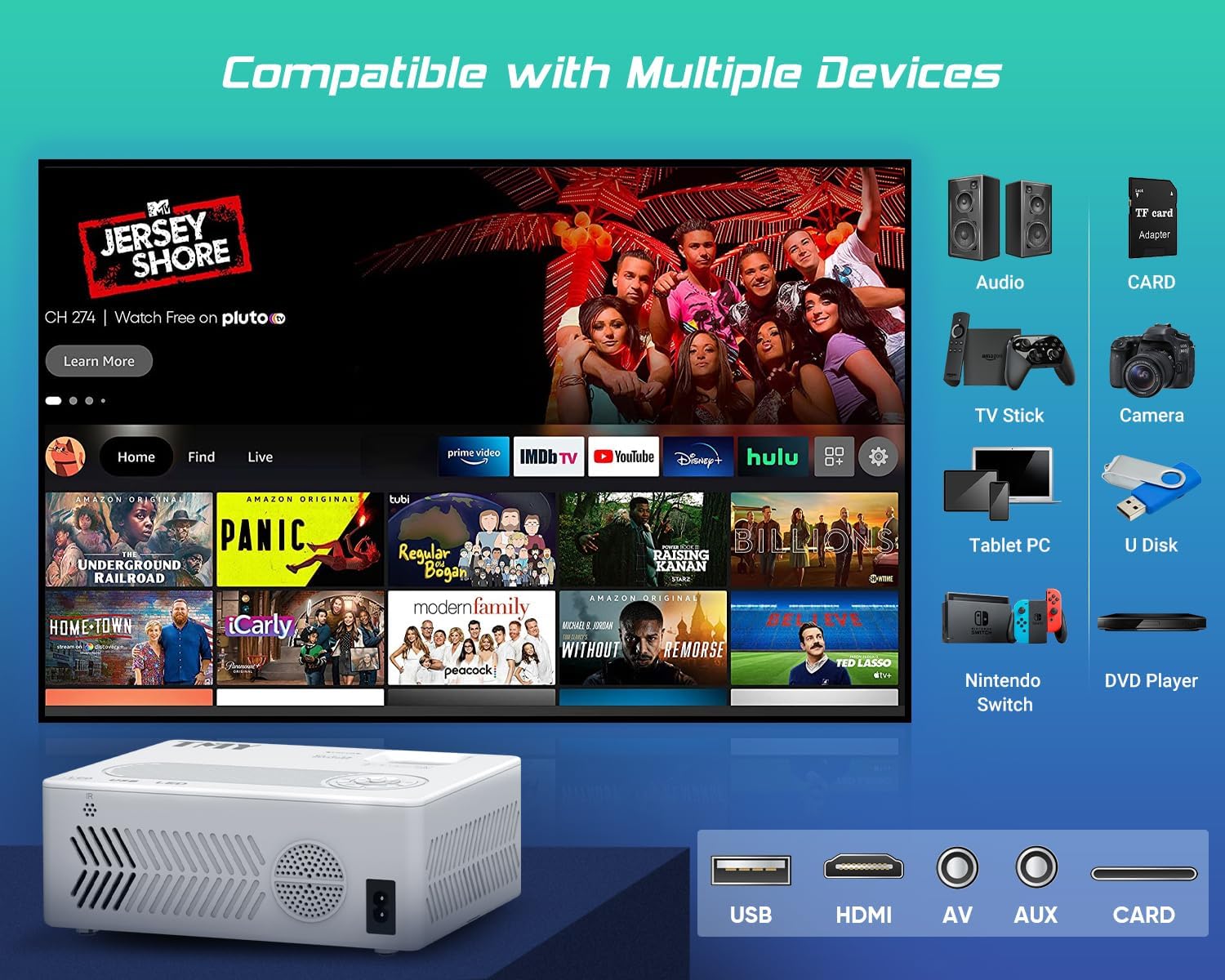
Image: An illustration of the projector connected to various devices such as audio systems, TV sticks, cameras, tablet PCs, Nintendo Switch, and DVD players, demonstrating its broad compatibility. The image also highlights the USB, HDMI, AV, and AUX ports.
5.2. קישוריות אלחוטית (WiFi ו-Bluetooth)
The TMY V88 Projector supports both 5G WiFi for screen mirroring and Bluetooth 5.1 for audio output.
5.2.1. שיקוף מסך (WiFi)
- Select "Screen Mirroring" from the main menu.
- Choose "iOS Cast" for Apple devices or "Android Screen" for Android devices.
- Ensure your mobile device is connected to the same WiFi network as the projector.
- On your mobile device, activate screen mirroring/casting and select the projector from the list of available devices.

Image: A smartphone wirelessly mirroring its screen to the TMY V88 Projector, displaying content on a large wall, illustrating the 5G WiFi connectivity feature. The image shows the projector in a living room setting.
5.2.2. חיבור אודיו בלוטות'
- From the main menu, navigate to "Settings" and then "Bluetooth".
- Turn on Bluetooth and select "Search" to find available devices.
- Select your desired Bluetooth speaker or headphones from the list to pair.

Image: The TMY V88 Projector on a table, surrounded by Bluetooth headphones and a speaker, indicating its Bluetooth audio connectivity. This image highlights the projector's ability to connect to external audio devices wirelessly.
6. תחזוקה
6.1. ניקוי העדשה
כדי לשמור על איכות תמונה אופטימלית, יש לנקות את עדשת המקרן באופן קבוע.
- Use a soft, lint-free cloth or the included cleaning kit.
- Gently wipe the lens surface. Avoid harsh chemicals or abrasive materials.
6.2. ניקיון כללי
Wipe the projector's exterior with a soft, dry cloth. Ensure ventilation vents are clear of dust and debris to prevent overheating.
7. פתרון תקלות
| בְּעָיָה | סיבה אפשרית | פִּתָרוֹן |
|---|---|---|
| לא הוצגה תמונה | נבחר מקור קלט שגוי, חיבור כבל רופף, המכשיר אינו דולק. | Verify input source, check all cable connections, ensure connected device is powered on. |
| תמונה מטושטשת | Out of focus, incorrect keystone adjustment. | Adjust the focus wheel until the image is clear. Use keystone correction to square the image. |
| אין קול | Volume too low, external speaker not connected/paired, incorrect audio output selected. | Increase volume. Check Bluetooth connection for external speakers. Ensure correct audio output is selected in settings. |
| בעיות שיקוף מסך | Different WiFi networks, device compatibility, network interference. | Ensure both devices are on the same 5G WiFi network. Restart both devices. Check for network congestion. |
8. מפרטים
- מותג: TMY
- דֶגֶם: V88
- רזולוציית תצוגה: Native 1920 x 1080 (Full HD), 4K Supported
- קישוריות: 5G WiFi, Bluetooth 5.1, HDMI, USB, AV, TF Card, VGA
- גודל הקרנה: 30 אינץ' - 300 אינץ'
- יחס גובה-רוחב: 4:3 / 16:9
- תיקון אבן מפתח: ±15° ידני
- רַמקוֹל: מובנה
- משקל פריט: 1.98 פאונד
- מידות המוצר: 9.13 x 7.17 x 3.74 אינץ'
9. אחריות ותמיכה
TMY offers comprehensive customer support for its products.
- אַחֲרָיוּת: 3 Years Warranty.
- שירות לאחר המכירה: Lifetime after-sale service and technical support.
- החזרות: 30 Days No Reason to Return.
- תְמִיכָה: תשובה מהירה תוך 24 שעות.

Image: Graphic detailing TMY's customer support offerings, including lifetime after-sale service, 24-hour quick replies, 30-day no-reason returns, and a 3-year warranty. This image reassures users about product support.