

מָבוֹא
Welcome to the user manual for your ACAGET Wireless Earbuds. These earbuds are designed to provide a high-fidelity audio experience with advanced features for daily use, sports, and travel. This manual will guide you through setup, operation, maintenance, and troubleshooting to ensure optimal performance and enjoyment of your device.
תוכן החבילה
אנא ודא שכל הפריטים המפורטים להלן כלולים בחבילה שלך:
- 1x True Bluetooth Headphone (Wireless Earbuds)
- תיבת טעינה 1x
- 1x כבל טעינה USB-C
- 1x Earhooks (for secure fit)
- 1x Silicone Earbud Protective Case
- 1x מדריך למשתמש

Image: The package contents laid out, including the earbuds, charging case, USB-C cable, earhooks, and user manual.
הגדרה
טעינת האוזניות והמארז
The charging case has a 300mAh battery and can recharge the earbuds approximately 4 times, providing up to 25 hours of additional playtime. The earbuds themselves offer 4-5 hours of playtime on a single full charge.
To charge the case, connect the provided USB-C charging cable to the charging port on the case and a compatible power source. The indicator light on the case will illuminate to show charging status. A full charge for the case takes approximately 1.5 hours.
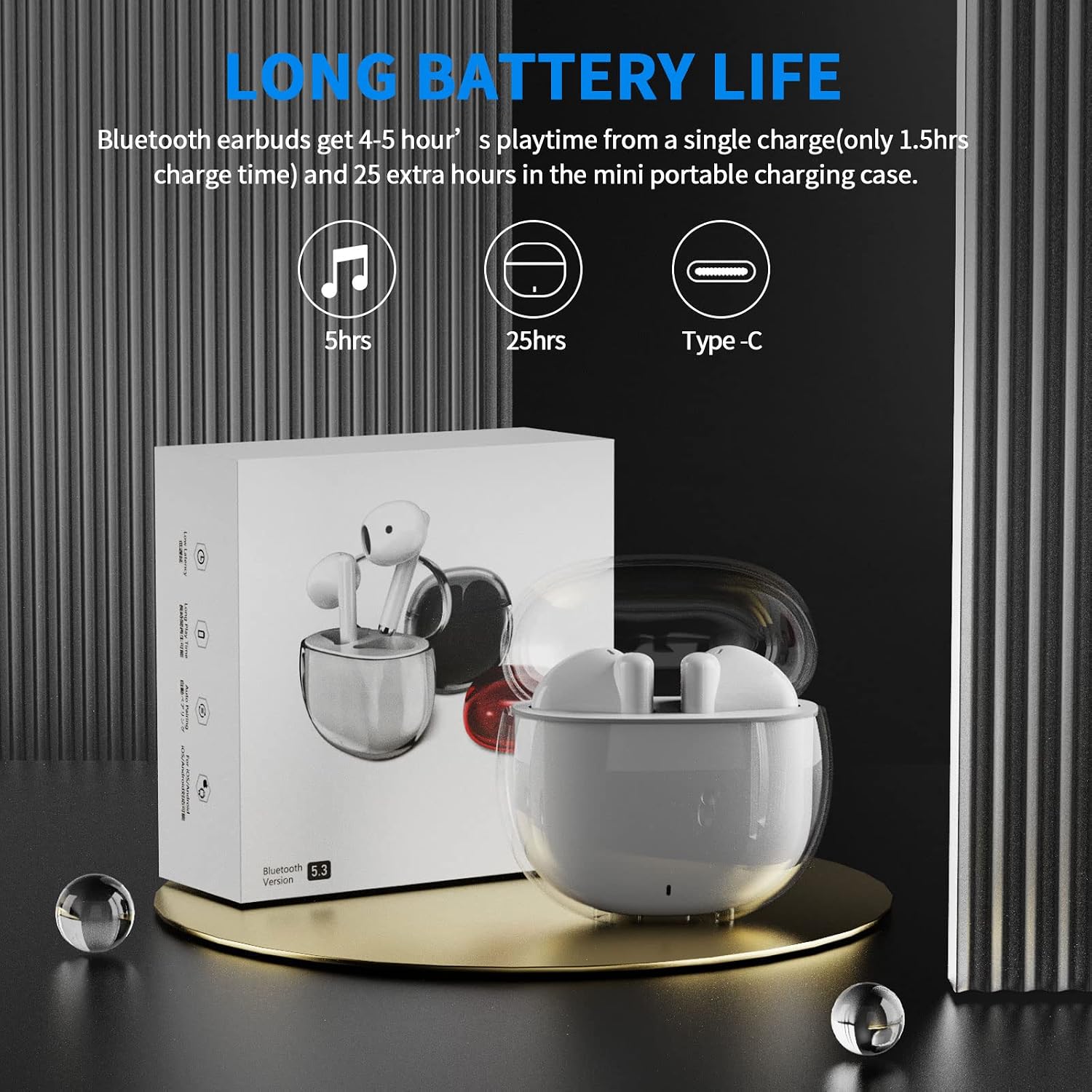
Image: A visual representation of the earbuds' battery life, showing 5 hours for earbuds and 25 hours total with the charging case, and the USB-C charging port.
התאמה למכשיר שלך
The earbuds feature one-step pairing for quick and easy connection to your devices. They utilize advanced Bluetooth 5.3 technology for a stable and fast connection.
- ודא שה-Bluetooth של המכשיר שלך מופעל.
- פתחו את מארז הטעינה. האוזניות יידלקו אוטומטית ויכנסו למצב צימוד.
- On your device (smartphone, tablet, laptop), go to the Bluetooth settings and select "ACA-i23" from the list of available devices to connect.
- לאחר החיבור, תשמעו צליל אישור, והאוזניות יהיו מוכנות לשימוש.

Image: A graphic illustrating the advanced Bluetooth 5.3 technology and the one-step pairing process with a smartphone, showing the "ACA-i23" device name.
Video: This official ACAGET video demonstrates the simple one-step pairing process and how to use the smart touch controls for music playback and call management.
הוראות הפעלה
פקדי מגע חכמים
The earbuds feature intuitive touch controls for managing your audio and calls without needing to access your connected device.
- הפעל/השהה מוזיקה: הקש פעמיים על האוזניה הימנית.
- הרצועה הבאה: הקש שלוש פעמים על האוזניה הימנית.
- רצועה קודמת: הקש שלוש פעמים על האוזניה השמאלית.
- מענה/סיום שיחה: הקש פעמיים על אחת האוזניות.
- דחה שיחה: לחץ והחזק את אחת האוזניות למשך 2 שניות.
- עוזר קולי להתעורר (Siri): הקש פעמיים על האוזנייה השמאלית.

Image: A visual guide detailing the various touch control gestures for music playback, call management, and voice assistant activation on the earbuds.
Video: This official ACAGET video highlights the ergonomic design, Bluetooth 5.3 features, smart touch controls, long battery life, and the secure fit provided by the included over-ear earhooks.
תַחזוּקָה
ניקוי
To maintain optimal performance and hygiene, regularly clean your earbuds and charging case. Use a soft, dry, lint-free cloth. Avoid using harsh chemicals, abrasive materials, or excessive moisture, as these can damage the device.
עמידות במים
The ACAGET Wireless Earbuds are rated IPX4 waterproof, meaning they are protected against splashing water from any direction. This makes them suitable for use during workouts, in light rain, or when sweating. פֶּתֶק: The earbuds are not designed for submersion in water and should not be used for swimming or bathing.
פתרון בעיות
בעיות נפוצות ופתרונות
אוזניות לא מתחברות:
- ודאו ששתי האוזניות נמצאות במארז הטעינה וטעונות במלואן.
- Make sure Bluetooth is enabled on your device and "ACA-i23" is selected from the available devices.
- Try resetting the earbuds by placing them in the case, closing the lid, and reopening after a few seconds.
Only one earbud charging/working:
- Verify that both earbuds are properly seated in the charging case and making firm contact with the charging pins.
- Clean the charging contacts on both the earbuds and the case with a dry cotton swab to remove any debris.
- אם הבעיה נמשכת, צור קשר עם תמיכת הלקוחות לקבלת סיוע נוסף.
בעיות איכות הצליל:
- Ensure the earbuds are properly fitted in your ears for optimal sound delivery.
- בדוק את מקור השמע ואת עוצמת הקול במכשיר המחובר.
- Move closer to your device to avoid interference or range issues, as the Bluetooth range is up to 15 meters.
מפרטים
מפרט טכני
| תכונה | פְּרָט |
|---|---|
| שם הדגם | אוזניות אלחוטיות i23 |
| טכנולוגיית קישוריות | אַלחוּט |
| טכנולוגיית תקשורת אלחוטית | בלוטות' |
| גרסת בלוטות' | 5.3 |
| טווח בלוטות' | 15 מטר |
| חיי סוללה (אוזניות) | 5 שעות |
| חיי סוללה של תיק נשיאה | 25 שעות |
| קיבולת סוללה של תיק נשיאה | 300 מיליamp שעות |
| זמן טעינה | 1.5 שעות |
| רמת עמידות במים | IPX4 עמיד למים |
| סוג בקרה | בקרת מדיה |
| שיטת בקרה | לָגַעַת |
| סוג מנהל התקן שמע | מנהל התקן דינמי |
| גודל מנהל התקן שמע | 13 מילימטרים |
| טווח תדרים | 20 הרץ - 20,000 הרץ |
| רְגִישׁוּת | 105 dB |
| עַכָּבָּה | 32 אוהם |
| משקל פריט | 3.84 אונקיות |
| מידות המוצר | 5.9 x 4.72 x 1.18 אינץ' |
| חוֹמֶר | אקרילוניטריל בוטאדיאן סטירן (ABS) |
| מכשירים תואמים | Compatible with various Bluetooth devices, including cellphones, iPad, laptops, and many Android and iOS smartphones. |
אחריות ותמיכה
מידע על אחריות
ACAGET provides a 90-day refund and 6-month replacement policy for any defect problems with your earbuds. This warranty covers manufacturing defects and ensures your satisfaction with the product.
תמיכת לקוחות
For any issues, questions, or suggestions regarding your ACAGET Wireless Earbuds, please do not hesitate to contact us through the message system. Our support team is committed to responding immediately to assist you.
For a detailed user guide, you can also refer to the official PDF document: מדריך למשתמש (PDF).