
1. הקדמה
Welcome to the Nokia T10 Wi-Fi Tablet user manual. This guide provides essential information to help you set up, operate, maintain, and troubleshoot your new device. The Nokia T10 is an 8-inch HD Android 12 tablet designed for everyday use, offering a balance of performance and portability.
Please read this manual carefully to ensure proper use and to maximize the lifespan of your tablet.
2. מה בקופסה
Upon unboxing your Nokia T10 tablet, please verify that all the following items are included:
- Nokia T10 Tablet Device
- כבל USB מסוג C
- מַטעֵן
- מדריך להתחלה מהירה (QSG)
- חוברת בטיחות
- User Guide Band
- Plastic Bag (packaging material)
If any items are missing or damaged, please contact your retailer or Nokia customer support immediately.
3. התקנה
3.1 טעינת הטאבלט
Before first use, fully charge your Nokia T10 tablet. Connect the provided Type-C USB cable to the tablet's charging port and the other end to the charger. Plug the charger into a power outlet. The battery indicator on the screen will show the charging status.
3.2 הפעלה/כיבוי
- כדי להפעיל: לחץ והחזק את לחצן ההפעלה עד להופעת לוגו נוקיה.
- כדי לכבות: לחץ והחזק את לחצן ההפעלה עד להופעת אפשרויות צריכת החשמל על המסך. בחר "כיבוי" ואשר.
- לאתחל: לחץ והחזק את לחצן ההפעלה עד להופעת אפשרויות צריכת החשמל. בחר "הפעלה מחדש" ואשר.
3.3 הגדרה ראשונית
When you power on your tablet for the first time, you will be guided through an initial setup process:
- בחירת שפה: בחר את השפה המועדפת עליך.
- חיבור Wi-Fi: Connect to a Wi-Fi network to access the internet. This is crucial for downloading updates and setting up your Google account.
- חשבון גוגל: Sign in with your existing Google account or create a new one. This is necessary for accessing the Google Play Store, Gmail, and other Google services.
- תאריך ושעה: הגדר את התאריך והשעה הנכונים, או אפשר לרשת להגדיר אותם באופן אוטומטי.
- בִּטָחוֹן: Set up a screen lock (PIN, pattern, password) and consider enabling AI Face Unlock for convenient access.
3.4 הכנסת כרטיס MicroSD
The Nokia T10 supports expandable storage via a MicroSD card. Locate the SIM/SD card tray on the side of the tablet. Use the provided SIM ejector tool to open the tray. Carefully place the MicroSD card into the designated slot with the gold contacts facing down, then reinsert the tray firmly.
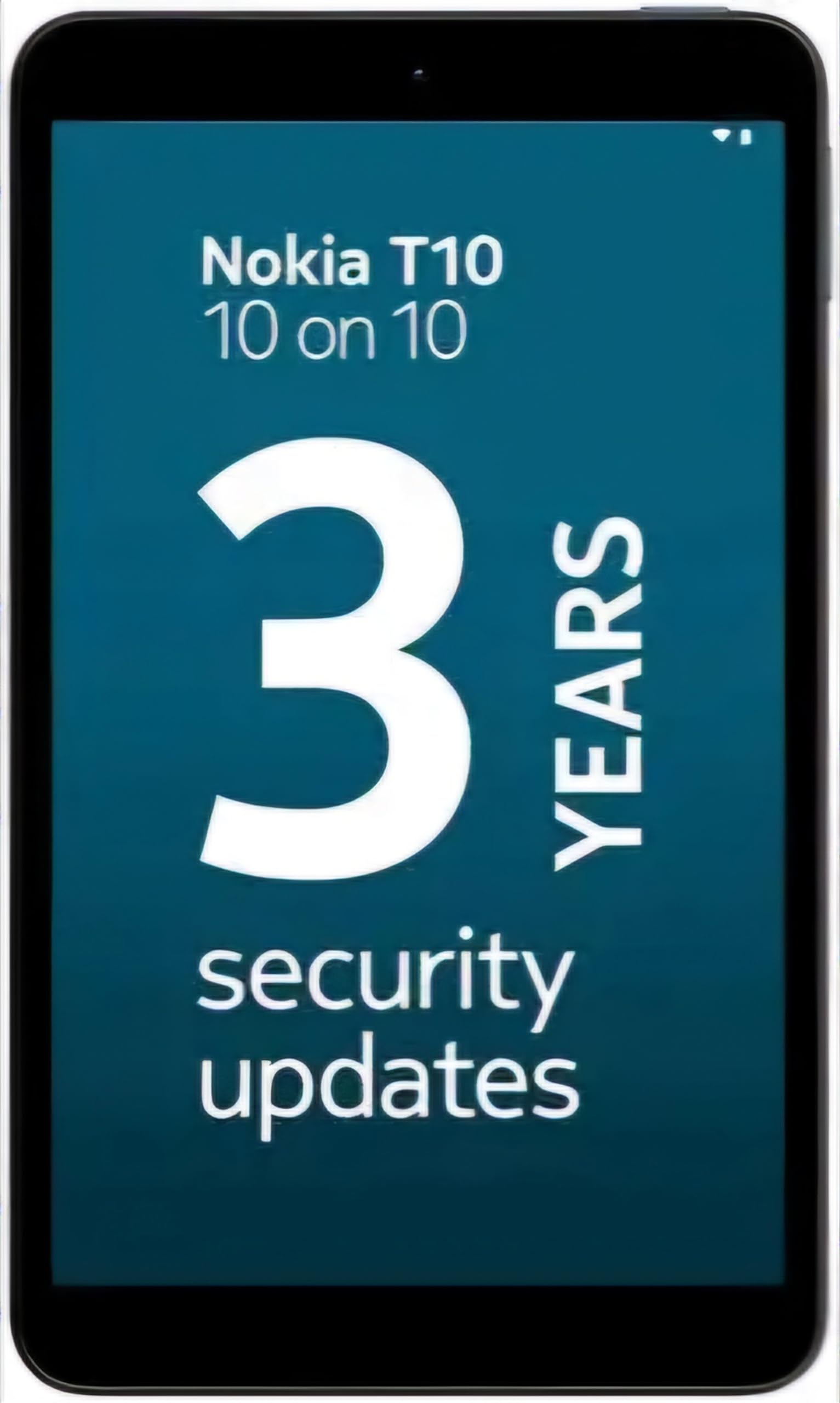
Image: Nokia T10 tablet, showcasing its sleek design and the rear camera module.
4. הוראות הפעלה
4.1 תצוגה וניווט
The Nokia T10 features an 8-inch HD display (1280x800 pixels). Navigate the interface using touch gestures:
- בֶּרֶז: בחר פריט או פתח אפליקציה.
- לִגנוֹב: גלילה בין מסכים, רשימות או תוכן.
- צביטה-להגדלה: הגדלה או הקטנה של תמונות ו web דפים.
- לחיצה ארוכה: גישה לתפריטי הקשר או הזזת סמלי אפליקציות.
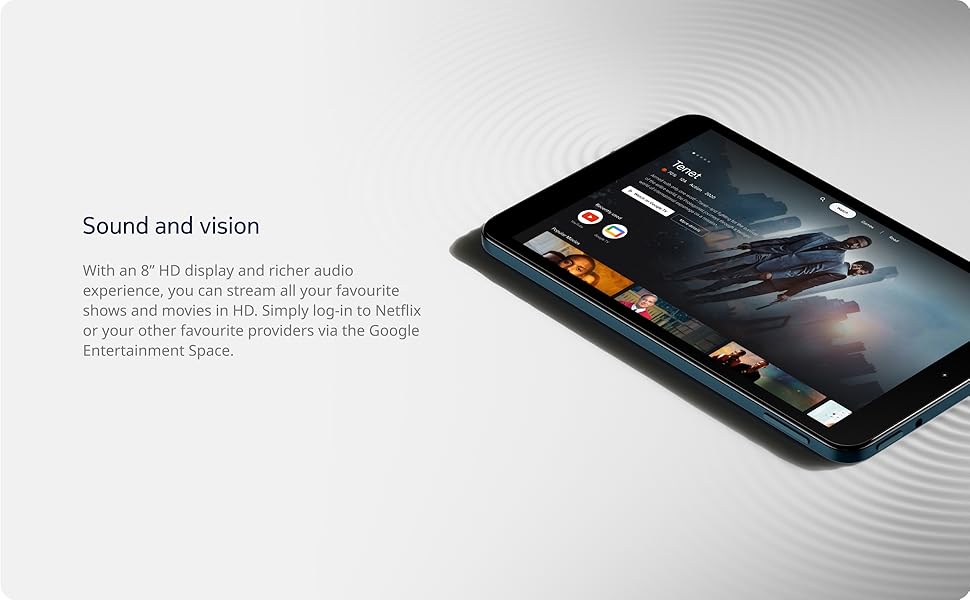
Image: The Nokia T10 tablet showcasing its 8-inch HD display with streaming video content.
4.2 פונקציות המצלמה
Your tablet is equipped with an 8MP rear camera with autofocus and flash, and a 2MP front camera.
- מצלם: פתחו את אפליקציית המצלמה, מקמו את התמונה שלכם והקישו על כפתור הצילום.
- הקלטת סרטונים: Switch to video mode in the Camera app and tap the record button to start/stop. The tablet supports FHD 1080p video capture.
- מצלמה קדמית: Tap the camera switch icon to use the front camera for selfies or video calls.

Image: A Nokia T10 tablet displaying a video call, highlighting its front camera functionality.
4.3 ניהול סוללה
The Nokia T10 has a 5250 mAh battery designed for all-day use. To optimize battery life:
- הפחת את בהירות המסך.
- כבו את ה-Wi-Fi וה-Bluetooth כאשר אינם בשימוש.
- סגור אפליקציות ברקע.
- הפעל את מצב חיסכון בסוללה בהגדרות.
4.4 קישוריות
- Wi-Fi: Connect to wireless networks via Settings > Network & internet > Wi-Fi. The tablet supports 802.11a/b/g/n/ac standards.
- בלוטות': Pair with Bluetooth devices (headphones, speakers) via Settings > Connected devices > Bluetooth. The tablet features Bluetooth 5.0.
- USB Type-C: השתמש ביציאת USB-C לטעינה והעברת נתונים.
4.5 AI Face Unlock
For quick and secure access, set up AI Face Unlock:
- Go to Settings > Security > Face unlock.
- עקוב אחר ההוראות שעל המסך כדי לרשום את הפנים שלך.
- Ensure you are in a well-lit environment during setup and use.
4.6 תוכנה ועדכונים
The Nokia T10 runs on Android 12. Nokia provides 2 years of OS updates and 3 years of monthly security updates to keep your device secure and up-to-date. You will receive notifications when updates are available. It is recommended to install updates over a Wi-Fi connection.
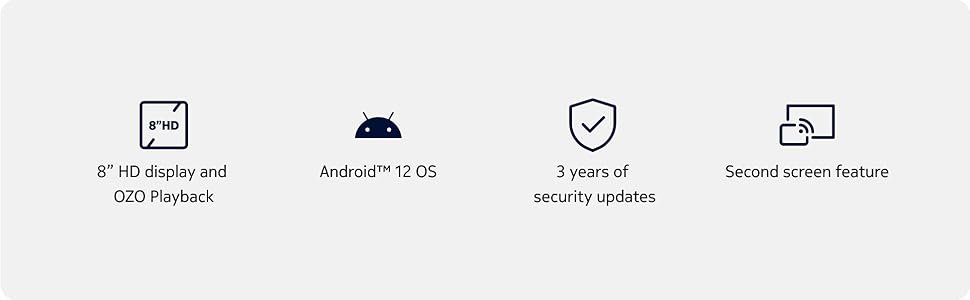
Image: Visual representation of Nokia T10 features including Android 12 OS and 3 years of security updates.
5. תחזוקה
5.1 ניקוי הטאבלט
- השתמש במטלית רכה ונטולת סיבים כדי לנקות את המסך והגוף.
- הימנעו משימוש בכימיקלים חזקים, חומרי ניקוי שוחקים או תרסיסים.
- Do not expose the tablet to excessive moisture.
5.2 עדכוני תוכנה
בדוק באופן קבוע אם קיימים עדכוני תוכנה והתקן אותם כדי להבטיח ביצועים ואבטחה מיטביים. עבור אל הגדרות > מערכת > עדכון מערכת.
5.3 ניהול אחסון
כדי לשמור על ביצועים, נהל מעת לעת את אחסון הטאבלט שלך:
- מחיקת אפליקציות מיותרות ו files.
- העברה גדולה files (photos, videos) to a MicroSD card or cloud storage.
- Clear app cache regularly via Settings > Apps > [App Name] > Storage & cache.
6. פתרון תקלות
If you encounter issues with your Nokia T10 tablet, try the following solutions:
| בְּעָיָה | פִּתָרוֹן |
|---|---|
| הטאבלט לא נדלק | ודא שהסוללה טעונה. חבר את המטען והמתן מספר דקות לפני שתנסה להפעיל שוב. |
| בעיות חיבור Wi-Fi | Restart your Wi-Fi router. Go to Settings > Network & internet > Wi-Fi, turn Wi-Fi off and then on again. Forget the network and reconnect. |
| ביצועים איטיים | Close unused apps. Clear app caches. Restart the tablet. Check for available software updates. |
| אפליקציות קורסות או קופאות | Force stop the app (Settings > Apps > [App Name] > Force stop). Clear the app's cache and data. Reinstall the app. |
| הסוללה מתרוקנת במהירות | Reduce screen brightness. Disable unnecessary features like GPS, Bluetooth, and Wi-Fi when not in use. Check battery usage in Settings to identify power-hungry apps. |
If the problem persists after trying these steps, please contact Nokia customer support.
7. מפרטים
Below are the key technical specifications for the Nokia T10 Wi-Fi Tablet:
- שם הדגם: Nokia T10 TA-1472 WIFI 3/32
- מַעֲרֶכֶת הַפעָלָה: אנדרואיד 12
- מעבד: יוניסוק T606 (שמונה ליבות, 1.6 גיגה-הרץ)
- מעבד גרפי: Mali-G57
- אַיִל: 3 ג'יגה-בייט
- אחסון פנימי: 32 ג'יגה-בייט
- אחסון ניתן להרחבה: Yes, via MicroSD card (up to 512GB, sold separately)
- לְהַצִיג: 8-inch HD (1280 x 800 pixels) TFT, 16:10 aspect ratio
- מצלמה אחורית: 8 MP with AF and Flash
- מצלמה קדמית: 2 מגה פיקסל
- רזולוציית לכידת וידאו: FHD 1080p at 30 fps
- סוֹלְלָה: פולימר ליתיום 5250 mAh
- קישוריות: Wi-Fi (802.11a/b/g/n/ac), Bluetooth 5.0, USB Type-C, 3.5mm Audio Jack
- תכונות אבטחה: נעילת פנים של AI
- שֶׁמַע: Stereo Speakers, OZO Playback
- Dimensions (L x W x Thickness): 20.8L x 12.3W x 0.9Th Centimeters
- מִשׁקָל: 375 גרם
- צֶבַע: כְּחוֹל
8. מידע על אחריות
The Nokia T10 tablet comes with a אחריות יצרן לשנה for the device and battery from the date of purchase. In-box accessories are covered by a אחריות יצרן ל-6 חודשים from the date of purchase. Please retain your proof of purchase for warranty claims. For detailed terms and conditions, refer to the warranty card included in your product packaging or visit the official Nokia support webאֲתַר.
9. תמיכה
For further assistance, technical support, or to find service centers, please visit the official Nokia support website or contact their customer service. You can typically find support contact information on the Nokia website or in the safety booklet provided with your tablet.
תמיכה מקוונת: תמיכת נוקיה Webאֲתַר