
1. הקדמה
This manual provides detailed instructions for the setup, operation, and maintenance of your PINKCAT Wireless Keyboard and Mouse Combo. This 2.4G wireless peripheral set is designed for use with various operating systems, offering a full-sized keyboard with a palm rest and a silent optical mouse for enhanced productivity and comfort.
2. תכולת החבילה
אנא ודא שכל הפריטים נמצאים בחבילה שלך:
- מקלדת אלחוטית
- עכבר אלחוטי
- מקלט USB (בדרך כלל מאוחסן בתוך תא הסוללה של העכבר)
- מדריך למשתמש
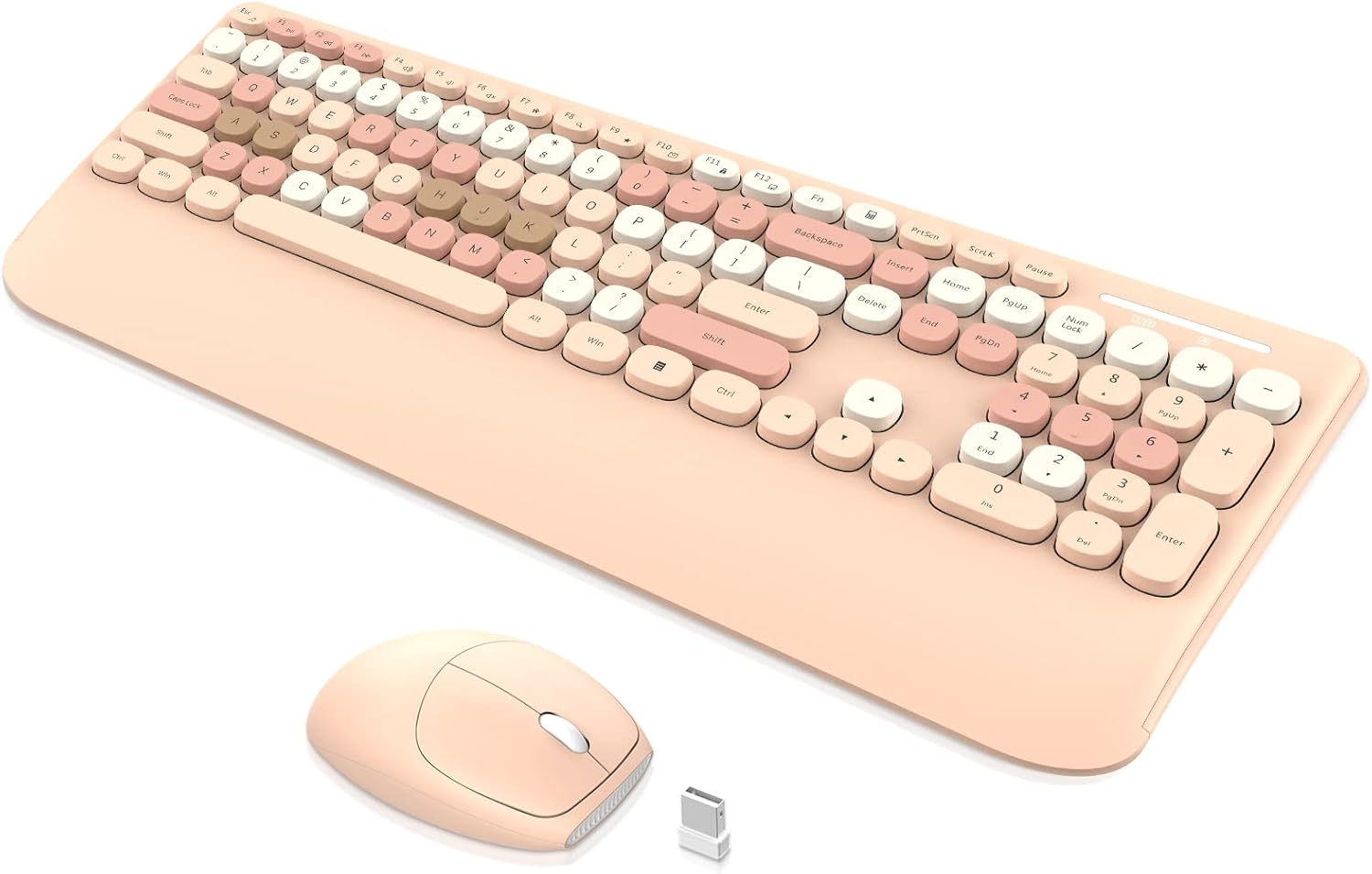
Image: The PINKCAT wireless keyboard, mouse, and USB receiver. The keyboard features a full layout with a wrist rest, and the mouse is compact with a smooth finish.
3. הוראות התקנה
3.1. התקנת סוללה
- עבור העכבר: Open the battery compartment cover located on the underside of the mouse. Insert one (1) AA battery (not included), ensuring correct polarity. Close the cover. The USB receiver is typically stored in this compartment.
- עבור המקלדת: Open the battery compartment cover on the underside of the keyboard. Insert one (1) AAA battery (not included), ensuring correct polarity. Close the cover.

Image: The underside of the wireless mouse, illustrating the battery compartment, power switch, and the slot for the USB receiver.
3.2. התחברות למכשיר שלך
- Locate the USB receiver. It is usually stored in the battery compartment of the mouse.
- Plug the USB receiver into an available USB port on your computer (Laptop, PC, Mac, etc.).
- Turn on the power switch on the underside of the mouse.
- המקלדת והעכבר אמורים להתחבר אוטומטית למכשיר שלך. בדרך כלל אין צורך במנהלי התקנים נוספים עבור רוב מערכות ההפעלה.
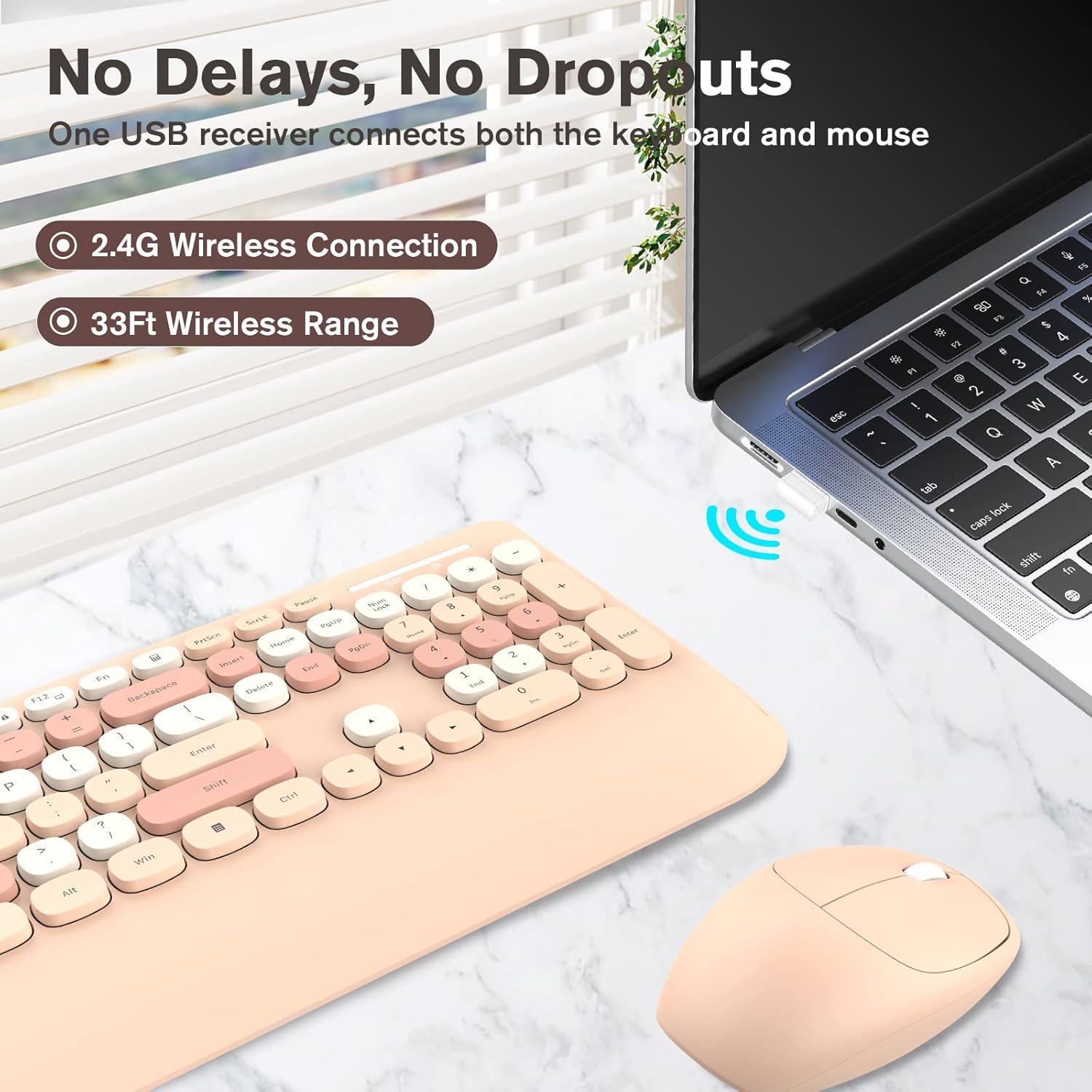
Image: A visual representation of the 2.4G wireless connection, showing the USB receiver plugged into a laptop, enabling the keyboard and mouse to operate wirelessly within a 33ft range.
4. הוראות הפעלה
4.1. שימוש במקלדת
- פריסה בגודל מלא: The keyboard features a standard full-sized layout, including a numeric keypad for efficient data entry.
- מקשי מולטימדיה: Utilize the function (Fn) key in combination with specific F-keys for quick access to multimedia controls and other shortcuts. Refer to the keycap legends for specific functions.
- עיצוב ארגונומי: The keyboard includes a comfortable wrist rest and a foldable stand to adjust the typing angle, reducing wrist fatigue during extended use.

Image: An illustration highlighting the ergonomic features of the keyboard, including its foldable stand for adjustable tilt and the integrated non-slip wrist rest designed to reduce pressure.
4.2. שימוש בעכבר
- מעקב אופטי: The mouse uses optical tracking for precise cursor control.
- קליקים שקטים: Designed for quiet operation, minimizing click noise.
- 3-Button & Roller: פונקציונליות סטנדרטית של לחיצה שמאלית, לחיצה ימנית וגלגלת.
4.3. פונקציית שינה חכמה
To conserve battery life, both the keyboard and mouse feature an automatic sleep mode:
- מִקלֶדֶת: Enters sleep mode after approximately 8 minutes of inactivity. Press any key to reactivate.
- עַכְבָּר: Enters sleep mode after approximately 5 minutes of inactivity. Click any button to reactivate.

Image: A graphic detailing the auto power-saving function for both the keyboard and mouse, including their respective battery life estimates and automatic sleep timings.
5. תחזוקה
5.1. ניקיון
- מִקלֶדֶת: Use a soft, dry cloth to wipe the surface. For deeper cleaning, the rounded keycaps are removable. A small brush can be used to clean debris from underneath the keycaps.
- עַכְבָּר: Wipe with a soft, dry cloth. Avoid using harsh chemicals or abrasive materials.

תמונה: תצוגת המקלדתasing its cute retro rounded keys, removable keycaps made of ABS material, and an included brush for deep cleaning.
5.2. החלפת סוללה
When the keyboard or mouse performance degrades (e.g., lag, unresponsiveness), it may be time to replace the batteries. Follow the battery installation steps in Section 3.1.
- Keyboard requires one (1) AAA battery.
- Mouse requires one (1) AA battery.
6. פתרון תקלות
| בְּעָיָה | פִּתָרוֹן |
|---|---|
| מקלדת/עכבר לא מגיבים |
|
| מקשים דביקים או לא מגיבים |
|
| Mouse cursor jumps or is erratic |
|
| Automatic sleep mode activates too quickly |
|
7. מפרטים
| תכונה | פְּרָט |
|---|---|
| מותג | חתול ורוד |
| דֶגֶם | B0B97627CD |
| טכנולוגיית קישוריות | 2.4G Radio Frequency (USB Receiver) |
| טווח אלחוטי | עד 10 מטר (33 רגל) |
| סוג מקלדת | Full-sized with Numeric Keypad, Wrist Rest |
| כוח מקלדת | 1 סוללות AAA (לא כלולות) |
| סוג עכבר | Optical, Silent Click, 3-Button with Scroll Roller |
| כוח עכבר | 1 x סוללת AA (לא כלול) |
| מערכות הפעלה תואמות | Windows, MacOS, Linux, iOS, Android |
| תכונות מיוחדות | Ergonomic design, Smart Sleep Mode, Removable Keycaps |
| מידות מקלדת | כ-436.0 מ"מ x 182.3 מ"מ (17.2 אינץ' x 7.2 אינץ') |
| מידות עכבר | כ-104.7 מ"מ x 69.2 מ"מ x 36.0 מ"מ (4.1 אינץ' x 2.7 אינץ' x 1.4 אינץ') |

Image: The full-size keyboard with its dimensions (436.0mm / 17.2in length, 182.3mm / 7.2in width), highlighting its number pad and 13 combined multimedia keys.
Image: The wireless mouse with its dimensions (104.7mm / 4.1in length, 69.2mm / 2.7in width, 36.0mm / 1.4in height), showing its 3-button and roller design.
8. אחריות ותמיכה
PINKCAT products are designed for reliability and performance. For specific warranty details, please refer to the warranty card included with your product or visit the official PINKCAT website. If you encounter any issues or require assistance, please contact PINKCAT customer service via Amazon email for support. We aim to provide a satisfactory solution within 24 hours.
מידע ליצירת קשר:
- שֵׁירוּת לָקוֹחוֹת: Contact via Amazon email (as mentioned in product description).
- Webאֲתַר: Refer to product packaging or online listings for official webפרטי האתר.