1. הקדמה
תודה על הרכישהasing the KAGO 4K HDMI Splitter 1 in 10 Out, Model 4K1010. This device is designed to distribute a single HDMI source signal to ten HDMI displays simultaneously. It supports high-resolution video up to 4K@30Hz, 3D visual effects, and various digital audio formats, ensuring a high-quality audio and video experience across multiple screens. This manual provides detailed instructions for setup, operation, and troubleshooting to help you maximize the performance of your HDMI splitter.
2. מידע בטיחות
- ודא שמתאם החשמל תואם את עוצמת הקולtagדרישות האזור שלך.
- אין לחשוף את המכשיר למים, לחות או לטמפרטורות קיצוניות.
- הימנע מהצבת המכשיר בקרבת מקורות חום או באור שמש ישיר.
- אל תנסה לפתוח או לתקן את המכשיר בעצמך. יש לפנות לכל טיפול וטיפול באנשי מקצוע מוסמכים.
- נתק את החשמל במהלך סופות ברקים או כאשר אינו בשימוש למשך תקופות ארוכות.
- השתמש רק במתאם החשמל המצורף.
3. תכולת החבילה
אנא ודא שכל הפריטים נמצאים בחבילה שלך:
- KAGO 4K HDMI Splitter 1 in 10 Out (Model: 4K1010)
- מתאם מתח (DC 12V/2A)
- מדריך למשתמש
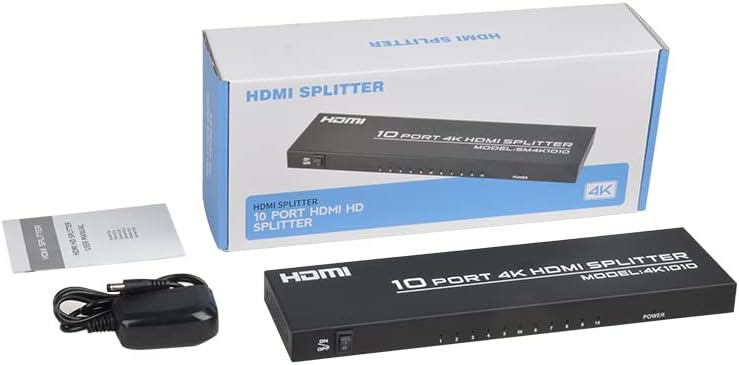
Image: The KAGO 4K HDMI Splitter, its power adapter, and the instruction manual are shown alongside the product packaging.
4. המוצר נגמרview
The KAGO 4K HDMI Splitter 1 in 10 Out features a robust design with clear labeling for easy connection and operation.
פאנל קדמי:
- מתג הדלק / כבה: בקרת כוח למכשיר.
- Output Indicators (1-10): LEDs that illuminate when an HDMI output is connected and active.
- מחוון חשמל: LED that illuminates when the device is powered on.
לוח אחורי:
- כניסת HDMI: Port for connecting your single HDMI source device.
- HDMI OUT 1-10: Ten ports for connecting your HDMI display devices.
- DC 5V: יציאת קלט חשמל עבור מתאם החשמל המצורף.

תמונה: למעלה view showing the power switch and ten output indicator LEDs. Bottom view showing the HDMI input, ten HDMI output ports, and the DC power input.
5. הוראות התקנה
Follow these steps to set up your KAGO 4K HDMI Splitter:
- חיבור מקור HDMI: Connect an HDMI cable from your source device (e.g., PC, laptop, game console, Blu-ray player) to the HDMI IN הפורט על המפצל.
- חיבור צגי HDMI: Connect HDMI cables from your display devices (e.g., HDTVs, monitors, projectors) to the HDMI OUT 1-10 ports on the splitter. You can connect up to ten displays.
- חבר חשמל: Plug the included DC 12V/2A power adapter into the DC 5V במפצל, לאחר מכן חבר את המתאם לשקע חשמל.
- הפעלה: Flip the ON/OFF switch on the front panel to the 'ON' position. The power indicator and active output indicators will light up.
- אמת חיבור: Ensure all connected displays are receiving the signal from your source device.
This device is designed for plug-and-play operation, requiring no additional drivers or software installation.

Image: A visual representation of connecting an HDMI source to the splitter's input and ten HDMI displays to its outputs.
6. הוראות הפעלה
The KAGO 4K HDMI Splitter operates automatically once connected and powered on. It duplicates the single HDMI input signal to all connected HDMI outputs.
- תצוגה בו זמנית: All ten connected displays will show the exact same audio and video content from the single HDMI source.
- תמיכה ברזולוציה: The splitter supports resolutions up to 4K (3840x2160) at 30Hz, as well as 1080P, 1080i, 720p, 576p, 576i, 480P, and 480i. It also supports 3D images.
- סנכרון אודיו: The device ensures audio and video are synchronized, supporting various digital audio formats including DTS-HD, Dolby-trueHD, LPCM 7.1, DTS, Dolby-AC3, and DSD.
- תְאִימוּת: Compatible with a wide range of HDMI-integrated devices and operating systems, including Windows, MS-DOS, Linux, Android, and Mac OS.

תמונה: אקס ויזואליample of ten monitors simultaneously displaying the same content, illustrating the splitter's core function.

Image: Demonstrates support for 4K high-definition and 3D visual effects.
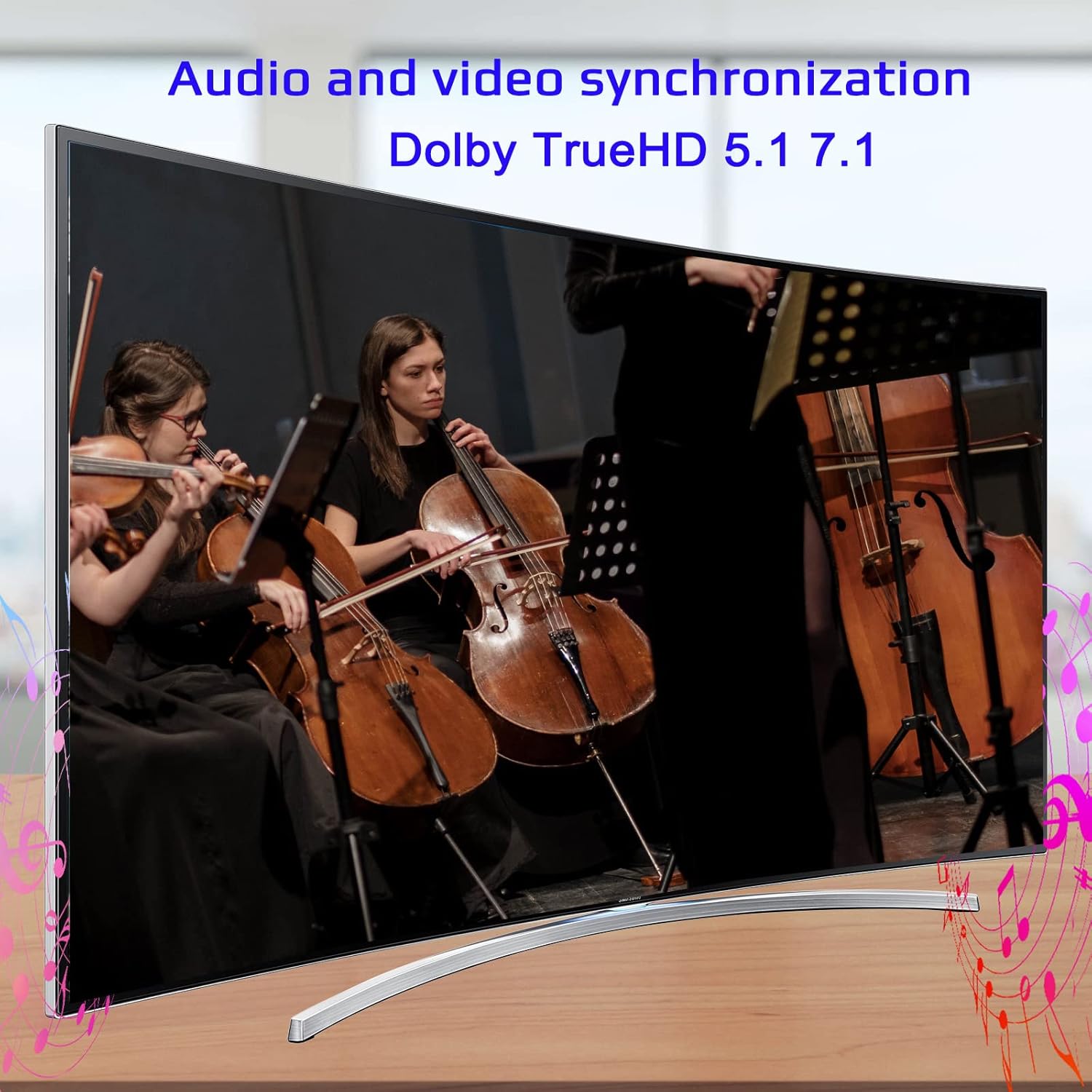
Image: Illustrates the audio and video synchronization capabilities, including Dolby TrueHD 5.1/7.1.
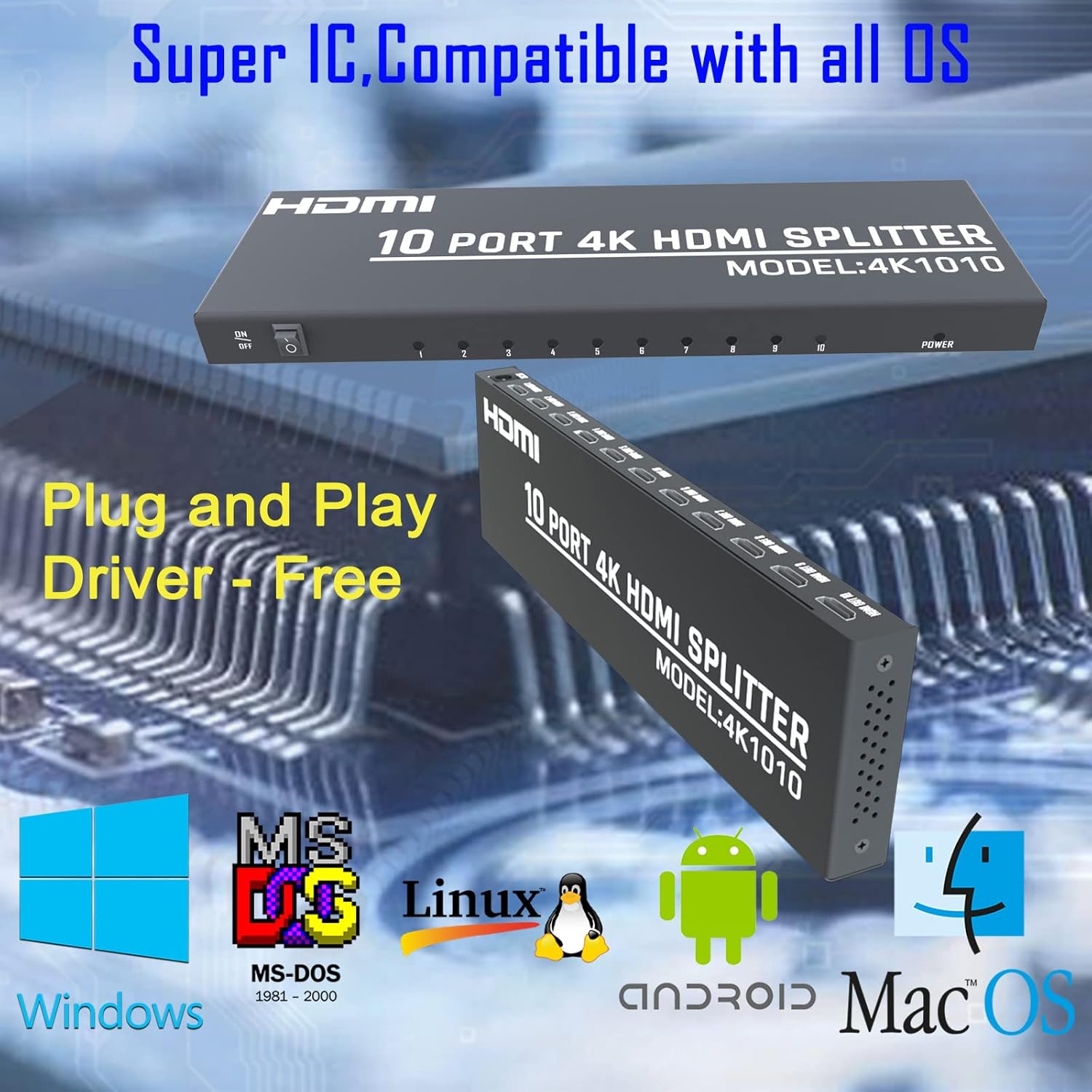
Image: Highlights the splitter's compatibility with various operating systems and its plug-and-play functionality.
7. פתרון תקלות
If you encounter issues with your KAGO 4K HDMI Splitter, please refer to the following common solutions:
| בְּעָיָה | סיבה אפשרית | פִּתָרוֹן |
|---|---|---|
| אין אות בתצוגה/תצוגות | Loose HDMI cables, incorrect input selection on TV, power issue. | Check all HDMI cable connections. Ensure the TV input is set to the correct HDMI port. Verify the splitter is powered on and the power indicator is lit. Try a different HDMI cable. |
| תמונה מהבהבת או מעוותת | Poor quality/lengthy HDMI cables, resolution incompatibility. | Use high-quality HDMI cables (19+1AWG26 standard recommended). Ensure cable lengths are within recommended limits (input 1-10M, output 1-15M). Try a lower resolution on the source device. |
| אין אודיו | Audio settings on source/display, faulty HDMI cable. | Check audio settings on your source device and display. Ensure the HDMI cable supports audio transmission. Try a different HDMI cable. |
| רק חלק מהפלטים עובדים | Faulty output port, issue with specific display/cable. | Test the non-working output with a known good display and cable. Ensure the output indicator LED for that port is lit. |
8. מפרטים
| תכונה | פְּרָט |
|---|---|
| מספר דגם | 4K1010 |
| מידות המוצר | 11.1 x 3.1 x 1 אינץ' |
| משקל פריט | 1.48 פאונד |
| סוג מחבר | HDMI |
| רזולוציות נתמכות | Up to 4K (3840x2160@30Hz), 1080P, 1080i, 720p, 576p, 576i, 480P, 480i |
| תמיכת תלת מימד | כֵּן |
| Digital Audio Formats | DTS-HD / Dolby-trueHD / LPCM7.1 / DTS / Dolby-AC3 / DSD |
| רוחב פס | 10.2 Gbps |
| מתאם מתח | קלט: AC (50HZ, 60HZ) 100V-240V; פלט: DC12V/2A |
| אורך כבל HDMI מומלץ | Input: 1-10M (16ft); Output: 1-15M (48ft) |
| יַצרָן | Siying |
9. תחזוקה
To ensure the longevity and optimal performance of your KAGO 4K HDMI Splitter, follow these maintenance guidelines:
- ניקוי: השתמשו במטלית רכה ויבשה לניקוי החלק החיצוני של המכשיר. אין להשתמש בחומרי ניקוי נוזליים או בתרסיסים.
- אוורור: Ensure the device has adequate ventilation. Do not block the ventilation holes. The design promotes efficient heat dissipation to prevent overheating during extended use.

Image: A visual representation of the splitter's heat dissipation design, indicating it remains cool during operation.
10. אחריות ותמיכה
KAGO products are designed for reliability and performance. For warranty information or technical support, please refer to the contact details provided with your purchase or visit the official KAGO webאתר. אנא שמור את הוכחת הרכישה שלך עבור כל תביעת אחריות.