
1. המוצר נגמרview
The Septekon Model 764 is a 1080p wireless outdoor security camera designed for reliable home surveillance. It features enhanced dual Wi-Fi antennas for stable connectivity, AI motion detection with real-time alerts, two-way audio communication, and advanced night vision capabilities. Its IP66 waterproof rating ensures durability in various weather conditions, while enterprise-grade encryption protects your video data stored in the cloud or on an SD card.

Image 1.1: Septekon 1080p Wireless Outdoor Security Camera highlighting key features like 1080p resolution, night vision, instant alerts, motion detection, Alexa compatibility, IP66 rating, two-way audio, cloud/TF card storage, 2.4GHz WiFi, and siren.
תכונות עיקריות:
- Enhanced Dual Wi-Fi Antenna: Provides a stronger Wi-Fi signal and extended transmission range for stable 2.4G Wi-Fi connectivity.
- AI Motion Detection and Two-Way Audio: Integrated motion sensor and AI technology send accurate, real-time alerts. Built-in microphone and speaker allow for communication or deterrence.
- 1080p Live Video and Advanced Night Vision: Features a 2-megapixel HD lens and 8 advanced infrared LEDs for ultra-clear night vision up to 20 meters (65 feet).
- Easy Installation and IP66 Waterproof Rating: Simple setup via the Septekon app. Anti-corrosion body and waterproof rubber rings ensure reliable operation in all weather conditions.
- Enterprise-Grade Video Encryption and Cloud/SD Card Storage: AES256 encryption for secure data transmission. Supports cloud storage and local micro SD card storage up to 128GB (not included).
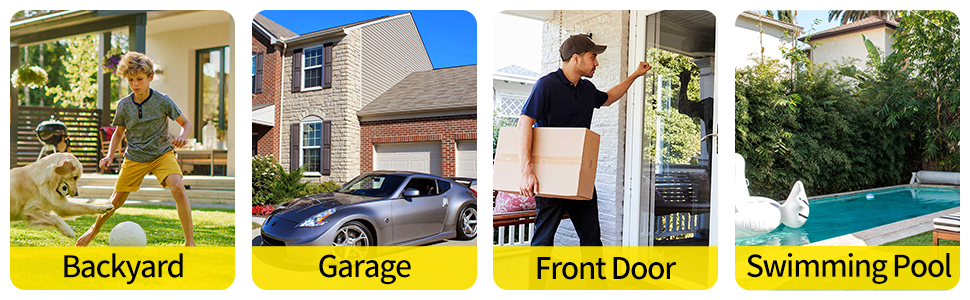
תמונה 1.2: דוגמהamples of common installation locations and usage scenarios for the outdoor security camera.
2. תכולת החבילה
אנא בדקו את תוכן החבילה בעת פתיחת הקופסה כדי לוודא שכל הפריטים נמצאים:
- Septekon 1080p Wireless Outdoor Security Camera (Model 764)
- מתאם מתח
- ברגי הרכבה ותקעים לקיר
- מדריך למשתמש (מסמך זה)
3. התקנה
3.1. Download the Septekon App
חפש "Septekon" in your smartphone's app store (Google Play Store for Android or Apple App Store for iOS) and download the official application. Follow the on-screen instructions to create an account.
3.2. הפעל את המצלמה
Connect the provided power adapter to the camera and plug it into a standard electrical outlet. The camera will power on and initiate its startup sequence. Wait for the indicator light to show it is ready for connection (refer to the app for specific light indications).
3.3. התחבר ל-Wi-Fi
- Open the Septekon app and tap on "Add Device" or the '+' icon.
- Select your camera model or scan the QR code located on the camera or its packaging.
- Follow the in-app instructions to connect the camera to your 2.4GHz Wi-Fi network. Ensure your phone is also connected to the same 2.4GHz network during setup. הערה: מצלמה זו אינה תומכת ברשתות Wi-Fi 5GHz.
- לאחר החיבור, תוכלו לתת שם למצלמה ולהשלים את תהליך ההתקנה.
3.4. הרכבת המצלמה
Choose a suitable outdoor location for mounting, ensuring a clear field of view and proximity to a power source. The camera is designed for wall mounting.
- Mark the drilling points on the wall using the camera's mounting base as a template.
- קדחו חורים והכניסו את תקעי הקיר.
- אבטחו את בסיס ההרכבה לקיר באמצעות הברגים המצורפים.
- חבר את המצלמה לבסיס ההרכבה והתאם את זוויתה לכיסוי אופטימלי.
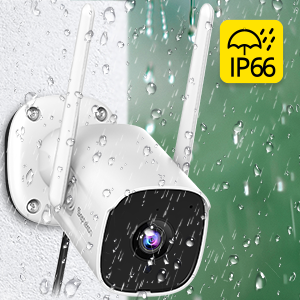
Image 3.1: Illustrates the process of mounting the camera to a wall.
4. הוראות הפעלה
4.1. לחיות View
Open the Septekon app and select your camera from the device list to access the live video feed. You can view foo בזמן אמתtage מכל מקום עם חיבור לאינטרנט.

Image 4.1: Demonstrates the ability to watch live video remotely and share access with multiple users.
4.2. שמע דו-כיווני
בזמן שידור חי view, tap the microphone icon in the app to speak through the camera's built-in speaker. Tap the speaker icon to listen to audio from the camera's surroundings. This feature allows for direct communication with visitors or deterrence of unwanted individuals.

Image 4.2: A user communicating with a delivery person via the camera's two-way audio feature.
4.3. זיהוי תנועה והתראות
The camera's AI motion detection system will send real-time alerts to your phone when suspicious activity is detected. You can customize motion detection sensitivity and alert settings within the Septekon app.

Image 4.3: Depicts real-time motion alerts and the activation of a siren to deter intruders.
4.4. ראיית לילה
The camera automatically switches to advanced night vision mode in low-light conditions, providing clear black-and-white footage up to 20 meters (65 feet). This ensures continuous surveillance around the clock.
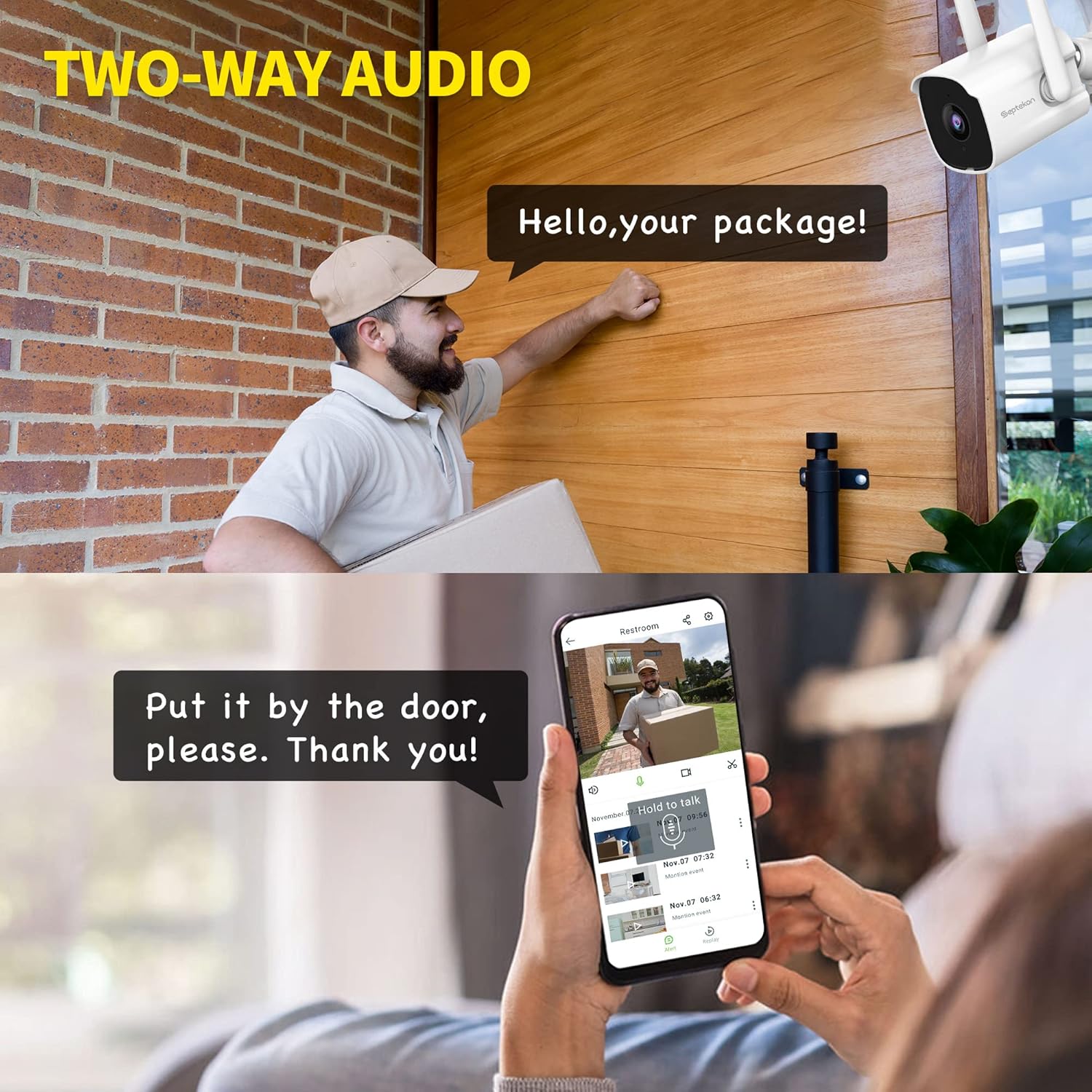
Image 4.4: Illustrates the clarity of the camera's enhanced night vision feature.
4.5. הקלטה ואחסון
The camera supports two storage options for recorded footage:
- אחסון בענן: Securely store your video data in the cloud with AES256 encryption. Access, review, download, and share recordings anytime from the Septekon app. A subscription may be required for cloud services.
- אחסון כרטיס מיקרו SD: Insert a micro SD card (up to 128GB, not included) into the camera's designated slot for local storage. Footage can be accessed and managed through the app.

Image 4.5: Shows the options for encrypted cloud storage and local SD card storage.
4.6. שיתוף רב משתמשים
You can share access to your camera's live feed and recordings with up to 20 other users through the Septekon app. This allows family members or trusted individuals to monitor your property.

Image 4.6: Illustrates the multi-user sharing feature, allowing several people to view הזנת המצלמה.
5. תחזוקה
Regular maintenance ensures optimal performance and longevity of your Septekon security camera.
- ניקוי: נקו מעת לעת את עדשת המצלמה ואת ביתה בעזרת מטלית רכהamp cloth to remove dust, dirt, or water spots. Do not use harsh chemicals or abrasive materials.
- עדכוני קושחה: Check the Septekon app regularly for available firmware updates. Keeping your camera's firmware up-to-date ensures access to the latest features and security enhancements.
- בדיקת חיבור: Ensure the power cable and Wi-Fi connection remain stable. Re-secure any loose connections.
- בדיקה סביבתית: While IP66 rated, periodically inspect the camera for any signs of wear or damage, especially after extreme weather events.
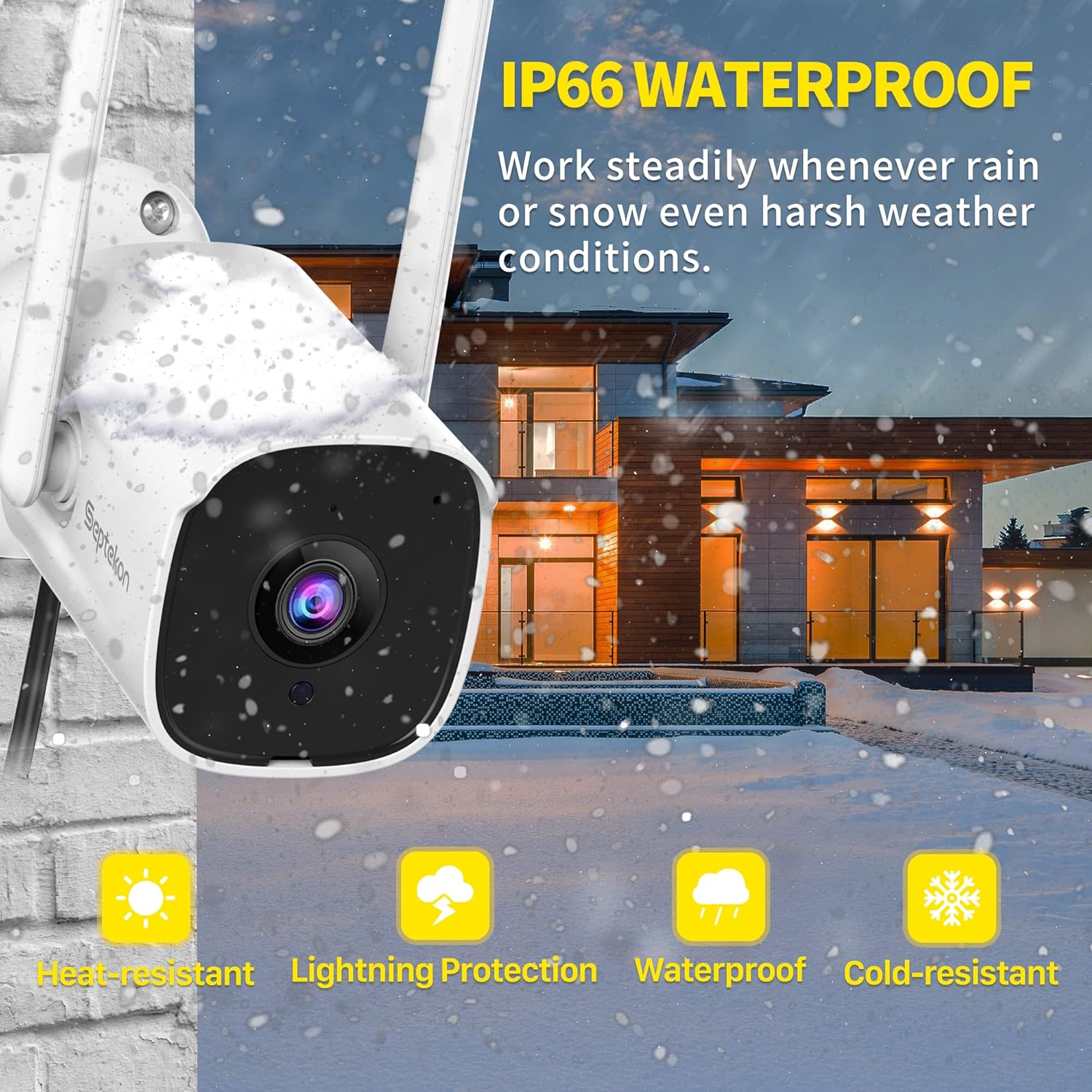
Image 5.1: The camera's IP66 rating ensures durability against various weather conditions like rain and snow.
6. פתרון תקלות
אם נתקלת בבעיות עם המצלמה שלך, עיין בבעיות הנפוצות ובפתרונות הבאים:
| בְּעָיָה | סיבה אפשרית | פִּתָרוֹן |
|---|---|---|
| המצלמה במצב לא מקוון/לא ניתן להתחבר ל-Wi-Fi | Weak Wi-Fi signal, incorrect Wi-Fi password, 5GHz network used. | Ensure camera is within Wi-Fi range. Verify Wi-Fi password. Connect to a 2.4GHz network. Restart camera and router. |
| No image/Poor image quality | Lens is dirty, insufficient lighting, network bandwidth issues. | Clean the camera lens. Ensure adequate lighting or check night vision settings. Check internet speed. |
| זיהוי תנועה לא עובד או רגיש מדי | Incorrect sensitivity settings, detection zone not configured, environmental factors (e.g., moving branches). | Adjust motion detection sensitivity in the app. Configure detection zones to exclude irrelevant areas. |
| בעיות שמע דו-כיווני | Microphone/speaker blocked, app permissions, low volume. | Ensure nothing is obstructing the microphone or speaker. Check app permissions for audio. Adjust volume settings. |
| כרטיס SD לא מקליט | SD card full, corrupted, or not inserted correctly. | Check SD card status in the app. Format the SD card (this will erase data). Replace with a new SD card if corrupted. Ensure it's inserted correctly. |
7. מפרטים
Detailed technical specifications for the Septekon 1080p Wireless Outdoor Security Camera (Model 764):
| תכונה | מִפרָט |
|---|---|
| מספר דגם | 764 |
| מותג | ספטקון |
| טכנולוגיית קישוריות | אלחוטי (Wi-Fi 2.4GHz) |
| רזולוציית הקלטת וידאו | 1080p |
| Effective Capture Resolution | 2 מגה פיקסל |
| תכונה מיוחדת | ראיית לילה, זיהוי תנועה, שמע דו-כיווני |
| שימוש פנימי/חיצוני | בָּחוּץ |
| דירוג הגנה בינלאומי | IP66 |
| מכשירים תואמים | סמארטפון |
| מקור כוח | כבל חשמלי |
| סוג הרכבה | מתקן קיר |
| צֶבַע | לָבָן |
| סוג מקור אור | אינפרא אדום |
| Viewזווית | 105 מעלות |
| שדה של View | 120 מעלות |
| מידות פריט (L x W x H) | 13 x 13 x 6.5 ס"מ |
| מהtage | 5 וואט |
| סוללות נדרשות | לֹא |
| מספר נוריות ה- IR | 8 |
| Max SD Card Storage | 128 ג'יגה-בייט (מיקרו SD, לא כלול) |
8. אחריות ותמיכה
For warranty information, technical support, or any inquiries regarding your Septekon 1080p Wireless Outdoor Security Camera, please refer to the official Septekon webאתר או צרו קשר ישירות עם שירות הלקוחות שלהם. שמרו את קבלת הרכישה שלכם לצורך תביעות אחריות.