
1. הקדמה
תודה על הרכישהasing the Awei Y669 Portable Bluetooth Speaker. This manual provides essential information for the proper setup, operation, and maintenance of your device. Please read this manual thoroughly before use to ensure optimal performance and longevity of your speaker.
2. תכונות עיקריות
- Bluetooth V5.0+EDR: לקישוריות אלחוטית יציבה ויעילה.
- מצבי הפעלה מרובים: Supports Bluetooth and AUX input.
- פלט שמע עוצמתי: 31W total output (RMS8Wx2 + 15Wx1) for rich sound.
- חיבור TWS: Connect two Y669 speakers for a true stereo surround sound experience.
- חיי סוללה ארוכים: 2200mAh/7.4V battery provides up to 12 hours of music playback.
- דירוג עמיד למים IPX7: מתוכנן לעמוד בטבילה במים עד לעומק של מטר אחד למשך 30 דקות.
- 2.1 Speaker System: Features two 8W mid-high frequency speakers and one 15W low frequency speaker.
- מיקרופון מובנה: לשיחות ללא ידיים.
- עיצוב נייד: Ideal for outdoor activities and travel.
3. תכולת החבילה
אנא בדקו את החבילה עבור הפריטים הבאים:
- 1 x Awei Y669 Portable Speaker
- 1 x מדריך למשתמש
- 1 x כבל טעינה USB
אם פריטים חסרים או ניזוקים, אנא צרו קשר עם הספק שלכם.
4. המוצר נגמרview

איור 4.1: חזית view of the Awei Y669 Portable Bluetooth Speaker, showing the control panel with power, volume, play/pause, and Bluetooth buttons.

איור 4.2: התפוצץ view illustrating the internal speaker drivers and passive radiators, highlighting the 2.1 channel audio architecture.
פריסת לוח הבקרה:
- לחצן הפעלה: לחץ לחיצה ממושכת כדי להפעיל/לכבות. לחיצה קצרה כדי לבדוק את מצב הסוללה.
- לחצן בלוטות': לחץ לחיצה קצרה כדי להיכנס למצב זיווג Bluetooth.
- להנמיך קול (-): לחיצה קצרה להנמכת עוצמת הקול. לחץ לחיצה ממושכת להשמעת הרצועה הקודמת.
- לחצן הפעלה/השהה: לחיצה קצרה כדי להשמיע/להשהות מוזיקה. לחיצה קצרה כדי לענות/לסיים שיחות. לחץ והחזק כדי לדחות שיחות.
- הגברת עוצמת הקול (+): לחיצה קצרה להגברת עוצמת הקול. לחץ לחיצה ממושכת לרצועה הבאה.
- נוריות חיווי סוללה: Four LED lights indicating battery level.
5. התקנה
5.1 טעינת הרמקול
- חבר את כבל טעינת ה-USB המצורף ליציאת הטעינה ברמקול.
- Connect the other end of the USB cable to a USB power adapter (DC5V-500mA, not included) or a computer's USB port.
- The battery indicator lights will illuminate to show charging status. All four lights will be solid when fully charged.
- טעינה מלאה אורכת כ-4 שעות.
5.2 זיווג בלוטות '
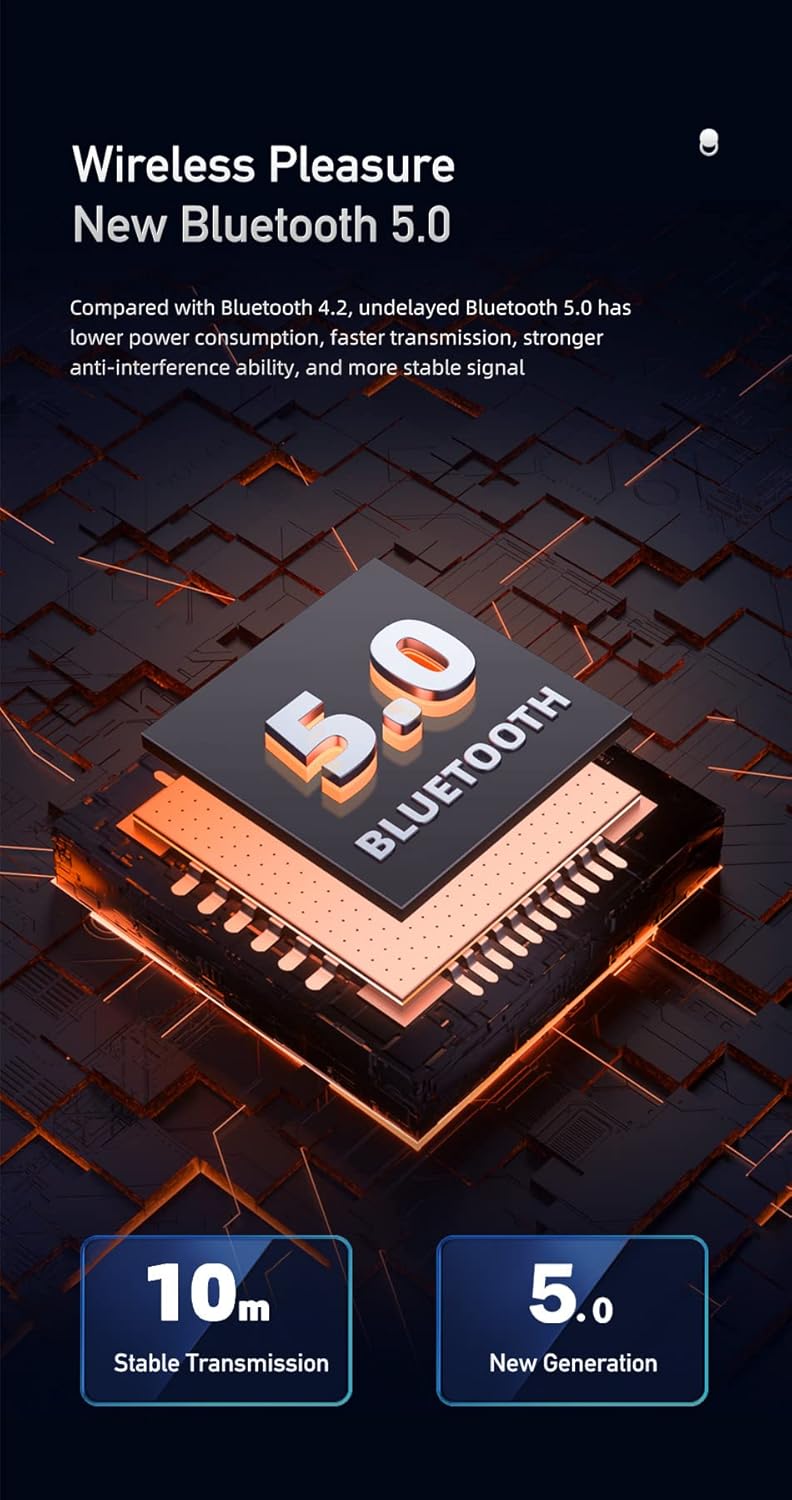
Figure 5.1: Illustration of Bluetooth 5.0 technology, emphasizing stable transmission up to 10 meters.
- ודא שהרמקול טעון במלואו לפני השימוש הראשון.
- Press and hold the Power button to turn on the speaker. A voice prompt will indicate it's powered on.
- הרמקול ייכנס אוטומטית למצב צימוד Bluetooth, כפי שיסומן על ידי נורית חיווי Bluetooth מהבהבת.
- במכשיר הנייד שלך (סמארטפון, טאבלט וכו'), הפעל את Bluetooth וחפש מכשירים זמינים.
- בחר "Awei Y669" מרשימת המכשירים.
- Once paired, a voice prompt will confirm the connection, and the Bluetooth indicator light will become solid.
- The speaker supports multipoint connection, allowing it to be paired with multiple devices, though only one can play audio at a time.
5.3 כניסת AUX
- חבר קצה אחד של כבל שמע 3.5 מ"מ (לא כלול) ליציאת AUX ברמקול.
- חבר את הקצה השני של כבל השמע לשקע פלט השמע של המכשיר שלך.
- הרמקול יעבור אוטומטית למצב AUX.
6. הוראות הפעלה
6.1 השמעת מוזיקה

Figure 6.1: The Awei Y669 speaker delivering 360-degree surround stereo sound for an immersive audio experience.
- הפעל/השהה: לחיצה קצרה על לחצן הפעל/השהה.
- הגבר קול: לחיצה קצרה על כפתור '+'.
- להנמיך קול: לחיצה קצרה על כפתור '-'.
- הרצועה הבאה: לחץ והחזק את כפתור '+'.
- רצועה קודמת: לחץ והחזק את כפתור '-'.
6.2 שיחות ללא ידיים
- תשובה לשיחה: לחץ לחיצה קצרה על כפתור ההפעלה/השהיה כאשר שיחה נכנסת מצלצלת.
- סיום שיחה: לחיצה קצרה על כפתור ההפעלה/השהיה במהלך שיחה.
- דחה שיחה: לחץ והחזק את לחצן ההפעלה/השהיה כאשר שיחה נכנסת מצלצלת.
חיבור 6.3 TWS (סטריאו אלחוטי אמיתי)
כדי לחבר שני רמקולים מדגם Awei Y669 לחוויית צליל סטריאו:
- Ensure both Y669 speakers are powered on and not connected to any Bluetooth device.
- ברמקול אחד (זה יהיה הרמקול הראשי), לחצו פעמיים לחיצה קצרה על כפתור הבלוטות'. המכשיר ייכנס למצב צימוד TWS.
- The primary speaker will automatically search for and connect to the second Y669 speaker.
- Once connected, a voice prompt will confirm the TWS connection. The primary speaker's Bluetooth indicator will flash, and the secondary speaker's indicator will be solid.
- כעת, חברו את המכשיר הנייד שלכם לרמקול הראשי באמצעות Bluetooth כמתואר בסעיף 5.2.
- כעת האודיו יתנגן בסטריאו דרך שני הרמקולים.
7. תחזוקה

Figure 7.1: The Awei Y669 speaker demonstrating its portability and suitability for outdoor use, highlighting its durable design.
- ניקוי: נגב את הרמקול באמצעות רך, damp בַּד. אין להשתמש בכימיקלים קשים או בחומרי ניקוי שוחקים.
- עמידות במים: The speaker is IPX7 waterproof. Ensure the charging port cover is securely closed before exposing it to water. Do not intentionally submerge the speaker for extended periods or beyond specified depths.
- אִחסוּן: יש לאחסן את הרמקול במקום קריר ויבש, הרחק מאור שמש ישיר וטמפרטורות קיצוניות.
- טיפול בסוללה: כדי להאריך את חיי הסוללה, טען את הרמקול באופן קבוע, גם אם אינו בשימוש. הימנע מפריקה מלאה של הסוללה לעתים קרובות.
- הימנע מהשפעות: אין להפיל את הרמקול ואל תחשוף אותו לפגיעות חזקות, שכן הדבר עלול לגרום נזק לרכיבים הפנימיים.
8. פתרון תקלות
| בְּעָיָה | סיבה אפשרית | פִּתָרוֹן |
|---|---|---|
| הרמקול לא נדלק | סוללה חלשה | טען את הרמקול למשך 30 דקות לפחות. |
| לא ניתן להתאים דרך בלוטות' | הרמקול לא במצב צימוד; בלוטות' של המכשיר כבוי; רחוק מדי מהמכשיר | Ensure speaker is in pairing mode (flashing Bluetooth light). Turn on Bluetooth on your device. Move speaker closer to your device (within 10m). Forget previous pairings on your device and try again. |
| אין קול | Volume too low; Paused music; Incorrect input mode | Increase volume on both speaker and connected device. Press Play/Pause. Ensure correct mode (Bluetooth/AUX) is selected. |
| עיוות קול | עוצמת קול גבוהה מדי; סוללה חלשה; הפרעות | Reduce volume. Charge the speaker. Move away from other electronic devices that may cause interference. |
| התאמת TWS נכשלת | Speakers already paired to other devices; Incorrect TWS pairing procedure | ודאו ששני הרמקולים מנותקים ממכשירים אחרים. בצעו בקפידה את שלבי צימוד ה-TWS (סעיף 6.3). |
9. מפרטים
| תכונה | פְּרָט |
|---|---|
| שם הדגם | אווי Y669 |
| גרסת בלוטות' | 5.0 + EDR |
| פרוטוקולי Bluetooth | A2DP/AVRCP/HFP/HSP |
| מרחק שידור | עד 10 מטרים (מקום ללא מחסומים) |
| כוח פלט | 31W (RMS8Wx2 + 15Wx1) |
| תצורת רמקול | 2.1 Channel (2*8W mid-high, 1*15W low frequency) |
| טווח תדרים | 100-20KHz |
| קיבולת סוללה | 2200mAh / 7.4V |
| זמן השמעת מוזיקה | עד 12 שעות |
| זמן דיבור | עד 12 שעות |
| זמן טעינה | בערך שעתיים |
| קלט כרךtage | DC5V-500mA |
| דירוג עמיד למים | IPX7 |
| חוֹמֶר | אלומיניום (ארון) |
| מידות (L x W x H) | 8.3 x 21 x 8.3 ס"מ |
| מִשׁקָל | 1.2 ק"ג |
| קישוריות | בלוטות', AUX |
| מיקרופון מובנה | כֵּן |
| הנחיה קולית | כֵּן |
| חיבור מרובה נקודות | כֵּן |
10. אחריות ותמיכה
Information regarding product warranty and customer support was not available in the provided product data. Please refer to the packaging or contact your point of purchase for details on warranty coverage and support services.