1. המוצר נגמרview
The MOBILLA MBUDS 101 are true wireless stereo earbuds designed to deliver a superior audio experience with convenience and style. Featuring multi-function buttons, these earbuds allow you to take control of your music and calls for a hands-free experience. Their aesthetic and ergonomic design ensures comfort and elegance.
תכונות עיקריות:
- הפעלה מורחבת: Up to 21 hours of total playback time with the charging case, and 5 hours of non-stop playtime per charge.
- סאונד מעולה: Powered by a 10mm Dynamic Driver for balanced and powerful audio.
- עמיד במים: IPX4 rating makes them resistant to splashes and sweat.
- שליטה בנגיעה אחת: Easily manage music playback and calls with simple touch gestures.
- סיוע קולי: Compatible with voice assistants for convenient command execution.
- נקה שיחות: Passive Voice Cancellation helps mute surrounding disturbances for clearer conversations.
- התאמה נוחה: Craftily designed to fit securely in your ear for a non-jerky music experience.
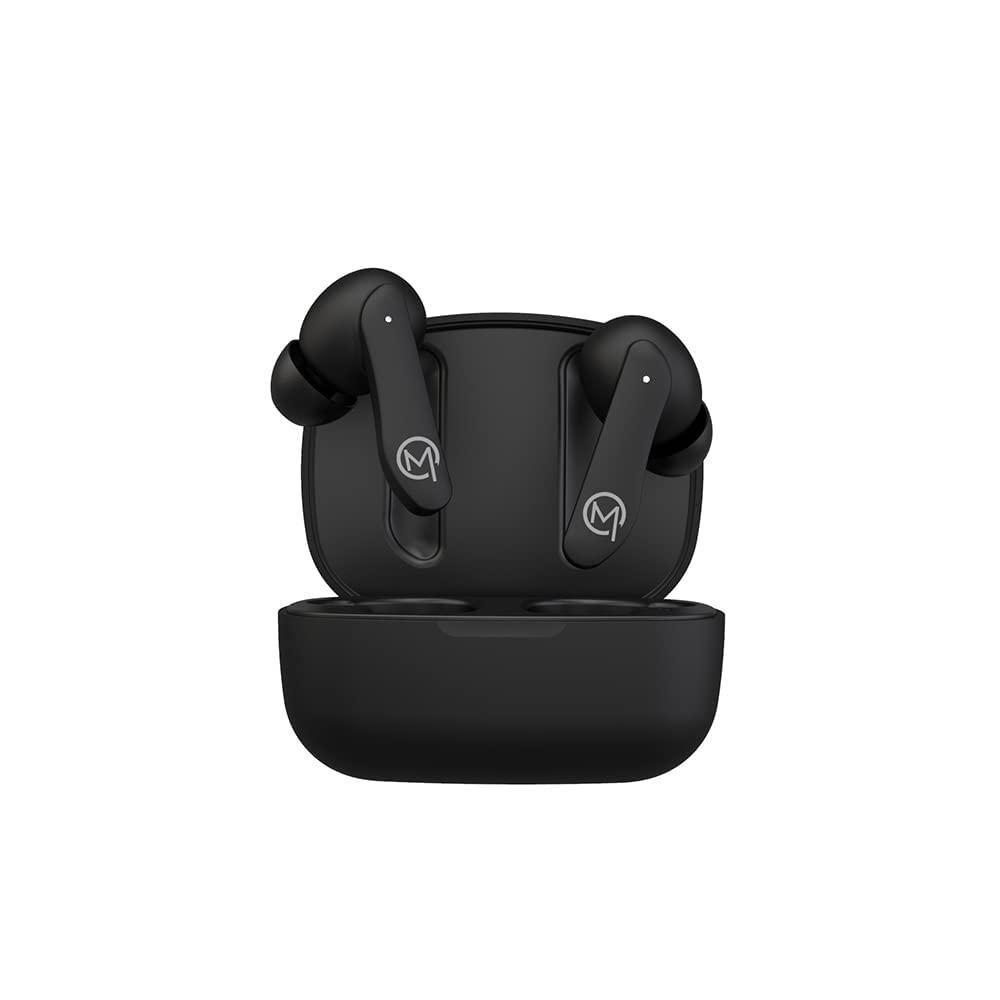
Figure 1: MOBILLA MBUDS 101 Matte Black Earbuds in their charging case.
2. תחילת העבודה
2.1 Unboxing
Upon opening your MOBILLA MBUDS 101 package, ensure all components are present:
- MOBILLA MBUDS 101 Earbuds
- נרתיק טעינה
- כבל טעינה
- כריות אוזניים (בגדלים שונים)
- מדריך למשתמש
2.2 טעינת האוזניות
Before first use, fully charge your MBUDS 101. Place the earbuds into the charging case and connect the charging cable to the case and a power source. The indicator lights on the case will show the charging status. A full charge provides up to 5 hours of playtime, with the charging case extending total playback to 21 hours.
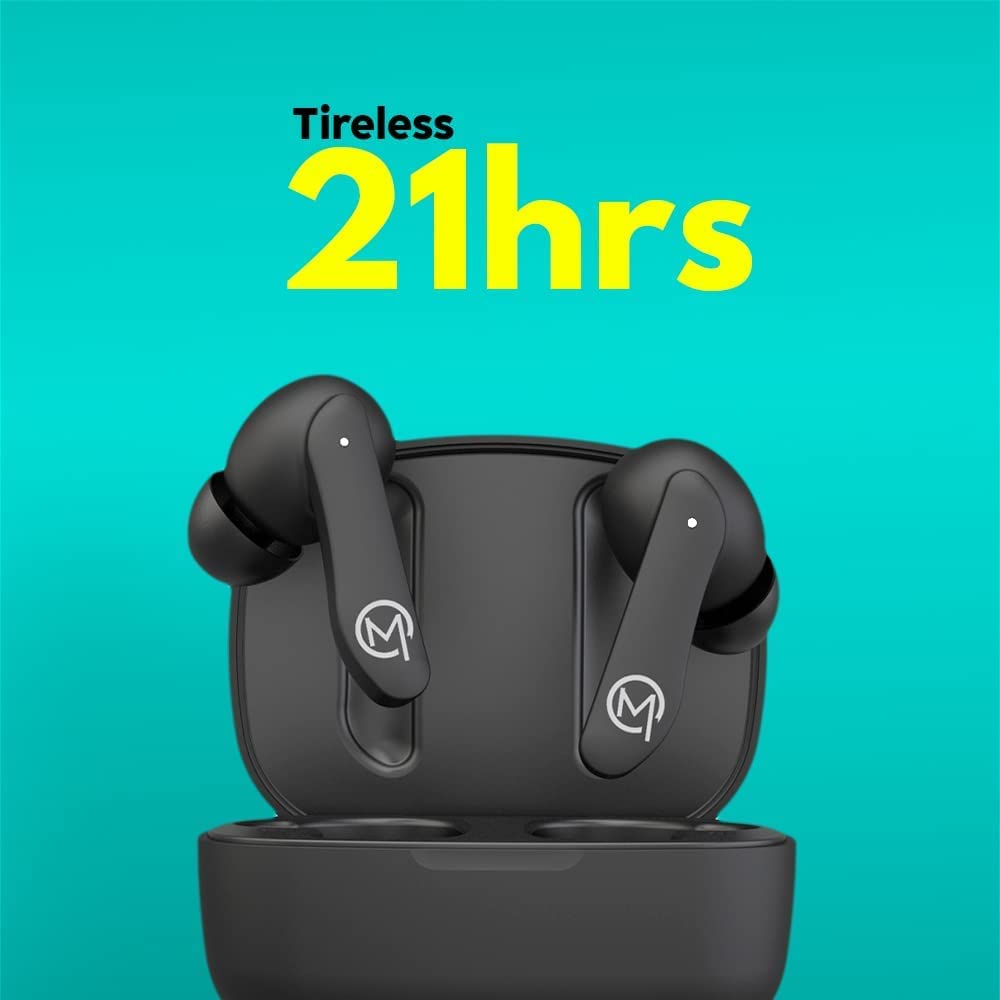
Figure 2: The MOBILLA MBUDS 101 offer up to 21 hours of total playback time with the charging case.
2.3 צימוד עם המכשיר שלך
- ודא שהאוזניות טעונות.
- פתחו את מארז הטעינה. האוזניות ייכנסו אוטומטית למצב צימוד (נוריות החיווי יהבהבו).
- On your smartphone or audio device, go to Bluetooth settings.
- חפש available devices and select "MOBILLA MBUDS 101".
- לאחר החיבור, נוריות החיווי באוזניות יפסיקו להבהב.
- האוזניות יתחברו מחדש אוטומטית למכשיר האחרון שצומד לאחר הוצאתן מהמארז.
3. Operating Your MBUDS 101
3.1 פקדי מגע
The MBUDS 101 feature intuitive touch controls on each earbud for seamless management of your audio and calls:
- הפעל/השהה: הקשה אחת על אחת האוזניות.
- הרצועה הבאה: הקש פעמיים על האוזניה הימנית.
- רצועה קודמת: הקש פעמיים על האוזניה השמאלית.
- מענה/סיום שיחה: הקשה אחת על אחת האוזניות.
- דחה שיחה: לחץ והחזק את אחת האוזניות למשך 2 שניות.
- הפעל את Assistant Voice: הקש שלוש פעמים על כל אחת מהאוזניות.
3.2 סיוע קולי
The MBUDS 101 support voice assistance, allowing you to control your device with voice commands. Simply triple tap either earbud to activate your smartphone's voice assistant (e.g., Ok Google, Hey Siri) and speak your command.

Figure 3: Enjoy enhanced bass and seamless voice assistant integration with your MBUDS 101.
3.3 ניהול שיחות
With Passive Voice Cancellation, your MBUDS 101 are designed to provide clear call quality by minimizing background noise. Use the touch controls to manage incoming and ongoing calls effectively.
3.4 עמידות למים (IPX4)
The MBUDS 101 are rated IPX4 water-resistant, meaning they are protected against splashing water from any direction. This makes them suitable for workouts and light rain, but they are not designed for submersion in water.

Figure 4: The IPX4 rating ensures your MBUDS 101 are splash-proof and suitable for active use.
4. תחזוקה וטיפול
4.1 ניקוי
- נקו באופן קבוע את האוזניות ואת נרתיק הטעינה בעזרת מטלית רכה, יבשה ונטולת סיבים.
- אין להשתמש בחומרי ניקוי שוחקים, אלכוהול או ממסים כימיים.
- הסירו בעדינות כל שעוות אוזניים או פסולת מקצות האוזניים ומרשת הרמקול באמצעות מברשת קטנה ורכה או מקלון צמר גפן.
4.2 אחסון
- כאשר אינן בשימוש, יש לאחסן את האוזניות תמיד בנרתיק הטעינה שלהן כדי להגן עליהן ולשמור עליהן טעונות.
- יש לאחסן במקום קריר ויבש, הרחק מטמפרטורות קיצוניות ואור שמש ישיר.
5. פתרון תקלות
5.1 אין חשמל / לא נטען
- ודא שכבל הטעינה מחובר היטב הן למארז והן למקור החשמל.
- בדוק אם מקור הכוח פעיל.
- נקו את מגעי הטעינה הן באוזניות והן במארז.
5.2 בעיות זיווג
- ודא ש-Bluetooth מופעל במכשיר שלך.
- ודאו שהאוזניות נמצאות במצב צימוד (נוריות החיווי מהבהבות).
- קרב את האוזניות למכשיר שלך.
- Forget/delete "MOBILLA MBUDS 101" from your device's Bluetooth list and try pairing again.
- הפעילו מחדש את המכשיר ואת האוזניות.
5.3 Audio Quality Issues
- Ensure the earbuds are properly seated in your ears. Try different ear tip sizes for a better seal.
- Check the audio source volume and the device volume.
- התרחק ממקורות הפרעות פוטנציאליים (למשל, נתבי Wi-Fi, התקני Bluetooth אחרים).
- נקו את רשת הרמקול של האוזניות.
6. מפרטים
| תכונה | פְּרָט |
|---|---|
| שם הדגם | MBUDS 101 |
| טכנולוגיית קישוריות | אַלחוּט |
| שקע אוזניות | 3.5 mm Jack (for charging cable) |
| זמן השמעה | 21 Hours (with charging case) | 5 Hours (per charge) |
| סוג מנהל התקן שמע | דרייבר דינמי 10 מ"מ |
| רמת עמידות במים | IPX4 עמיד במים |
| שיטת בקרה | מגע, קול |
| פורמט מיקרופון | עם מיקרופון |
| תכונות מיוחדות | טעינה מהירה, מיקרופון כלול, עמיד לזיעה |
| גורם צורה | Earbuds, In ear |
| חוֹמֶר | פּלָסטִי |
| צֶבַע | שָׁחוֹר |
| משקל פריט | 200 גרם |
| מידות המוצר | 10 x 10 x 10 ס"מ |
7. אחריות ותמיכה
7.1 מידע אחריות
Your MOBILLA MBUDS 101 comes with a אחריות 365 יום from the date of purchase. This warranty covers manufacturing defects and ensures your product is free from material and workmanship flaws under normal use. Please retain your proof of purchase for warranty claims.
7.2 תמיכת לקוחות
לסיוע נוסף, תמיכה טכנית או תביעות אחריות, אנא בקרו באתר הרשמי MOBILLA Store on Amazon or contact MOBILLA customer service through their official channels.