
מָבוֹא
The Koss TWS250i True Wireless Earbuds offer a seamless audio experience with Bluetooth 5.0 connectivity, intuitive touch controls, and a portable USB-C charging case. This manual provides essential information for setting up, operating, maintaining, and troubleshooting your earbuds.
המוצר נגמרview
Your Koss TWS250i package includes the true wireless earbuds and a compact charging case. The earbuds are designed for comfort and secure fit, ensuring optimal sound delivery.

Image: Koss TWS250i True Wireless Earbuds and charging case on a wooden surface.
The charging case not only protects your earbuds but also provides additional battery life on the go. Inside the case, you'll find designated slots for each earbud (Left and Right).
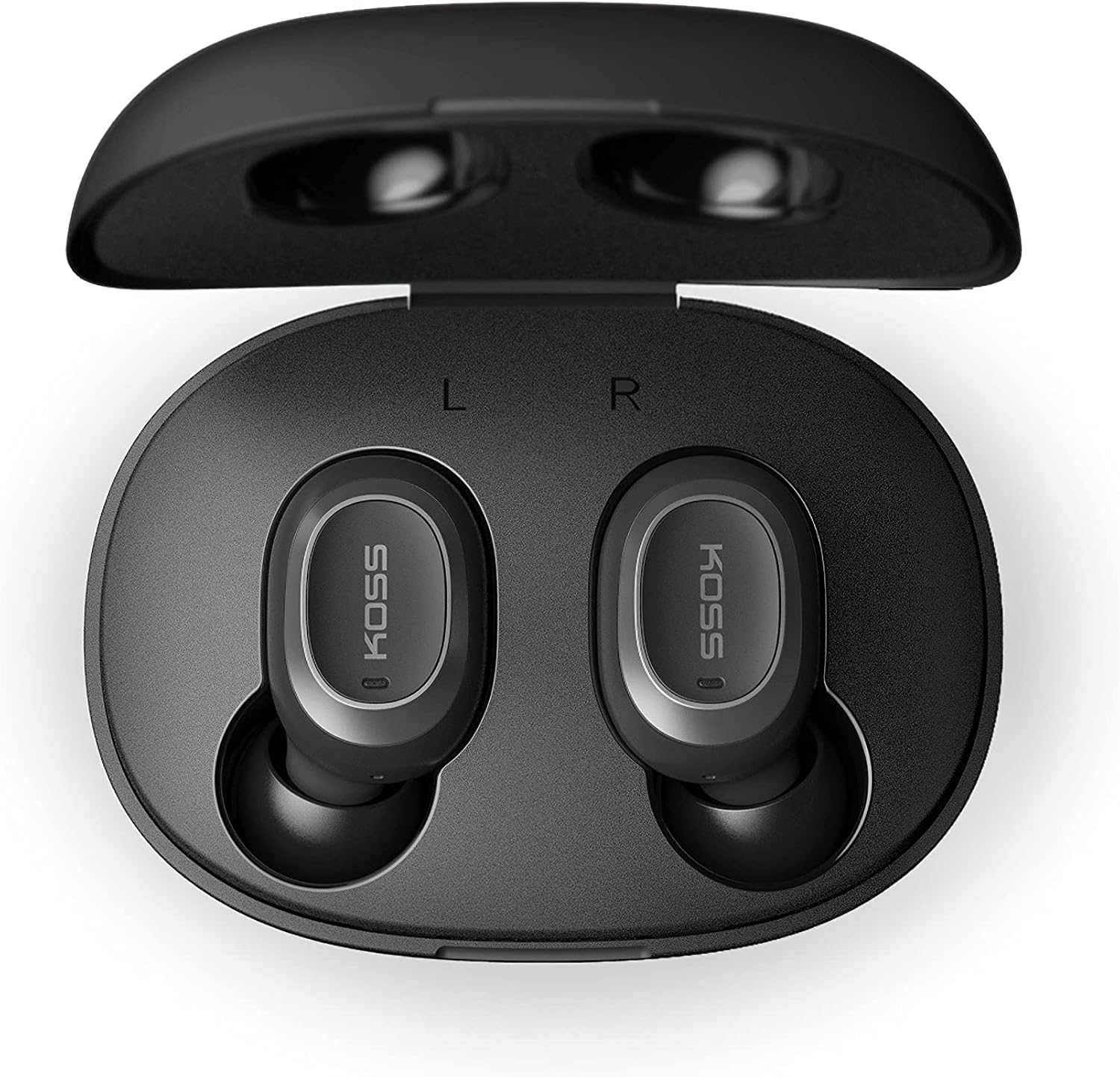
Image: Open Koss TWS250i charging case with both earbuds inside, showing L and R indicators.
To ensure the best fit and sound quality, the earbuds come with multiple sizes of silicone ear tips (Small, Medium, Large). Experiment with these to find the size that provides a comfortable and secure seal in your ear canal.

Image: Single Koss TWS250i earbud next to small, medium, and large silicone ear tips.
הגדרה
1. טעינה
Before initial use, ensure both the earbuds and the charging case are fully charged. Connect the provided USB-C cable to the charging port on the case and to a power source. LED indicators on the front of the case will illuminate to show the charging status. When earbuds are placed inside the case, they will automatically begin charging.
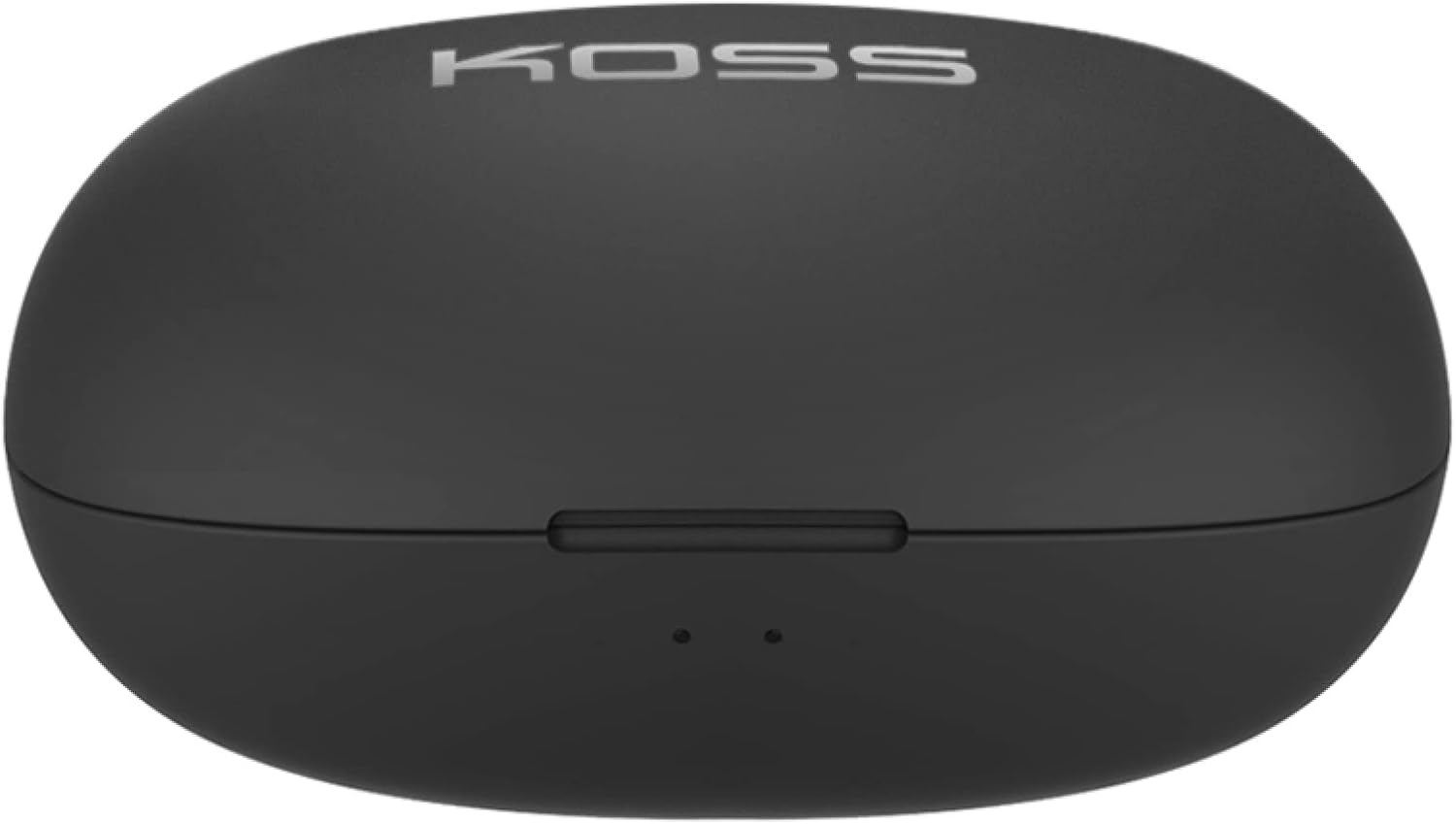
Image: Closed Koss TWS250i charging case, showing the USB-C charging port.
Video: Official product video demonstrating the Koss TWS250i True Wireless Earbuds, including their design, charging case, and basic features.
2. זיווג
- Remove both earbuds from the charging case. They will automatically enter pairing mode, indicated by a flashing red and blue light on one of the earbuds.
- בטלפון החכם, בטאבלט או במכשיר אחר התומך ב-Bluetooth, נווטו אל הגדרות ה-Bluetooth.
- Select "Koss TWS250i" from the list of available devices to connect.
- Once successfully paired, the earbuds will connect automatically to your device whenever they are removed from the charging case.
3. התאמה
Choosing the correct ear tip size is essential for both comfort and sound performance. Experiment with the included Small, Medium, and Large silicone ear tips to find the best fit for your ears. A proper seal will enhance bass response and passive noise isolation.

Image: Man wearing a Koss TWS250i earbud, smiling and looking at his phone.
הוראות הפעלה
1. גע בפקדים
The Koss TWS250i earbuds feature intuitive touch controls on their outer surface:
- הפעלה/כיבוי: Long press the touch surface until the earbuds power on or off.
- הפעל/השהה מוזיקה: הקשה אחת על אחת האוזניות.
- מענה/סיום שיחה: הקשה אחת על אחת האוזניות.
- הגבר קול: נגיעה אחת על ה- יָמִינָה אוזניות.
- להנמיך קול: נגיעה אחת על ה- שְׁמֹאל אוזניות.
- דלג על מסלול קדימה: Longer touch on the יָמִינָה אוזניות.
- דלג על רצועה אחורה: Longer touch on the שְׁמֹאל אוזניות.
2. Dual Connect Functionality
The TWS250i earbuds support dual connect, allowing each earbud to function independently. This means you can use one earbud while the other charges, or share one earbud with a friend. Both earbuds have built-in microphones, ensuring clear communication regardless of whether you use one or both.
תַחזוּקָה
- ניקוי: יש לנקות באופן קבוע את האוזניות ואת נרתיק הטעינה בעזרת מטלית רכה ויבשה. יש להימנע משימוש בחומרים שוחקים או כימיקלים חזקים.
- אִחסוּן: יש לאחסן תמיד את האוזניות בנרתיק הטעינה שלהן כאשר אינן בשימוש כדי להגן עליהן ולשמור עליהן טעונות.
- טֶמפֶּרָטוּרָה: Avoid exposing the earbuds and case to extreme temperatures, direct sunlight, or high humidity.
פתרון בעיות
- אין סאונד או איכות סאונד ירודה:
- ודאו שהאוזניות יושבות כראוי באוזניים ואטומות היטב. נסו גדלי קצוות שונים.
- בדקו את עוצמת הקול הן במכשיר המחובר והן באוזניות.
- Verify that the earbuds are correctly paired and within the Bluetooth range of your device.
- אוזניות לא מותאמות:
- ודא שהאוזניות טעונות במלואן.
- Remove both earbuds from the case to activate pairing mode (indicated by flashing red/blue lights).
- במכשיר שלך,