
1. המוצר נגמרview
The FOLAI 4-in-1 Electronic Stud Finder is a versatile wall detector designed for accurate detection of various materials behind walls. It features a large LCD display for clear readings and an ergonomic design for comfortable handling. This device utilizes multi-sense technology to locate both metal and wooden studs, as well as live AC wiring up to two inches deep. Its four scanning modes (Stud Scan, Deep Scan, Metal Scan, and AC Scan) make it suitable for a range of detection tasks.
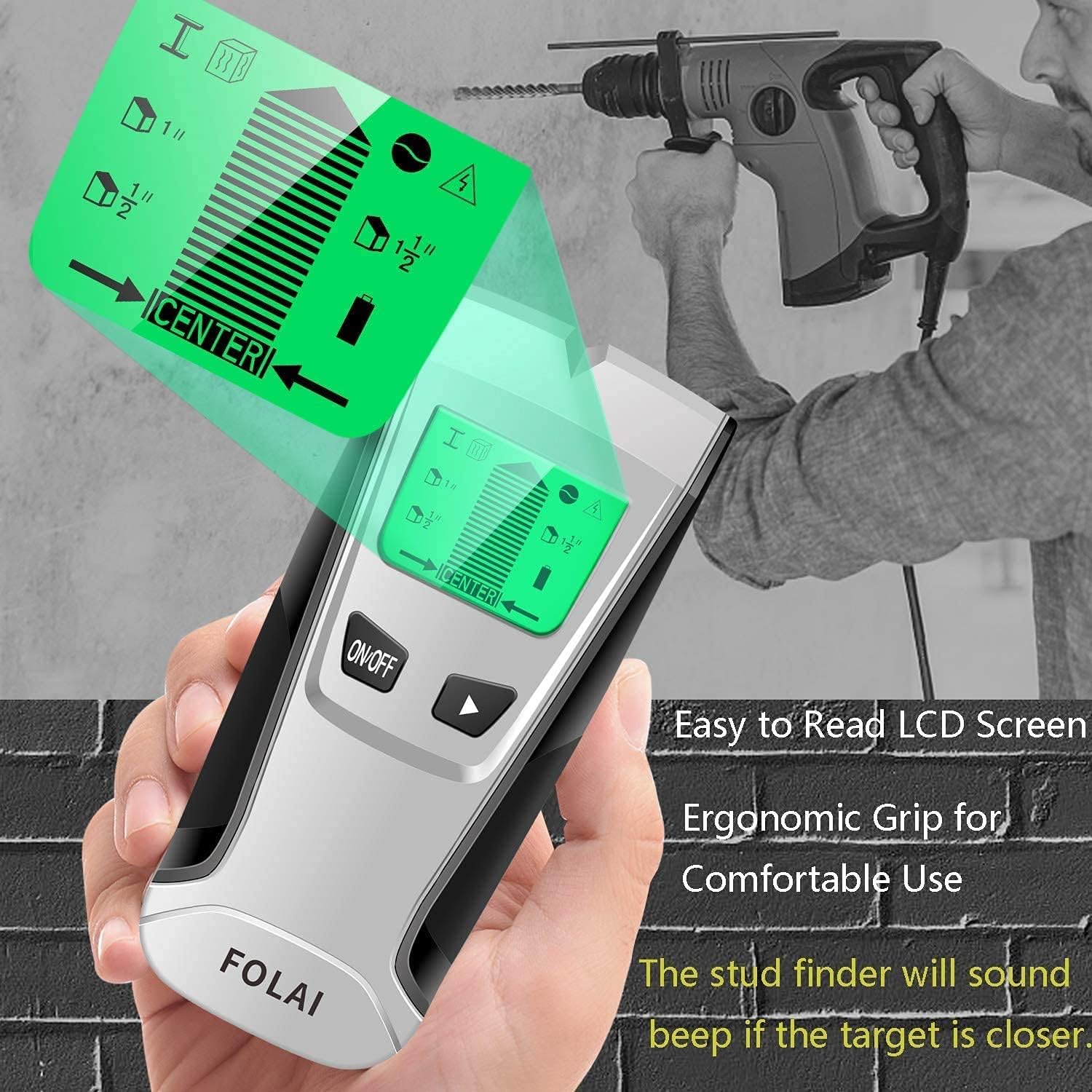
Image 1.1: The FOLAI Stud Finder features an easy-to-read LCD screen and an ergonomic grip for comfortable use. It provides a sound warning when a target is detected.
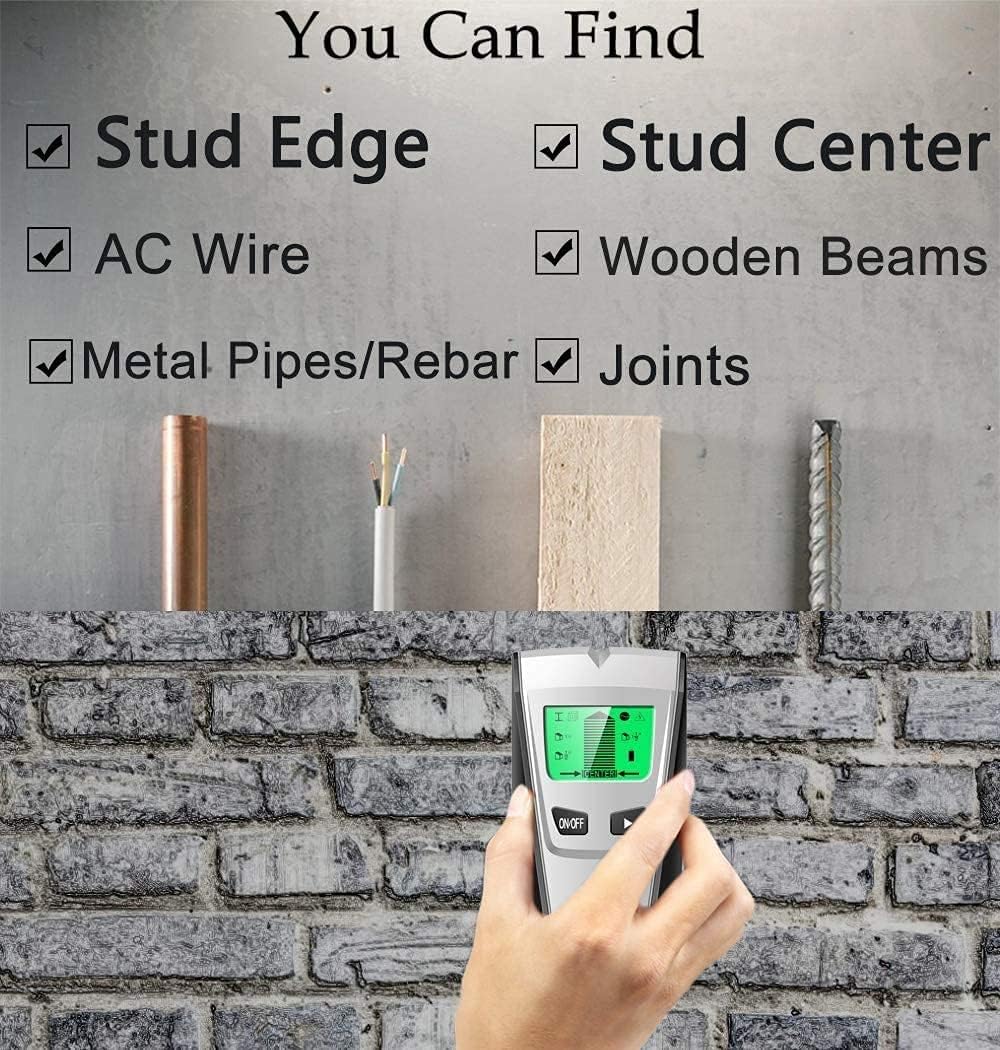
Image 1.2: The stud finder is capable of locating stud edges, stud centers, AC wires, wooden beams, metal pipes/rebar, and joints within walls.
2. מידע בטיחות
- Always read and understand all instructions before using the device.
- Do not rely solely on the stud finder to locate live AC wires. Always turn off power at the circuit breaker before working on walls, especially when drilling or cutting.
- יש לשמור על המכשיר יבש ונקי. אין לחשוף אותו ללחות או לטמפרטורות קיצוניות.
- This device is intended for indoor use on standard wall materials (drywall, plasterboard). Performance may vary on other materials or in specific environmental conditions.
- הרחק מהישג ידם של ילדים.
3. תכולת החבילה
ודא שכל הפריטים נמצאים בחבילה שלך:
- FOLAI 4-in-1 Electronic Stud Finder
- מדריך למשתמש (מסמך זה)
Note: A 9V battery is required for operation and is typically not included in the package.
4. תכונות ורכיבי המוצר

Image 4.1: Labeled diagram of the FOLAI Stud Finder's display and controls.
מרכיבי מפתח:
- תצוגת LCD: Shows detection mode, signal strength, battery level, and target indication.
- לחצן הפעלה/כיבוי: מדליק או מכבה את המכשיר.
- לחצן MODE: Selects between Stud Mode, Metal Mode, and AC Mode.
- Target Indication Bar: Visualizes proximity to the detected object.
- Stud Mode Indicator: Icon for stud detection.
- Metal Mode Indicator: Icon for metal detection.
- מחוון מצב AC: Icon for live AC wire detection.
- Scan Depth Indicators: Shows approximate scanning depth (e.g., 1", 1 1/2", 3/2").
- Center Indicator: Indicates when the device is centered over a stud.
- מחוון חשמל: מציג את מצב הסוללה.
5. התקנה
5.1 התקנת סוללה
- פתח את מכסה תא הסוללות בגב המכשיר.
- הכנס סוללה חדשה של 9V, תוך הקפדה על קוטביות נכונה (+/-).
- סגור היטב את מכסה תא הסוללות.
5.2 כיול ראשוני
Proper calibration is crucial for accurate detection. Calibrate the device before each use and whenever you move to a new scanning location.
- Place the stud finder flat against the wall where you intend to scan. Ensure there are no studs, metal, or AC wires in the immediate area.
- Press and hold the ON/OFF button. The device will emit a beep and the display will show a calibration sequence.
- Keep the device still against the wall until calibration is complete (usually a few seconds). A successful calibration is indicated by a short beep and the display showing 'READY' or a similar indicator.
- If calibration fails or gives an error, release the button, move to a different spot on the wall, and repeat the process.
6. הוראות הפעלה
6.1 בחירת מצב
After calibration, press the MODE button to cycle through the available detection modes:
- מצב סריקת הרבעה: For detecting wooden studs up to 1 inch (25 mm) deep.
- Deep Scan Mode: For detecting wooden studs up to 1.5 inches (38 mm) deep.
- מצב סריקת מתכת: For detecting metal objects (e.g., pipes, rebar, metal studs) up to 2.36 inches (60 mm) deep.
- מצב סריקה AC: For detecting live unshielded AC wires up to 2 inches (51 mm) deep.
6.2 הליך הסריקה
- Ensure the device is calibrated on a clear section of the wall.
- הנח את המכשיר בצורה שטוחה כנגד הקיר.
- Slowly slide the stud finder horizontally across the wall surface. Keep it flat and do not lift or tilt it.
- Observe the LCD display. As the device approaches a target, the signal strength bars will increase, and an audible beep may sound.
- When the device is directly over the center of a stud or metal object, the 'CENTER' indicator will appear, and the signal strength will be at its maximum. Mark this spot.
- To confirm the location, scan the area from the opposite direction. Consistent readings indicate an accurate detection.

Image 6.1: The stud finder in use, demonstrating its ability to detect various hidden elements like metal pipes, AC wires, wooden beams, and rebars.
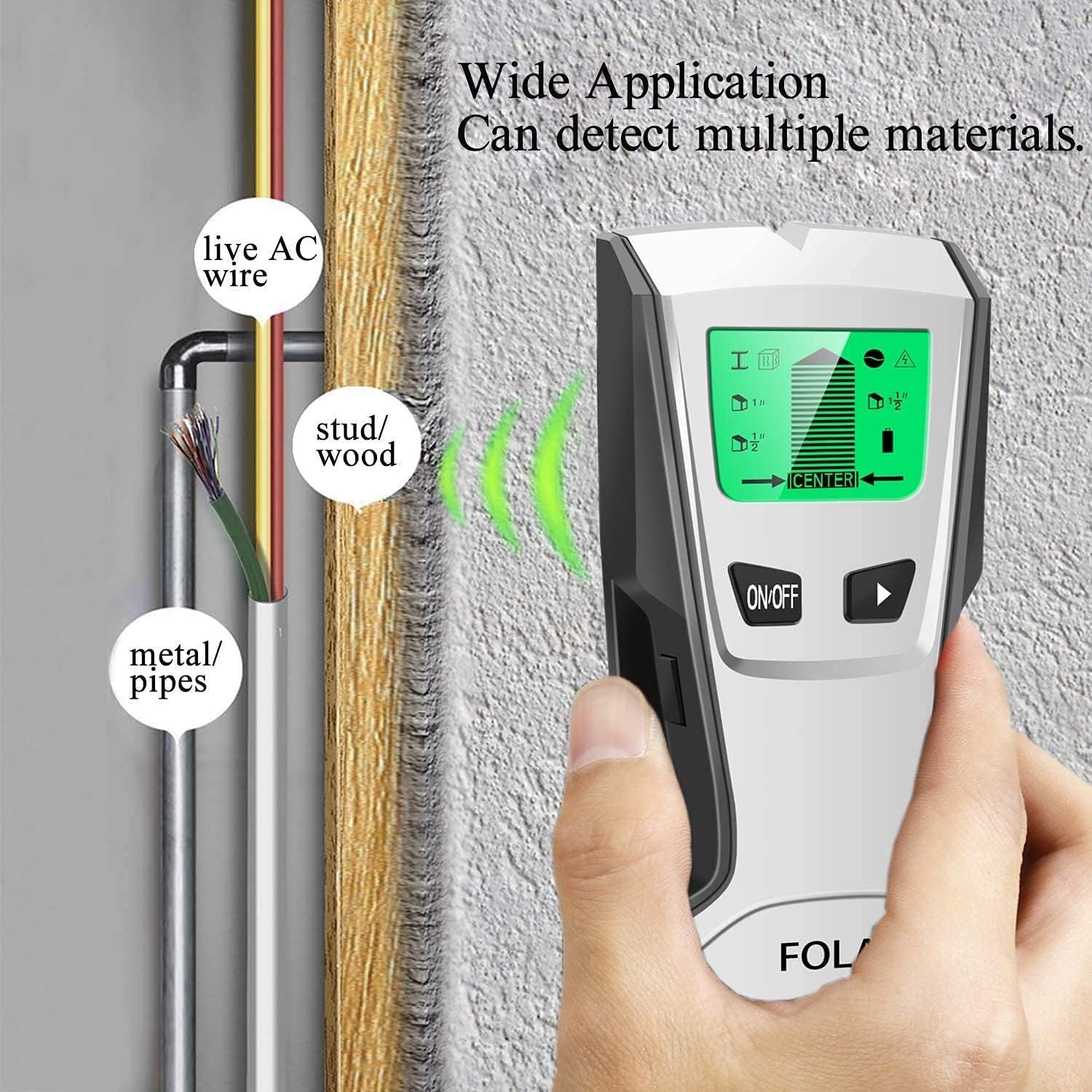
Image 6.2: Illustration of the stud finder's wide application, showing detection of live AC wires, wood/studs, and metal/pipes within a wall.
7. טיפים לגילוי מדויק
- Calibrate Correctly: Always calibrate the device on a section of the wall that is free from known obstructions.
- איטי ויציב: Move the device slowly across the wall. Moving too quickly can result in missed detections.
- שמור על קשר: Keep the entire scanning surface of the device flat against the wall. Do not lift or tilt it during scanning.
- Scan Multiple Times: For critical applications, scan the same area from different directions (left-to-right, right-to-left, and even vertically if appropriate) to confirm readings.
- הימנע מאזורים רטובים: Moisture can interfere with detection. Avoid scanning walls that are damp or recently painted.
- Consider Wall Material: The device is optimized for drywall. Performance may vary on lath and plaster, wallpaper with metallic fibers, or highly textured surfaces.
8. תחזוקה
- ניקוי: נגבו את המכשיר במטלית רכה ויבשה. אין להשתמש בחומרי ניקוי שוחקים או ממסים.
- אִחסוּן: Store the stud finder in a cool, dry place away from direct sunlight and extreme temperatures. Remove the battery if the device will not be used for an extended period to prevent leakage.
- החלפת סוללה: Replace the 9V battery when the low battery indicator appears on the display.
9. פתרון תקלות
| בְּעָיָה | סיבה אפשרית | פִּתָרוֹן |
|---|---|---|
| Inaccurate readings / No detection | Improper calibration; Wall material interference; Device moved too quickly; Low battery. | Recalibrate on a clear section of the wall. Scan slowly. Ensure full contact with the wall. Replace battery if low. |
| המכשיר לא נדלק | סוללה מתה או מותקנת בצורה שגויה. | Check battery polarity. Replace with a new 9V battery. |
| Constant beeping or false positives | Calibrated over an object; High humidity; Nearby electrical interference. | Recalibrate on a different, clear section of the wall. Move away from other electronic devices. |
10. מפרטים
- מותג: FOLAI
- דֶגֶם: B09BN25PP4
- מקור כוח: Battery Powered (9V battery, not included)
- Stud Scan Depth: עד 25 מ"מ (1 אינץ')
- Deep Scan Depth: עד 1.5 אינץ' (38 מ"מ)
- Metal Scan Depth: עד 2.36 אינץ' (60 מ"מ)
- AC Scan Depth: עד 2 אינץ' (51 מ"מ)
- דירוג הגנה בינלאומי: IP54
- משקל פריט: 8.8 אונקיות
- מידות חבילה: 10.16 x 5.12 x 2.28 אינץ'
11. אחריות ותמיכה
For warranty information or technical support, please refer to the contact details provided with your purchase or visit the official FOLAI webאתר. שמור את קבלת הרכישה כהוכחת קנייה.