
1. המוצר נגמרview
The REXING HS01 is a 1080p wireless smart home security camera system designed for both indoor and outdoor use. It features a rechargeable battery, solar panel charging capability, two-way intercom, motion activation, infrared night vision, and cloud storage options. The camera connects to your home WiFi network and is managed via a mobile application.
תכונות עיקריות:
- וידאו 1080p Full HD: Records clear video with a 120-degree wide-angle lens.
- אלחוטי ונטען: Operates wirelessly with a 6000mAh rechargeable battery.
- מופעל באמצעות אנרגיה סולארית: Can be continuously charged by the included solar panel.
- אינטרקום דו כיווני: Allows for real-time communication via the mobile app.
- Waterproof עיצוב: IP65 rated for outdoor weather resistance.
- זיהוי תנועה: PIR motion sensor with adjustable sensitivity up to 33ft.
- ראיית לילה אינפרא אדום: Provides clear visibility up to 33ft in low light conditions.
- אחסון בענן: Offers free 3-day cloud storage with options for extended plans.
- בקרת אפליקציה לנייד: Manage and monitor the camera from your smartphone.
2. תכולת החבילה
אנא בדקו את החבילה עבור הפריטים הבאים:
- מצלמת אבטחה REXING HS01
- פאנל סולארי
- תושבת הרכבה וברגים
- כבל טעינה USB
- מדריך למשתמש
3. מדריך התקנה
3.1 טעינה ראשונית
Before first use, fully charge the camera's internal 6000mAh battery using the provided USB cable. Connect the cable to the camera's charging port and a standard USB power adapter (not included). The charging indicator will show the charging status.
3.2 התקנת אפליקציה
הורד את ה Rexing Home אפליקציה מחנות האפליקציות של הסמארטפון שלך (זמינה ב-iOS וב-Android). חפש "Rexing Home" and install the application.
3.3 חיבור Wi-Fi
- Open the Rexing Home app and create an account or log in.
- עקוב אחר ההוראות בתוך האפליקציה כדי להוסיף מכשיר חדש.
- ודא שהסמארטפון שלך מחובר ל רשת Wi-Fi 2.4GHz. The HS01 camera does not support 5GHz Wi-Fi.
- סרוק את קוד ה-QR המוצג בטלפון שלך באמצעות עדשת המצלמה כאשר תתבקש לעשות זאת.
- Wait for the camera to connect to your Wi-Fi network. A voice prompt will confirm successful connection.
3.4 הרכבת המצלמה והפאנל הסולארי
The REXING HS01 camera and solar panel can be mounted indoors or outdoors. Choose a location that provides the desired viewing angle and ensures the solar panel receives ampאור שמש ישיר לאורך כל היום לטעינה אופטימלית.

Image: The REXING HS01 camera with its solar panel mounted on an exterior wall, highlighting its 100% wireless and solar-powered operation. The camera is designed for outdoor use and is weatherproof.
- Use the provided mounting bracket and screws to securely attach the camera to a wall or desired surface.
- Mount the solar panel in a location that receives maximum direct sunlight. Connect the solar panel cable to the camera's charging port.
- Adjust the camera's angle to cover the desired monitoring area.
4. הוראות הפעלה
4.1 בשידור חי View and Remote Playback
Once connected, open the Rexing Home app to access the live video feed from your camera. You can view foo בזמן אמתtage from anywhere with an internet connection. The app also allows you to review פו ווידאו מוקלטtage stored in the cloud.

Image: A smartphone screen showing a live view from the REXING HS01 camera, with icons for remote playback and indicating motion alerts. This demonstrates complete control from the Rexing Home App.
4.2 תקשורת שמע דו-כיוונית
The HS01 camera features a built-in microphone and speaker, enabling two-way audio communication. From the live view in the Rexing Home app, you can speak to individuals near the camera and hear their responses.
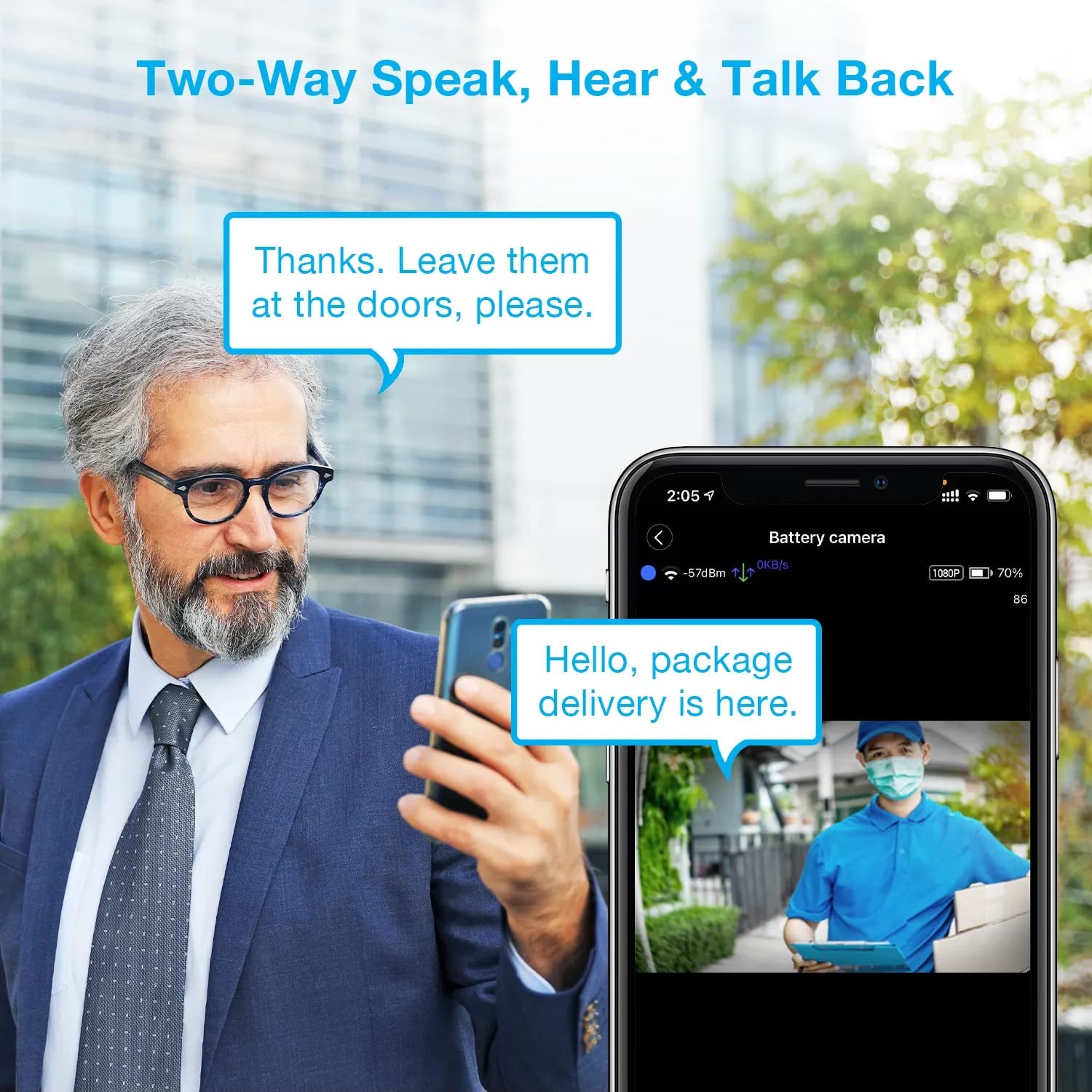
Image: A man using his smartphone to communicate with a delivery person visible on his screen, demonstrating the two-way speak and talk-back functionality of the REXING HS01 camera.
4.3 זיהוי תנועה והתראות
The camera utilizes a PIR (Passive Infrared) motion sensor to detect movement. When motion is detected, the camera will begin recording and send instant notifications to your smartphone via the Rexing Home app.
- התאמת רגישות: You can adjust the PIR motion sensitivity settings within the app, with options up to 33ft.
- הגדרות התראות: Customize alert preferences in the app to receive notifications for every detected motion.
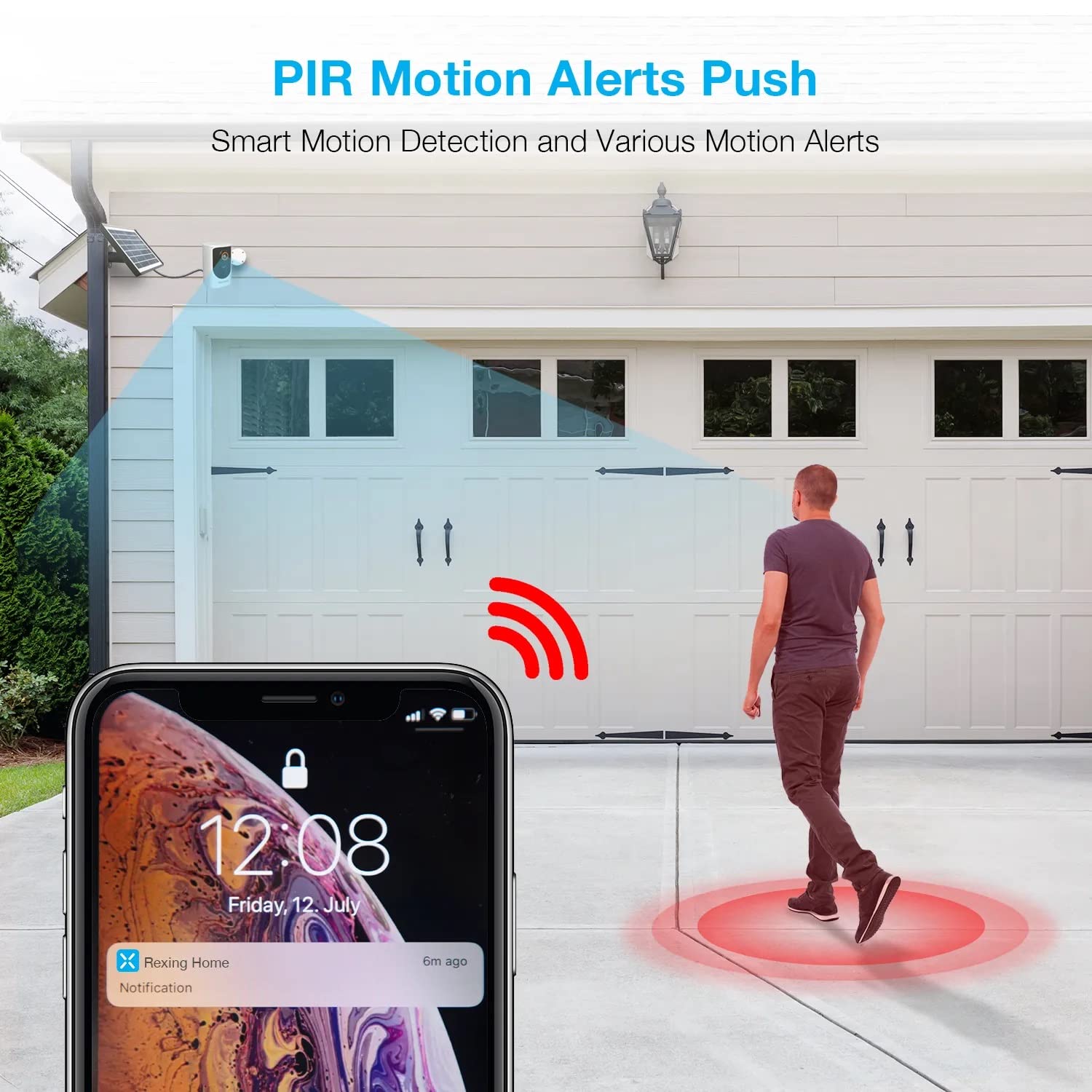
Image: A smartphone screen showing a notification from the Rexing Home app indicating a motion alert, with a visual representation of a person walking into the camera's detection zone.
4.4 ראיית לילה
The HS01 camera is equipped with 8 built-in 850nm Infrared LEDs and enhanced CMOS imaging sensors, providing clear night vision up to 33ft. The night vision mode activates automatically in low-light conditions.
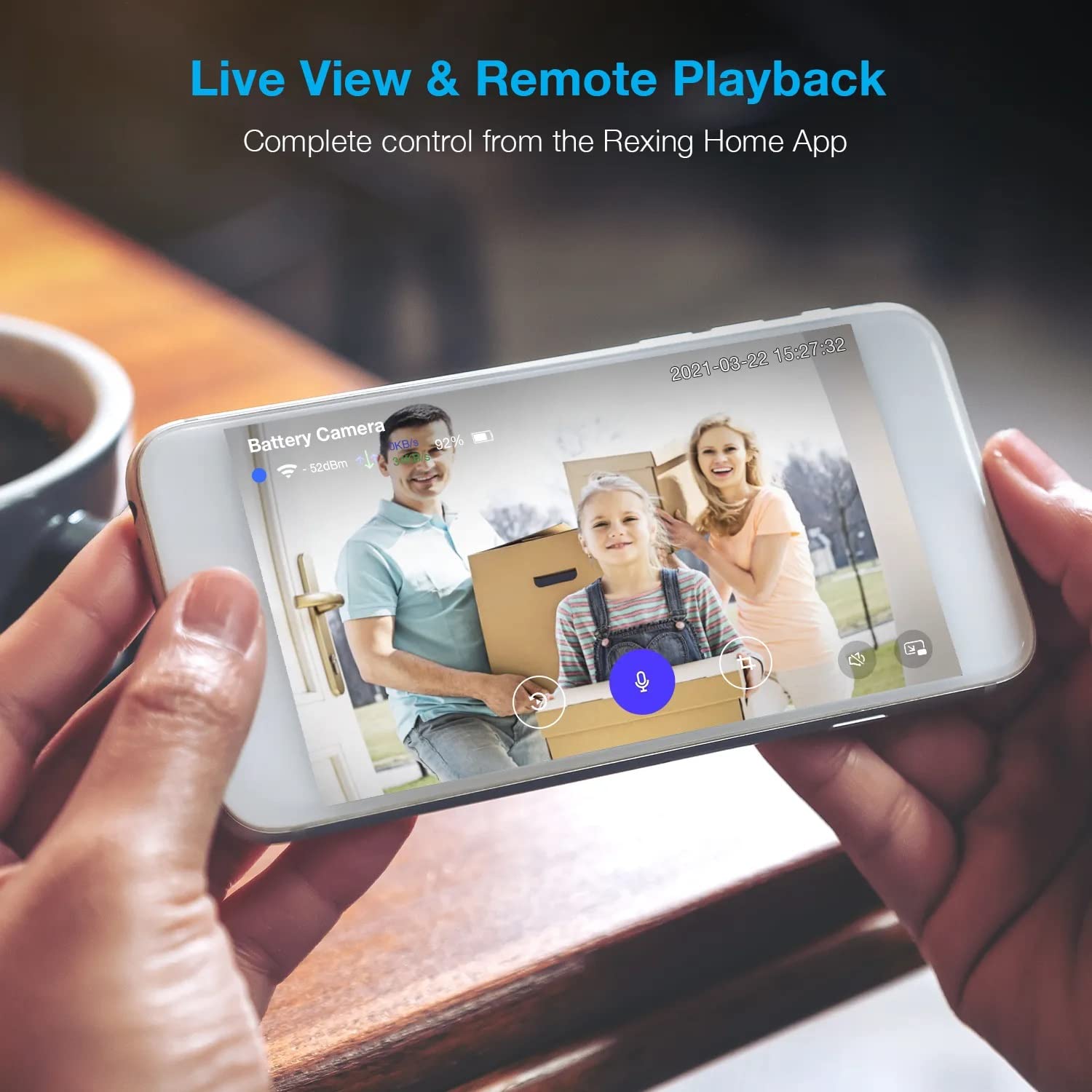
Image: A smartphone displaying a split screen, with one side showing a daytime view of a house in full color and the other side showing the same house in enhanced infrared night vision, demonstrating the camera's 1080p HD and night vision capabilities.
4.5 אחסון ענן
The camera offers secure cloud storage for recorded video footage. You can access the past 3 days of video recordings for free. Extended cloud storage plans are available for purchase through the Rexing Home app.
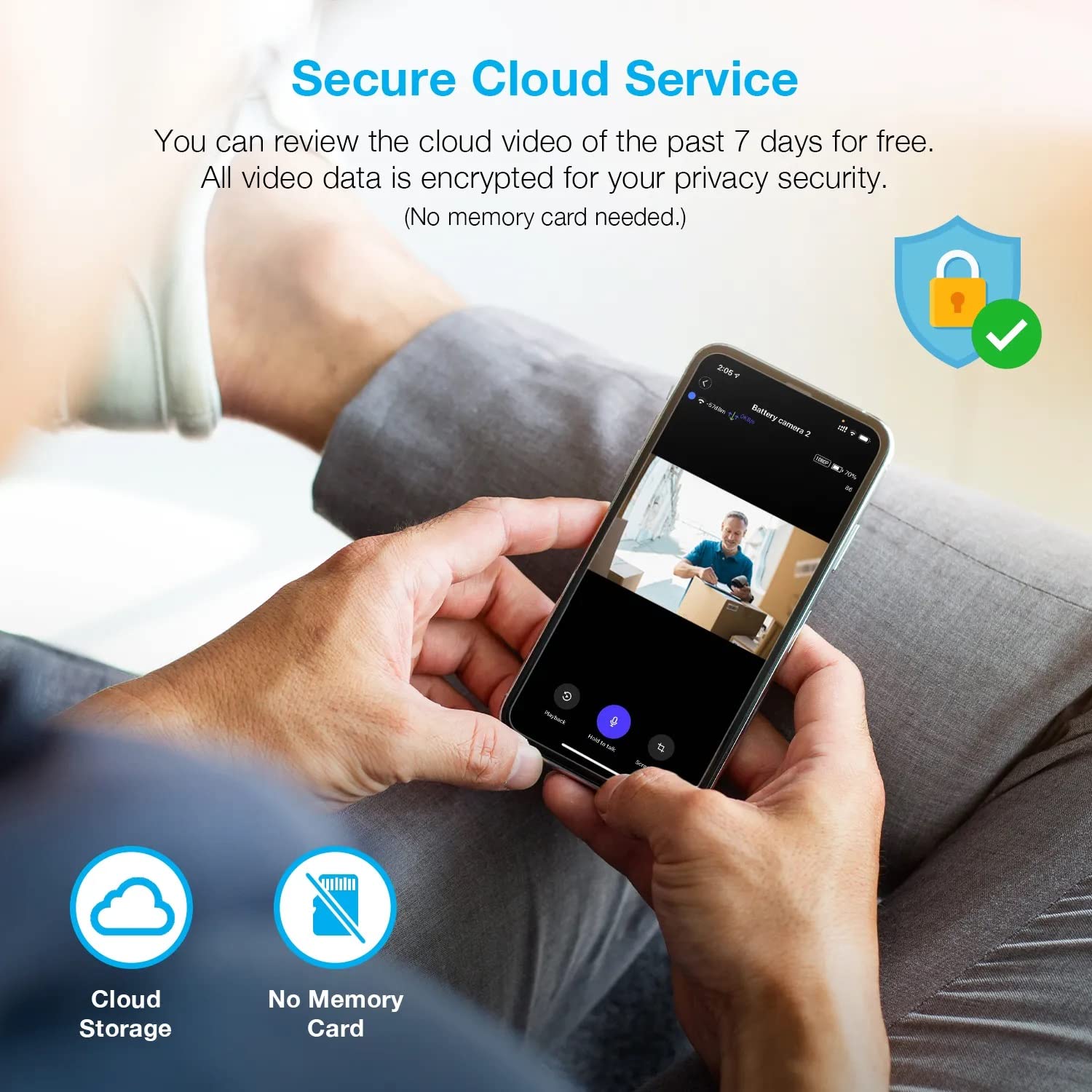
תמונה: אדם viewing recorded camera footage on a smartphone, accompanied by icons for cloud storage and indicating that no memory card is needed, highlighting the secure cloud service feature.
5. תחזוקה
5.1 ניהול סוללה
The HS01 camera is powered by a 6000mAh rechargeable battery. For continuous operation, ensure the solar panel is positioned to receive adequate direct sunlight. If the camera is used in an area with limited sunlight, periodic manual charging via the USB cable may be required.
5.2 ניקוי
To maintain optimal performance, periodically clean the camera lens and the solar panel surface with a soft, damp מטלית. הימנעו משימוש בחומרי ניקוי שוחקים או ממסים שעלולים לפגוע במשטחים.
6. פתרון תקלות
- המצלמה לא מתחברת ל-Wi-Fi:
- ודא שרשת ה-Wi-Fi שלך היא 2.4GHz. המצלמה אינה תומכת ברשתות 5GHz.
- בדוק את עוצמת אות ה-Wi-Fi במיקום המצלמה.
- ודא שסיסמת ה-Wi-Fi שהוזנה באפליקציה נכונה.
- הפעל מחדש את הנתב ואת המצלמה.
- איכות וידאו ירודה:
- Ensure a strong Wi-Fi signal. Weak signals can affect streaming quality.
- נקו את עדשת המצלמה אם היא נראית מלוכלכת או מרוחה.
- זיהוי תנועה לא עובד או רגיש מדי:
- Adjust the PIR motion sensitivity settings in the Rexing Home app.
- ודא שאין מכשולים החוסמים את המצלמה view או חיישן PIR.
- Check the camera's battery level. Low battery can affect sensor performance.
- Battery not holding charge or solar panel not working:
- Ensure the solar panel is positioned to receive direct sunlight for several hours daily.
- Clean the solar panel surface to remove any dirt or debris.
- ודא שכבל הפאנל הסולארי מחובר היטב למצלמה.
- If issues persist, try charging the camera directly via USB.
- אין שמע או שמע דו-כיווני חלש:
- Check the volume settings on your smartphone and in the Rexing Home app.
- ודא שהמיקרופון של הטלפון שלך מופעל עבור האפליקציה.
- Verify a stable internet connection for both the camera and your smartphone.
7. מפרטים
| תכונה | מִפרָט |
|---|---|
| מספר דגם | HS01 |
| רזולוציית וידאו | 1080p HD מלא |
| שדה של View | 120 מעלות |
| טווח ראיית לילה | 33 רגל |
| קיבולת סוללה | 6000 מיליאמפר/שעה |
| קישוריות | אלחוטי (Wi-Fi 2.4GHz) |
| דירוג עמיד למים | IP65 |
| מכשירים תואמים | Smartphone (Amazon Alexa, Google Assistant) |
| מידות פריט | 8.5 x 7.25 x 3.75 אינץ' |
| משקל פריט | 1 פאונד |
| מקור כוח | סוללה נטענת, פאנל סולארי |
8. אחריות ותמיכה
8.1 מידע אחריות
For detailed warranty information regarding your REXING HS01 Smart Home Security Camera System, please refer to the warranty card included with your product or visit the official REXING webאתר. תנאי האחריות עשויים להשתנות בהתאם לאזור ולקמעונאי.
8.2 תמיכת לקוחות
If you encounter any issues or have questions about your REXING HS01 camera, please contact REXING customer support. You can typically find support contact information on the official REXING website or within the Rexing Home mobile application.
For the latest updates, FAQs, and additional resources, please visit the official REXING webאֲתַר: www.rexingusa.com