
1. מבוא ומעלהview
The GrillEye Max is an advanced smart meat thermometer designed for precise temperature monitoring in various cooking environments, including ovens, grills, kitchens, BBQs, and smokers. It offers exceptional accuracy, rapid temperature readings, and extensive connectivity options for a seamless grilling experience.
תכונות מפתח כוללות:
- דִיוּק: Measures temperature with an accuracy of ±0.18°F (0.1°C) for both food and ambient temperatures.
- מְהִירוּת: מספק קריאת טמפרטורה תוך 2 שניות.
- קלות שימוש: Supports up to 8 probes simultaneously with an Adaptive Display System that is readable in various lighting conditions.
- קישוריות: Features 802.11 b/g/n Wi-Fi (2.4 GHz) and Cloud-based technology, allowing remote monitoring via the GrillEye Hyperion app on Android and iOS devices.
- עֲמִידוּת: Constructed with a robust, drop-resistant body and a magnetic mount for convenient placement.

2. התקנה
2.1 פתיחת האריזה ורכיבים
עם פתיחת האריזה, יש לוודא שכל הרכיבים נמצאים:
- 1 GrillEye® Max device
- 2 GrillEye® Iris probes
- 2 Probe wraps
- 2 קליפים
- 1 Quick User Manual (QUM)
- 1 כבל טעינה מסוג USB Type-C
2.2 טעינת המכשיר
Before first use, fully charge your GrillEye Max using the provided USB Type-C cable. The device is powered by 1 Lithium Ion battery (included).
2.3 הורדה והתקנה של אפליקציה
The GrillEye Hyperion app is essential for utilizing the full capabilities of your GrillEye Max. Download it from your device's app store:
- עבור מכשירי אנדרואיד: חפש "GrillEye Hyperion" on Google Play Store.
- עבור מכשירי iOS: חפש "GrillEye Hyperion" on Apple App Store.
Follow the on-screen instructions to install the app.
2.4 צימוד וחיבור ראשוניים
Once the app is installed, open it and follow the prompts to pair your GrillEye Max. The device connects via Wi-Fi (2.4 GHz) or Cloud-based technology, offering unlimited range for monitoring.
3. הוראות הפעלה
3.1 Connecting and Placing Probes
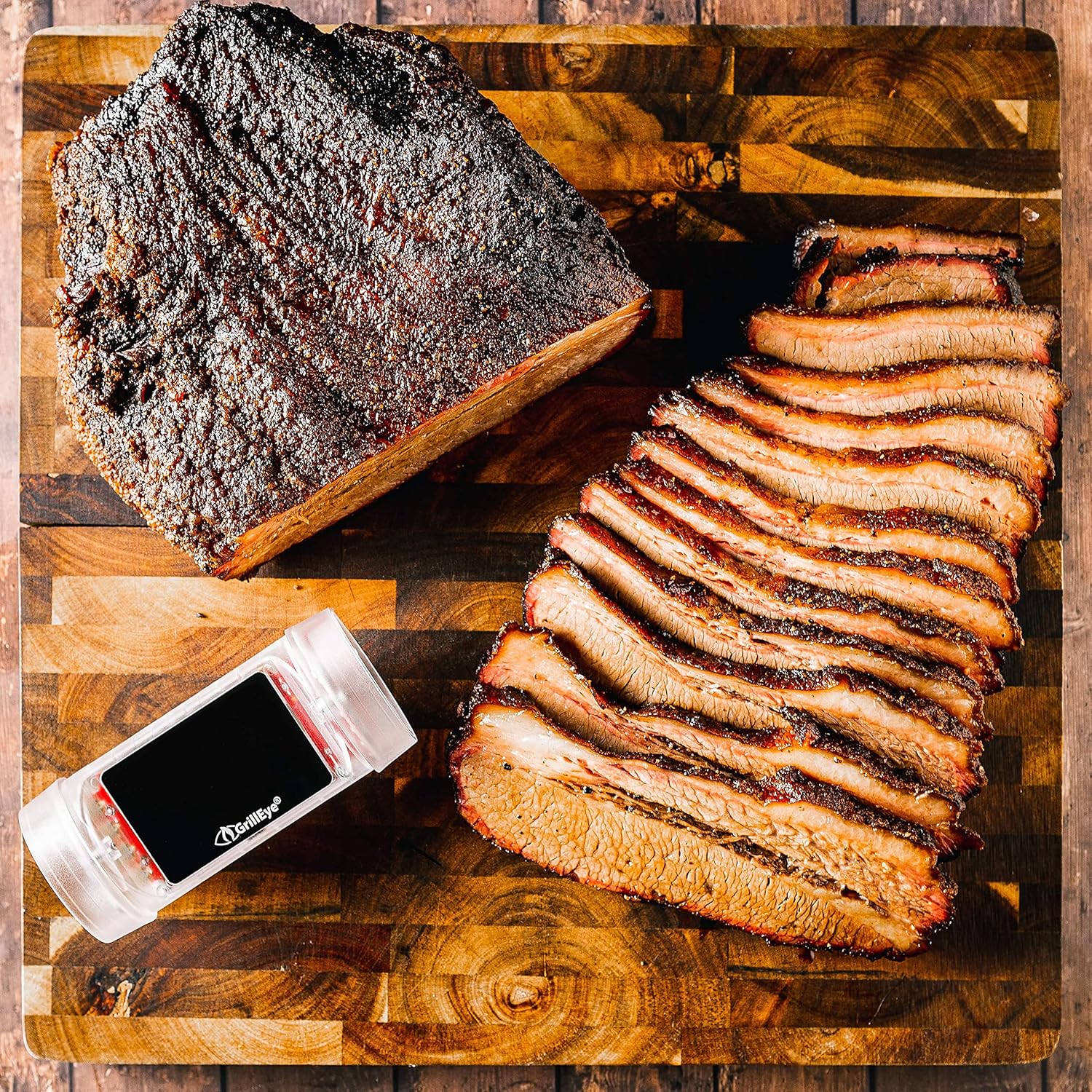
The GrillEye Max can accommodate up to 8 probes. Insert the probes into the designated ports on the device. For accurate food temperature readings, insert the probe into the thickest part of the meat, avoiding bones. Use the included clips to monitor ambient temperatures in your cooking environment.

3.2 Monitoring Temperatures with the Adaptive Display System and App
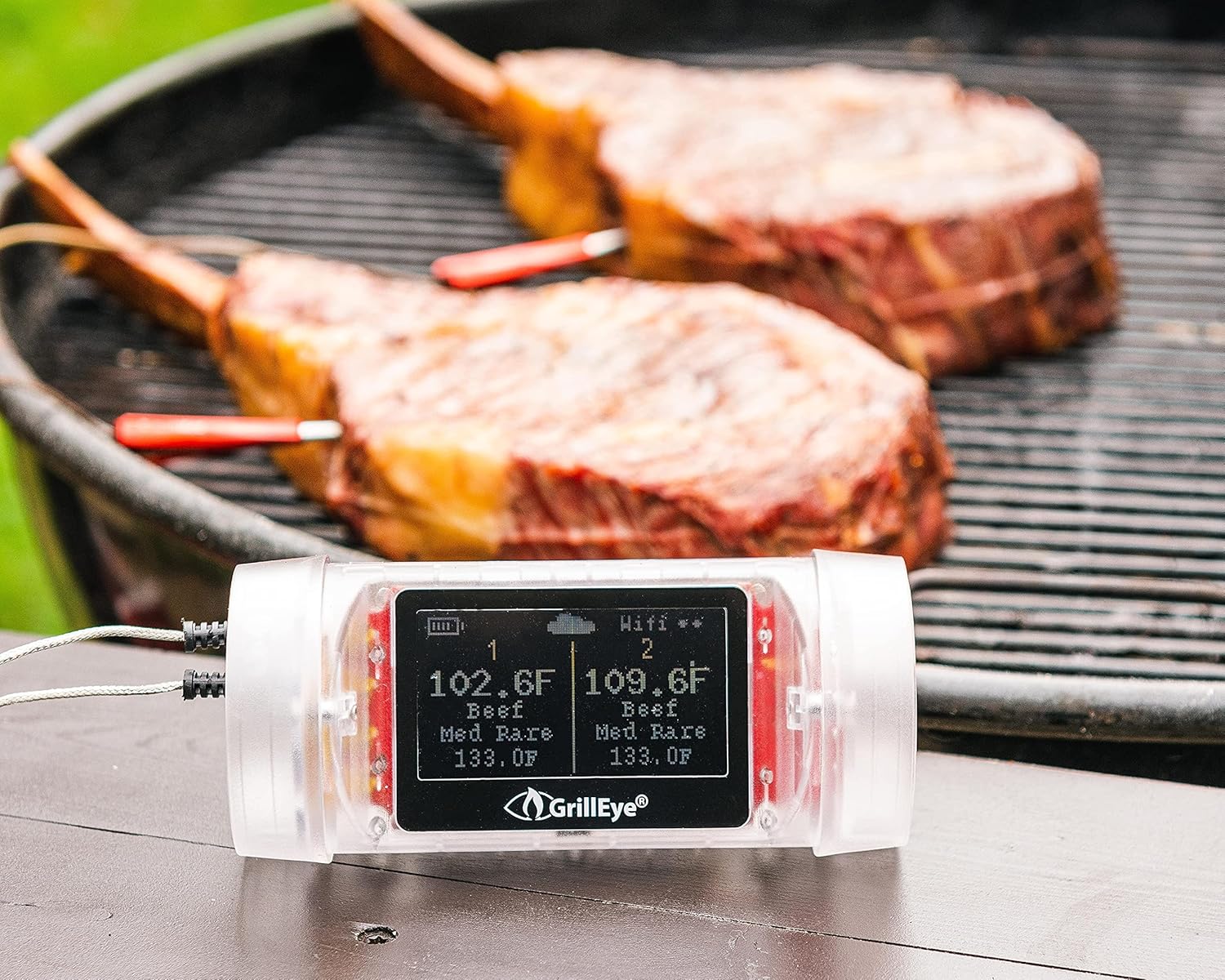
The GrillEye Max features an Adaptive Display System that provides clear, real-time temperature readings with 0.1-degree resolution, visible even in direct sunlight or darkness. For detailed monitoring, open the GrillEye Hyperion app on your smartphone or tablet.
בתוך האפליקציה, אתה יכול:
- View current temperatures for all connected probes.
- Set target temperatures based on meat type and desired doneness.
- Receive notifications and alerts when target temperatures are reached or if temperatures deviate significantly.
- Track temperature history and trends.

3.3 שימוש רב-תכליתי
The GrillEye Max is suitable for a wide range of cooking applications:
- BBQ Grills: Perfect for monitoring large cuts of meat during long smoking sessions.
- תנורים: Ensures precise internal temperatures for roasts, poultry, and baked goods.
- Smokers: Helps maintain consistent low-and-slow cooking temperatures.
- שימוש במטבח: Ideal for everyday cooking, ensuring food safety and optimal taste.
- Fridges & Freezers: Can also be used to monitor ambient temperatures in cold storage.


4. תחזוקה
4.1 הוראות ניקוי
To ensure the longevity and accuracy of your GrillEye Max and its probes, follow these cleaning guidelines:
- בדיקות: After each use, allow probes to cool. Wipe them clean with a damp cloth and mild detergent. Do not immerse the probe's cable or the main unit in water.
- יחידה ראשית: The GrillEye Max unit is wipe clean only. Do not submerge it in water or expose it to excessive moisture.
- אִחסוּן: Store the device and probes in a clean, dry place when not in use. Use the provided probe wraps to keep cables tidy.
4.2 טיפול בסוללה
The GrillEye Max uses a rechargeable Lithium Ion battery. For optimal battery life:
- Charge the device regularly, especially before long cooking sessions.
- הימנעו מריקון מוחלט של הסוללה לעתים קרובות.
- אם מאחסנים את הסוללה לתקופה ממושכת, יש לטעון אותה עד לכ-50% לפני האחסון.
5. פתרון תקלות
If you encounter issues with your GrillEye Max, consider the following common troubleshooting steps:
- No Temperature Readings: Ensure probes are fully inserted into the device and the meat/environment. Check for any visible damage to the probes or cables.
- בעיות קישוריות: Verify your Wi-Fi network is active and within range. Ensure the GrillEye Hyperion app is updated to the latest version. Try restarting both the GrillEye Max and your smart device.
- קריאות לא מדויקות: Ensure probes are clean and properly inserted. Calibrate probes if necessary (refer to app instructions for calibration).
- התראות אפליקציה לא עובדות: Check your smartphone's notification settings for the GrillEye Hyperion app to ensure they are enabled. Ensure the app is not being put to sleep by battery optimization settings.
- המכשיר לא מגיב: Try performing a factory reset on the device (refer to the Quick User Manual for specific instructions).
If problems persist, contact GrillEye customer support for further assistance.
6. מפרטים
| תכונה | מִפרָט |
|---|---|
| מותג | GrillEye |
| שם הדגם | מקסימום |
| מספר דגם של פריט | GE0006 |
| תכונה מיוחדת | מערכת קריאה מהירה |
| טכנולוגיית קישוריות | Wi Fi (802.11 b/g/n, 2.4 GHz) |
| סוג תצוגה | Active Matrix LED |
| הַחְלָטָה | 0.1 מעלות |
| זמן תגובה | 2 שניות |
| דירוג טמפרטורה עליון | 212 Degrees Fahrenheit (for ambient probes) |
| מקור כוח | מופעל על סוללה (סוללת ליתיום יון אחת כלולה) |
| חומר חיצוני | פּלָסטִי |
| משקל פריט | 8.5 אונקיות |
| אורך פריט | 9.1 אינץ' |
| שימוש בפנים/חוץ | מקורה |
| שימוש חוזר | לשימוש חוזר |
| הוראות טיפול במוצר | בטוח לתנור, לנגב |
| מפרט נפגש | FDA, CE, FCC, NIST |
7. אחריות ותמיכה
GrillEye products are manufactured to high-quality standards and come with a manufacturer's warranty. For specific warranty details, please refer to the documentation included with your product or visit the official GrillEye webאֲתַר.
For technical support, troubleshooting assistance, or to purchase additional accessories, please utilize the GrillEye Hyperion app's support features or visit the GrillEye support page online. Regular app updates ensure optimal performance and access to the latest features and support resources.