
SLuB T16
SLuB Bluetooth Earphones T16 User Manual
Model: T16 | Brand: SLuB
1. הקדמה
תודה על הרכישהasing the SLuB Bluetooth Earphones Model T16. These true wireless stereo earphones are designed to provide a high-quality audio experience with convenient features such as Bluetooth 5.1 connectivity, Hi-Fi sound, automatic pairing, and touch controls. This manual will guide you through the setup, operation, and maintenance of your new earphones to ensure optimal performance and longevity.
2. מידע בטיחות
- אין לפרק, לתקן או לשנות את המוצר. הדבר עלול לגרום לשריפה, התחשמלות או נזק מלא למוצר.
- הרחק את המוצר מטמפרטורות קיצוניות, לחות וסביבות קורוזיביות.
- הימנע מנפילה או הכפיפה של המוצר למכות חזקות.
- הרחק מהישג ידם של ילדים וחיות מחמד.
- השתמשו רק בכבל הטעינה המצורף או בכבל Type-C מאושר לטעינה.
- חשיפה ממושכת לצלילים חזקים עלולה לגרום נזק לשמיעה. כוונן את עוצמת הקול לרמה בינונית.
3. תכולת החבילה
אנא בדקו את תוכן החבילה כדי לוודא שכל הפריטים נמצאים:
- SLuB T16 Earbuds (Left and Right)
- נרתיק טעינה
- כבל טעינה מסוג USB מסוג C
- מדריך הוראות
4. המוצר נגמרview
The SLuB T16 earphones feature a compact and lightweight design, making them easy to carry and comfortable for extended wear. The charging case provides additional battery life on the go.
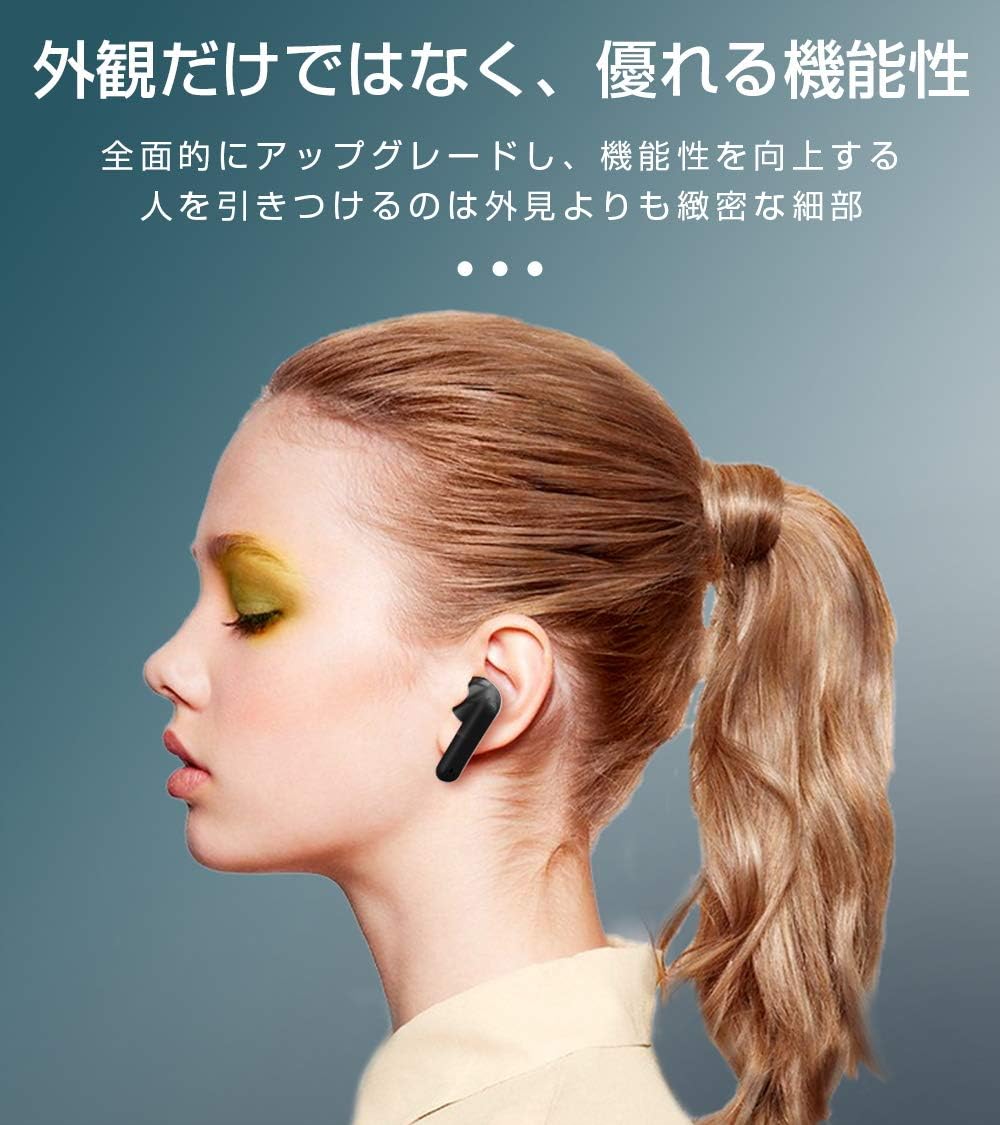
Image: SLuB T16 Earbuds securely placed in their charging case.
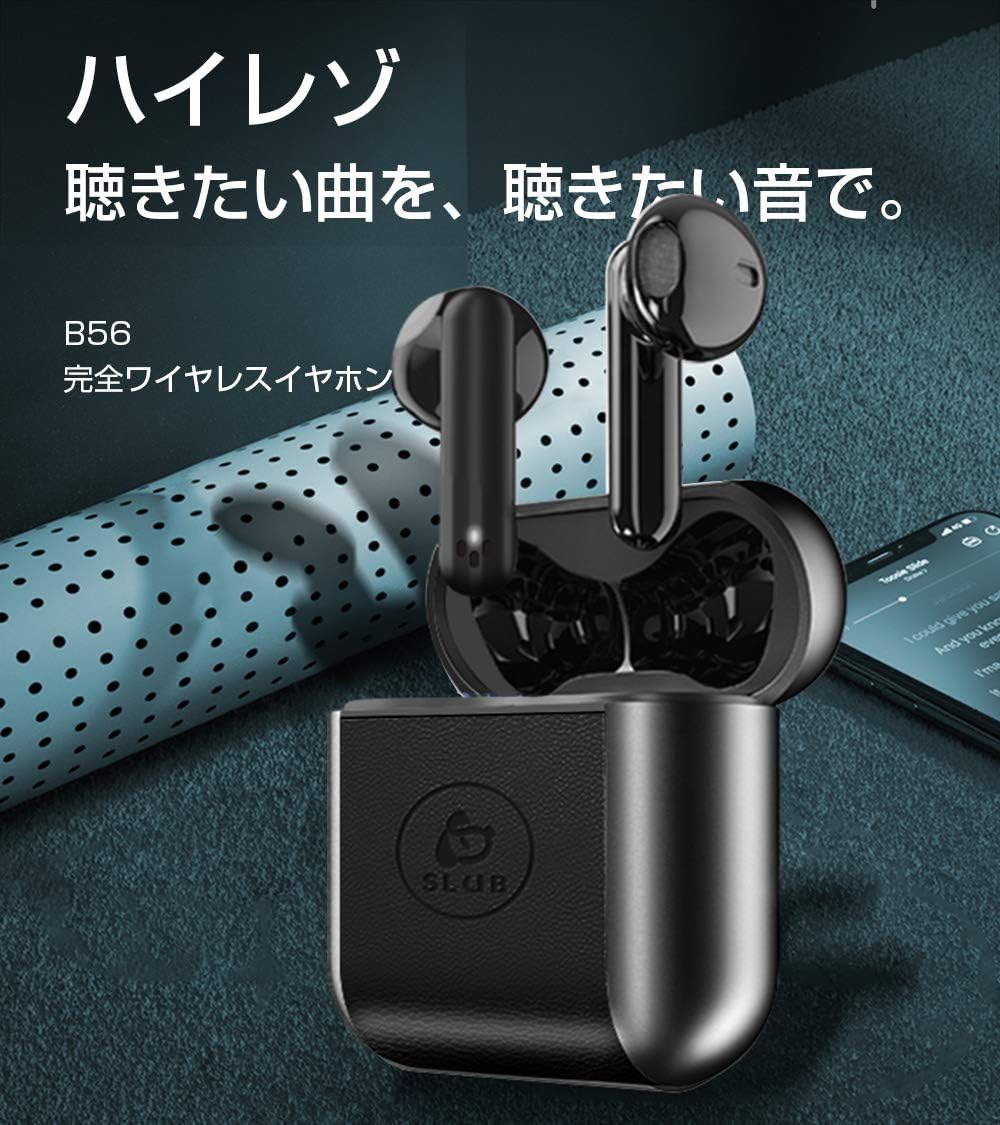
Image: A single SLuB T16 earbud comfortably fitted in a user's ear, highlighting its ergonomic design.
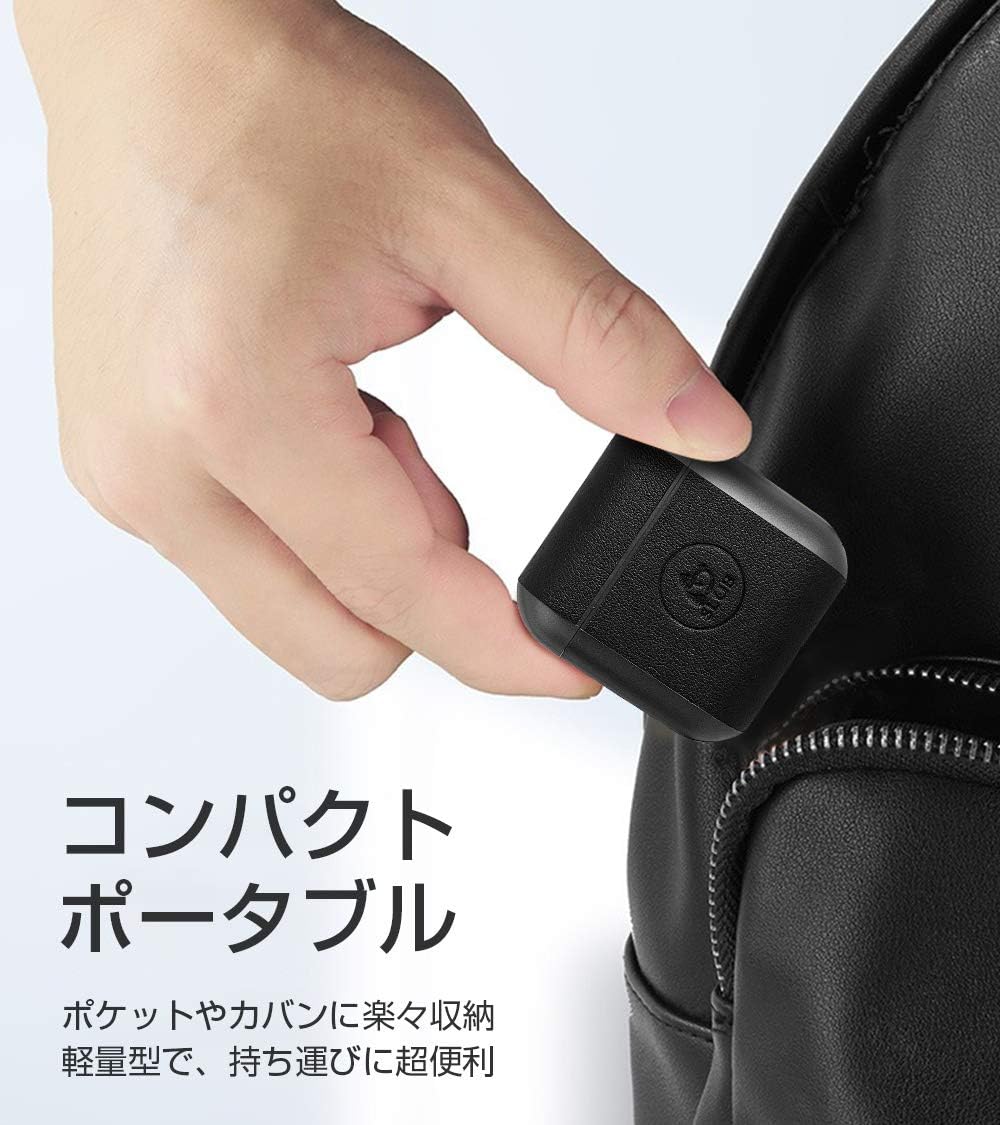
Image: A hand holding the compact SLuB T16 charging case, demonstrating its portability.
5. התקנה
5.1. טעינת האוזניות והמארז
לפני השימוש הראשון, טען את האוזניות ואת נרתיק הטעינה במלואם.
- הניחו את האוזניות במארז הטעינה. ודאו שהן יושבות כראוי.
- Connect the provided USB Type-C cable to the charging port on the case and plug the other end into a USB power adapter (not included) or a computer's USB port.
- נוריות החיווי על המארז יציגו את מצב הטעינה. לאחר טעינה מלאה, הנוריות יציינו את השלמת הטעינה או יכבו.
A full charge for the earbuds takes approximately 1.5 hours, providing 2-3 hours of playback. The charging case takes about 2 hours to fully charge and can provide 5-6 full charges for the earbuds.
5.2. זיווג ראשוני
The SLuB T16 earphones feature automatic pairing for ease of use.
- פתחו את מארז הטעינה. האוזניות יידלקו אוטומטית ויכנסו למצב צימוד.
- במכשיר שלך (סמארטפון, טאבלט וכו'), הפעל את Bluetooth וחפש מכשירים זמינים.
- Select "T16" from the list of found devices to connect.
- Once successfully paired, you will hear a confirmation sound, and the earbud indicator lights will change.
After the initial pairing, the earbuds will automatically reconnect to your last paired device when taken out of the charging case, provided Bluetooth is enabled on your device.
6. הוראות הפעלה
6.1. גע בפקדים
The SLuB T16 earphones utilize touch-sensitive areas for various functions. Refer to the diagram below for specific actions:

Image: Visual guide detailing the touch control functions for the SLuB T16 earbuds.
- הפעל/השהה מוזיקה: Single touch on either earbud's touch area.
- מענה/סיום שיחה: Single touch on either earbud's touch area.
- דחה שיחה: Long press on either earbud's touch area.
- הרצועה הבאה: Double touch the right earbud's touch area.
- רצועה קודמת: Double touch the left earbud's touch area.
- הגבר קול: Triple touch the left earbud's touch area.
- להנמיך קול: Triple touch the right earbud's touch area.
- הפעל את Assistant Voice: Long press for 3 seconds on either earbud's touch area.
6.2. Single and Twin Earbud Mode
The SLuB T16 earphones support both single and twin earbud usage modes.
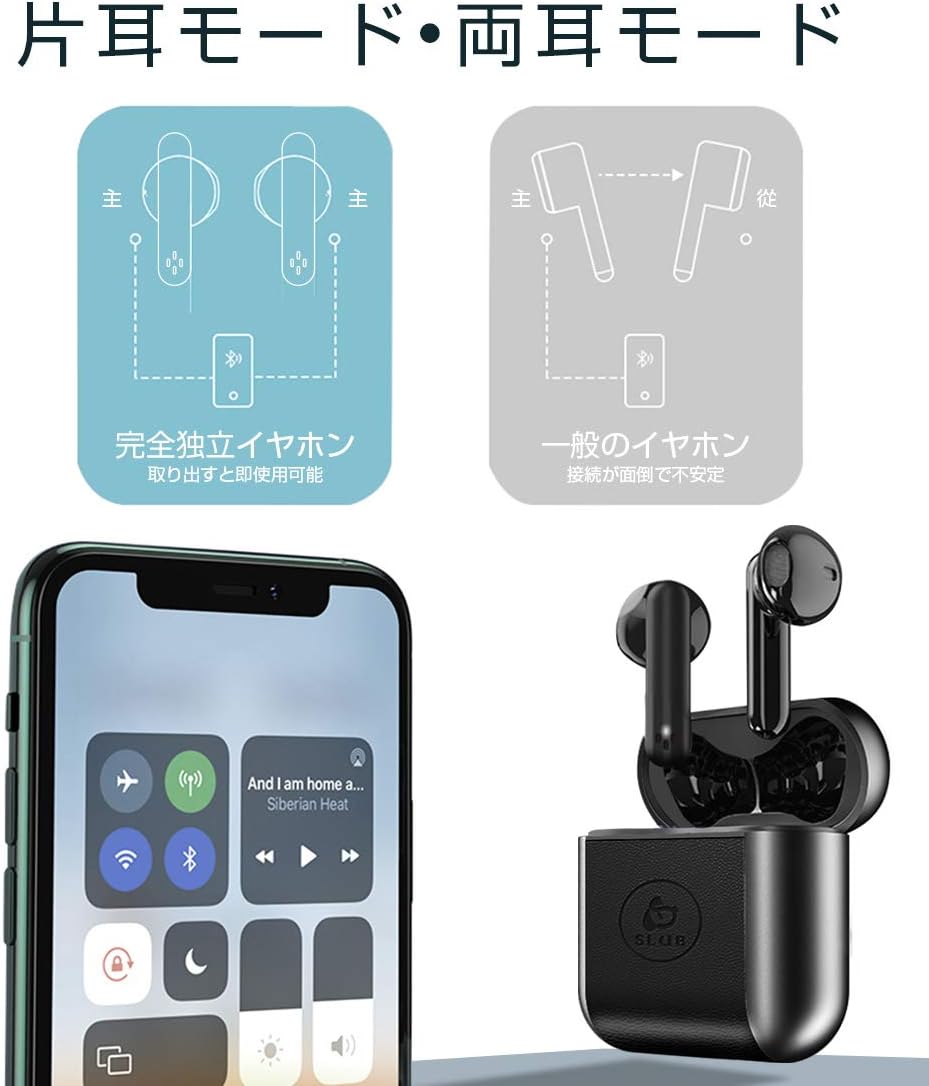
Image: Diagram showing how to use the earbuds in both single (mono) and twin (stereo) modes.
- מצב תאום: Take both earbuds out of the charging case. They will automatically connect to each other and then to your device for stereo sound.
- מצב יחיד: Take only one earbud out of the charging case. It will automatically connect to your device and function independently. The other earbud can remain in the case or be used later.
7. תחזוקה
- ניקוי: השתמשו במטלית רכה, יבשה ונטולת סיבים לניקוי האוזניות ומארז הטעינה. אין להשתמש בכימיקלים חזקים או בחומרים שוחקים.
- אִחסוּן: כאשר אינן בשימוש, יש לאחסן את האוזניות בנרתיק הטעינה שלהן כדי להגן עליהן ולשמור עליהן טעונות. יש לאחסן במקום קריר ויבש.
- טיפול בסוללה: כדי להאריך את חיי הסוללה, הימנעו מפריקה מלאה של הסוללה לעתים קרובות. טען את המכשיר באופן קבוע, גם אם אינו בשימוש למשך פרקי זמן ממושכים.
8. פתרון תקלות
| בְּעָיָה | סיבה אפשרית | פִּתָרוֹן |
|---|---|---|
| האוזניות לא נדלקות. | סוללה חלשה. | Charge the earbuds and charging case. |
| לא ניתן לבצע התאמה עם המכשיר. | בלוטות' כבוי במכשיר; האוזניות אינן במצב צימוד; רחוק מדי מהמכשיר. | Ensure Bluetooth is on. Place earbuds in case, close, then open to re-enter pairing mode. Move closer to device. |
| רק אוזניה אחת עובדת. | Earbuds not properly connected to each other; one earbud has low battery. | החזירו את שתי האוזניות למארז הטעינה, סגרו את המכסה ולאחר מכן פתחו אותו שוב. ודאו ששתי האוזניות טעונות. |
| איכות הצליל ירודה או לסירוגין. | הפרעה; מכשיר רחוק מדי; סוללה חלשה. | Move closer to your device. Avoid environments with strong Wi-Fi or other Bluetooth signals. Charge earbuds. |
9. מפרטים
Detailed technical specifications for the SLuB T16 Bluetooth Earphones:

Image: A table displaying the detailed technical specifications of the SLuB T16 earphones and charging case.
| תכונה | פְּרָט |
|---|---|
| שם המוצר | אוזניות סטריאו אלחוטיות אמיתיות |
| מספר דגם | T16 |
| גרסת בלוטות' | 5.1 (Low Power Consumption) |
| Call/Playback Time | Approx. 2-3 hours (with one full charge) |
| קֶלֶט | 5.0V / 200mA |
| סביבת הפעלה | טמפרטורה: -10°C עד 40°C, לחות: 10% עד 85% |
| יציאת טעינה | סוג-C |
| קיבולת סוללת אוזניות | 30mAh |
| זמן טעינת אוזניות | כ. 1.5 שעות |
| זמן המתנה | כ. 120 שעות |
| מארז טעינה קיבולת סוללה | 300mAh |
| מארז טעינה זמן טעינה | כ. 2 שעות |
| משקל Earbud יחיד | כ. 3.1 גרם |
| מידות אוזניות | 34 x 16.9 x 16.7 מ"מ |
| מידות מארז הטעינה | 51 x 49.1 x 24 מ"מ |
| משקל מארז טעינה | כ. 31.6 גרם |
| מכשירים תואמים | iOS and Android devices with Bluetooth functionality |
10. אחריות ותמיכה
למידע על אחריות ותמיכת לקוחות, אנא עיין בתיעוד המצורף לרכישה שלך או צור קשר עם הקמעונאי. שמור את הוכחת הרכישה שלך עבור כל תביעת אחריות.
Ask a question about this manual
Ask about setup, troubleshooting, compatibility, parts, safety, or missing instructions. Manuals+ will review the question and use this page’s manual context to help answer it.