
מָבוֹא
This manual provides comprehensive instructions for the Attoe Bluetooth Wireless Mouse, Model XYH20. This device offers versatile connectivity options, customizable RGB lighting, and an ergonomic design for extended use. Please read this manual thoroughly to ensure proper setup and operation of your new mouse.
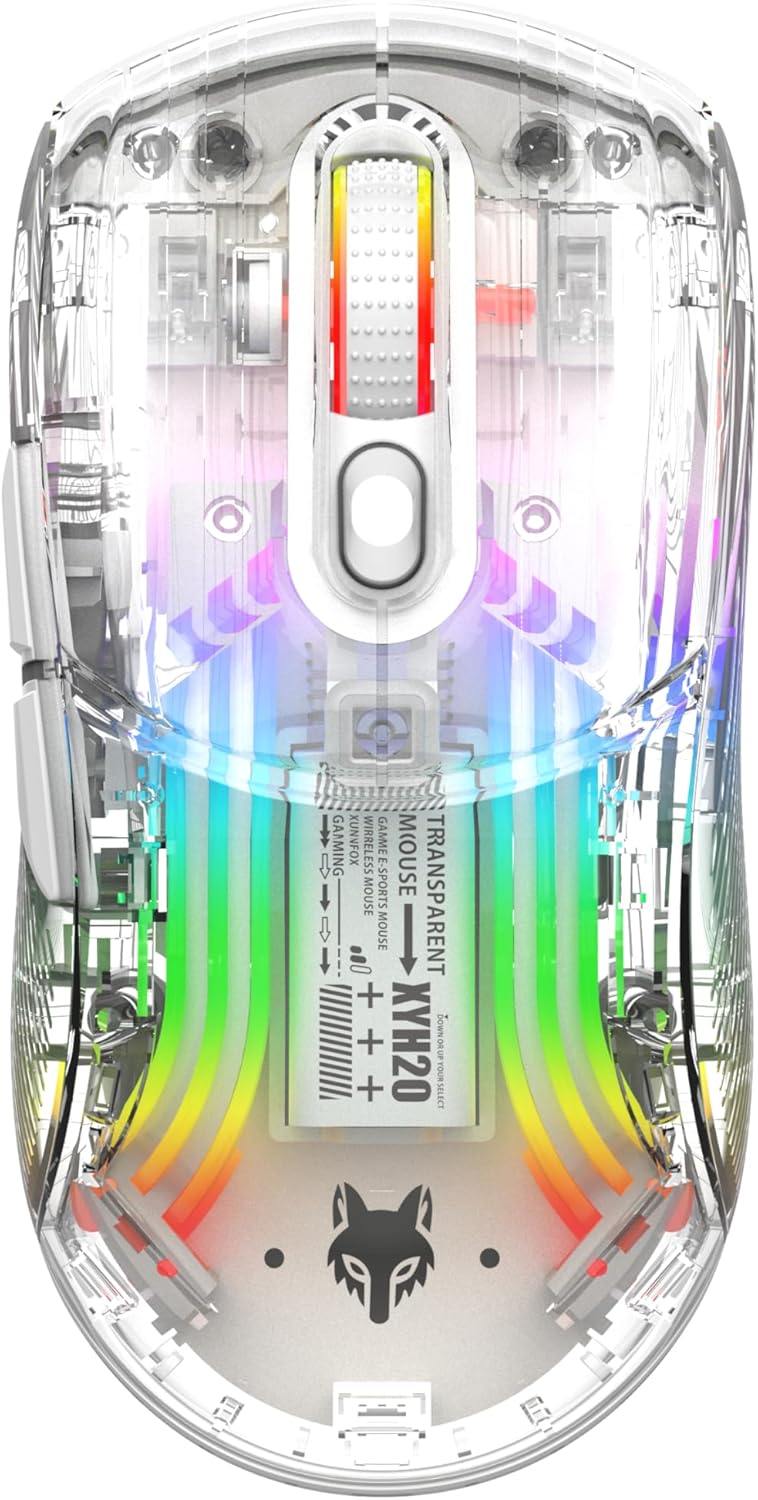
תמונה: למעלה view of the Attoe Bluetooth Wireless Mouse, showcasinז זה ג שקוףasing and vibrant internal RGB lighting.
תכונות המוצר
- עיצוב מעטפת שקופה: Unique transparent casing with internal components visible.
- קישוריות במצב כפול: Supports 2.4GHz wireless via USB receiver and Bluetooth connection.
- תאורת RGB אחורית: Multiple adjustable RGB lighting effects.
- עיצוב ארגונומי: Shaped for comfortable grip during prolonged use.
- כפתורי לחיצה שקטים: מיועד לפעולה שקטה.
- DPI מתכוונן: 5-speed DPI settings (800-1200-1600-2000-2400) for precise control.
- סוללה נטענת: Built-in 500mAh large capacity rechargeable battery with Type-C charging.
- תאימות רחבה: Compatible with Windows 7/8/10/XP, Vista 7/8, Linux, and Mac OS. (Note: Two left side buttons are not available in Mac OS).
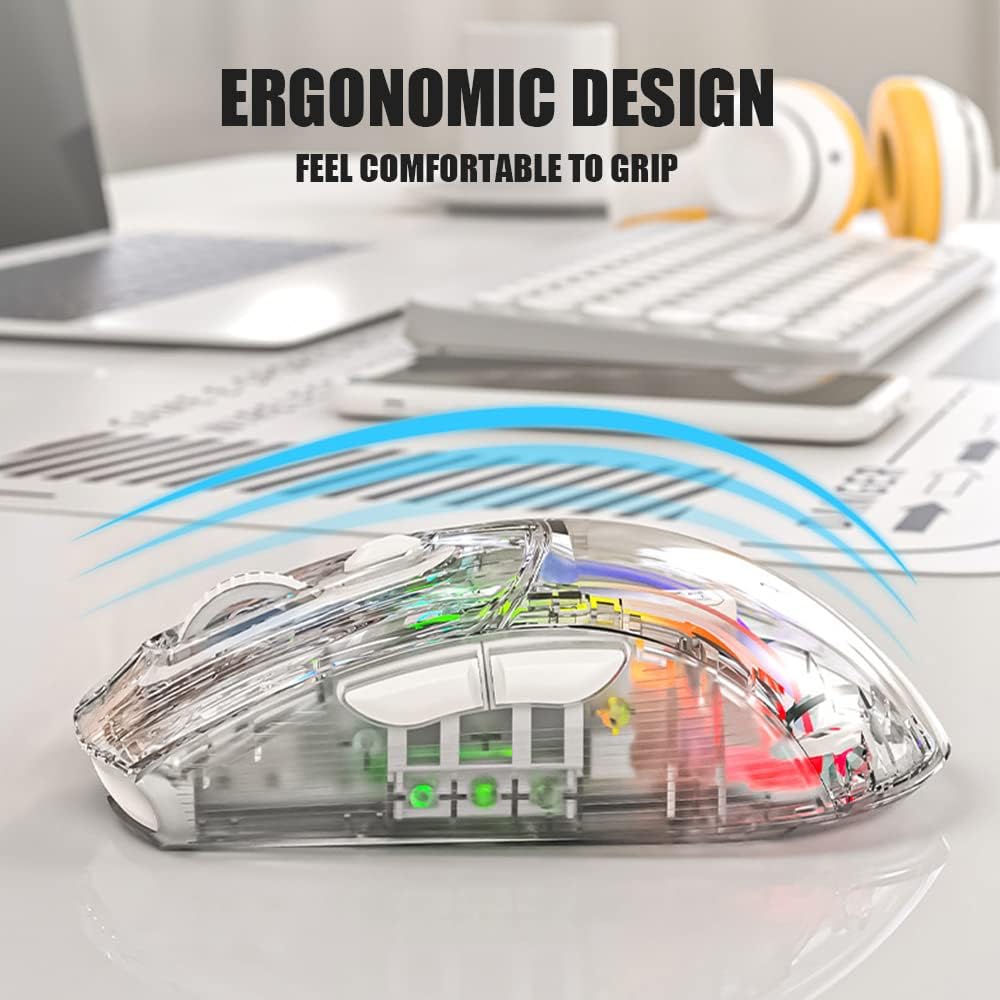
תמונה: צד view of the Attoe Bluetooth Wireless Mouse, illustrating its ergonomic contour for comfortable handling.
מה יש בקופסה
- Attoe Bluetooth Wireless Gaming Mouse
- כבל טעינה מסוג USB מסוג C
- מדריך למשתמש (מסמך זה)
הגדרה
The Attoe Bluetooth Wireless Mouse offers three connection modes: 2.4GHz wireless, Bluetooth, and wired via USB-C cable.
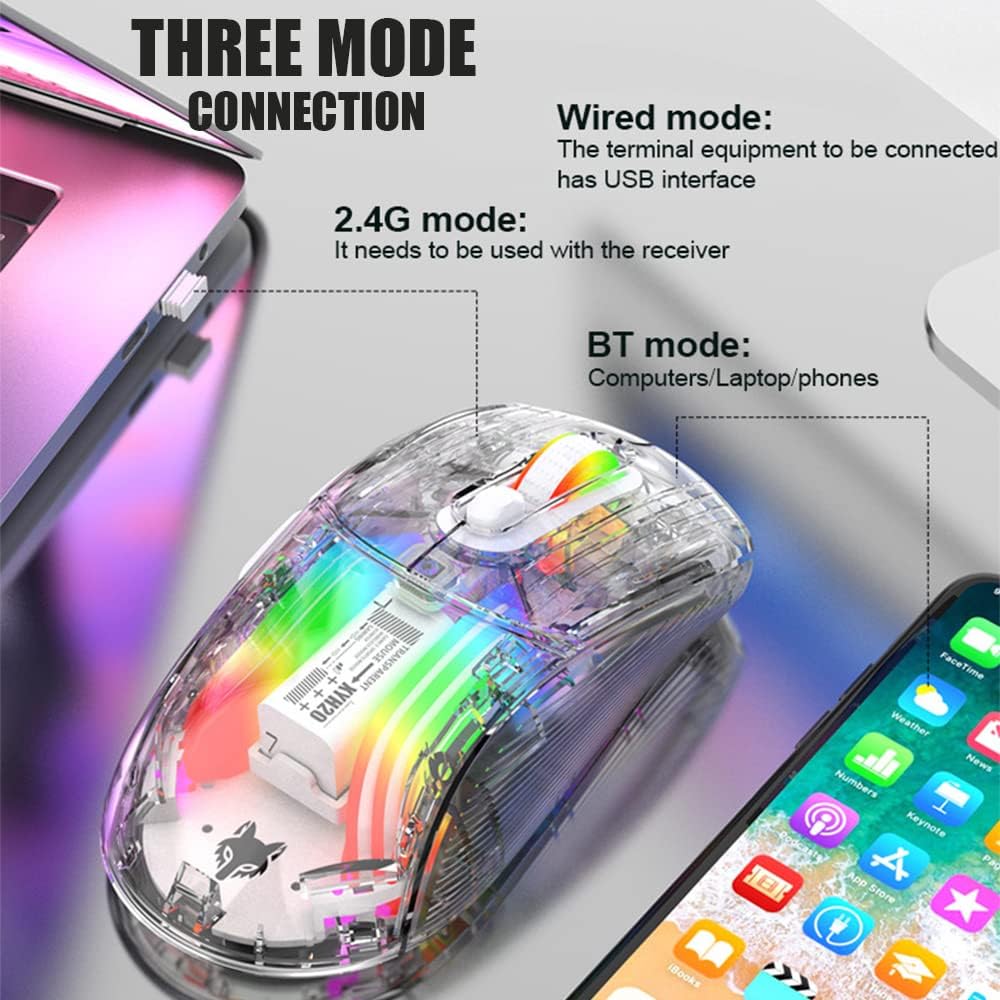
Image: Diagram illustrating the three connection modes: 2.4G wireless, Bluetooth, and wired USB, with exampקבוצות של מכשירים.
חיבור אלחוטי 2.4GHz
- אתר את מקלט ה-USB המאוחסן בתא התחתון של העכבר.
- חבר את מקלט ה-USB ליציאת USB זמינה במחשב שלך.
- Set the mode switch on the bottom of the mouse to the 2.4G position.
- העכבר אמור להתחבר אוטומטית.
חיבור בלוטות'
- Set the mode switch on the bottom of the mouse to the Bluetooth position.
- Long press the Left, Middle (scroll wheel), and Right buttons simultaneously for 4 seconds to enter pairing mode. The mouse's indicator light will flash.
- במחשב או במכשיר שלך, פתח את הגדרות ה-Bluetooth וחפש מכשירים חדשים.
- Select "Attoe Mouse" (or similar name) from the list of available devices to pair.
- לאחר הצימוד, נורית החיווי תפסיק להבהב.
חיבור קווי
You can also use the mouse in wired mode while charging or as an alternative connection. Simply connect the provided USB Type-C cable from the mouse to a USB port on your computer.
הוראות הפעלה

Image: Detailed diagram of the Attoe mouse, labeling its buttons, receiver storage, charging port, and switches.
פונקציות כפתור
- כפתור שמאלי (1): פונקציית לחיצה שמאלית סטנדרטית.
- כפתור ימני (2): פונקציית לחיצה ימנית סטנדרטית.
- Scroll Button (3): Scroll wheel for vertical navigation; also functions as a middle-click button.
- לחצן DPI (4): עובר בין הגדרות DPI.
- כפתור קדימה (5): מנווט קדימה ב web דפדפנים או file חוקרים.
- Back Button (6): מנווט אחורה ב web דפדפנים או file חוקרים.
התאמת DPI
The mouse features 5 adjustable DPI (Dots Per Inch) settings to control cursor sensitivity and speed. Press the כפתור DPI (4) located below the scroll wheel to cycle through the following settings:
- 800 DPI
- 1200 DPI
- 1600 DPI
- 2000 DPI
- 2400 DPI

Image: The Attoe mouse highlighting the DPI button and its 5-speed adjustment range from 800 to 2400.
בקרת תאורה RGB
The mouse features various RGB lighting effects. To adjust or turn off the lighting, use the Light Switch (10) located on the bottom of the mouse.

Image: The Attoe mouse displaying its vibrant RGB lighting effects, with an inset showing the location of the light switch on the shell bottom.
תכונת קליק שקט
The mouse is designed with mute buttons, providing a quiet clicking experience suitable for environments where noise reduction is desired.

Image: The Attoe mouse with an overlay indicating its quiet click functionality, designed not to disturb others.
טעינה וסוללה
The Attoe Bluetooth Wireless Mouse is equipped with a 500mAh rechargeable battery. Use the provided USB Type-C cable to charge the mouse.
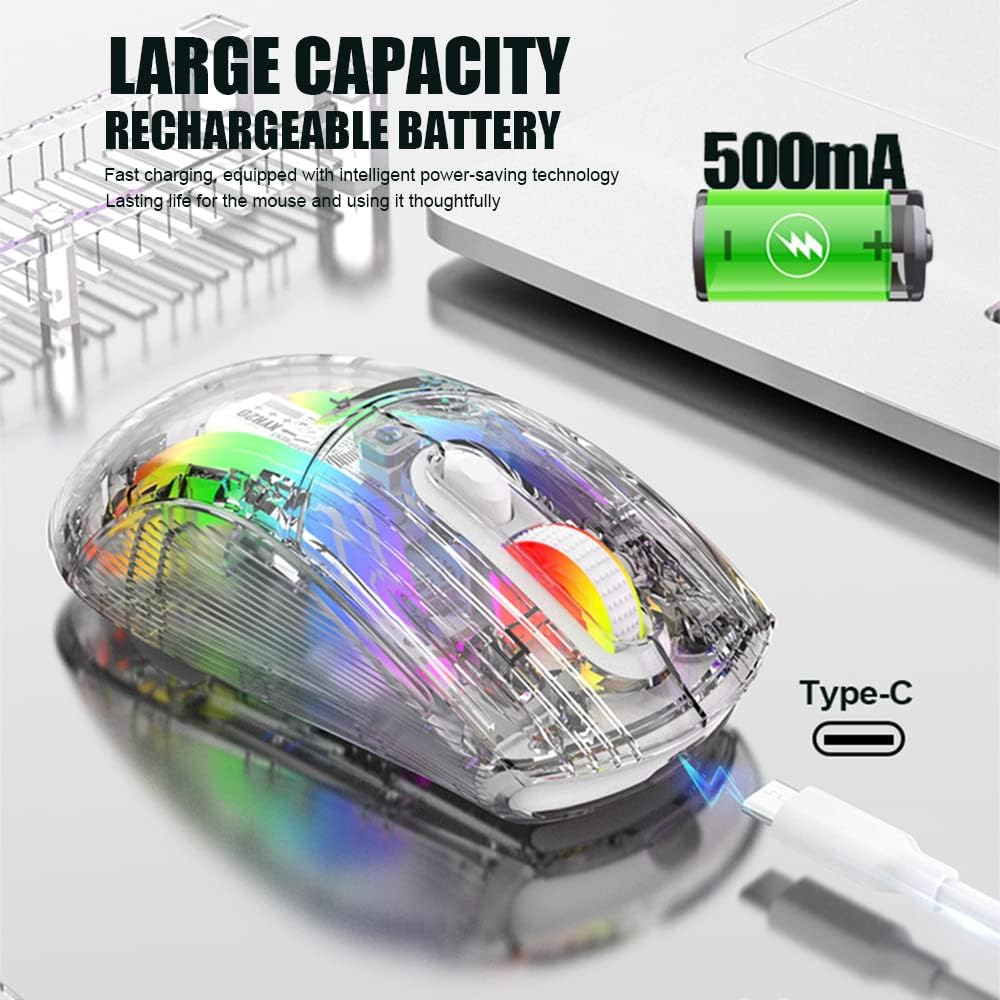
Image: The Attoe mouse connected via a Type-C cable for charging, with an icon indicating its 500mAh rechargeable battery capacity.
- Connect the Type-C end of the charging cable to the Charging Port (11) on the front of the mouse.
- חבר את קצה ה-USB-A של כבל הטעינה למקור מתח USB (למשל, יציאת USB של המחשב, מתאם USB לקיר).
- The mouse can be used while charging in wired mode.
תַחזוּקָה
To ensure the longevity and optimal performance of your Attoe Bluetooth Wireless Mouse, follow these maintenance guidelines:
- ניקוי: השתמשו במטלית רכה ויבשה כדי לנגב את פני השטח של העכבר. במקרה של לכלוך עיקש, נגבו מעטampשטפו את המטלית במים או בתמיסת ניקוי עדינה. הימנעו מכימיקלים חזקים או מחומרים שוחקים.
- טיפול בחיישנים: שמרו על ניקיון החיישן האופטי בתחתית העכבר וללא אבק או פסולת כדי להבטיח מעקב מדויק.
- אִחסוּן: כאשר העכבר אינו בשימוש למשך תקופות ממושכות, יש לאחסן אותו במקום קריר ויבש.
- טיפול בסוללה: Avoid fully discharging the battery frequently. Charge the mouse when the battery level is low.
פתרון בעיות
| בְּעָיָה | סיבה אפשרית | פִּתָרוֹן |
|---|---|---|
| Mouse not connecting (2.4GHz) | USB receiver not properly inserted; mouse not in 2.4G mode; low battery. | Ensure receiver is fully inserted. Set mode switch to 2.4G. Charge the mouse. Try a different USB port. |
| Mouse not connecting (Bluetooth) | Mouse not in pairing mode; Bluetooth disabled on device; low battery; device incompatibility. | Set mode switch to Bluetooth. Long press Left/Middle/Right buttons for 4s to enter pairing. Ensure device Bluetooth is on. Charge the mouse. Check device compatibility (Mac OS side buttons not supported). |
| נורות RGB לא עובדות | אורות כבויים; סוללה חלשה. | Press the Light Switch on the bottom of the mouse to cycle through modes or turn on. Charge the mouse. |
| Cursor movement is erratic or unresponsive | חיישן אופטי מלוכלך; משטח לא מתאים; סוללה חלשה. | Clean the optical sensor. Use a mouse pad or a smooth, non-reflective surface. Charge the mouse. |
| Side buttons not working on Mac OS | מגבלת מערכת ההפעלה. | This is a known limitation; the two left side buttons are not available in Mac OS. |
מפרטים
| תכונה | פְּרָט |
|---|---|
| דֶגֶם | XYH20 |
| מידות המוצר | 4.8 x 2.8 x 0.04 אינץ' (12.6 x 6.2 x 3.85 ס"מ) |
| משקל פריט | 3.52 אונקיות (110 גרם) |
| טכנולוגיית קישוריות | Bluetooth, 2.4GHz Wireless, Wired (USB Type-C) |
| טכנולוגיית זיהוי תנועה | אוֹפּטִי |
| הגדרות DPI | 800, 1200, 1600, 2000, 2400 |
| תכונות מיוחדות | Ergonomic Design, LED Lights (RGB), Portable, Rechargeable, Soundless (Quiet Click), Wireless |
| קיבולת סוללה | 500mAh |
| יציאת טעינה | USB Type-C |
| תְאִימוּת | Windows 7/8/10/XP, Vista 7/8, Linux, Mac OS (Note: Left side buttons not available in Mac OS) |
אחריות ותמיכה
Attoe products are designed for reliability and performance. For any issues or questions regarding your Attoe Bluetooth Wireless Mouse, please contact our customer support. We are committed to providing assistance and ensuring your satisfaction.
Please refer to your purchase documentation for specific warranty details. If you encounter problems, you can contact us at any time; we provide 24-hour after-sales service.