
1. הקדמה
This manual provides detailed instructions for the assembly, operation, and maintenance of your FLEXISPOT EN1 Electric Height Adjustable Standing Desk. This desk features a 48x30 inch one-piece desktop, an electric lift system for smooth height adjustments, and a smart keypad with four memory presets. Please read this manual thoroughly before use to ensure proper function and safety.

2. מידע בטיחות
כדי למנוע פגיעה או נזק למוצר, יש להקפיד על הנחיות הבטיחות הבאות:
- This desk has a maximum weight capacity of 176 lbs (80 kg). Do not exceed this limit.
- ודאו שכל הרכיבים מחוברים היטב במהלך ההרכבה.
- הרחק ילדים וחיות מחמד מהשולחן במהלך הפעולה.
- Do not place hands or other objects near moving parts during height adjustment.
- Only use the desk on a level surface.
- נתק את החשמל לפני ניקוי או ביצוע תחזוקה.
3. תכולת החבילה
ודא שכל הרכיבים קיימים לפני תחילת ההרכבה. החבילה כוללת:
- Desk frame (legs and crossbar)
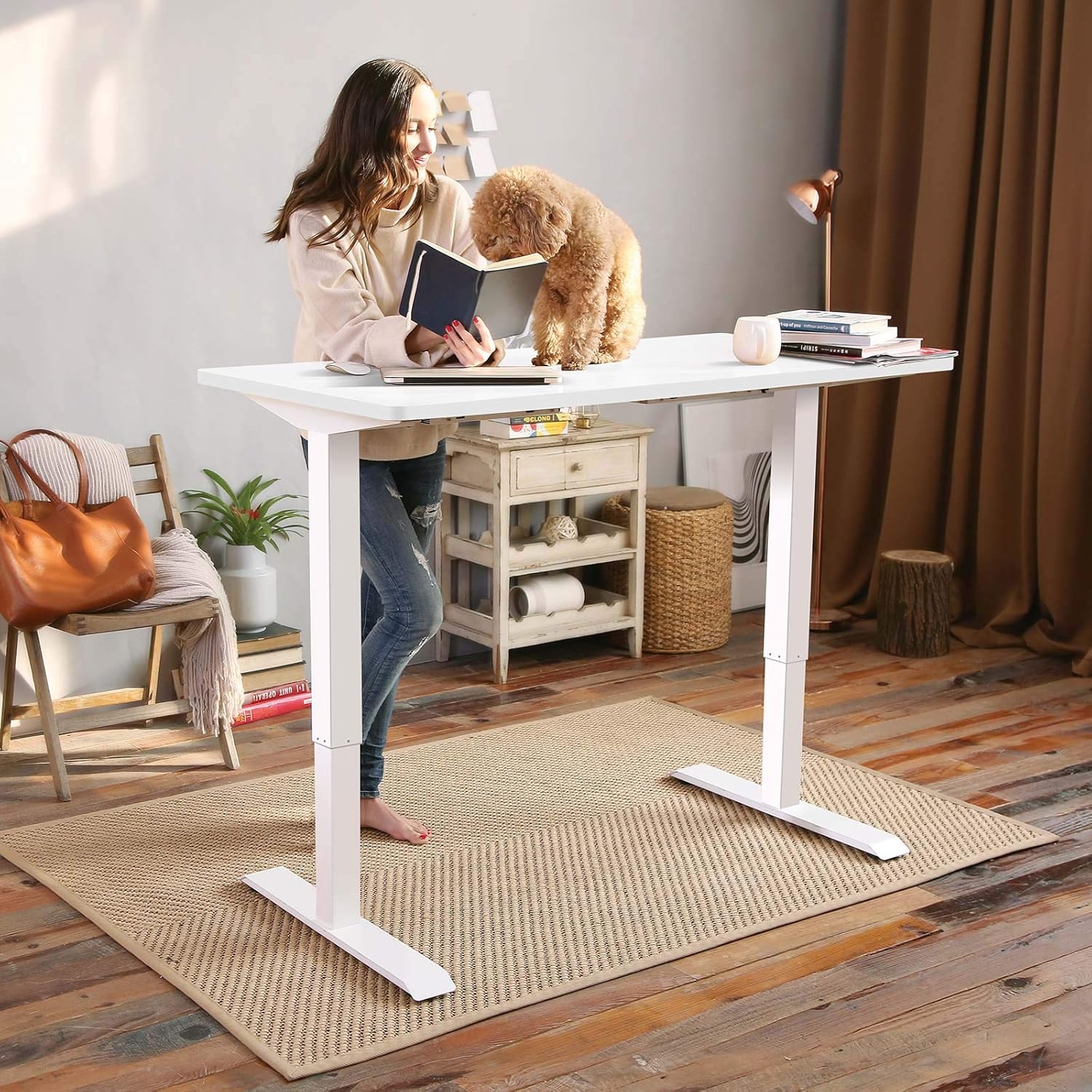
- Desktop (one-piece, 48x30 inch, white)
- לוח בקרה עם תצוגת LED
- מתאם מתח וכבלים
- כלי הרכבה
- מדריך הוראות מפורט
Note: The desk frame and desktop may ship and arrive in separate packages.

4. הוראות הרכבה
Assembly typically requires two people. Follow the step-by-step instructions provided in the included manual. A detailed sit-stand desk installation video is also available for reference.
- הוצא את כל הרכיבים מהאריזה ובדוק זאת מול רשימת תכולת החבילה.
- Attach the lifting columns to the feet using the provided screws and tools.
- Connect the crossbar between the two lifting columns.
- Carefully place the desktop upside down on a soft, clean surface.
- Align the assembled frame with the pre-drilled holes on the desktop and secure it with screws.
- התקן את לוח הבקרה בחלק התחתון של שולחן העבודה במקום נוח.
- Connect all cables (motor to control box, control panel to control box, power adapter to control box).
- Flip the desk upright and connect it to a power outlet.
The desk features a 1-inch thick one-piece desktop, which provides enhanced stability compared to multi-piece designs.

5. הוראות הפעלה
5.1. התאמת גובה
The desk is equipped with an electric lift system for smooth height adjustments. Use the 'Up' and 'Down' arrows on the control panel to move the desk to your desired height. The height range is from 28.1 inches to 45.7 inches (excluding the 1-inch desktop thickness). The motor operates quietly, with noise levels below 50 dB.
5.2. הגדרות זיכרון קבועות מראש
The control panel features four programmable memory presets, allowing you to save and recall your preferred sitting and standing heights.
- Adjust the desk to your desired height using the 'Up' or 'Down' arrows.
- Press the 'M' button (or similar memory set button, indicated by 'i' on the image) followed by a number button (1, 2, 3, or 4) to save the current height.
- To recall a saved height, simply press the corresponding number button (1, 2, 3, or 4). The desk will automatically move to the saved position.

6. תחזוקה
תחזוקה שוטפת מבטיחה את אורך חייו וביצועיו האופטימליים של שולחן העבודה שלכם.
- ניקוי: נגבו את שולחן העבודה והמסגרת בעזרת מטלית רכהamp מטלית. הימנעו מחומרי ניקוי שוחקים או כימיקלים חזקים.
- בְּדִיקָה: בדקו מעת לעת את כל הברגים והברגים כדי לוודא שהם מהודקים היטב. הדקו מחדש במידת הצורך.
- ניהול כבלים: Ensure cables are not pinched or tangled, especially during height adjustments.
7. פתרון תקלות
If you encounter any issues with your FLEXISPOT EN1 desk, please refer to the following general troubleshooting tips:
- שולחן לא זז: Check if the power cable is securely connected to both the desk and the wall outlet. Try unplugging and re-plugging the desk.
- הודעת שגיאה מוצגת: Disconnect the power for 10 seconds, then reconnect. If the error persists, contact customer support.
- Unstable desk: Ensure all assembly screws are tightened. Verify the desk is on a level surface.
For further assistance, please contact FLEXISPOT customer support.
8. מפרטים
| תכונה | מִפרָט |
|---|---|
| מותג | FLEXISPOT |
| מספר דגם | MAH0002307 |
| Desktop Dimensions (D x W) | 76.2 ס"מ x 121.9 ס"מ (30 אינץ' x 48 אינץ') |
| עובי שולחן העבודה | 1 אינץ' (2.54 ס"מ) |
| טווח גובה מתכוונן | 71.4 ס"מ - 116.1 ס"מ (28.1 אינץ' - 45.7 אינץ') |
| קיבולת משקל מקסימלית | 176 פאונד (80 ק"ג) |
| רמת רעש המנוע | מתחת ל-50 dB |
| חומר שולחן עבודה | עץ מוסמך FSC |
| חומר מסגרת | סגסוגת פלדה |
| צֶבַע | White Frame + White Top |
| משקל פריט | 80 פאונד (36.3 ק"ג) |
| הרכבה נדרשת | כֵּן |


9. אחריות ותמיכה
The FLEXISPOT EN1 desk comes with a manufacturer's warranty. Please refer to the product packaging or the official FLEXISPOT website for specific warranty terms and conditions (e.g., 'Limited' or 'Full' warranty type). For technical support, assembly questions, or warranty claims, please contact FLEXISPOT customer service directly.
Contact information can typically be found on the FLEXISPOT official webבאתר או בתוך אריזת המוצר שלך.