
1. הקדמה
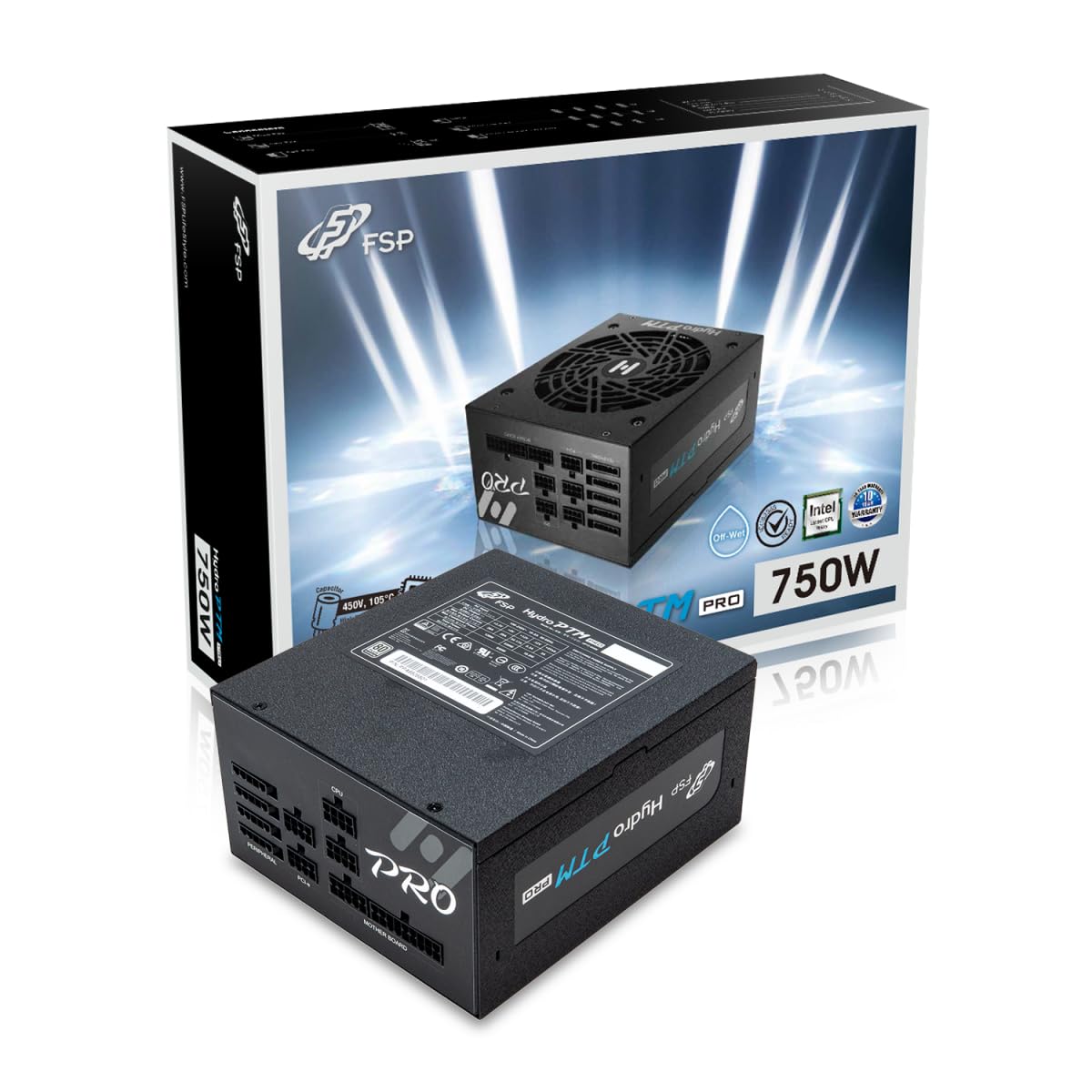
This manual provides detailed instructions for the installation, operation, and maintenance of your FSP Hydro PTM Pro 750W 80 Plus Platinum Full Modular ATX 12V Power Supply (Model: HPT2-750M). Please read this manual thoroughly before using the product to ensure proper function and safety.
The FSP Hydro PTM Pro series is designed for high efficiency and durability, featuring a conformal coating for protection against dust, humidity, and stains. It includes a semi-fanless Eco Mode for quiet operation under low loads and fully modular black ribbon cables for flexible system builds.
2. מידע בטיחות
אַזהָרָה: Improper installation or use can result in serious injury or damage to the power supply and other components. Always follow these safety guidelines:
- אין לפתוח את יחידת ספק הכוח. עוצמת קול גבוההtagישנם חלקים בפנים, ואין בהם חלקים הניתנים לתיקון על ידי המשתמש. פתיחת היחידה תגרום לביטול האחריות.
- ודא שספק הכוח מנותק משקע החשמל AC לפני התקנה או תחזוקה.
- התקן את ספק הכוח באזור מאוורר היטב.
- Use only the modular cables provided with this power supply. Using incompatible cables may cause damage to the power supply and connected components.
- מוצר זה מיועד לשימוש במחשבים אישיים. אין להשתמש בו לכל מטרה אחרת.
- הרחק את ספק הכוח ממים, לחות וטמפרטורות קיצוניות.
- ודא שכל החיבורים מאובטחים לפני הפעלת המערכת.

3. תכולת החבילה
ודא שכל הפריטים נמצאים בחבילה שלך:
- FSP Hydro PTM Pro 750W Power Supply Unit (HPT2-750M)
- כבל מתח AC
- Modular Cable Set (refer to the "Cable Length and Connectors" section for details)
- ברגי הרכבה
- מדריך למשתמש (מסמך זה)
4. התקנה והתקנה
4.1 התקנה פיזית
- הכן את המערכת שלך: ודא שהמחשב כבוי לחלוטין ומנותק משקע החשמל בקיר.
- הסר את ספק הכוח הישן (אם רלוונטי): Disconnect all cables from your old power supply and remove it from the PC case.
- התקן את ספק הכוח: Insert the FSP Hydro PTM Pro 750W into the power supply bay of your PC case. Secure it with the provided mounting screws.
- Connect Motherboard Cables:
- חבר את כבל ה-ATX 20+4 פינים למחבר החשמל הראשי של לוח האם שלך.
- Connect the 4+4 Pin CPU (EPS) cable(s) to your motherboard's CPU power connector(s).
- חיבור כבלי ציוד היקפי:
- Connect the 6+2 Pin PCI-E cables to your graphics card(s).
- חבר כבלי חשמל SATA לכונני SSD, כונני HDD וכוננים אופטיים שלך.
- Connect Molex cables to any other peripherals requiring them.
- חיבורים מאובטחים: Ensure all modular cables are firmly seated into both the power supply and the respective components.
- חבר מתח AC: Plug the AC power cord into the power supply's AC inlet and then into a wall outlet or surge protector.
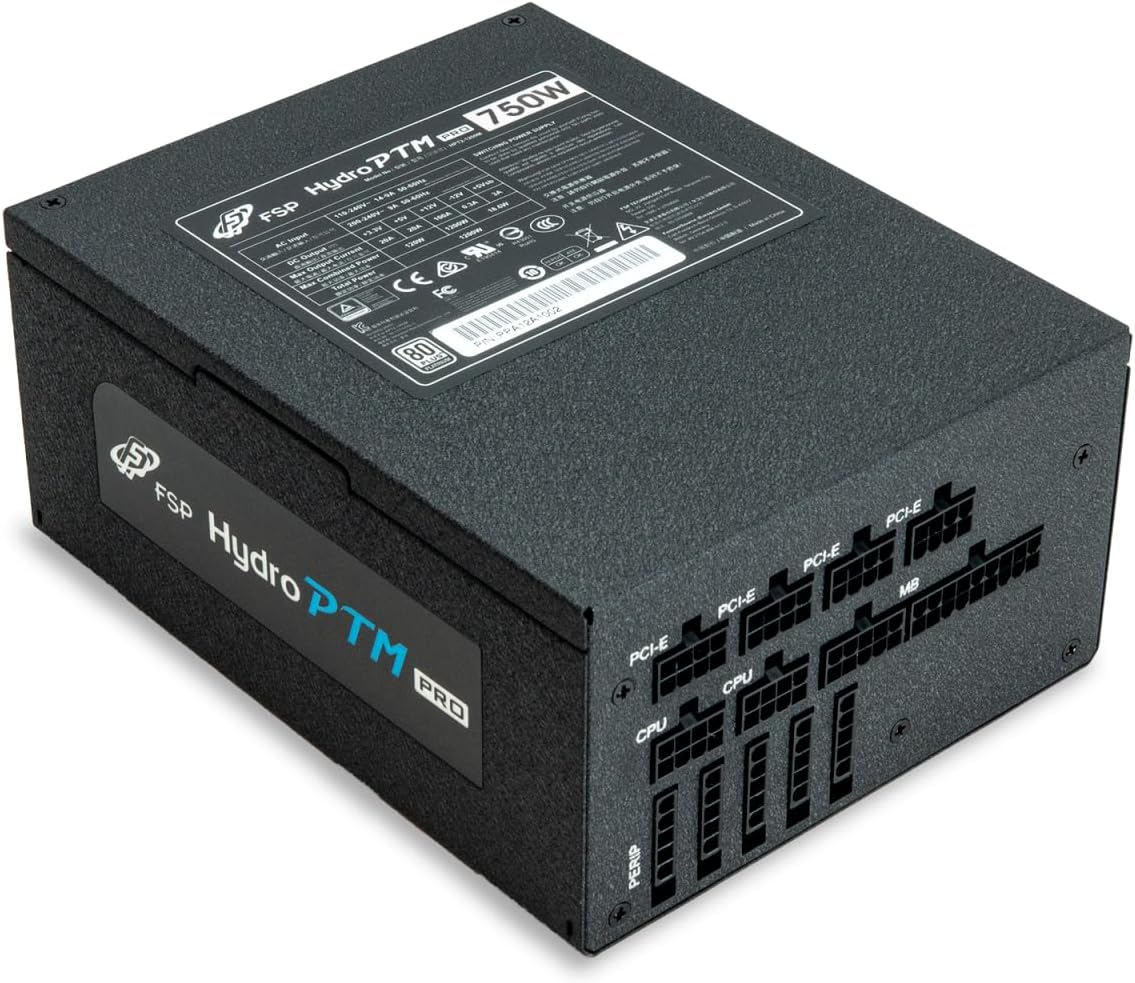
4.2 Cable Length and Connectors
The FSP Hydro PTM Pro 750W comes with a set of fully modular black ribbon cables. Refer to the diagram below for connector types and approximate lengths.

5. תפעול
5.1 הפעלה/כיבוי
After completing the installation, ensure the main power switch on the back of the power supply is in the "ON" (I) position. You can then power on your computer using its case power button.
5.2 מצב אקו
The Hydro PTM Pro features a semi-fanless Eco Mode. When enabled, the power supply fan will remain off until the system load exceeds approximately 30%. This provides silent operation during low-power tasks.
- To activate Eco Mode: Locate the "ECO" switch next to the main power switch on the rear of the power supply and set it to the "ON" position.
- To disable Eco Mode: Set the "ECO" switch to the "OFF" position. The fan will operate continuously based on temperature.
וידאו: אוברview of the FSP Hydro PTM Pro series, highlighting features like conformal coating, Eco Mode, and modular design. This video is provided by FSP GROUP USA.
6. תחזוקה
6.1 ניקוי
To maintain optimal performance and longevity, periodically clean your power supply:
- Ensure the power supply is completely powered off and unplugged from the AC outlet before cleaning.
- השתמש באוויר דחוס כדי להסיר בעדינות אבק מסורג המאוורר ומפתחי האוורור.
- Wipe the exterior with a soft, dry cloth. Do not use liquid cleaners or solvents.
6.2 הגנת הסביבה
The FSP Hydro PTM Pro features a proprietary conformal coating that protects internal components from dust, humidity, and stains. This allows the power supply to reliably operate in environments with up to 95% relative humidity. While this coating offers enhanced protection, it is still recommended to operate the power supply in a clean, dry environment for best results.
7. פתרון תקלות
אם נתקלת בבעיות באספקת החשמל שלך, עיין בבעיות הנפוצות ובפתרונות הבאות:
| בְּעָיָה | סיבה אפשרית | פִּתָרוֹן |
|---|---|---|
| המערכת לא נדלקת. |
|
|
| המערכת נדלקת אך נכבית מיד. |
|
|
| Fan is not spinning (Eco Mode off). |
|
|
If the problem persists after attempting these solutions, please contact FSP customer support.
8. מפרטים
| תכונה | פְּרָט |
|---|---|
| שם הדגם | Hydro PTM Pro (HPT2-750M) |
| מותג | FSP |
| פלט וואטtage | 750W |
| הסמכת 80 פלוס | פְּלָטִינָה |
| גורם צורה | ATX |
| עיצוב ספק כוח | מודולרי מלא |
| שיטת קירור | אוויר (מאוורר 135 מ"מ) |
| קלט כרךtage | 115-240 וולט |
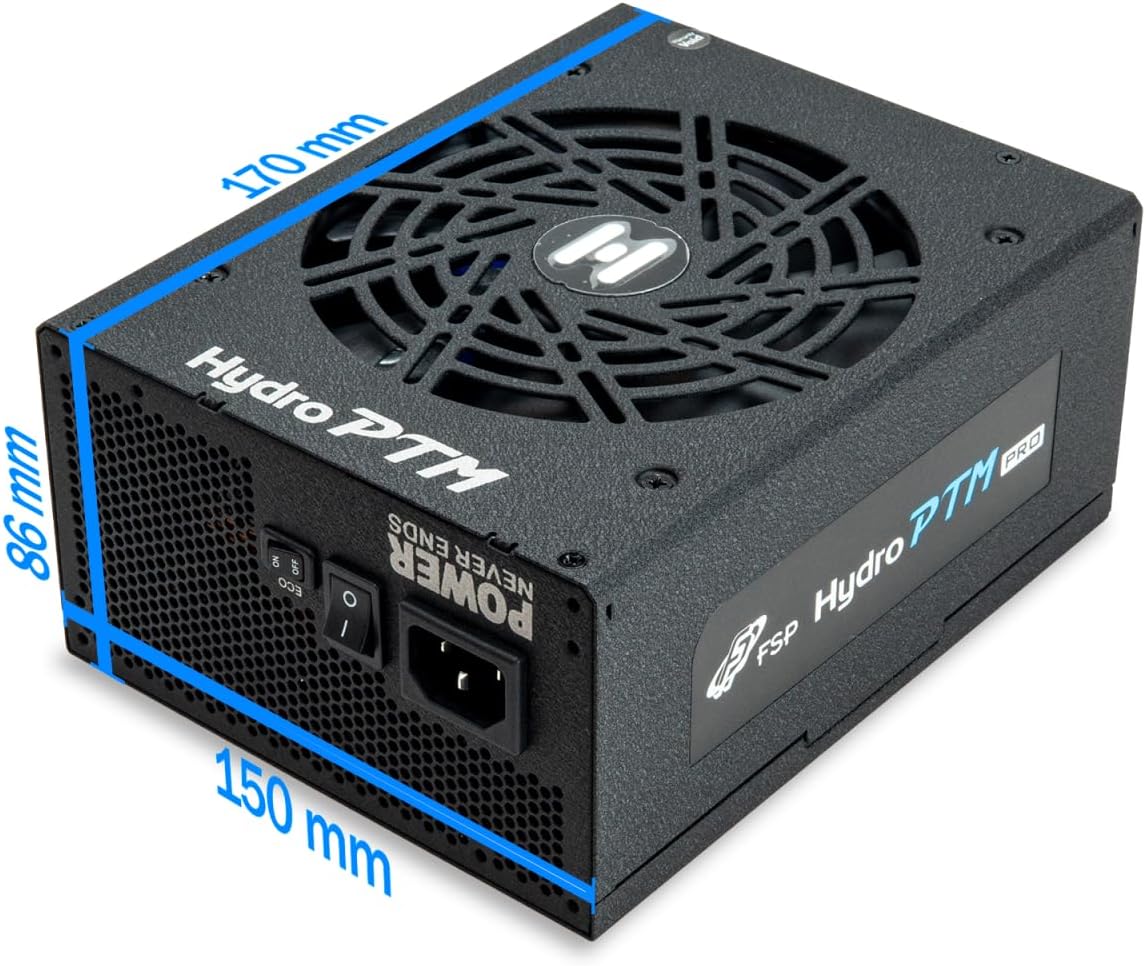
| מידות (L x W x H) | 170 x 150 x 86 מ"מ (6.7 x 5.9 x 3.4 אינץ') |
| הגנות | OCP, OVP, SCP, OPP, UVP, OTP |
| קבלים | Japanese-made Electrolytic Capacitors |
| PFC | Active PFC ≥ 99% |
| ציפוי קונפורמי | Yes (Dust, Humidity, Stain protection) |
9. אחריות ותמיכה
9.1 מידע אחריות
The FSP Hydro PTM Pro 750W power supply is covered by a אחריות לשנה מתאריך הרכישה. אחריות זו מכסה פגמים בחומרים ובביצוע בשימוש רגיל. אנא שמור את הוכחת הרכישה שלך לצורך תביעות אחריות.
האחריות אינה מכסה נזקים הנובעים מ:
- התקנה או הפעלה לא נכונה.
- Accidental damage, abuse, or misuse.
- תיקונים או שינויים לא מורשים.
- אסונות טבע או גורמים חיצוניים.
9.2 תמיכת לקוחות
For technical assistance, troubleshooting, or warranty inquiries, please contact FSP customer support. Refer to the official FSP webאתר לקבלת פרטי הקשר העדכניים ביותר.
FSP GROUP USA
Visit the FSP Store on Amazon