
1. מבוא ומעלהview
The MTM Walkie Talkies are designed for reliable two-way communication, ideal for adults and kids in various outdoor and indoor settings. This 4-pack of radios operates across 22 channels with 121 privacy codes, ensuring clear and secure conversations. Featuring hands-free VOX operation, automatic squelch, and a long communication range, these walkie talkies are perfect for family adventures, camping, hiking, or simply staying connected around the house.

Image: Four MTM XF-638 walkie talkies, highlighting their compact design and vibrant red color.
2. מה בקופסה
Your MTM Walkie Talkies package includes the following items:
- 4 x MTM Walkie Talkies (Model: XF-638)
- 4 x חגורות קליפ
- 1 x מדריך למשתמש

Image: A family enjoying outdoor activities with MTM Walkie Talkies.
3. תכונות עיקריות
- 22 Channels & 121 Privacy Codes: Operates in the 462 to 467 MHz frequency range, offering ample communication options and reducing interference. FCC Certified (FCC ID: 2AN6WXF-638).
- תקשורת לטווח ארוך: Supports up to 3 miles communication range in open fields, ideal for outdoor adventures.
- VOX - Hands-Free Operation: Automatically activates transmission when the user starts talking, eliminating the need to press the PTT button.
- Auto Squelch System: Filters out nuisance calls and background noise for clearer sound.
- נעילת לוח מקשים: Prevents accidental channel changes or setting adjustments.
- כוח מתכוונן: Allows adjustment of power output to optimize range and battery life.
- Large LCD Screen with Backlight: Provides clear visibility of settings and status, day or night.
- Drop-Protection (ABS): Durable construction designed to withstand accidental drops.
- התראת סוללה חלשה: Notifies you when batteries are running low.
- Compatible with Most Brands: Can communicate with other walkie talkies operating on the same frequencies and codes.
- Headset Option: For private listening and hands-free convenience.
- USB Cable Compatibility: Designed for use with rechargeable batteries (batteries not included).
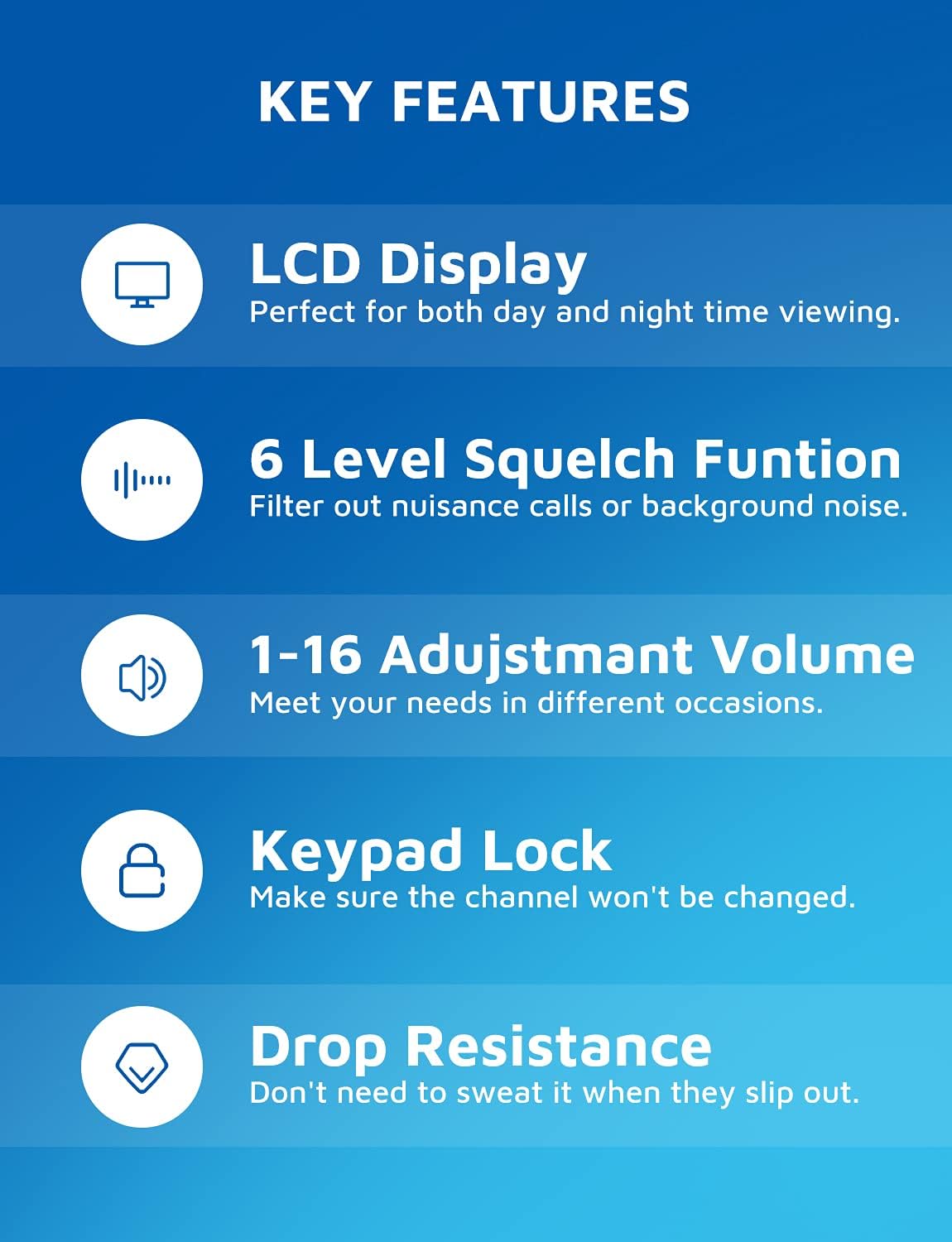
Image: Visual representation of the walkie talkie's key features, including display, squelch, volume, keypad lock, and durability.
4. מדריך התקנה
4.1 התקנת סוללה
Each MTM Walkie Talkie requires three (3) AAA batteries (not included). To install:
- אתר את תא הסוללות בגב היחידה.
- Remove the belt clip by sliding it upwards if it obstructs the battery cover.
- פתח בזהירות את מכסה תא הסוללות.
- הכניסו שלוש סוללות AAA, תוך הקפדה על קוטביות נכונה (+/-) כפי שמסומן בתוך התא.
- סגור היטב את מכסה תא הסוללות.
- Reattach the belt clip if removed.

Image: Battery compartment with space for three AAA batteries.
4.2 חיבור מהדק החגורה
To attach the belt clip, align the clip with the grooves on the back of the walkie talkie and slide it downwards until it clicks into place. To remove, slide it upwards.
5. הוראות הפעלה
5.1 הפעלה/כיבוי
לחץ והחזק את הפעלה/כיבוי button (usually located on the left side or front panel) for a few seconds until the LCD screen illuminates.
כדי לכבות, לחץ והחזק את המקש הפעלה/כיבוי לחצן שוב עד שהמסך יכבה.
5.2 בחירת ערוצים
Your walkie talkie has 22 available channels. To change the channel:
- הקש על תַפרִיט button once. The channel number on the LCD will flash.
- השתמש ב- UP (▲) או לְמַטָה (▼) כדי לבחור את הערוץ הרצוי (1-22).
- הקש על תַפרִיט כפתור שוב או PTT לחצן כדי לאשר את בחירתך.
5.3 קודי פרטיות (CTCSS/DCS)
To ensure private communication and reduce interference, you can set privacy codes (121 available). All radios in your group must be on the same channel and privacy code.
- הקש על תַפרִיט לחצן פעמיים. מספר קוד הפרטיות יהבהב.
- השתמש ב- UP (▲) או לְמַטָה (▼) כדי לבחור את קוד הפרטיות הרצוי.
- הקש על תַפרִיט כפתור שוב או PTT לחצן לאישור.
5.4 שידור וקבלה
כדי לשדר, לחצו והחזיקו את PTT (Push-To-Talk) כפתור הממוקם בצד הרדיו. דברו בצורה ברורה לתוך המיקרופון. שחררו את PTT כפתור כדי להאזין לתגובה.

Image: Demonstrating long-range communication between a woman indoors and a child outdoors.
5.5 VOX (Voice-Activated Transmission)
VOX allows for hands-free communication. When activated, the radio will transmit automatically when it detects your voice.
- כדי להפעיל את VOX, לחץ על תַפרִיט לחץ מספר פעמים עד להופעת סמל ה-VOX על הצג.
- השתמש ב- UP (▲) או לְמַטָה (▼) buttons to select the VOX sensitivity level (e.g., 1-3, with 1 being most sensitive).
- הקש על תַפרִיט כפתור או PTT לחצן לאישור.

Image: A hiker using the walkie talkie with a belt clip, highlighting the hands-free VOX feature.
5.6 נעילת מקשים
כדי למנוע שינויים מקריים בהגדרות, ניתן לנעול את לוח המקשים.
- לחץ והחזק את תַפרִיט לחצן עד שסמל הנעילה יופיע בתצוגה.
- כדי לבטל את הנעילה, לחץ והחזק את הלחצן תַפרִיט שוב עד שסמל המנעול ייעלם.
5.7 התאמת עוצמת הקול
השתמש ב- UP (▲) או לְמַטָה (▼) buttons (when not in menu mode) to adjust the speaker volume (1-16 levels).

Image: Speaker area showing adjustable volume levels.
5.8 Automatic Scan Function
The auto scan function allows the radio to automatically scan through channels to find active conversations.
- הקש על יום שני button (Monitor) to initiate scanning.
- The radio will stop on an active channel.
- הקש על יום שני לחצן שוב כדי להפסיק את הסריקה.

Image: Labeled diagram of the walkie talkie's components and buttons.
6. תחזוקה
- ניקוי: השתמש רך, דamp מטלית לניקוי החלק החיצוני של מכשיר הקשר. אין להשתמש בכימיקלים חזקים או בחומרי ניקוי שוחקים.
- טיפול בסוללה: הסר את הסוללות אם המכשיר לא ישמש למשך תקופה ממושכת כדי למנוע דליפות ונזק.
- אִחסוּן: אחסנו את מכשירי הקשר במקום קריר ויבש, הרחק מאור שמש ישיר וטמפרטורות קיצוניות.
7. פתרון תקלות
| בְּעָיָה | סיבה אפשרית | פִּתָרוֹן |
|---|---|---|
| אין כוח | הסוללות מתות או מותקנות בצורה לא נכונה. | החליפו את הסוללות בסוללות AAA חדשות, תוך הקפדה על קוטביות נכונה. |
| לא ניתן לתקשר עם מכשירי רדיו אחרים | מכשירי הרדיו נמצאים בערוצים שונים או בקודי פרטיות שונים. מחוץ לטווח הקליטה. | ודא שכל מכשירי הקשר נמצאים באותו ערוץ ובאותו קוד פרטיות. התקרב למכשיר הקשר השני. |
| איכות צליל ירודה / סטטי | Weak signal, interference, or squelch level too low. | Move to an open area. Adjust squelch level. Check battery level. |
| לוח המקשים אינו מגיב | נעילת המקשים מופעלת. | לחץ והחזק את לחצן MENU כדי לפתוח את נעילת לוח המקשים. |
| Settings are confusing / Need to reset | User settings are not as desired. | To restore factory settings, long press the MENU button and then install the battery. |
8. מפרטים
- מותג: MTM
- מספר דגם: XF-638
- צֶבַע: אָדוֹם
- מספר ערוצים: 22
- טווח תדרים: 462-467 מגה-הרץ
- טווח דיבור מקסימלי: 5 Kilometers (approx. 3 miles in open fields)
- תכונה מיוחדת: שידור קול (VOX)
- טכנולוגיית טיונר: UHF
- רמת עמידות במים: אֲטִימוּת
- משקל פריט: 14 אונקיות
- מידות חבילה: 6.69 x 4.69 x 3.27 אינץ'
- מקור כוח: 3 x סוללות AAA (לא כלולות)
- יַצרָן: MTM
- מזהה FCC: 2AN6WXF-638
9. אחריות ותמיכה
MTM provides a אחריות איכות לשנה for your walkie talkies. In addition, lifetime email support is available for any questions or issues you may encounter.
If you are not 100% satisfied with your MTM product or require technical assistance, please contact MTM customer support. You can typically find contact information through your purchase platform (e.g., "Your Orders" section on Amazon) or the official MTM webאֲתַר.
Please note: No official seller videos were available for embedding in this manual.